
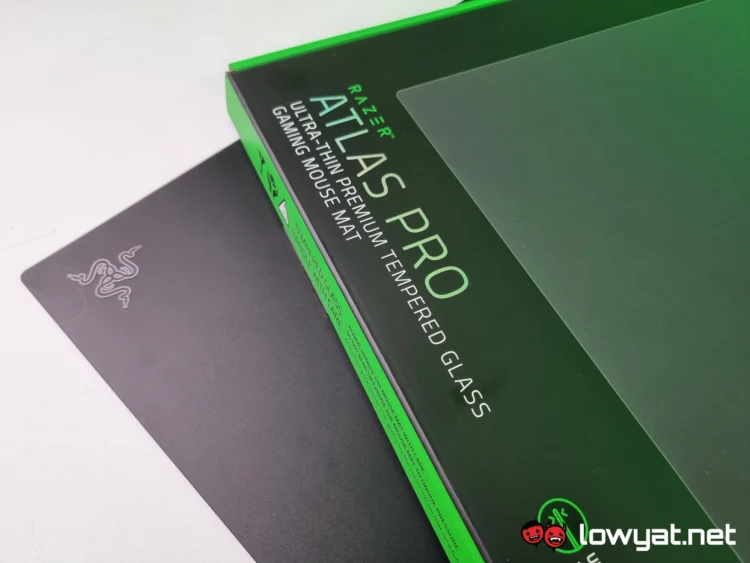
As you may have noticed in recent months, Razer has been hard at work when it comes to updating its gaming peripherals and has been giving them the “Pro” moniker. One of the more recent items to get a Pro update is the brand’s first-ever glass mousepad, the Razer Atlas Pro.
These types of peripherals are nothing new, but I must confess that I am thrown off by the idea of a mousepad made with glass, let alone a super-sized one. However, after spending an extended period of time with the product, I’ve come to terms with some of the interesting plus points, as well as its glaring flaws.
What Am I Looking At?
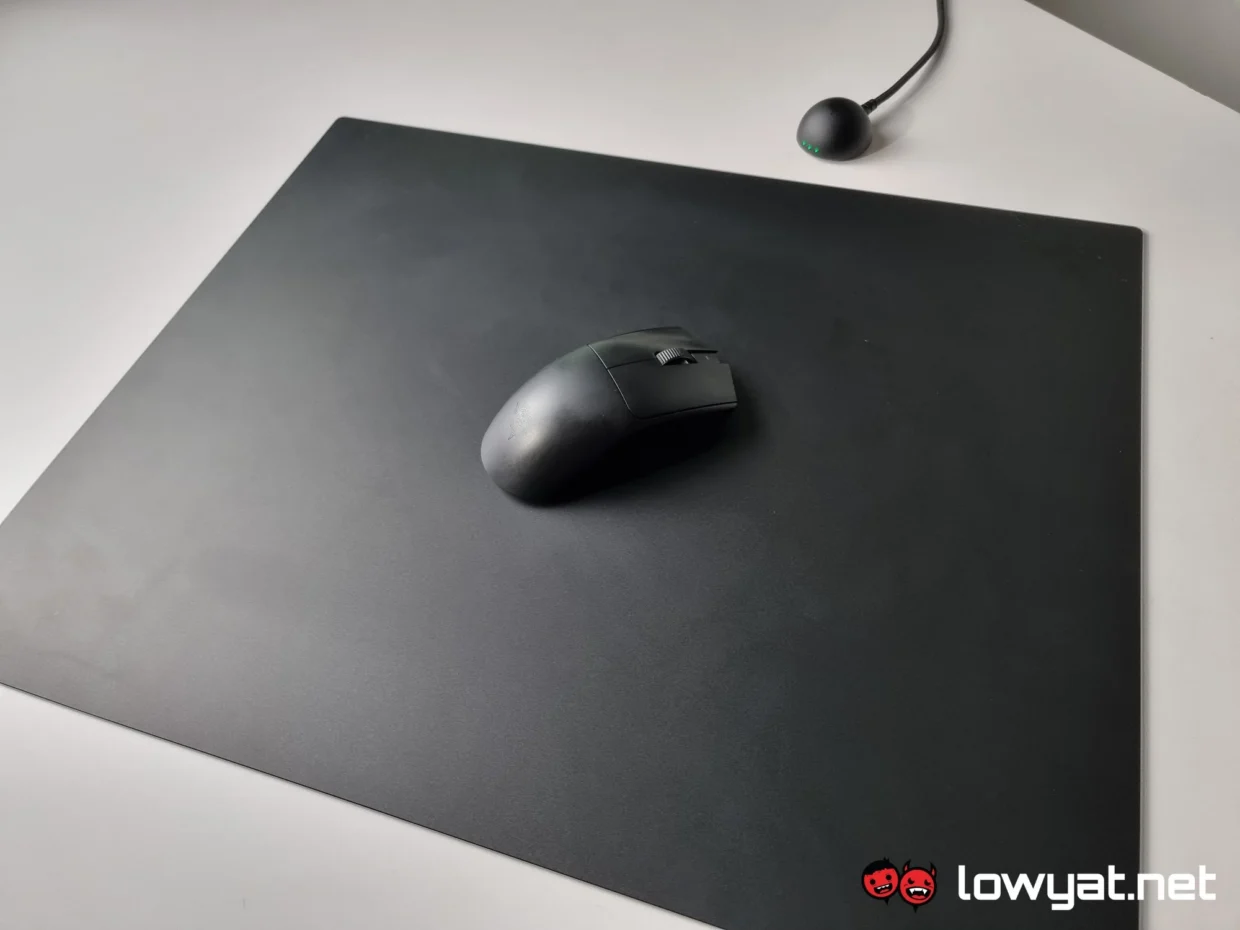
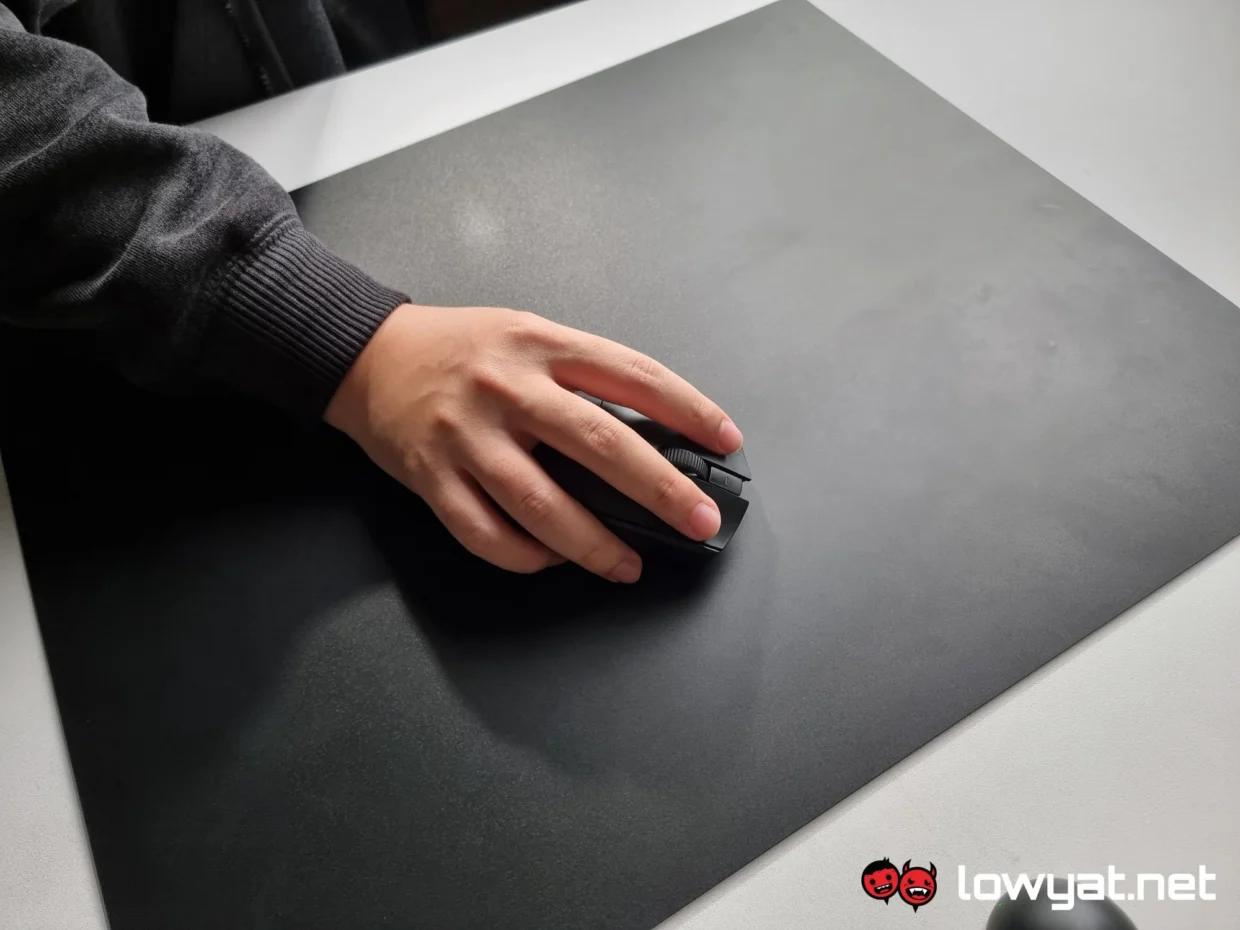
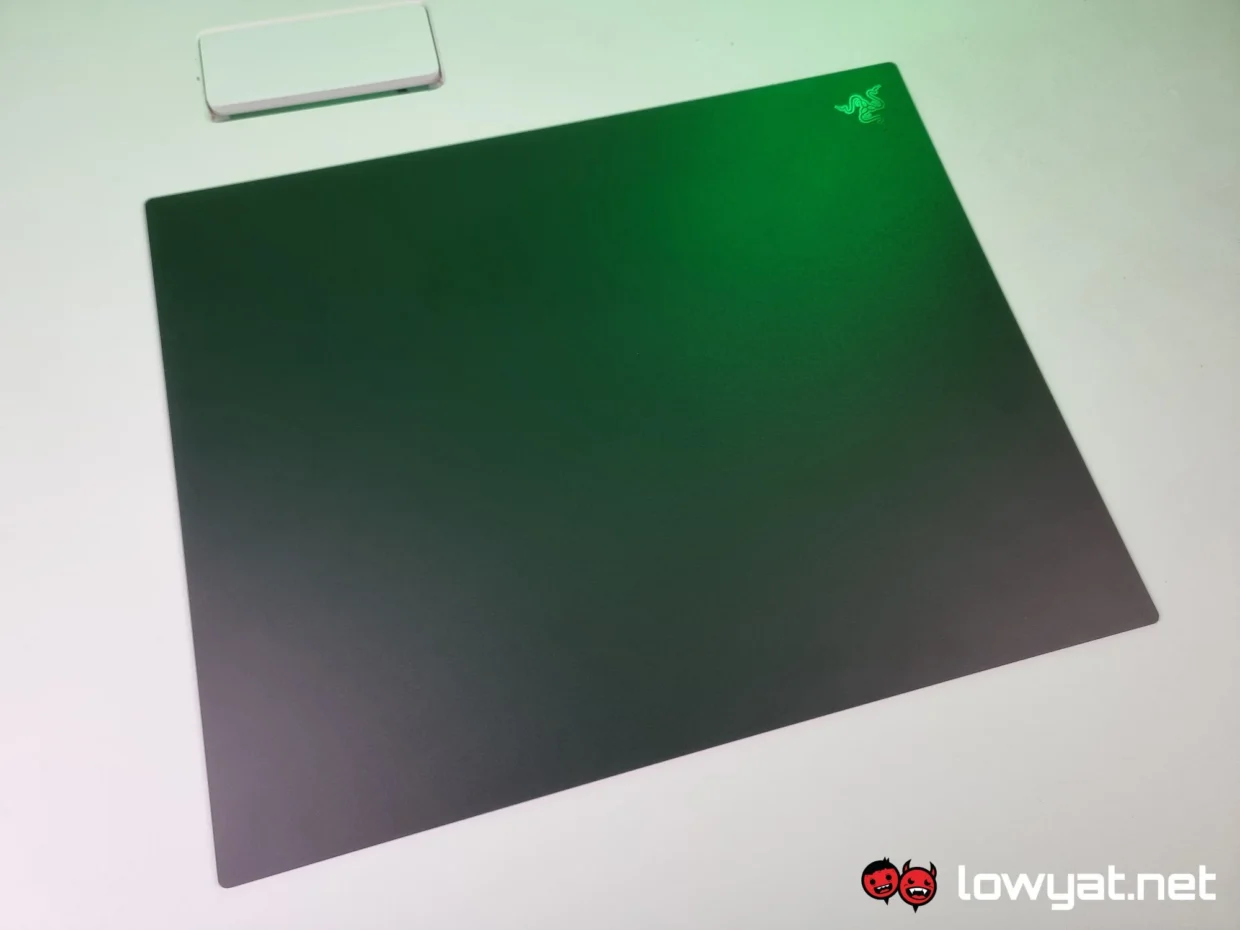
As I said, the Atlas Pro is Razer’s latest take on a glass mousepad, and one of the biggest changes is its size. Measuring 500 x 400mm, it is significantly larger than its predecessor. Even so, the mousepad is surprisingly thin, measuring just 1.9mm from top to bottom, rubber base included.
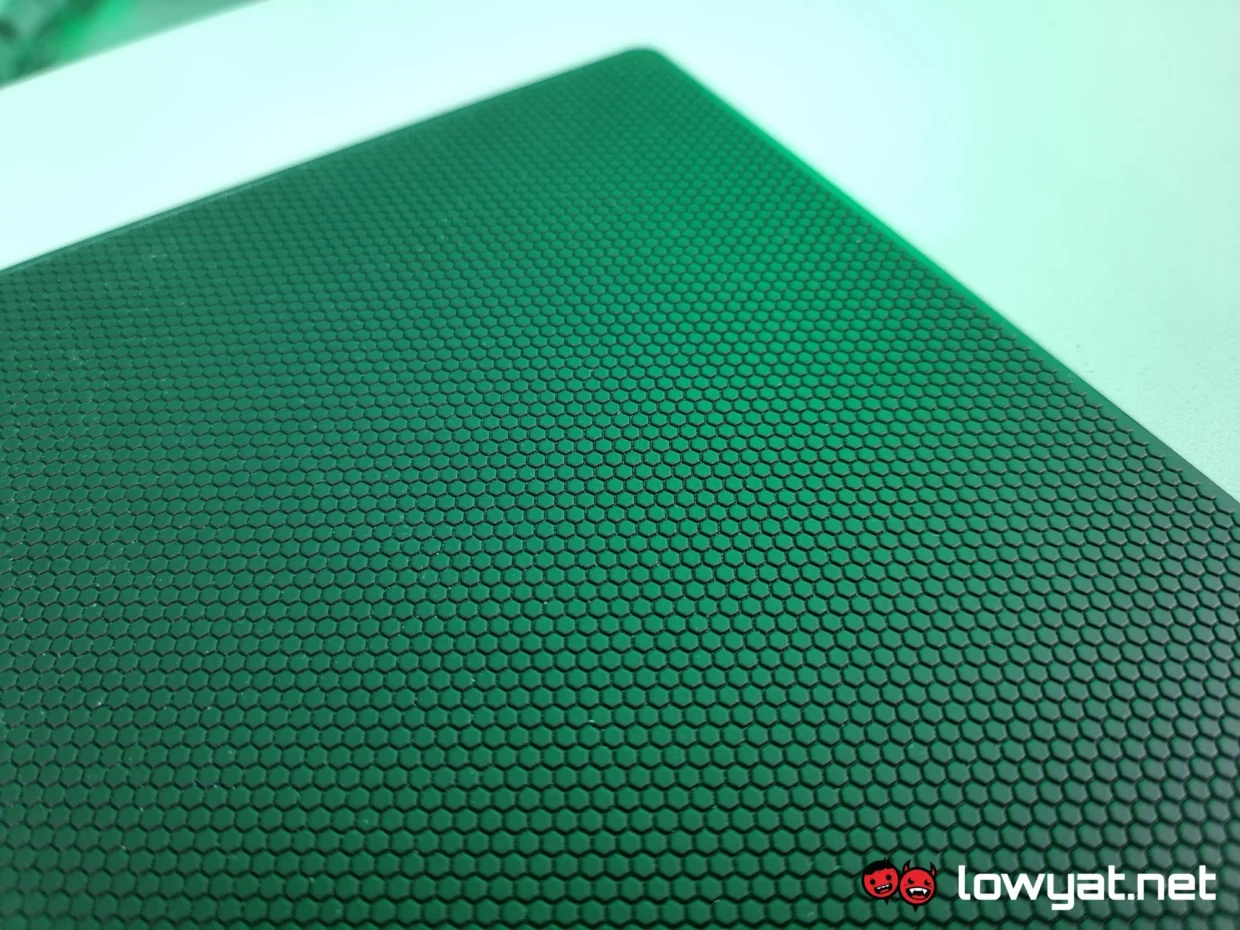
The top surface features a special texture that gives mice a bit more traction as they glide across it. In addition, Razer says the glass has a 9H hardness rating, which should help it better withstand daily use.
What’s Good About It?
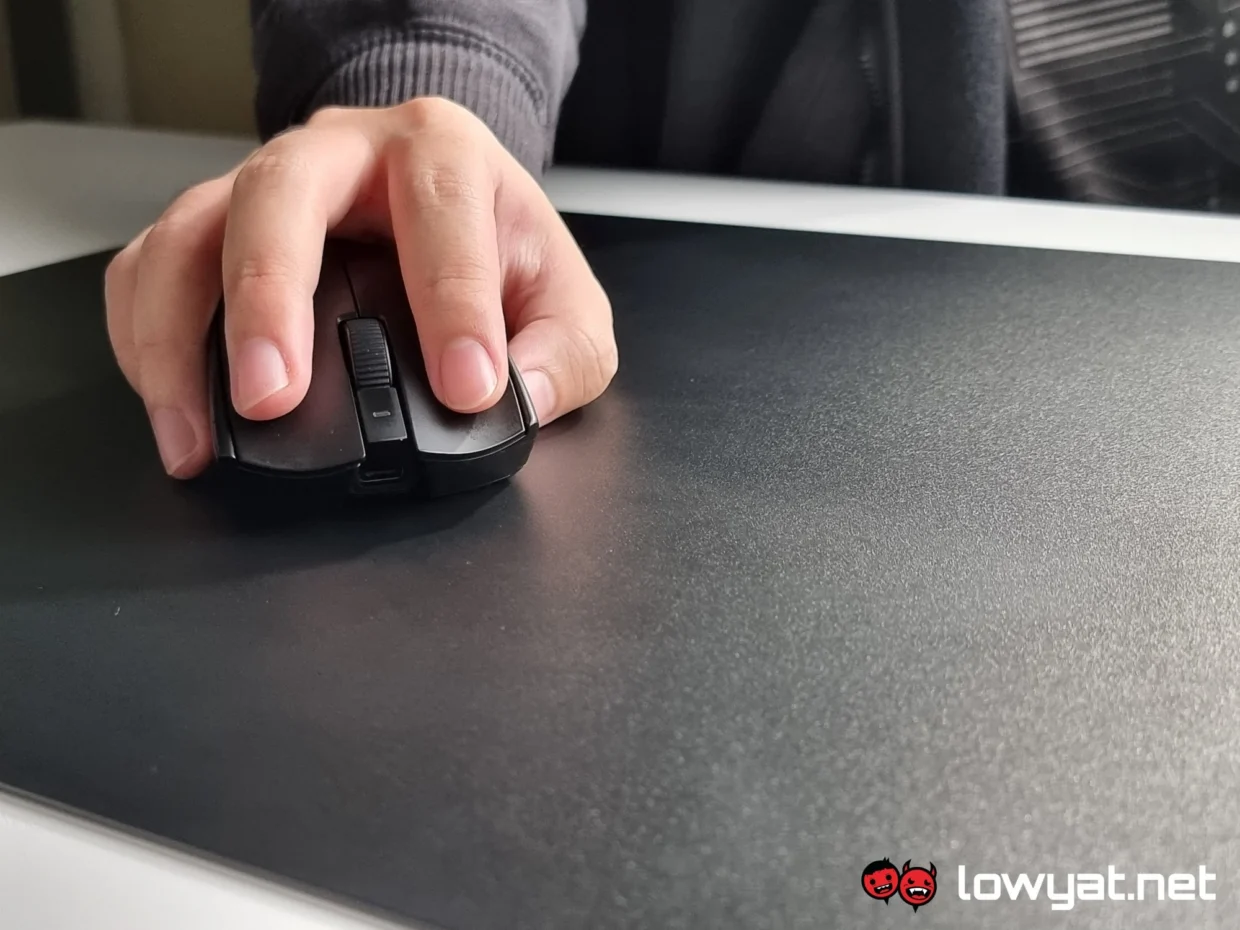
One of the Razer Atlas Pro’s standout features is its incredible thinness. At just 1.9mm thick, the mouse pad practically disappears beneath your hand during use. Its slim profile also keeps it comfortable on the wrist, even during extended gaming sessions. Razer further improves comfort with rounded corners that don’t dig into my forearm when I move across the pad.
The glass surface serves as the Atlas Pro’s biggest selling point. Instead of using a conventional glass finish, Razer applies a micro-etched coating that is optimised for optical sensors. This coating allows every mouse I tested to track accurately and consistently, even during fast flicks.
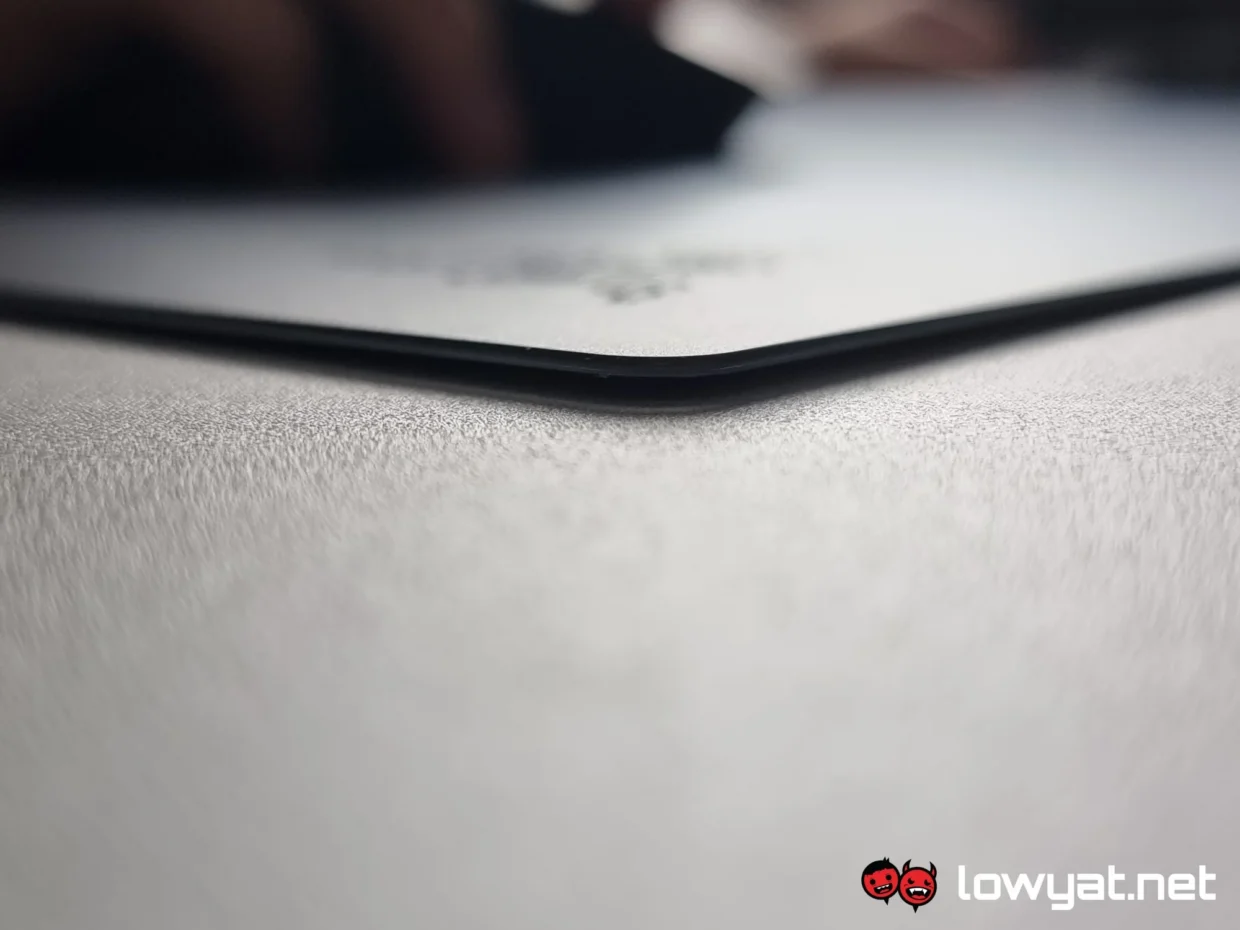
I’m particularly fond of the tempered glass surface. The Atlas Pro feels remarkably similar to a finely brushed sheet of metal, offering just enough resistance to keep movements controlled. Since dirt, grime, and liquids can’t penetrate the surface, cleaning the pad takes minimal effort. More often than not, a quick wipe is all it needs.
While mice glide effortlessly across the surface, the rubber base keeps the pad firmly planted on the desk. In fact, moving it requires some amount of force. As a result, the Atlas Pro stays put even during intense gaming sessions and won’t slide around in the heat of the moment. In my experience, the easiest way to reposition the pad is to lift it entirely. This isn’t a hard task considering its weight.
At first, I was genuinely concerned about the Atlas Pro’s durability, given that it’s made of glass. However, after using it for an extended period, I can safely say those concerns were unfounded. In addition to its advertised 9H hardness rating, the mouse pad offers a surprising amount of flexibility. Ironically, that slight flex makes it feel even more durable, as it doesn’t come across as brittle or fragile.
What’s The Catch?
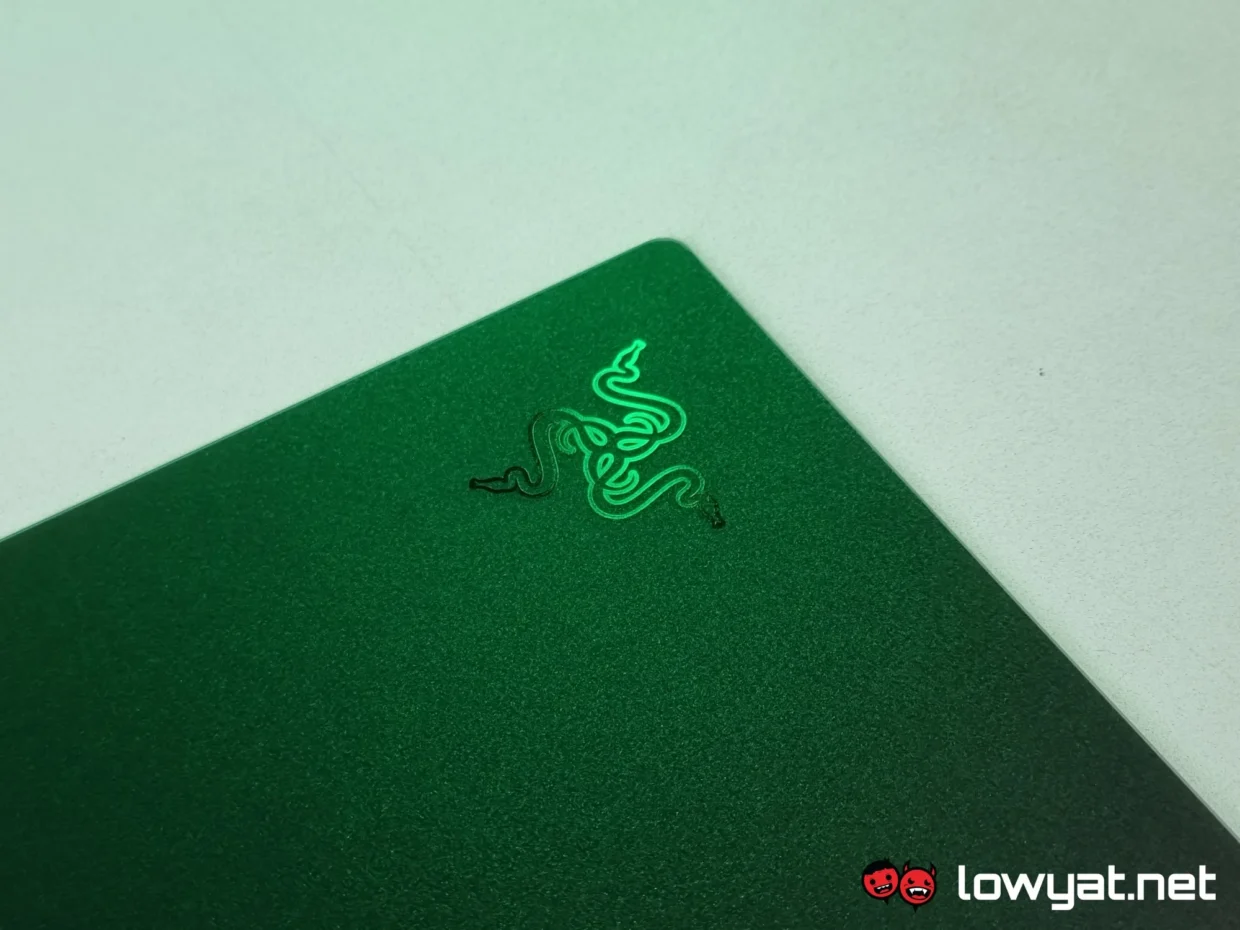
While its size and glass construction are undoubtedly the Razer Atlas Pro’s biggest selling points, they are also among its biggest drawbacks. Similar to my colleague’s experience with the Gigantus V2 Pro, the Atlas Pro sits in an awkward middle ground: it’s too large to function as a conventional mousepad, yet not quite large enough to replace a full desk mat.
To be fair, this won’t be an issue if you have a sufficiently large desk. Unfortunately, that wasn’t the case with my setup, and I had to rearrange part of my desk just to accommodate it. Under normal circumstances, I could simply slide a portion of a mouse pad underneath my monitor’s base, but I wasn’t comfortable doing that here because of the Atlas Pro’s glass construction. While Razer claims the surface is scratch-resistant, the company doesn’t specify how much pressure the glass can withstand, hence my concern.
The concern becomes even more apparent when it comes to portability. While this isn’t unique to the Atlas Pro and applies to most glass mousepads, transporting one is far less straightforward than carrying a traditional cloth pad. I find that once you’ve set up this mousepad, it’s probably never leaving that spot.
Another issue I have with the Atlas Pro is that Razer doesn’t really define where it sits on the speed-versus-control spectrum. While that may not matter to casual users, enthusiasts looking at a premium glass mousepad would probably appreciate some guidance before making the jump. Though, to set the record straight, the mousepad most likely falls under the speed category to an extent.
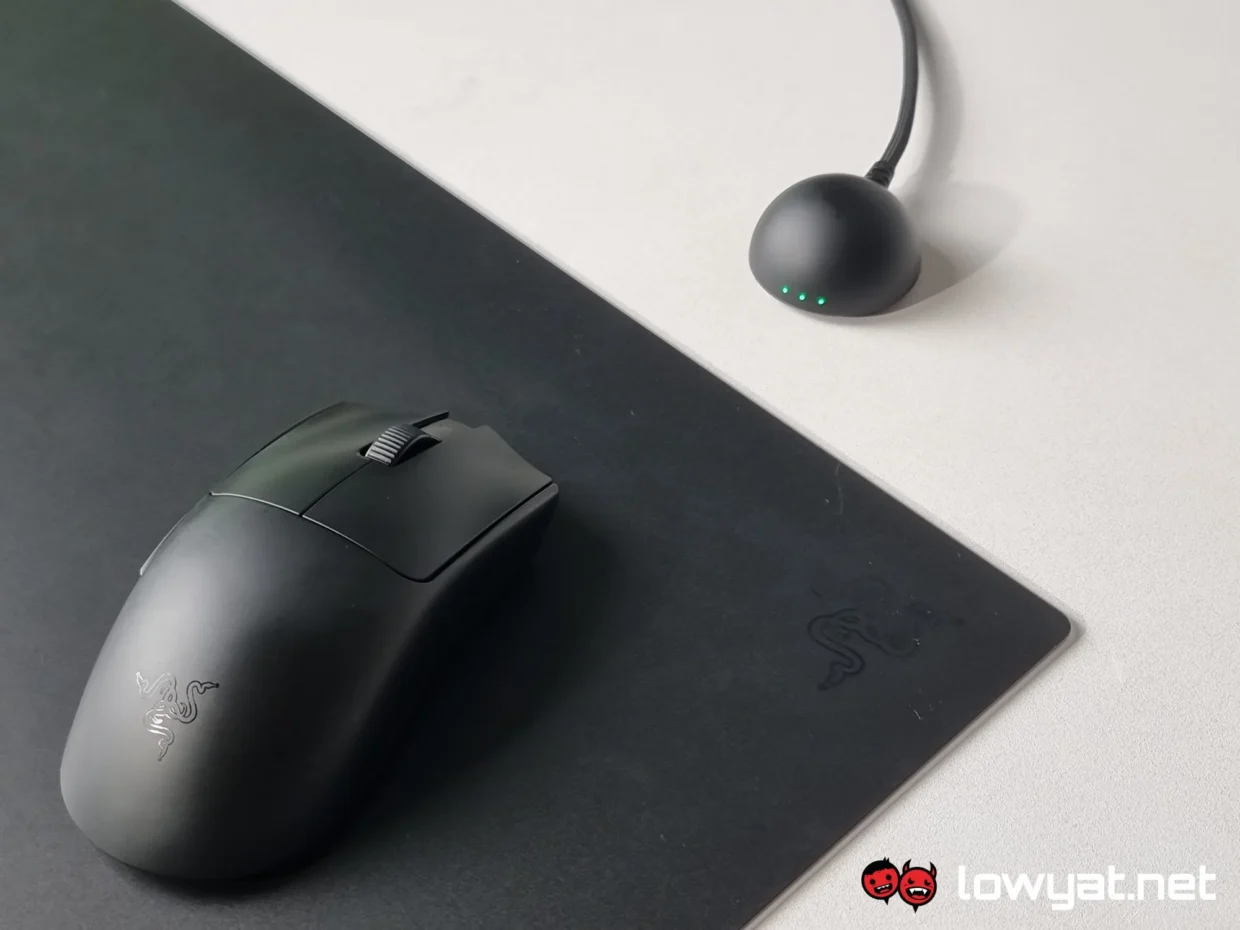
The reason I bring this up is that my experience with the Atlas Pro varied depending on the mouse I paired it with. Using the Viper V4, the glide felt exceptionally smooth and effortless. Switch over to the DeathAdder V4, however, and there was noticeably more resistance to the point where the movement became quite audible across the surface.
Granted, factors such as mouse skates and overall design play a role in the experience, but a clearer indication from Razer about the Atlas Pro’s intended performance characteristics would have helped set expectations. If the company ever releases a successor, I’d like to see it adopt a spectrum of options ranging from speed to control, similar to what we’ve seen with the Gigantus V2 Pro lineup.
Should I Buy It?
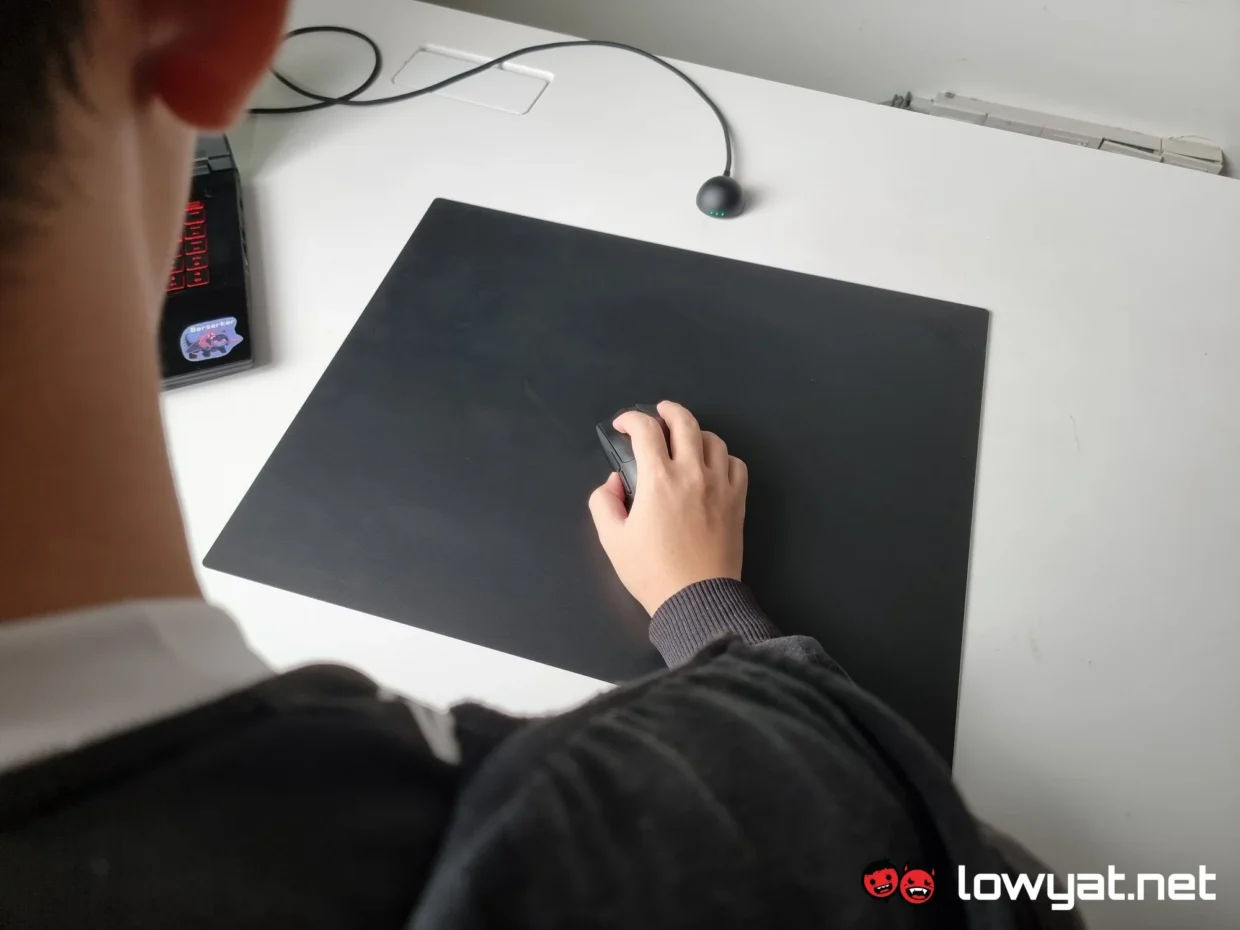
While the Razer Atlas Pro is the first glass mousepad I have ever used, I thoroughly enjoyed my time with it. The reason is simple: it’s surprisingly comfortable. Throughout my testing period, the mousepad stayed firmly in place and remained comfortable to use even during extended gaming and work sessions.
The performance was equally impressive. Tracking was consistently accurate, and I never encountered any issues with my mouse sensor on the glass surface. At RM599, the Atlas Pro certainly commands a premium price, but its slim profile, durability, and overall user experience help justify the asking price.
That said, it isn’t without its shortcomings. Its unusual dimensions may not suit every desk setup, while its glass construction makes it far less portable than a traditional cloth mousepad. For users who frequently travel with their peripherals or prefer larger mousing surfaces, these limitations could be deal-breakers.
Ultimately, the Razer Atlas Pro is a niche product, but one that delivers exactly what it sets out to do. If you’re in the market for a glass mousepad, I don’t think you’ll be disappointed with what the Atlas Pro has to offer.
