
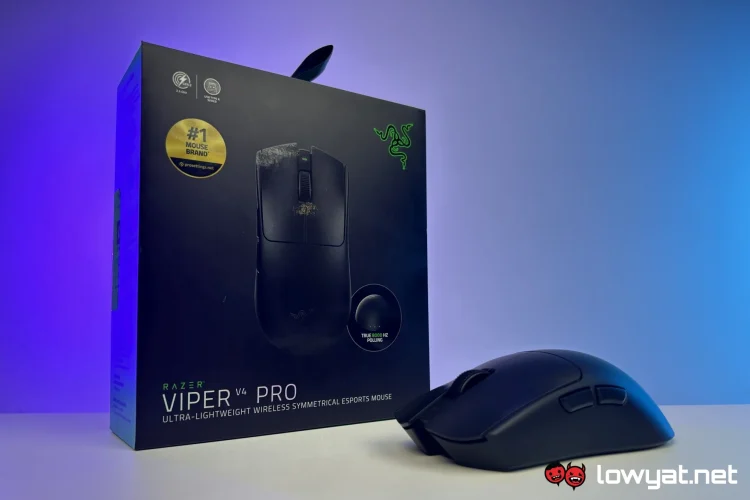
The Razer Viper V4 Pro had, depending on perspective, a pretty unfortunate launch window, especially for the local market. This is because the leaks of its retail box only started appearing after the Logitech Pro X2 Superstrike hit shelves. And when it finally launched at the tail end of March, some would have seen it as being beaten to the punch by a direct competitor.
As it often applies with two competing products, you win some and you lose some. And while the Superstrike has reinvented the wheel, the Razer staple has gone with what’s tried and true, and expanding the application of that tech.
Though interestingly, the brand decided to launch its new mouse with its new mousepad, the Gigantus V2 Pro. So I thought I’d do the same and review both in one article. That being said, it was definitely easier to form thoughts for the mouse than for the mat.
Razer Viper V4 Pro
What Am I Looking At?
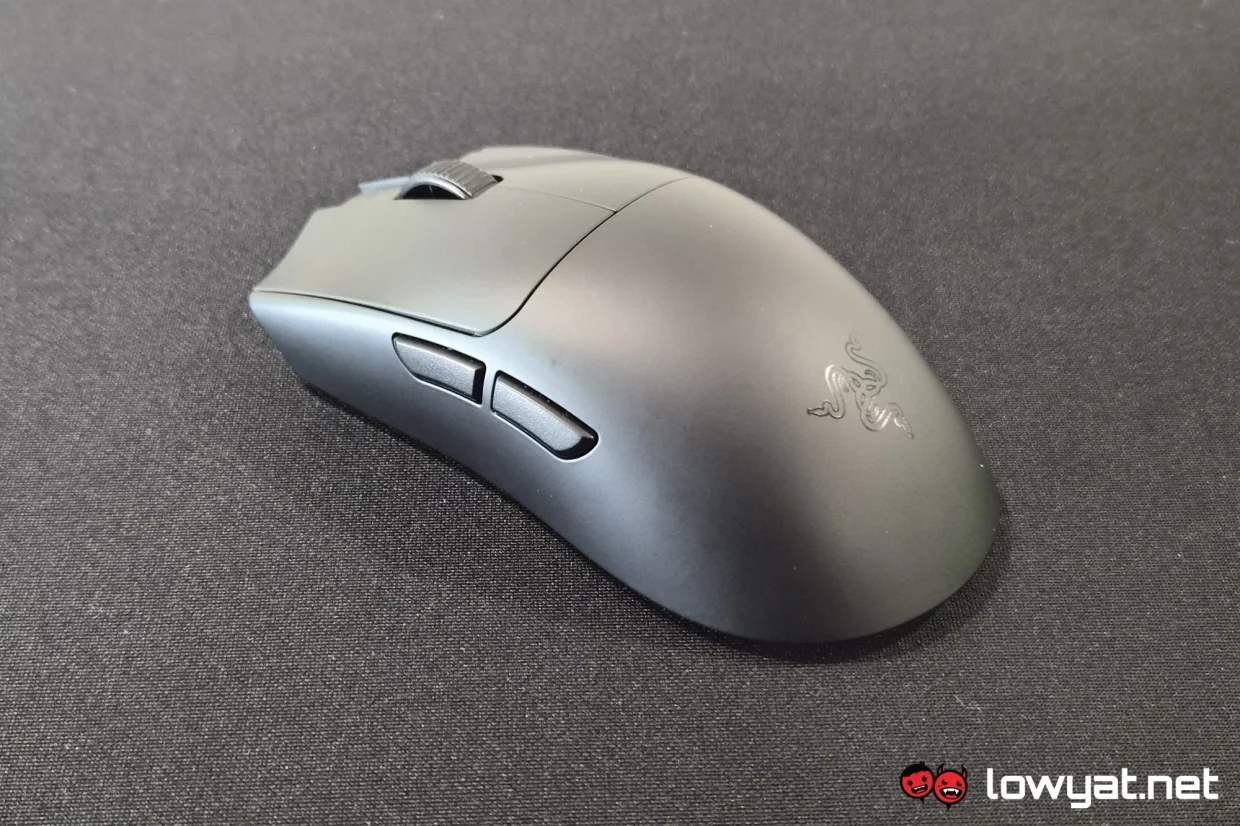
The roles of the Viper and the DeathAdder series may have reversed somewhat over the years. With the Viper V2 Pro and DeathAdder V3 Pro, it was clear that the latter inherited everything that the former brought to the table, but in a more ergonomic form factor. But fast-forward to their V4 incarnations, and it’s the Viper that inherited tech from the DeathAdder.
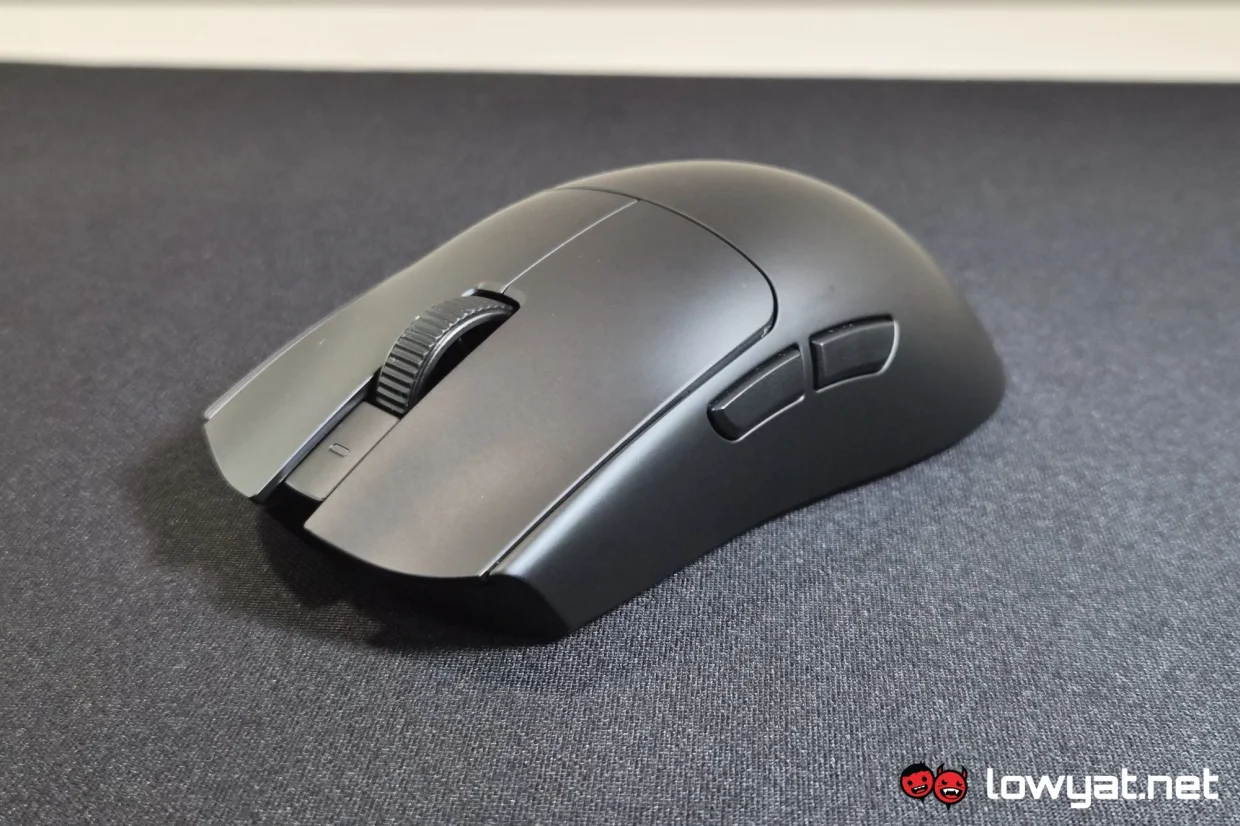
Most important of them all is the optical scroll wheel. Commonly the first thing to go wrong with conventional mice, it’s nice that the otherwise pricey videogames peripherals are getting long-lasting components as part of their construction. All that’s missing the optical treatment now are the side buttons, which are the least long-lasting moving part now.
Underneath, you have large skates rather than the old diminutive feet. It’s difficult to say what sort of benefit this has over standard mouse feet, as I’ve personally not felt any functional difference that can be attributed to this.
What’s Good About It?
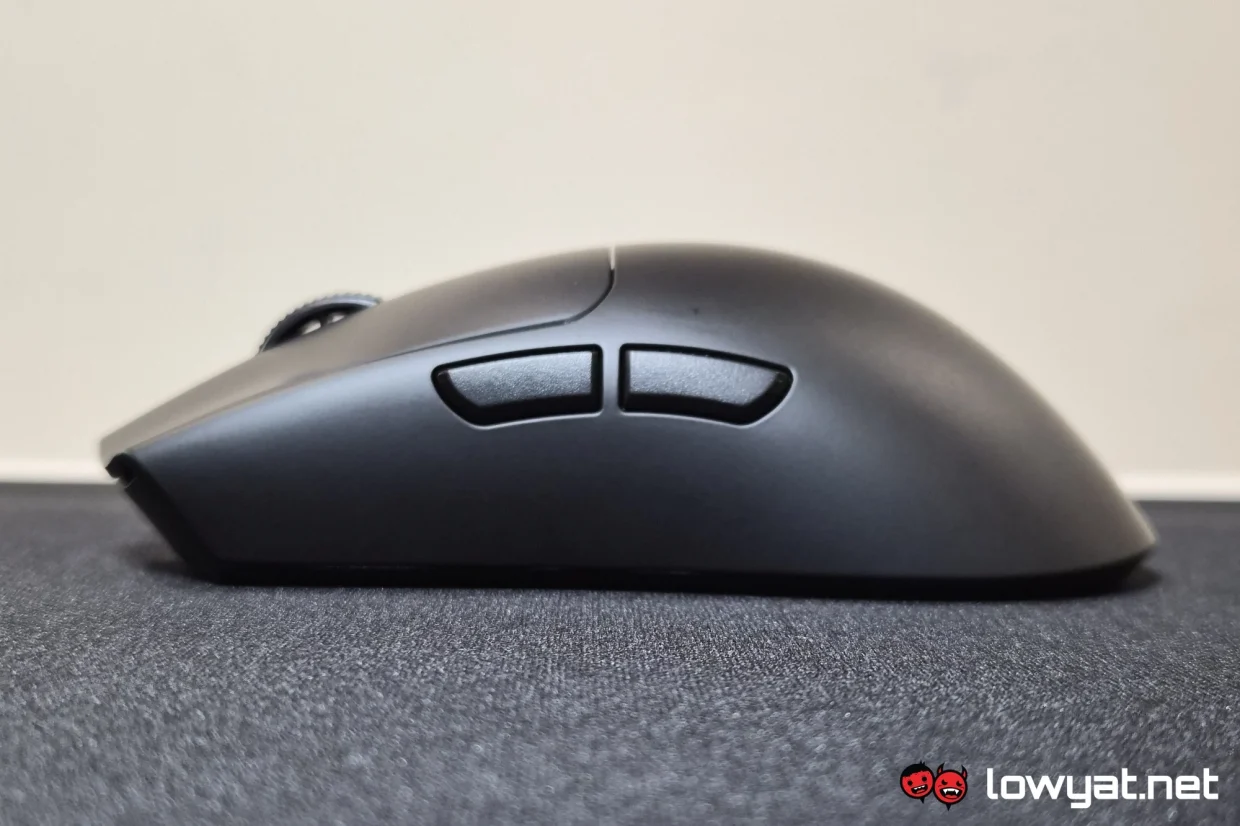
To put it simply, what’s good about the Razer Viper V4 Pro amounts to refining what made the Viper V2 Pro good when it was the latest gaming mouse by the company. Top of the list is its weight. Where the V2 was marketed as being lighter than a tennis ball, weighing in at between 58g and 59g depending on colour. This went down to 54g and 55g with the V3, and now we’re at 49g and 50g for the V4. For the gamer that prefers near-weightless mice, this truly is the series made for you.
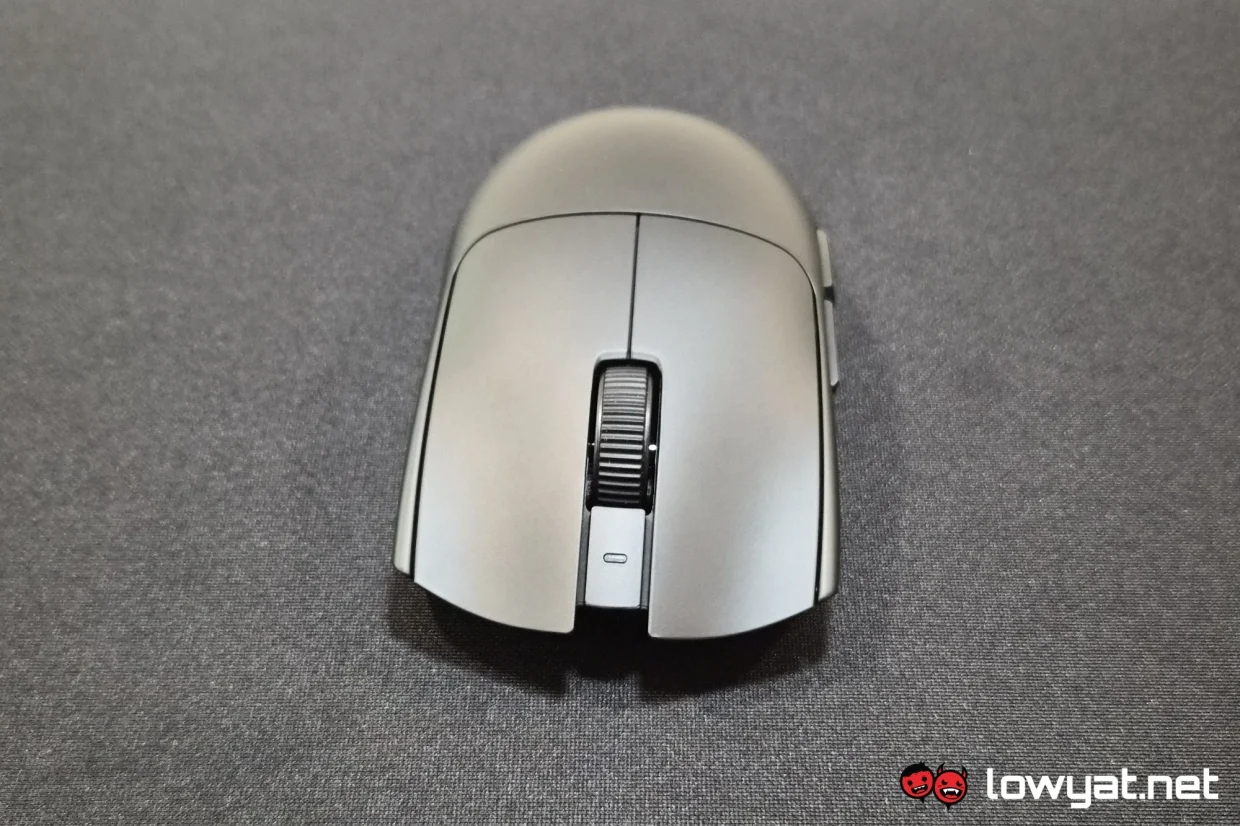
I’ve already espoused the merits of optical input plenty, so I’ll keep it to a minimum. But the long and short of it is simply faster input registration and, much more importantly, better longevity. And it’s only a good thing that the scroll wheel is also benefitting from this now. Nothing much else to say about the primary buttons, except maybe the steeper outside ridges help keep fingers on bigger hands from slipping out of position.
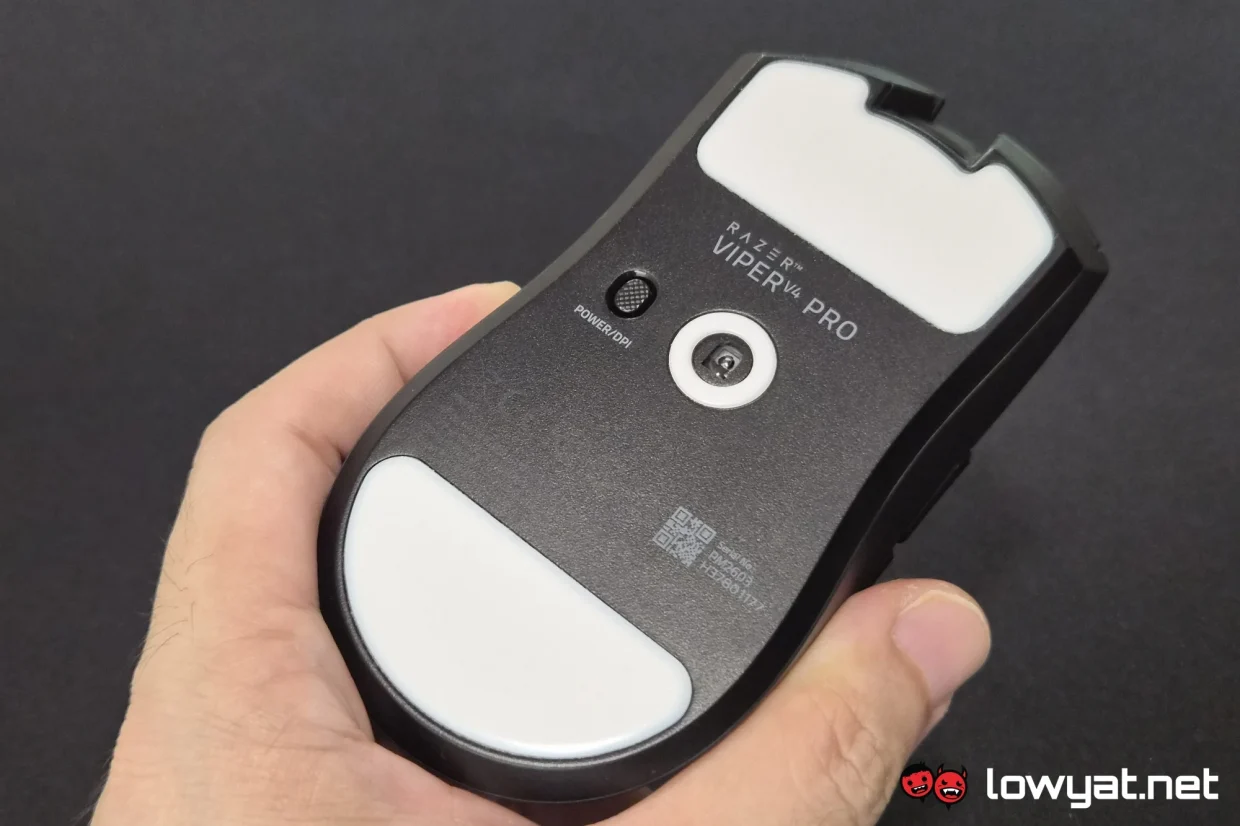
The final item on this list was the one that came as the biggest surprise for me, and it’s its coat of paint. On its official product page, Razer simply describes the Viper V4 Pro as having a “smooth-touch finish that feels soft and smooth, yet remains easy to grip”. But not specified here is its grime resistance. After a few weeks of use, the mouse still looks as clean as when I popped it out of its box. Even with the company’s older mice, none could last a week before there was visible grime, necessitating a wipe down.
What’s The Catch?
The only real complaint that I have with the Razer Viper V4 Pro is the sound of the clicks. It uses the same 4th gen optical switches as the DeathAdder V4 Pro, which leads to clicks sounding like fireworks have gone off. Thankfully there are no quirks with the right mouse button where inputs are not registering if pressed from a wrong angle.
As always though, the best of the best comes at a steep price. And with the Razer Viper V4 Pro, that price is RM769. And while the scroll wheel also getting optical tech is a great improvement, it’s still a pretty sizable pill to swallow. If you’re using a Viper V2 or V3, chances are you won’t be convinced to make the switch unless either the scroll wheel or side buttons, or indeed both, have gone wonky.
Should I Buy It?
As mentioned in the previous section, if you’re using a relatively modern Razer gaming mouse and it’s still in working condition, you could easily make do without the latest and greatest. If you’re upgrading from a much older model, or from something that just broke, then sure, the Viper V4 Pro is a good pick.
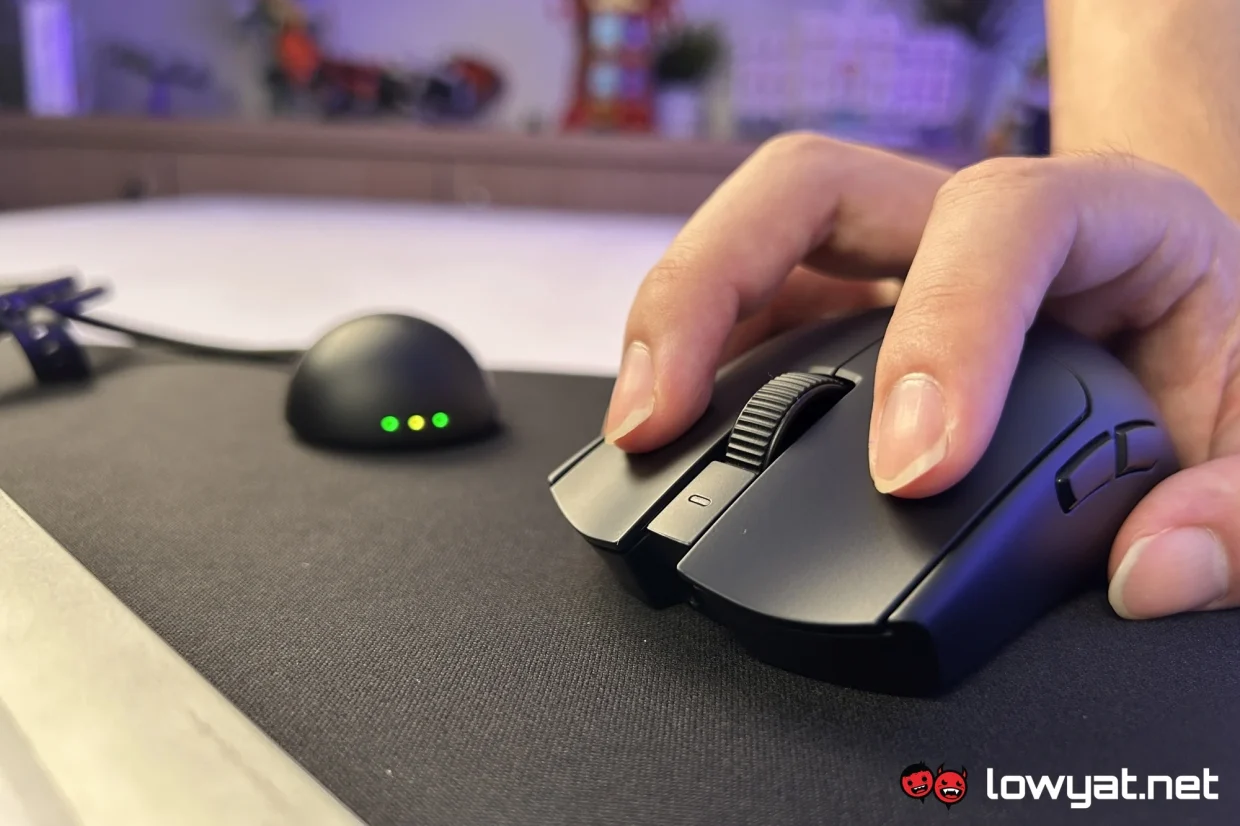
While it is priced lower than its predecessor, it still costs a hefty sum of money. And it would be easier to justify forking that kind of money had the side buttons also gotten optical switches. But as it is, it’s probably worth a shot if you’ve had good luck with the side buttons not giving out prematurely
Razer Gigantux V2 Pro
What Am I Looking At?
Even among mousepads, the Razer Gigantus V2 Pro is special, in that it comes in five speed ratings as opposed to the usual two. Unfortunately, we didn’t have the opportunity to review all five, and the company said that only two were available when it sent them over. So that will have to do, but that also made the review a tad more difficult than expected.
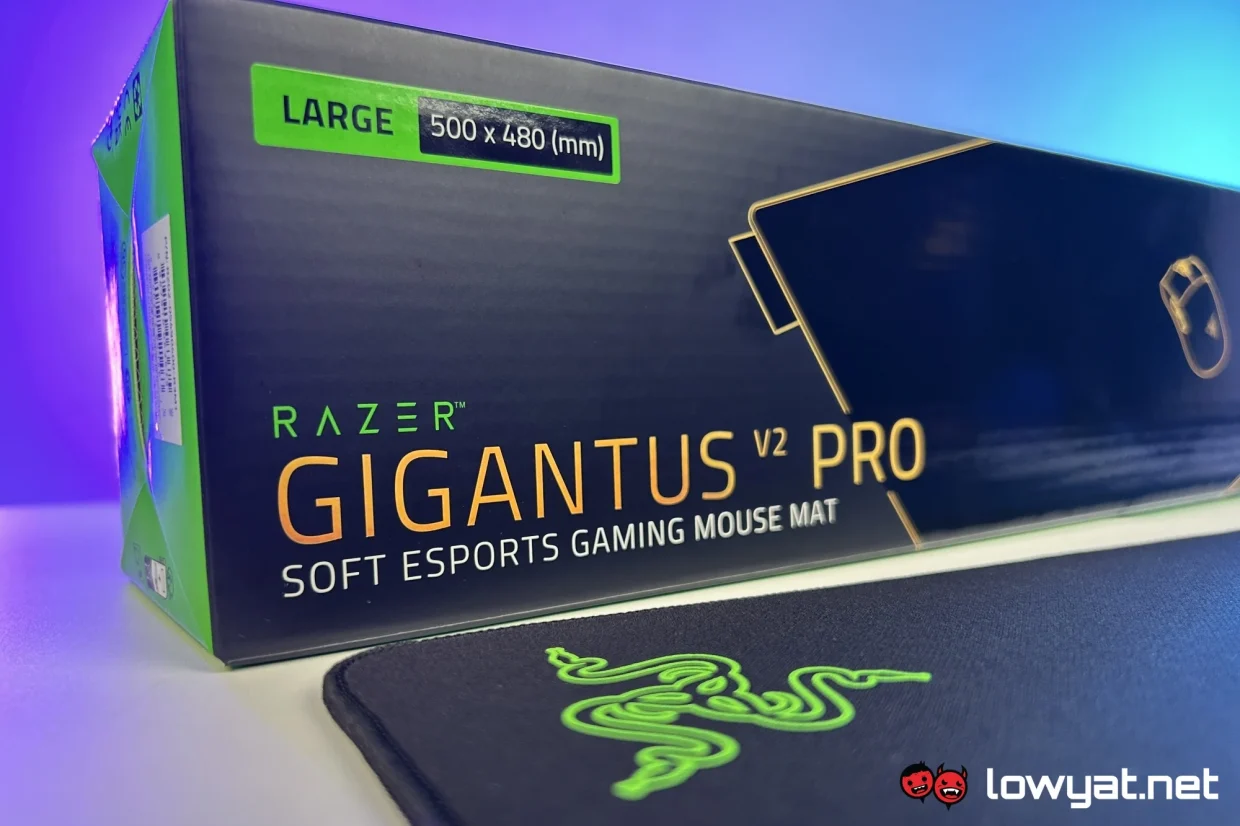
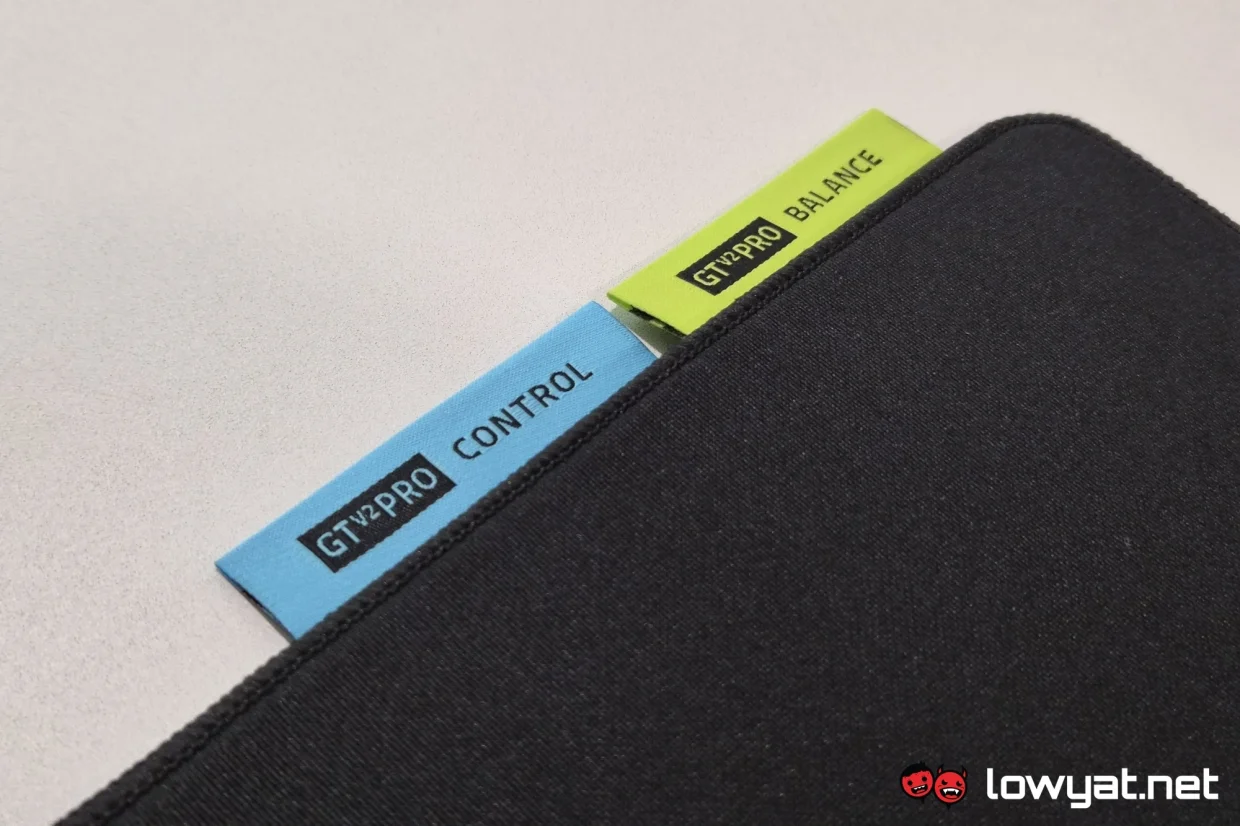
The five speed ratings available to the Gigantus V2 Pro are Max Control, Control, Balance, Speed and Max Speed. This is achieved using different foam stiffness and surface friction. Which means softer foam and high friction weave for the Max Control mat, and stiffer foam and low friction weave for Max Speed instead. Though we only had access to Control and Balance mats, so the difference between them is pretty minimal.
And it’s definitely not the softness or stiffness of the mats where I felt the difference between the two. It’s not even in their use, for that matter, at least between the Balance and Control mats. Instead, the latter feels just a tad rougher on the skin when I run my finger across them.
What’s Good About It?
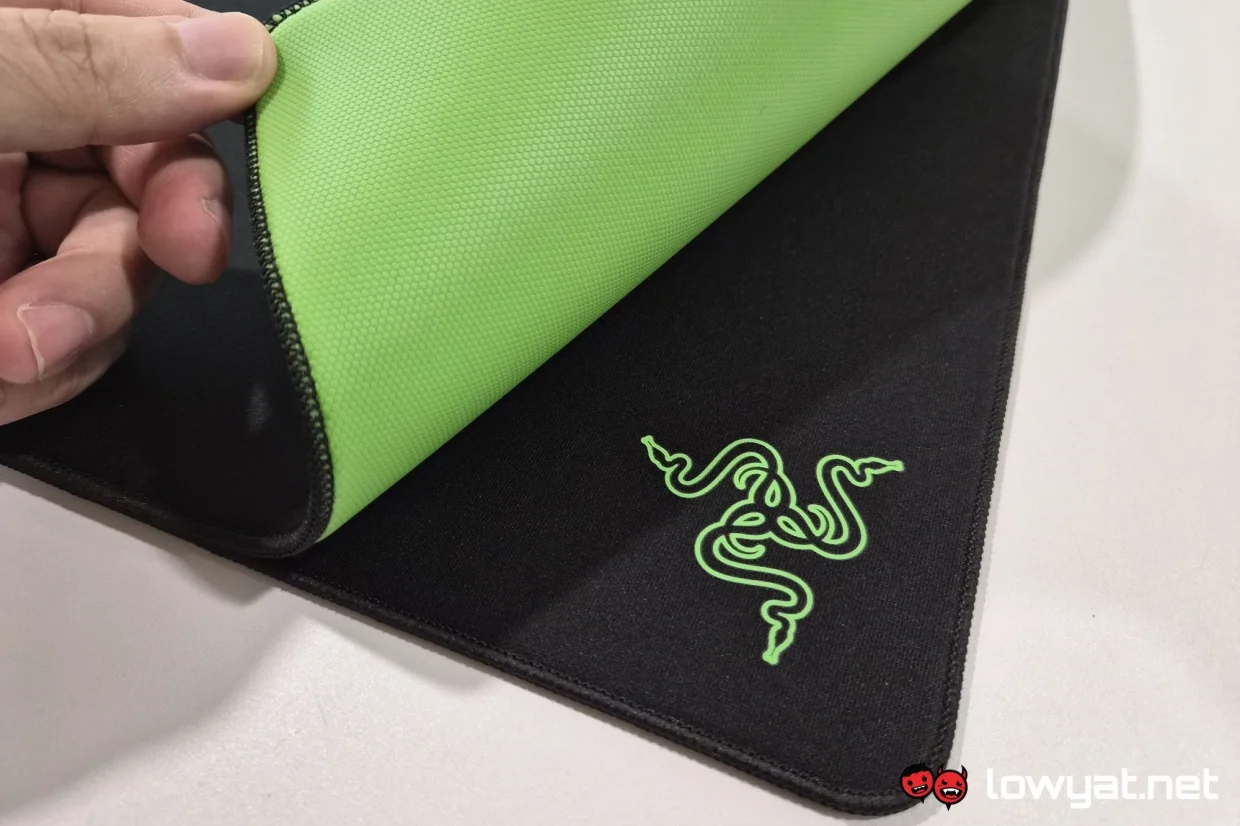
With all that being said, and not having all five variants to compare and contrast, I find myself comparing the Razer Gigantus V2 Pro to the base Gigantus V2. And the immediate improvement is the stitched edges. The company does claim that this adds to the comfort when using the mat, but the more immediate benefit is that it prevents fraying of the fabric at the edges. And, as mousepad owners will have likely experienced, the fabric half splitting from the foam half.
Of the variants that I have access to, they are also noticeably softer and smoother than the base model Gigantus V2. That would, even if marginally, lead to better comfort with extended use. Worth noting though that the original Gigantus V2 was never marketed with any speed rating, and granted, the Max Speed Gigantus V2 Pro may indeed feel similar. So this is not a definitive benefit on the side of the Pro variant.
What’s The Catch?
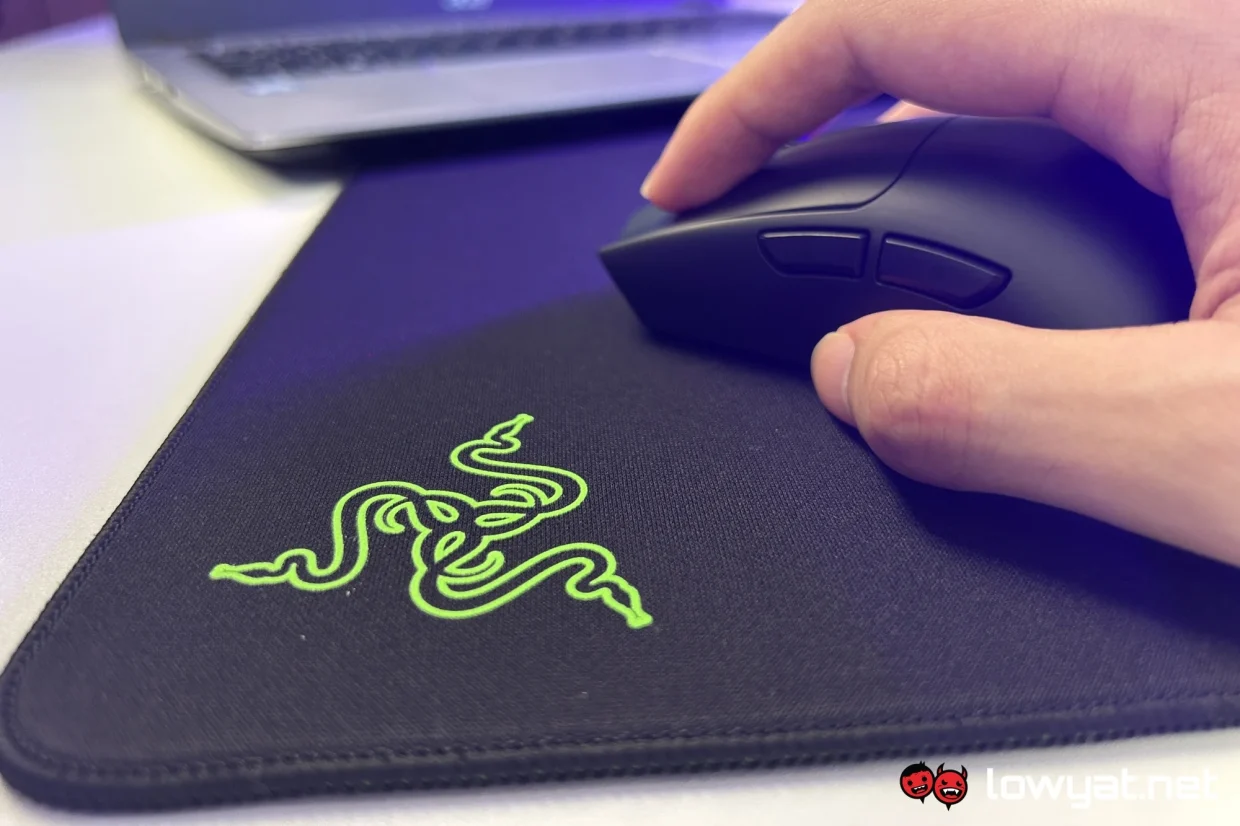
I realise this one could go both ways, but the Razer Gigantus V2 Pro is massive. Measuring in at 500 x 480 mm, it’s larger than even the Atlas glass mousepad, as well as its Pro successor. It’s in that weird spot where, as far as mouse pads are concerned, it’s larger than the average setup has space for, but simultaneously too small to serve as a desk mat.
Also, Razer mentioned that the stiffness of the foam used in each mat contributes to their speed rating. With the two that we got, if there was indeed a difference in the foam stiffness, it was too marginal for me to notice. It may have been more obvious if we were to compare between the Max Control and Max Speed mats, but alas, those were not what we had access to.
Should I Buy It?
This would be one of the few times where the answer to this question is “only if you know exactly what you’re doing”. With there being five options to choose from, and the difference between each is so small it’s barely perceptible, it’s an unrealistic ask of anyone to get all five and try it out for yourself. This is especially when each costs RM249.
For the Razer Gigantus v2 Pro, this is truly a product for the pros who are of the performance level where not only every little bit helps, but matters. And even then, it’s likely something that can only be discerned with prolonged use duration. So the usual advice of trying it for yourself before you decide doesn’t quite cut it here. But if you’re willing to take a leap of faith, you’d probably have a better chance by going right down the middle, or either extremes, and see if that works out for you.
Photography by Dylan Chong, Ian Chee.
