
Borderless Gaming has become the latest upscaling tool to embrace the unofficial implementation of NVIDIA’s DLSS 5 Neural Rendering. The tool is available via Steam, costs RM19.50, and is currently the only tool to offer the upscaler, beating even Lossless Scaling.
Simple Implementations, Sort Of
Borderless Gaming makes a couple of things clear. Firstly, the implementation does not require any modification or replacing of any game DLLs, nor does it require any game to use specific mods. “Install the effect, select the preset, and apply it to your game”, as the tool puts it.
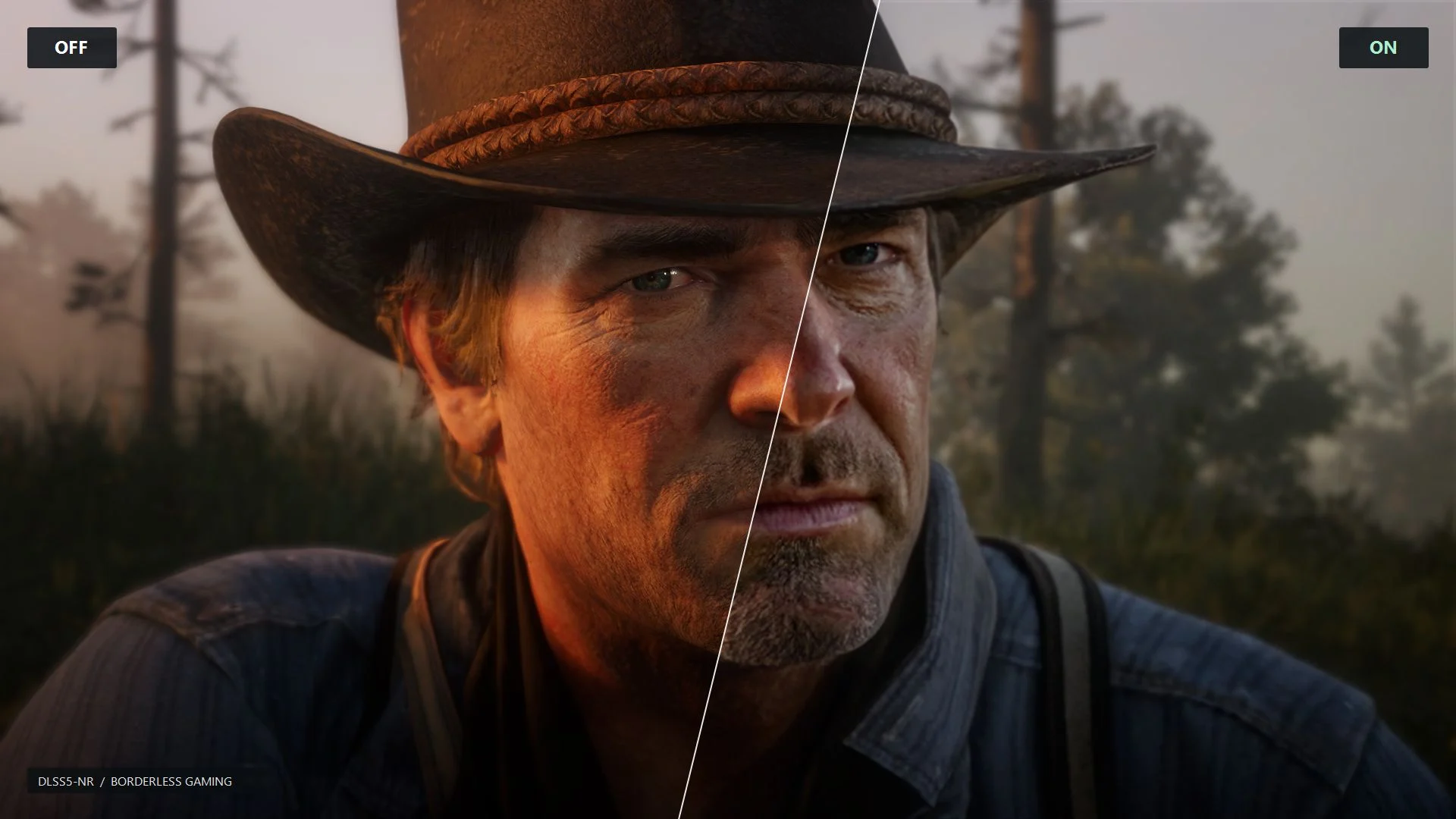
Second, the update isn’t physically shipped as an update through the platform. In fact, you will have to download the DLSS 5 update from GitHub. “To be perfectly clear, this effect is not shipped physically in this update, nor is it is on your computer, it is not running in the background, or taking up any resources on your machine. If you want to use it, you install the shader from Github. It uses the existing BGFX scaling system. There is no new feature, its just a single shader file. Please stop spreading misinformation.”
The installation instructions are straightforward:
- Open the effects editor in Borderless Gaming, or the presets screen in Holo.
- Choose Install from GitHub and paste
https://github.com/andrewmd5/bgfx-dlss5-nr. - Select the DLSS5-NR preset and enable effects. On Windows, use Scaling (GPU).
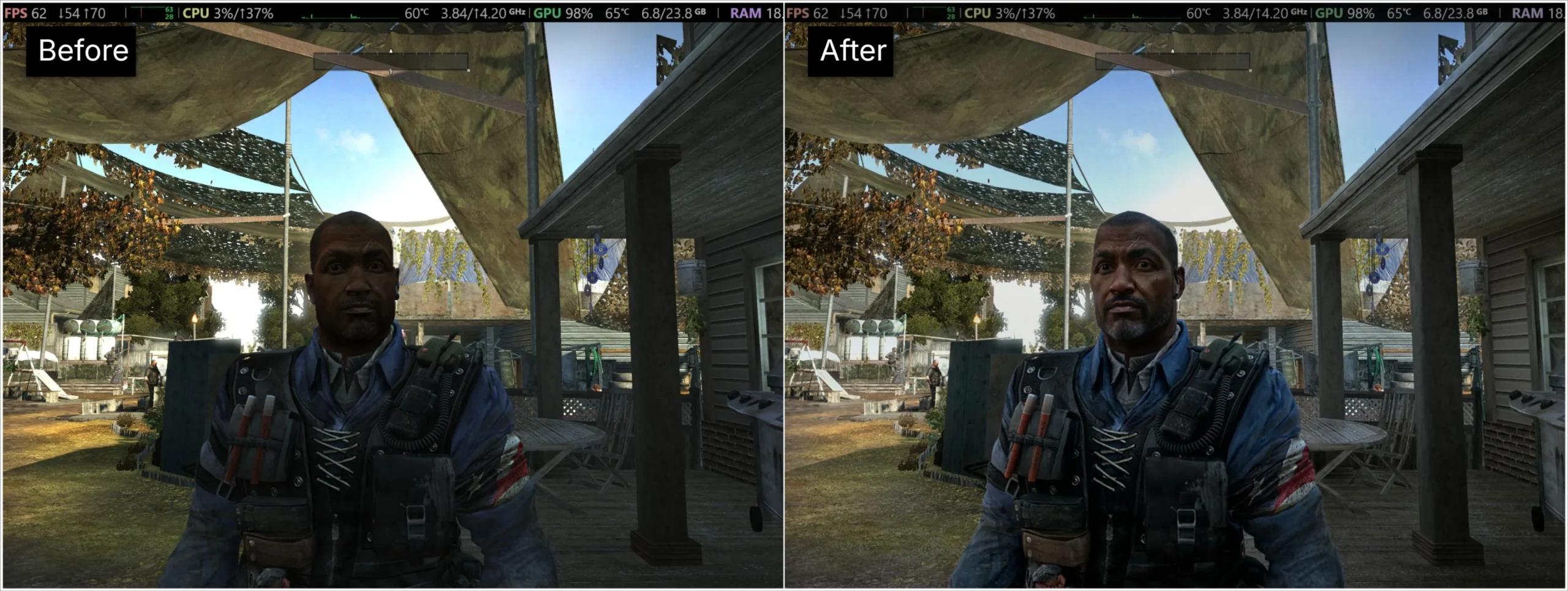
It’s been a whirlwind month for NVIDIA and DLSS 5 Neural Rendering. Besides a couple of incidents of the upscaler allegedly causing RTX 50 Series GPUs to burn out from being too intense, modders have been having a field time getting it running across several non-Blackwell platforms, including simple web browsers and older RTX 40 Series GPUs, the latter with NVIDIA having promised will officially be coming once they’ve “fine tuned” the upscaler for Blackwell. Most recently, a modder and developer says that they managed to get it running on AMD GPUs through a simple installation.
