
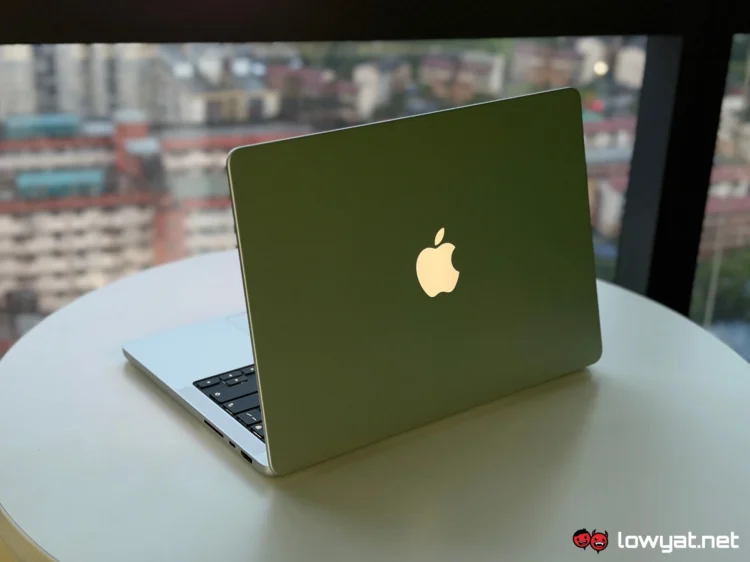
The Apple MacBook Pro PROLED XDR series has finally arrived, bringing performance upgrades and, most importantly, an all-new touchscreen display. The latter is particularly interesting, especially when it comes to discussing its necessity, let alone practicality.
While I can’t give you my verdict on that just yet, I can share some initial thoughts after spending a couple of days with the new laptop. Apple has provided us with the 14-inch version, which shares many similarities with its 16-inch counterpart, although the two differ in terms of their onboard chips. Much like the MacBook Pro models released earlier this year, both variants also come with the M5 Pro and M5 Max silicon options.
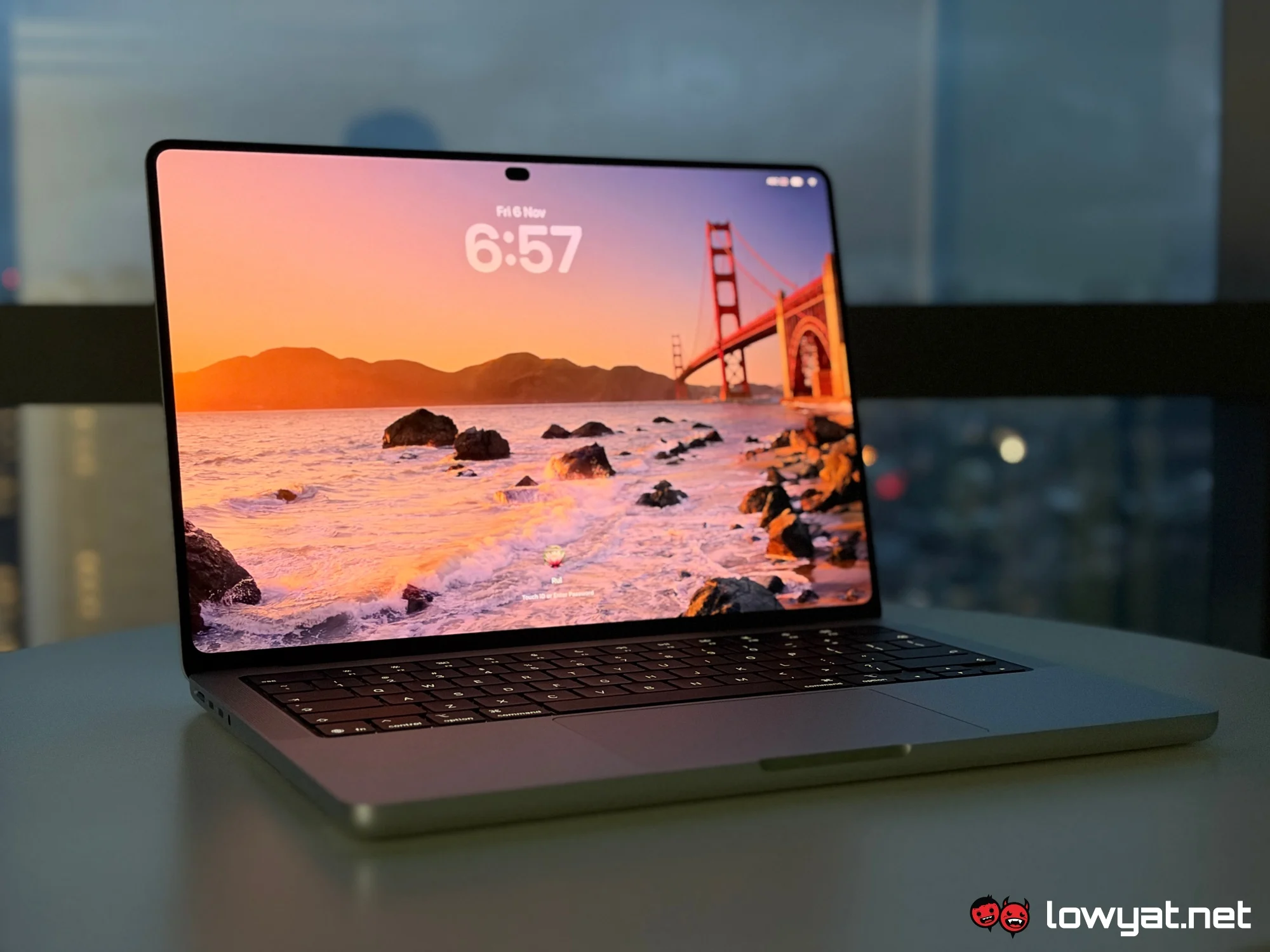
Given the aforementioned chipsets, you may be wondering if the PROLED XDR series are simply updated models with a new touchscreen display. Thankfully, that’s not entirely the case, as both variants come with thinner and lighter chassis. They are also the first MacBooks to feature Dynamic Island, replacing the traditional notch entirely.
Still no Face ID functionality, however. Oh, and there’s also the return of the glowing Apple logo on the lid.
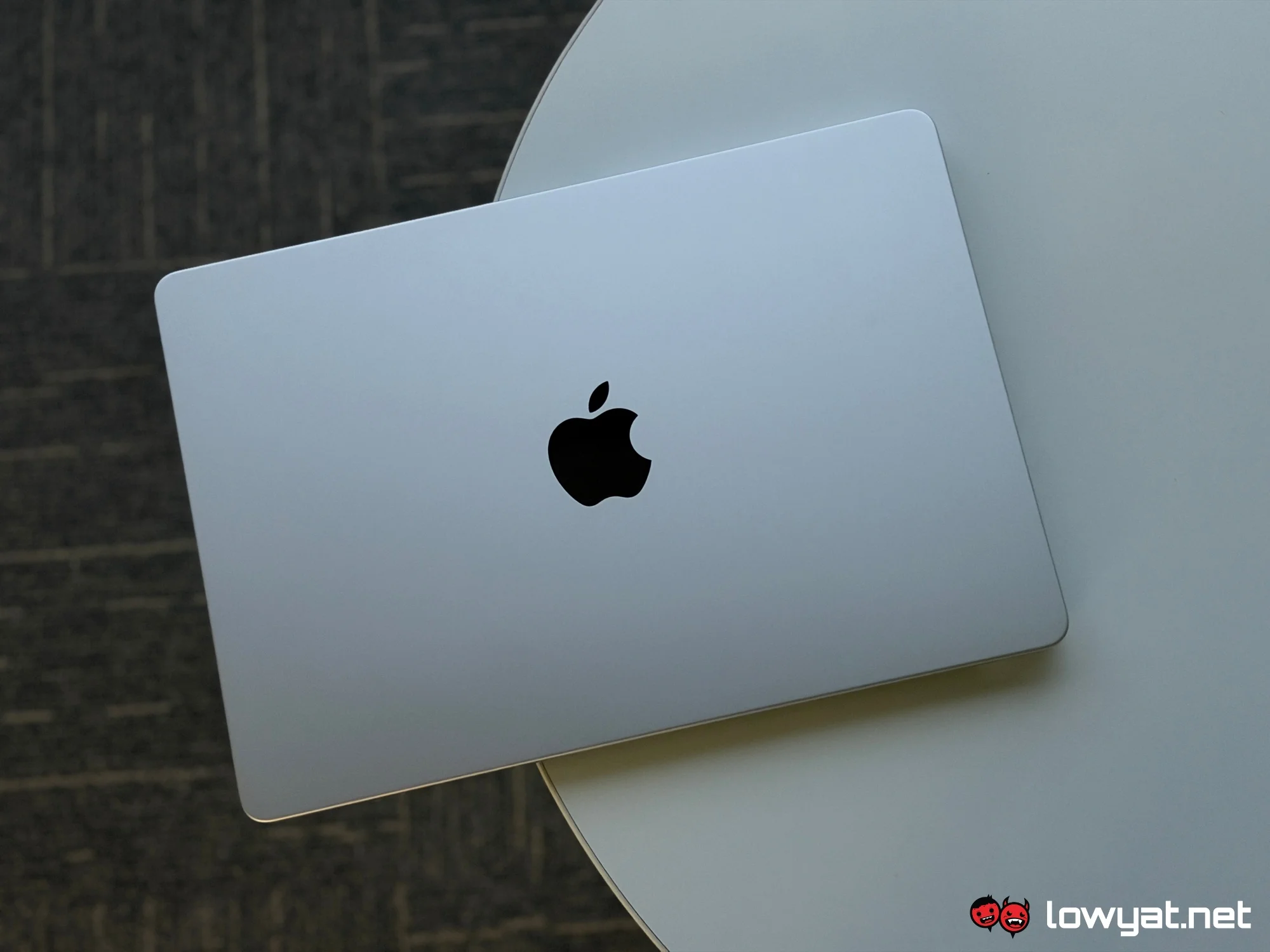
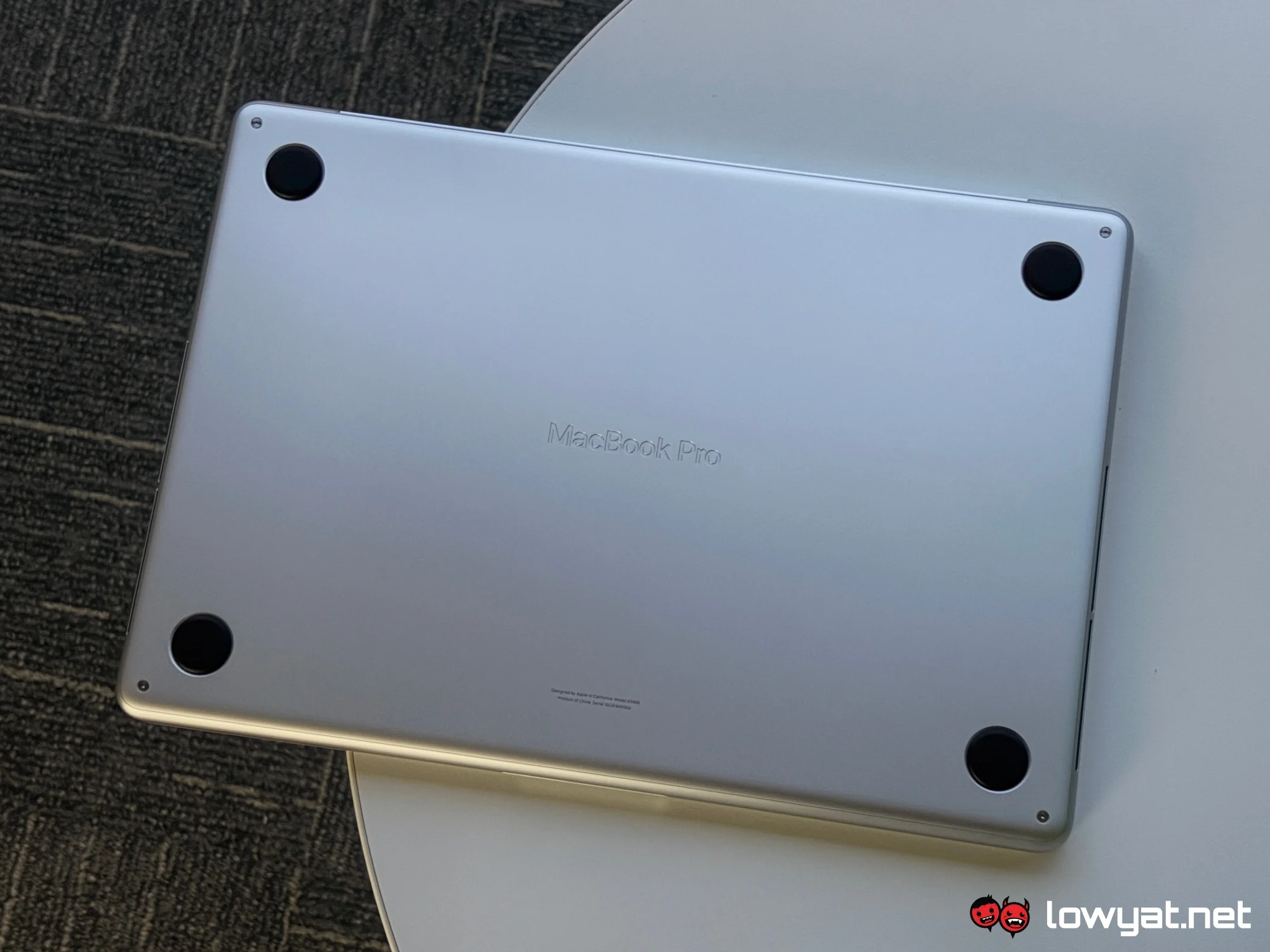
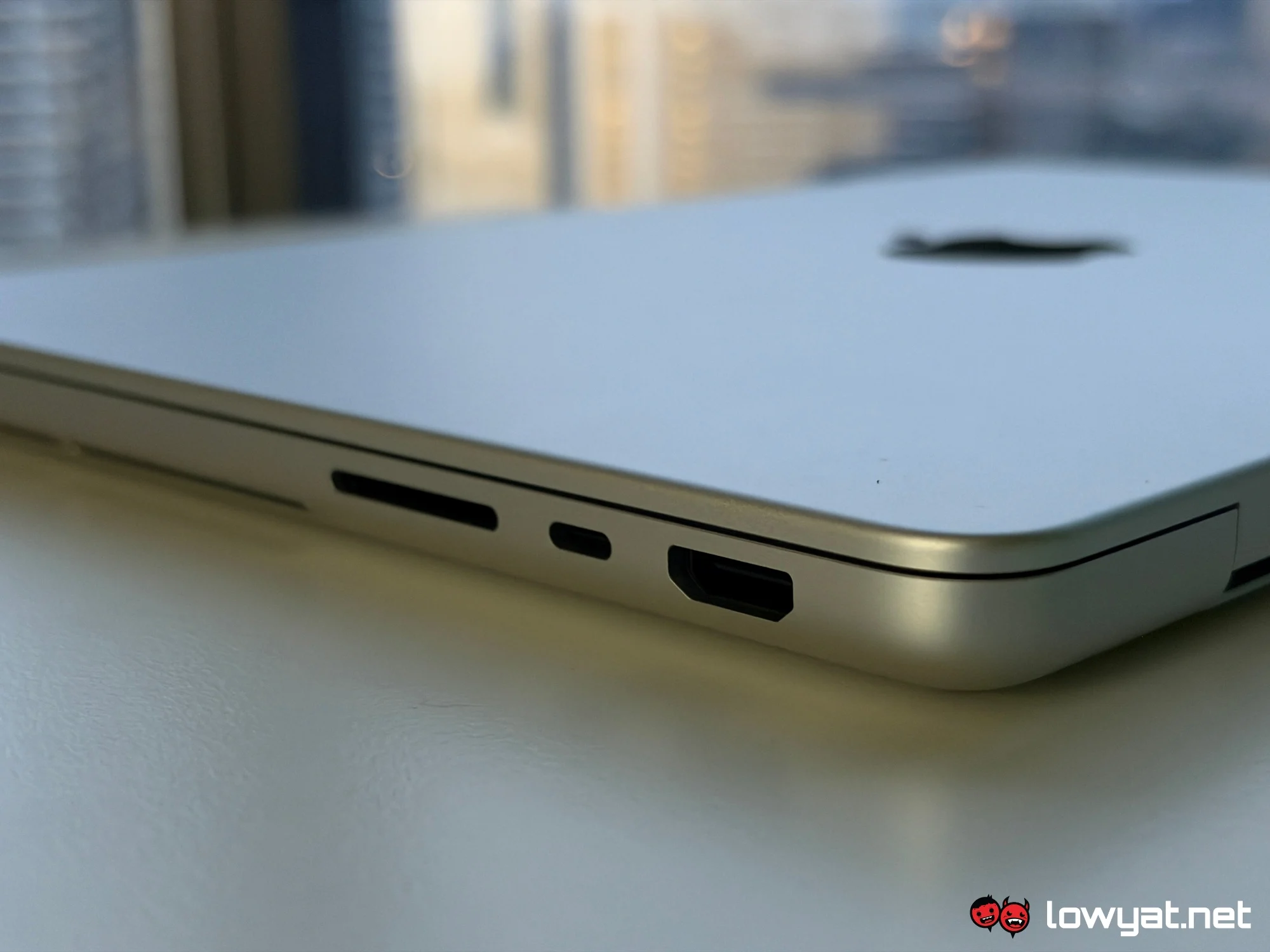
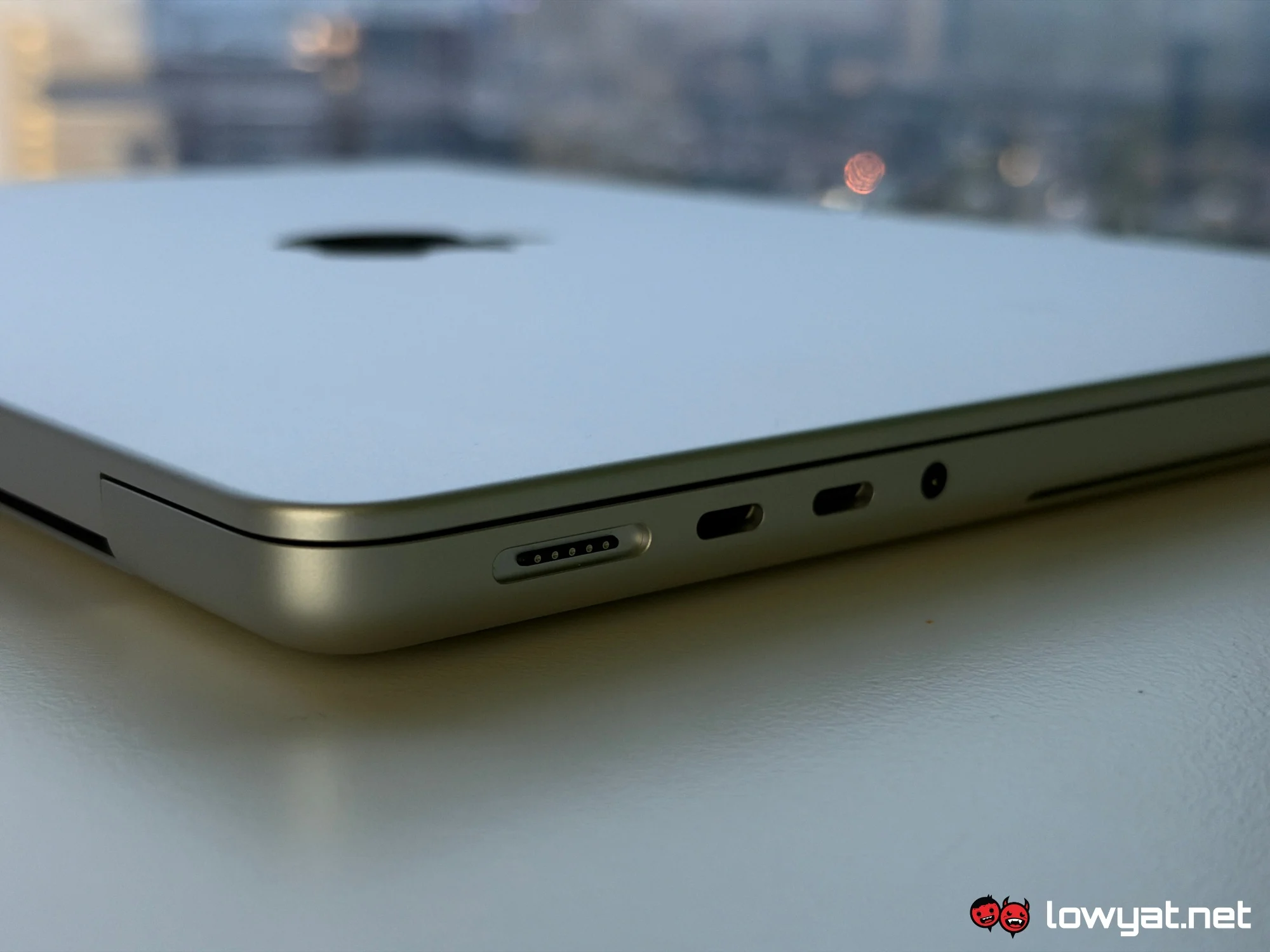
Physically, the 14-inch PROLED XDR is indeed thinner and lighter, although these changes are more noticeable by MacBook Pro standards. Compared to the MacBook Air, it is still the heftier machine, but the improvements are welcome nevertheless. The thinner profile, on the other hand, is barely noticeable, although it does retain its predecessor’s portability.
Performance-wise, the long and short of it is that the onboard M5 Pro remains the powerhouse silicon introduced alongside the original 14- and 16-inch MacBook Pro models in March, as well as the Mac mini in August. So far, the laptop has handled my usual day-to-day applications, photo editing, light gaming, and the overall macOS Golden Gate experience quite smoothly. Furthermore, the chip has had no trouble keeping up with the new touchscreen capabilities.
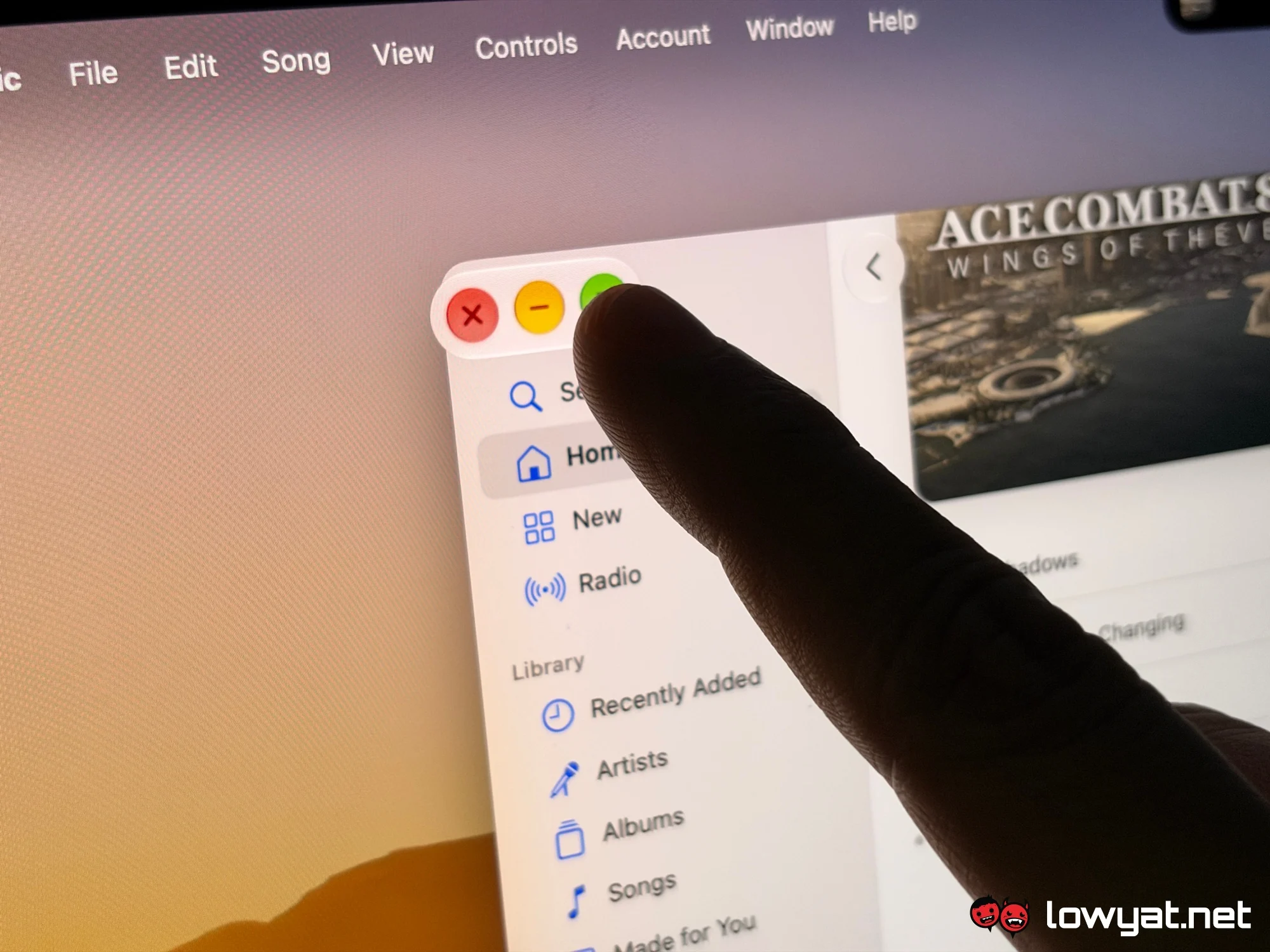
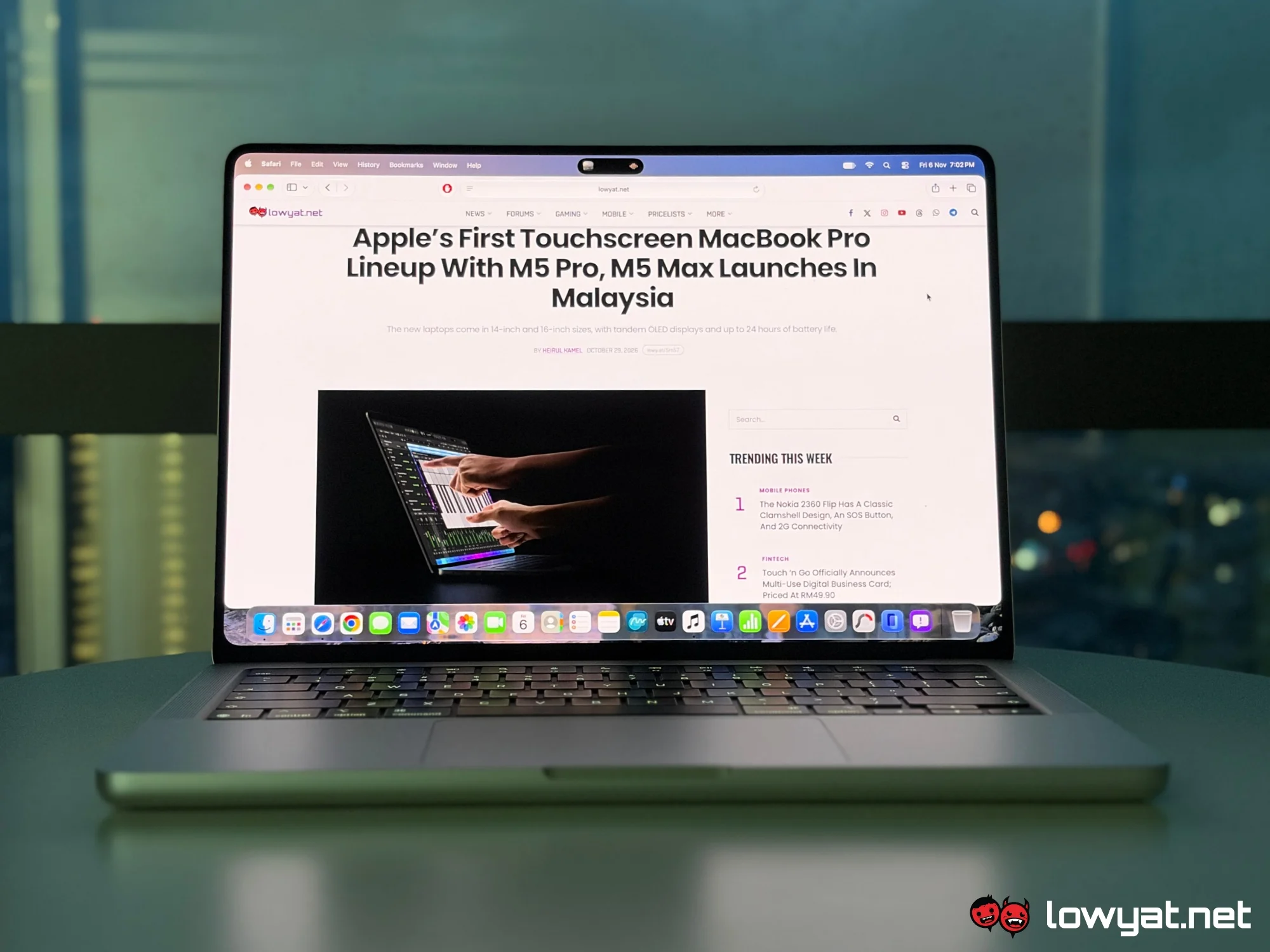
Speaking of which, everyone’s probably wondering if adding a touchscreen to a MacBook makes much of a difference. To a degree, yes, but it’s hardly revolutionary. To be completely honest, I often forget that I can actually drag and drop items, pinch to zoom, and perform all the other familiar touchscreen gestures on the MacBook PROLED XDR. Heck, I still find myself reaching for the touchpad to scroll through content.
This is mostly because I’m still accustomed to using a laptop, especially an Apple one. Much like other portable computers on the market with similar features, having a touchscreen is nice, but not necessarily essential. That said, I’m sure there are people who would appreciate having a touchscreen on a portable, productivity-oriented Apple device other than an iPad, especially one that is considerably more powerful.
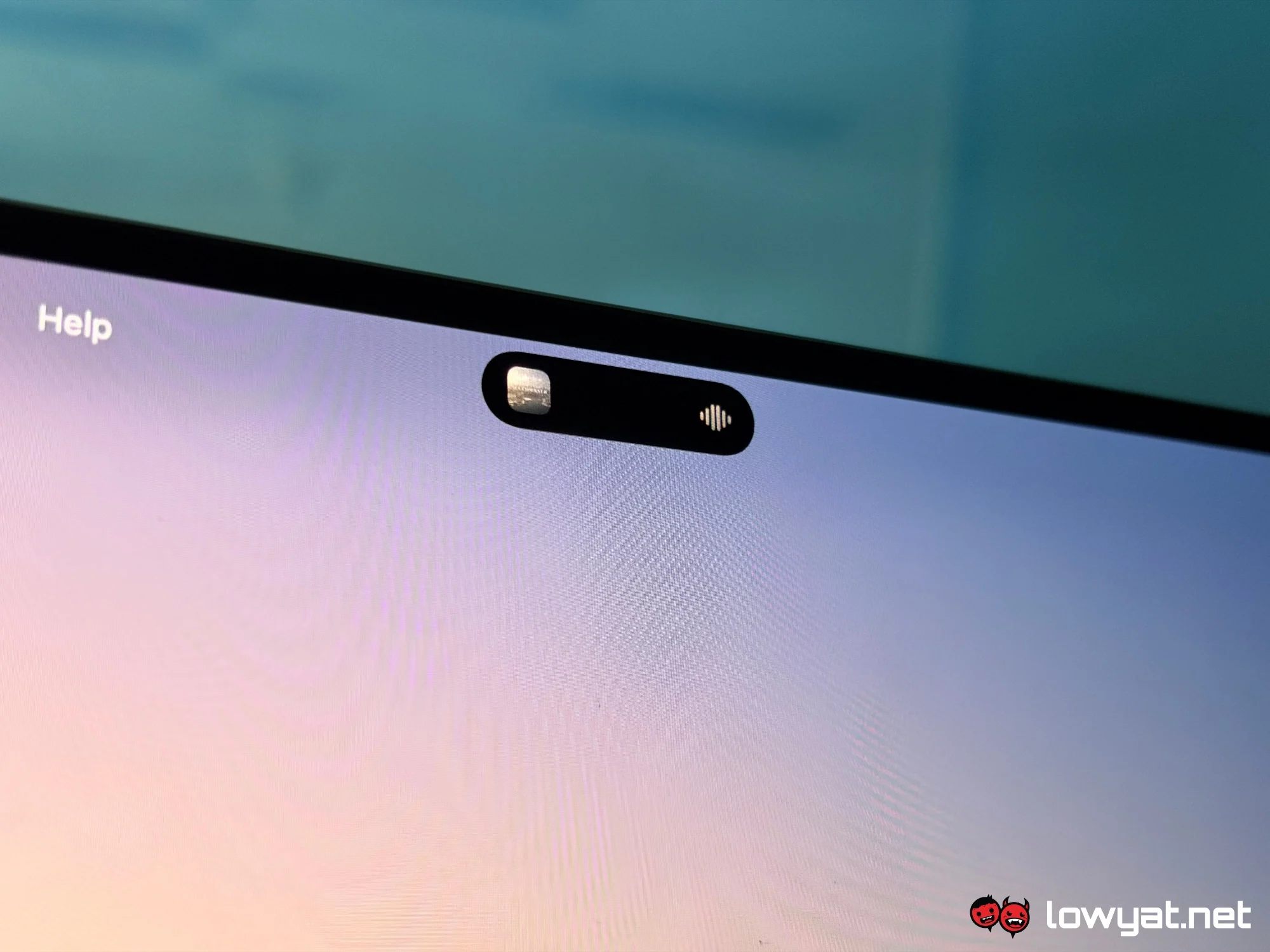
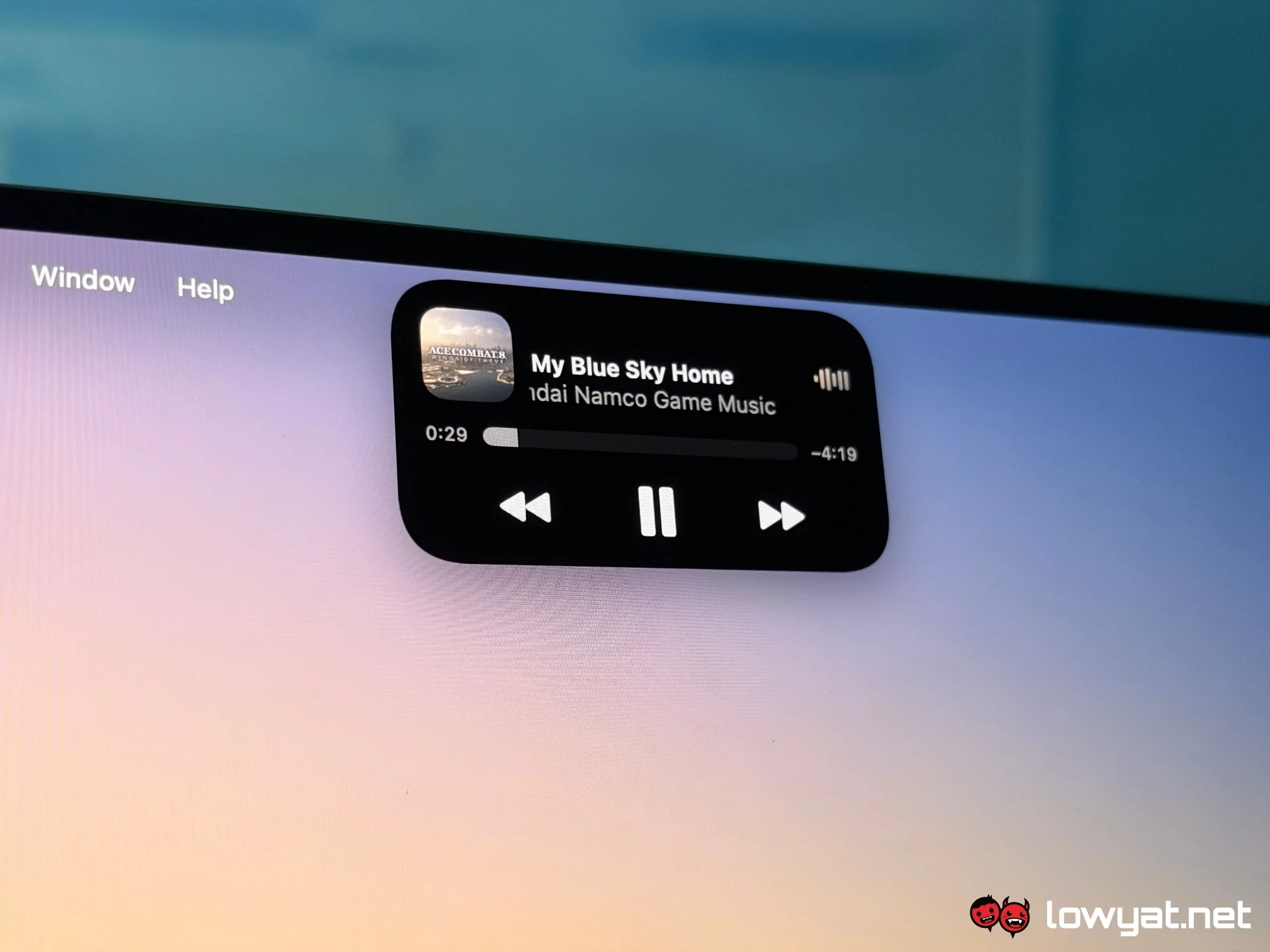
As for the addition of Dynamic Island, I have to say that I like it. Compared to the usual notch cutout, it is smaller and serves as a space for certain notifications and activities, such as AirDrop transfers and music playback. Like its counterpart on the iPhone, you can expand the Dynamic Island to display more information or controls simply by tapping on it. However, unlike the mobile version, there doesn’t seem to be much support for the feature just yet.
Beyond those additions, the PROLED XDR screen itself is visually pleasant, handling virtually every use case well, be it productivity or leisure. Meanwhile, the variable refresh rate and higher peak brightness are also welcome quality-of-life improvements.
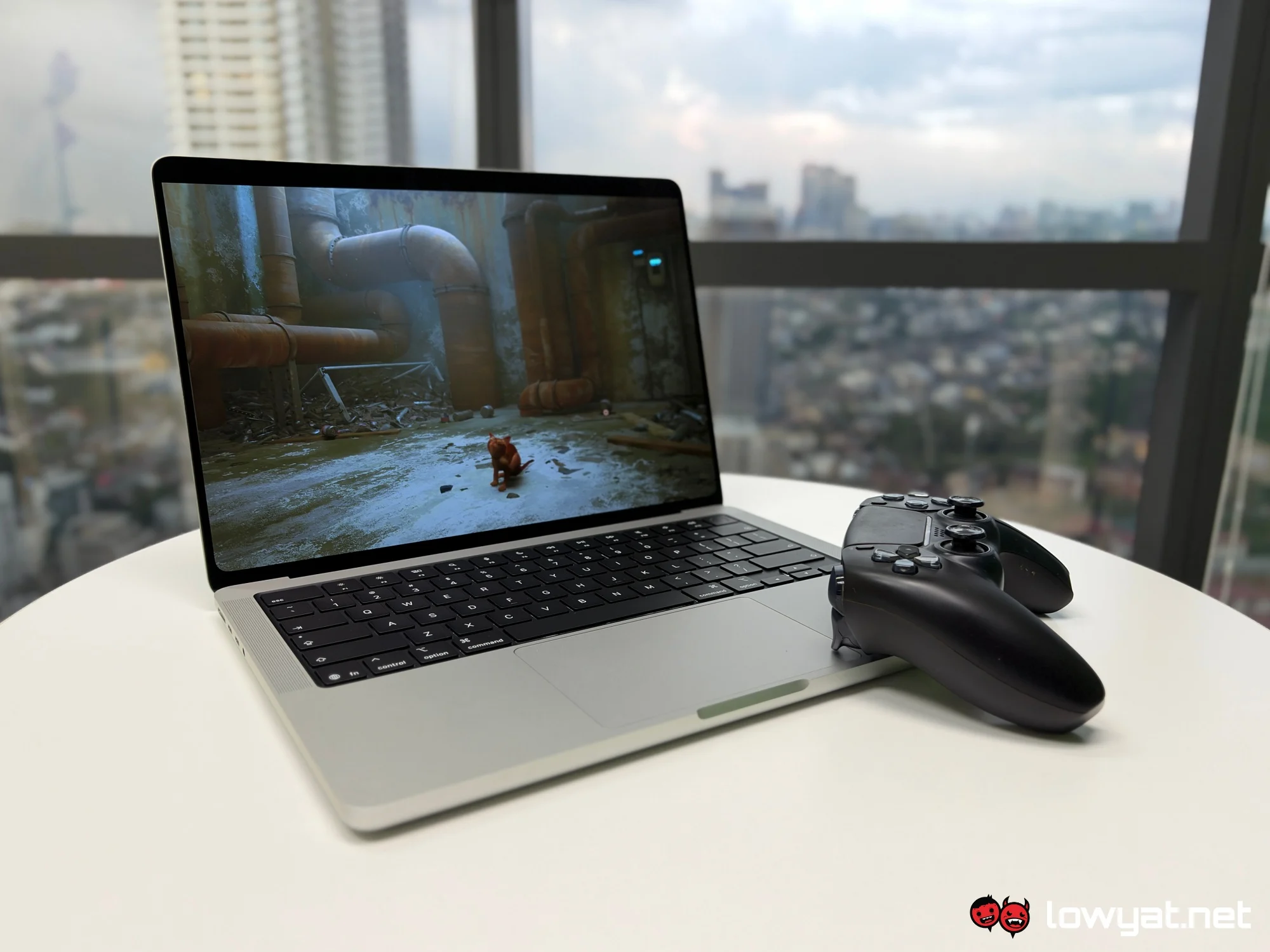
The MacBook Pro PROLED XDR is certainly an intriguing device after a couple of days of use. Of course, there’s still plenty more to discuss, including performance benchmarks and battery life, but I’ll reserve those thoughts for a full-fledged review.
