
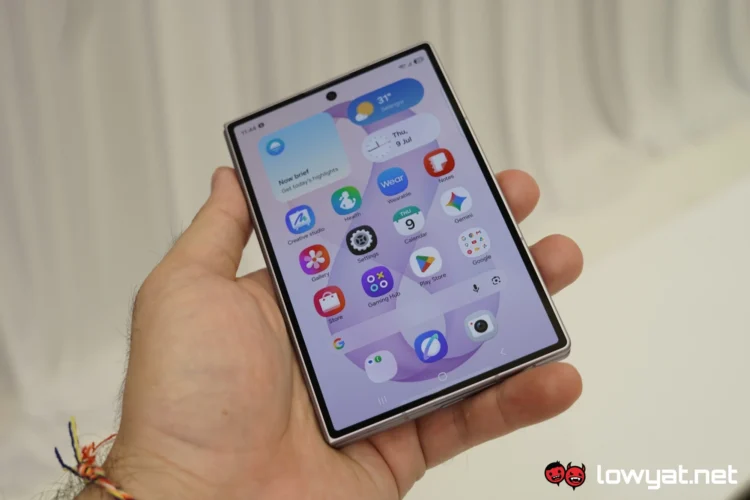
Last week’s Samsung Galaxy Unpacked event marked the launch of the brand’s newest foldables, and with them, the Android 17-based One UI 9 update. In addition to more AI-driven features, the South Korean tech giant is introducing tighter security features, including one that may permanently lock users out of their devices if they aren’t careful.
Essentially, the software update comes with a stricter lock screen security measure that limits the number of failed passcode attempts, be it PIN, password, or pattern. The unlucky number here is 13, so after exactly 13 incorrect attempts, the system automatically triggers a complete lockdown, rendering the device completely inoperable.
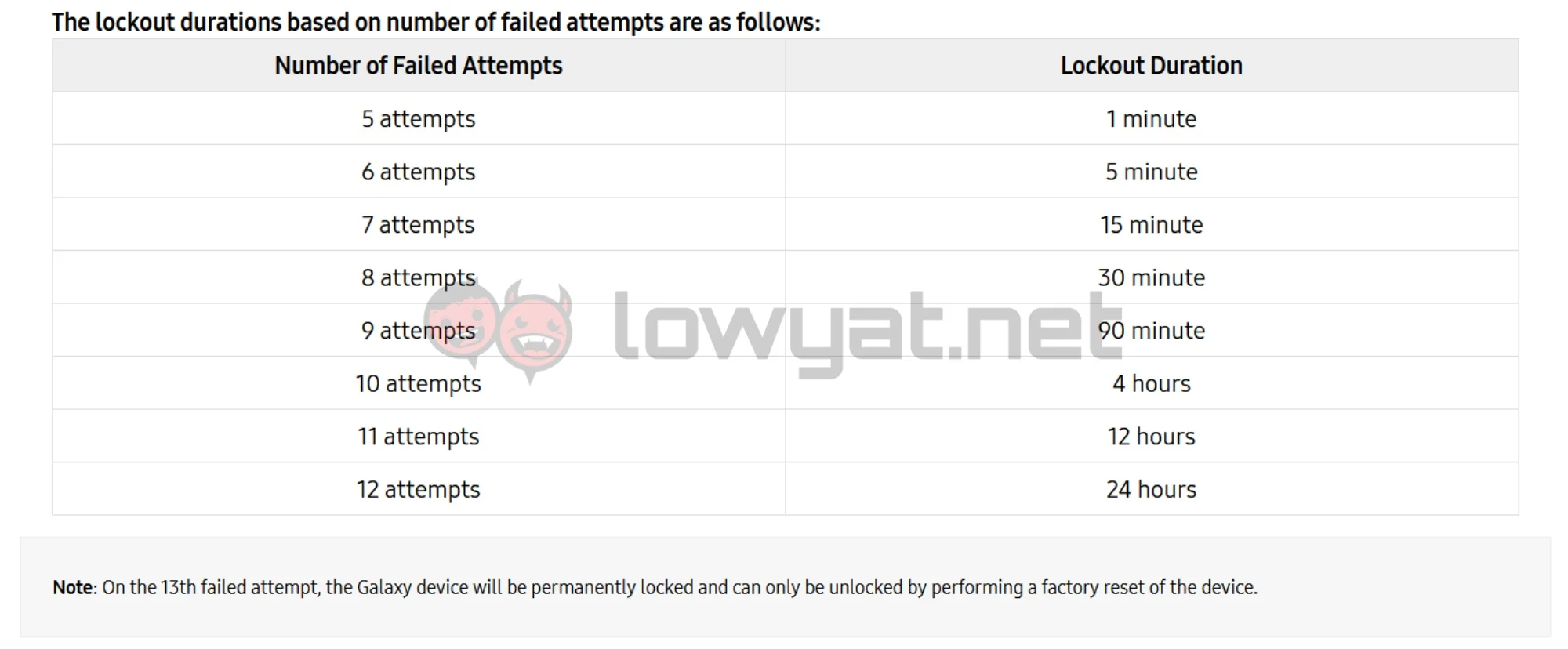 That said, the new system allows four failed attempts before enforcing temporary lockouts. On the fifth incorrect attempt, the user will have to wait one minute before trying again, and the duration will increase with each subsequent try. Once the user has entered the wrong code for the 13th time, though, there will be no more timers. Furthermore, Samsung has confirmed that it will not be able to remotely unlock the device.
In fact, the only way to free the phone is to perform a factory reset. Naturally, doing so will wipe all data on the device, so anything that isn’t backed up will be permanently lost. Aside from that, the user will be required to provide the credentials of the Google or Samsung account that was last logged into the device to clear the Factory Reset Protection (FRP) lock.

While this all sounds like a hassle, the reason for this change is to prevent brute-force attacks. Previous versions of One UI only enforced temporary lockdowns, so malicious parties could keep guessing the code indefinitely to gain access to the device. This change should, at least in theory, prevent bad actors from obtaining the user’s data.
To keep actual device owners from getting permanently locked out by accident, Samsung is implementing a few safeguards. For starters, the system now offers clear notifications informing the user of their remaining retry attempts. Furthermore, the system counts identical consecutive incorrect attempts as one failed attempt. So if you enter the wrong password twice in a row, it only counts as one.
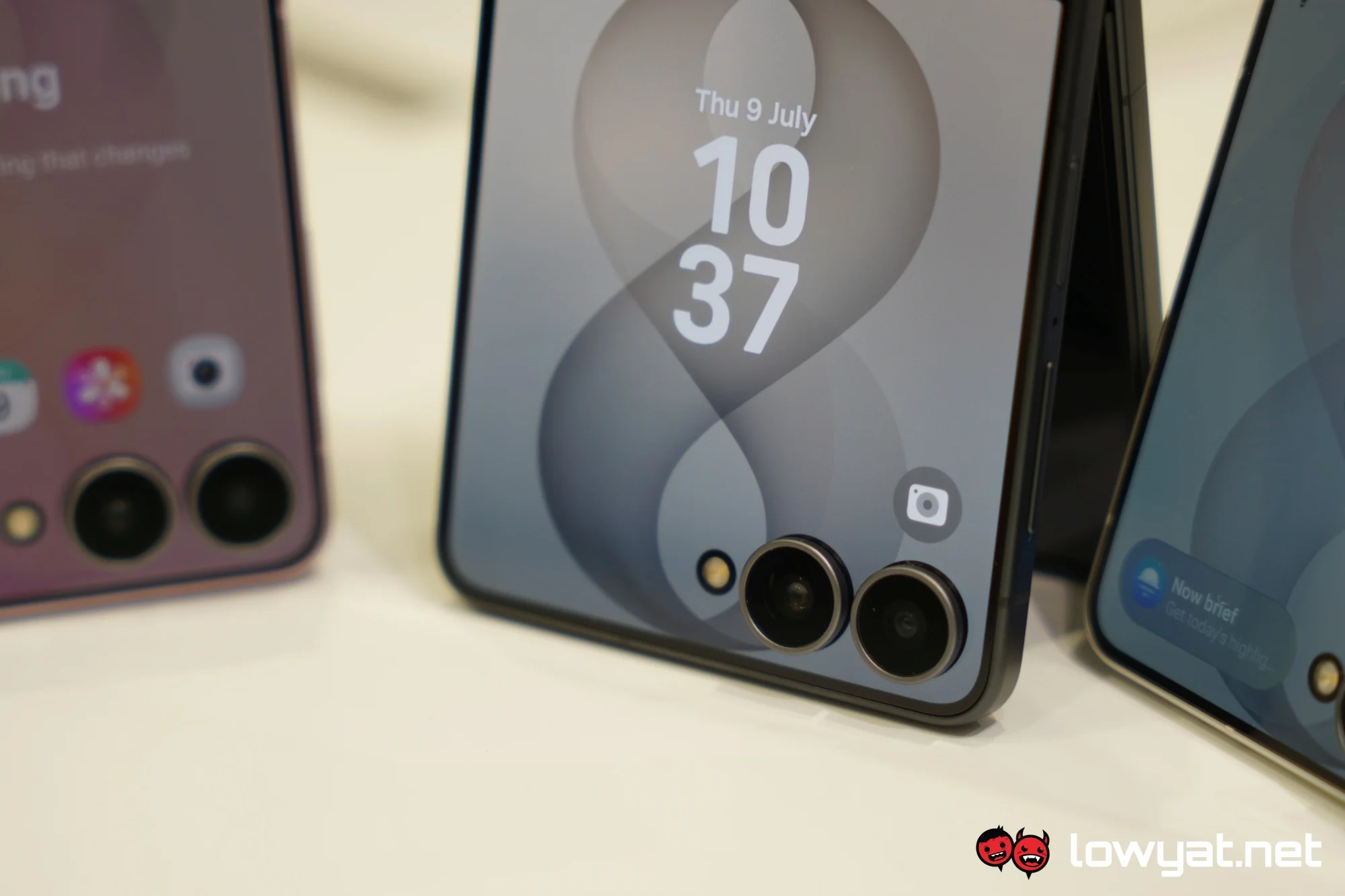 Regardless, the best practice is to remember your passcode, even if you rely on biometric security. As it stands, Android’s core security policy requires the user to enter their backup PIN, password, or pattern once every 72 hours.
According to Samsung, the new policy applies to devices launched with One UI 9.0. So far, this includes the new Galaxy Z Fold8 and Fold8 Ultra, and the Galaxy Z Flip8. For now, it’s unclear whether the changes will roll out to older devices that are eligible for the update.
(Source: Samsung)
