
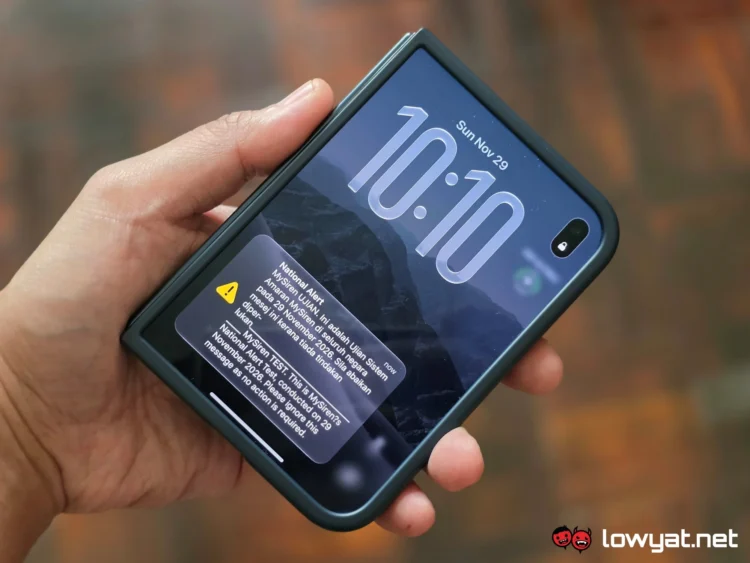
It was sudden, loud, and right on time. Apart from my own, other phones within my vicinity suddenly blared at 10:10am on 29 November 2026 as the MySiren alert system kicked into action. But there’s no need to panic, as previously promised by the Malaysian Communications and Multimedia Commission (MCMC) and also detailed on-screen during the alert itself, today’s session is a nationwide test of Malaysia’s new Early Warning System (EWS).
One thing’s for sure, MySiren was quite effective at grabbing people’s attention. Those who weren’t aware of today’s test would probably have gotten the fright of their lives as, seemingly out of the blue, the siren blared out of their phones. It doesn’t discriminate either, as the loud alarm would still sound on phones set to silent or vibrate, including my own.
Hopping onto social media, particularly X, it appears that a good number of Malaysians did not receive today’s test alert. Amusingly, some even expressed FOMO (Fear Of Missing Out) over not getting one. There are several possible reasons behind this, including having an outdated iOS, Android, or EMUI version, or simply not having the relevant emergency alert notifications enabled on their devices.
Make Sure Your Phone Is Ready For Future Alerts
As previously announced by MCMC ahead of today’s test, users are advised to update their smartphones to ensure compatibility with the new system. The minimum requirements are an iPhone 11 or newer running iOS 27.2 or later, Android devices running Android 12 or later, and Huawei devices running EMUI 16 or later.
However, having a compatible operating system alone may not be enough. Users should also check whether the built-in emergency alert notifications are enabled, with the following steps depending on their device.
iPhone
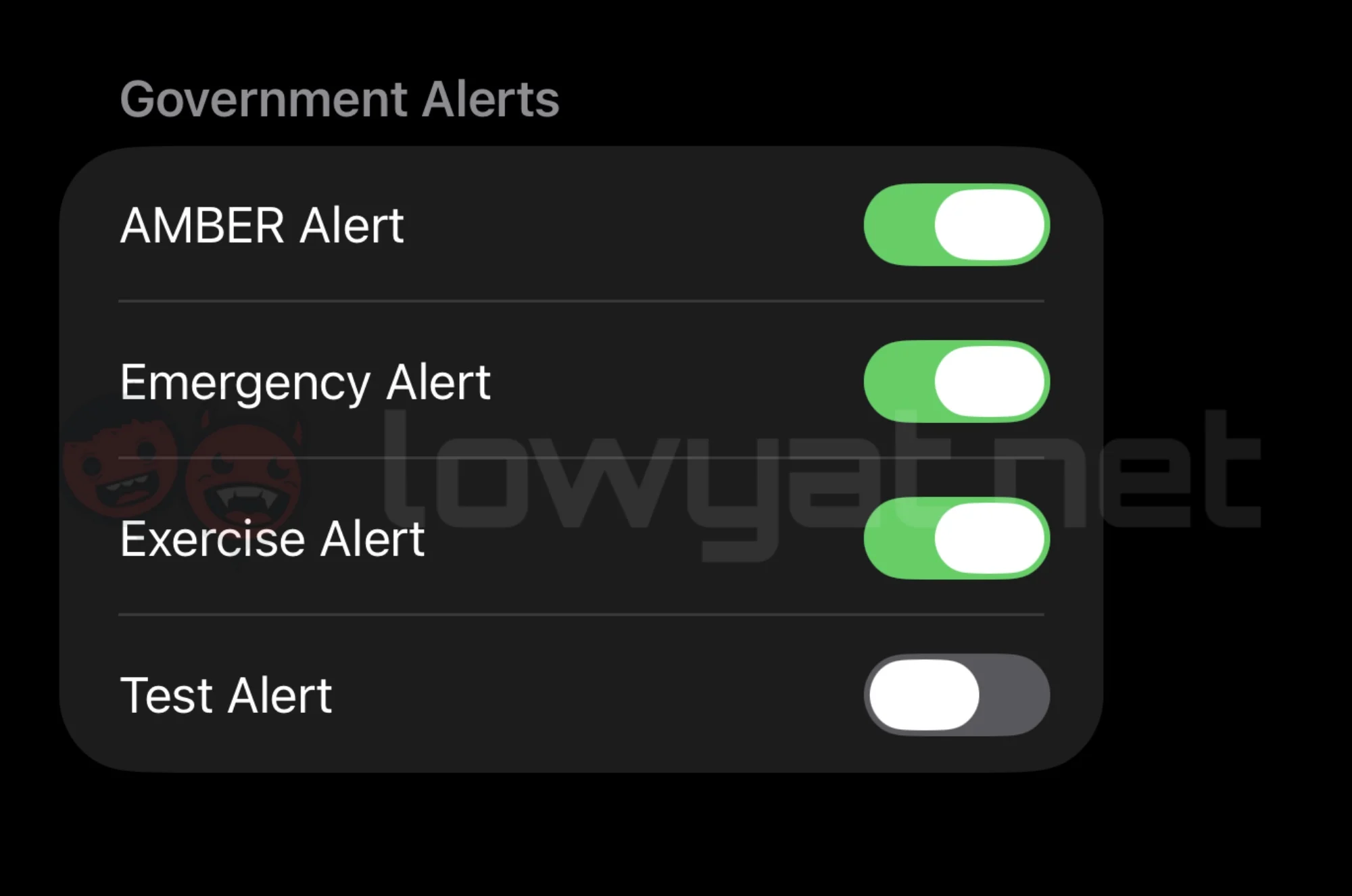
For Apple devices, the requirement is an iPhone 11 or newer running iOS 27.2 or later. To enable the notifications, go to Settings > Notifications and scroll all the way down to the Government Alerts section, where you can toggle on the available emergency alert options.
Android
For Android smartphones, head to Settings, followed by Safety & Emergency, and then Wireless Emergency Alerts. Samsung users can find the option under Settings > Notifications > Advanced Settings > Wireless Emergency Alerts instead. From there, make sure Allow Alerts, Extreme Threats, Severe Threats, and Public Safety Messages are enabled.
Huawei
Huawei users will need a device running EMUI 16 or later. Open Settings and search for Wireless Emergency Alerts, then make sure the available Extreme Threats, Severe Threats, and Public Safety Messages options are enabled.
Older Phones Will Still Receive SMS Alerts
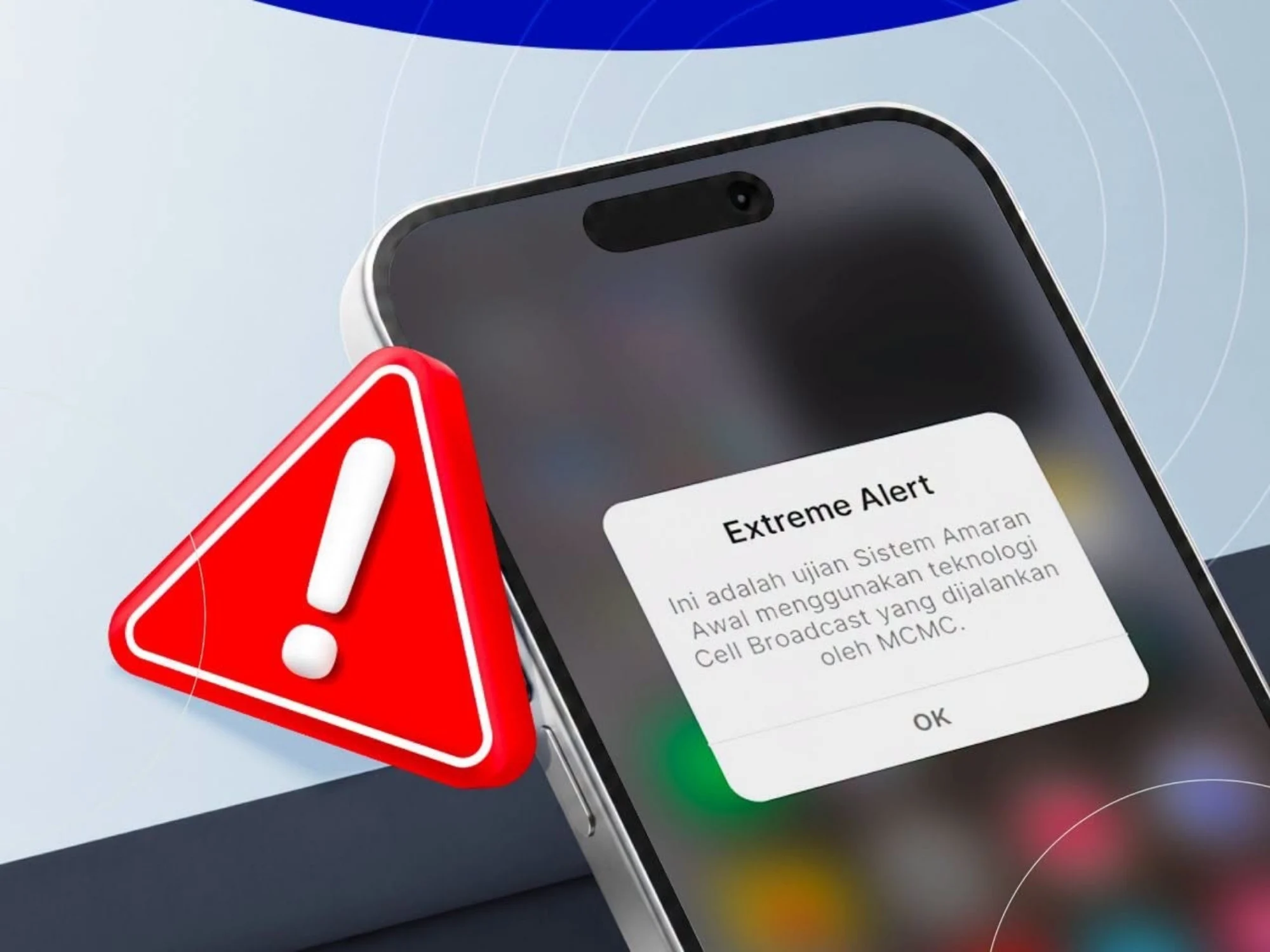
For those whose devices do not meet the minimum requirements, there’s no need to worry about being completely left out. As previously explained by Communications Minister Datuk Seri Fahmi Fadzil, the existing SMS-based disaster notification mechanism operated by the National Disaster Management Agency (NADMA) will continue to operate alongside MySiren.
In other words, the new system is intended to complement existing warning channels rather than replace them. This means users with older or incompatible phones can still receive emergency notifications through SMS, although they will not benefit from MySiren’s Cell Broadcast System (CBS) delivery mechanism.
Different Alert Categories
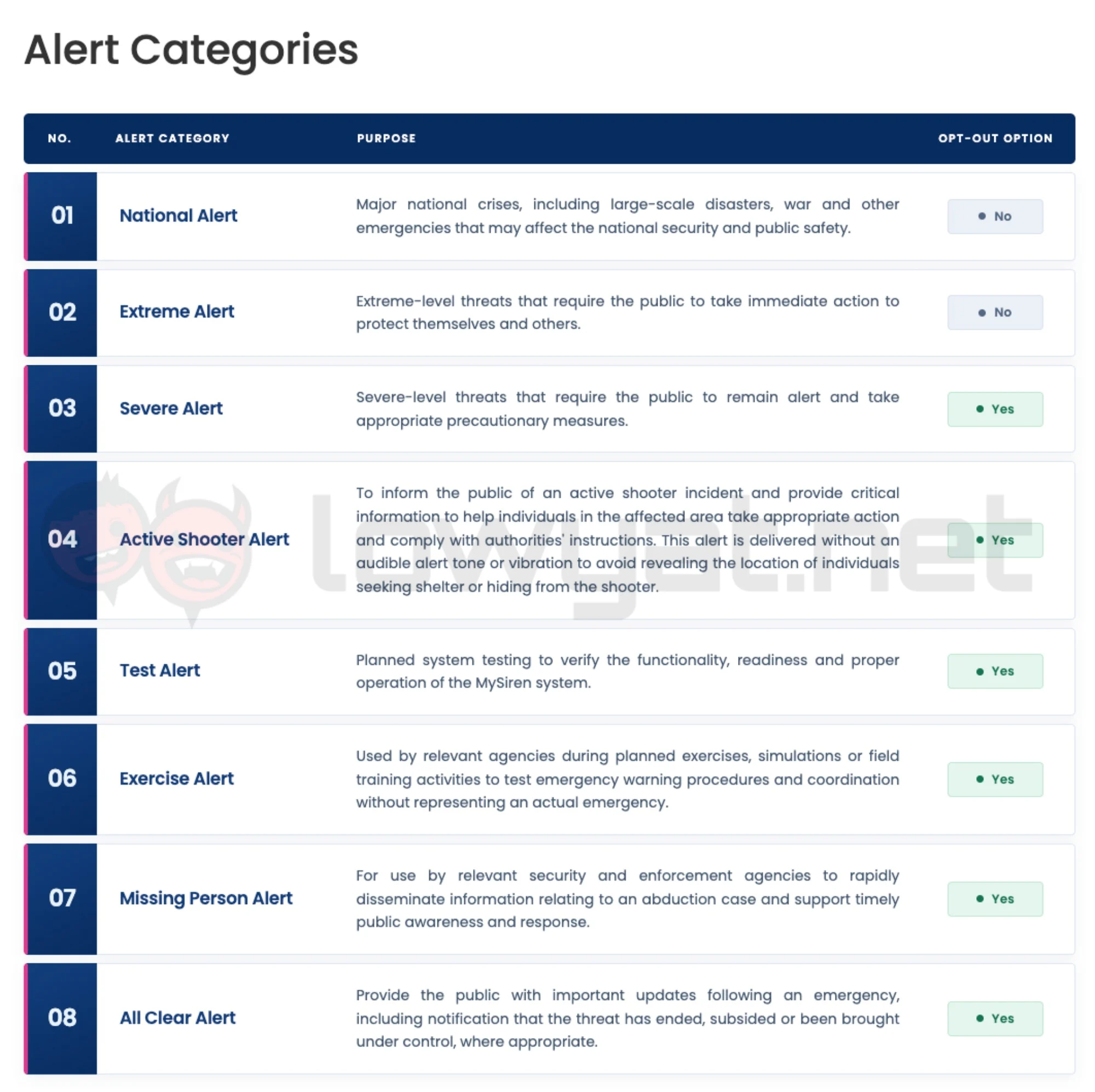
For those unfamiliar with the system, MySiren supports eight types of alerts: National Alert, Extreme Alert, Severe Alert, Active Shooter Alert, Test Alert, Exercise Alert, Missing Person Alert, and All Clear Alert. These cover everything from major national emergencies and situations requiring immediate public action to missing person cases, planned system tests, and notifications confirming that a threat has ended.
Of these, only National Alert and Extreme Alert are mandatory and cannot be disabled by users. The remaining six categories can be opted out of through the emergency alert settings on supported devices. Notably, Active Shooter Alerts are delivered without an audible tone or vibration, allowing people seeking shelter or hiding from an attacker to remain discreet.
Speaking of tones, it is unclear whether less critical alerts will be using a different audio cue. We’ve reached out to MCMC for clarification regarding this.
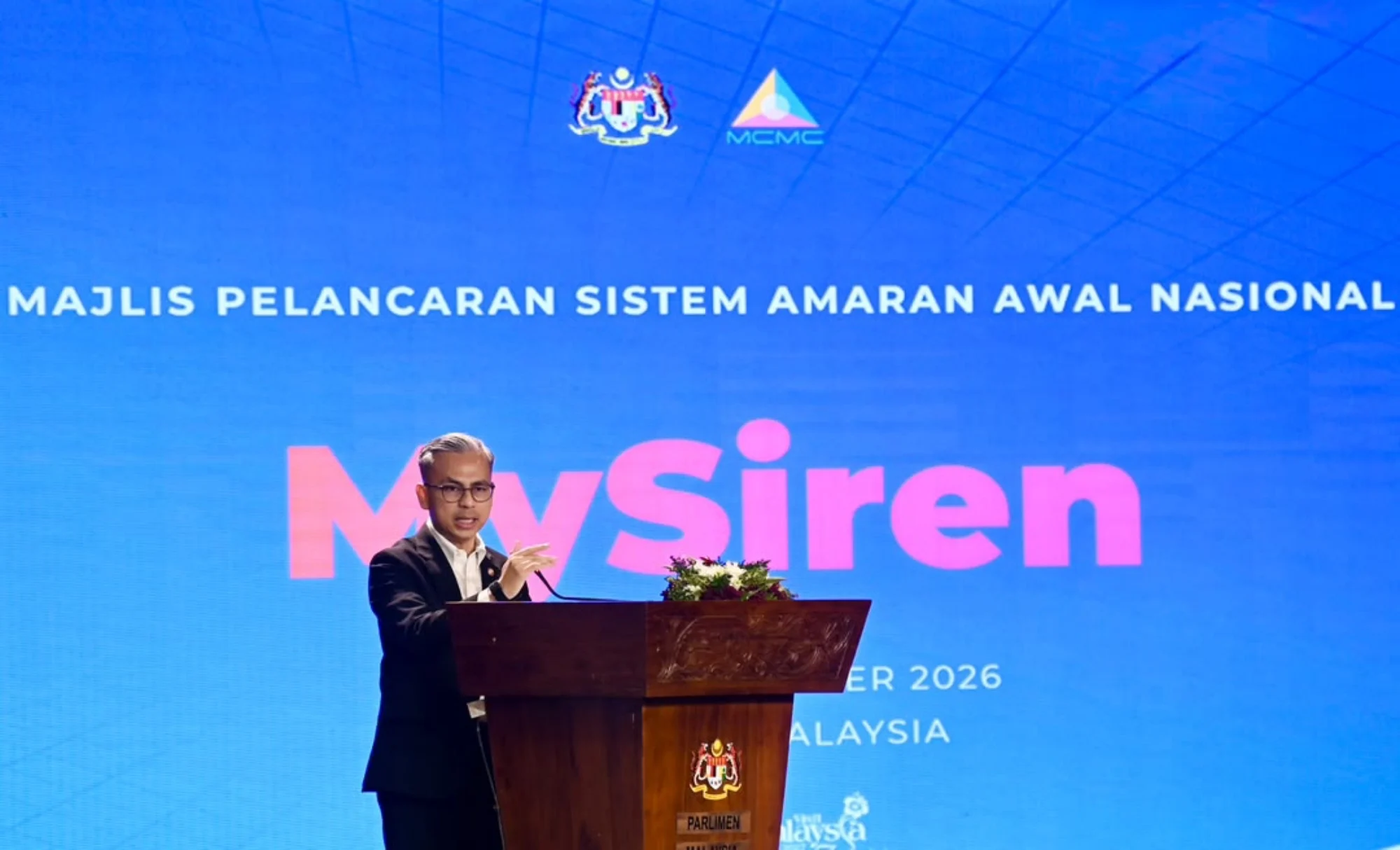
A Reminder On How MySiren Works
Finally, it is worth remembering that MySiren uses Cell Broadcast System (CBS) technology to send emergency notifications directly to compatible phones within designated geographical areas. Unlike conventional SMS, it does not require an application download, registration, or an active mobile data connection, nor does it need to identify individual recipients through their phone numbers.
More importantly, the system is geo-targeted, meaning that not every alert will necessarily be sent to everyone across the country. Depending on the nature and location of an incident, future notifications may only reach smartphones within specific affected areas in Malaysia. So, even if your phone remains quiet during an emergency elsewhere in the country, that does not necessarily mean MySiren is not working.
With that in mind, today’s nationwide exercise should serve as a useful reminder to make sure your smartphone is updated and its emergency alert settings are properly configured. Hopefully, the authorities will also take the opportunity to assess the results of today’s test, identify any shortcomings, and make the necessary improvements to ensure MySiren can serve its intended purpose effectively when a real emergency strikes.
