
Although Steam is available on macOS, Apple’s platform still has a considerably smaller selection of compatible games compared to Windows PCs. This is despite the company increasingly highlighting the gaming capabilities of its first-party silicon, with several recent Mac generations receiving hardware and software improvements aimed at gaming.
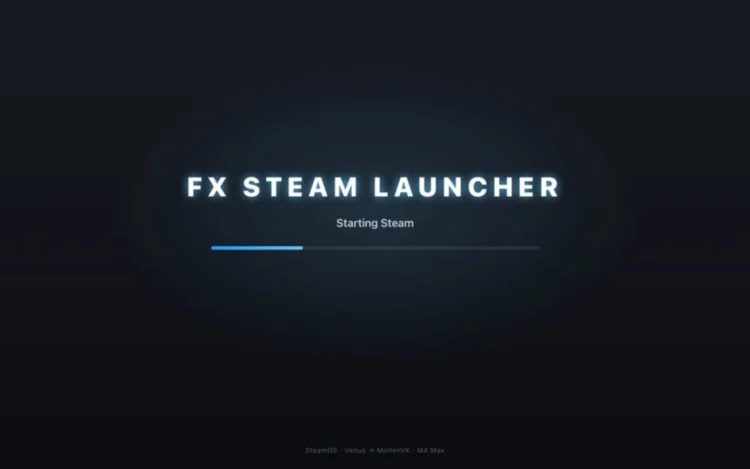
However, many popular PC titles remain unavailable on macOS. Some games also require users to purchase a separate copy through Apple’s App Store, even if they already own the same title on another platform. Fortunately, a new open-source project called FX Steam Launcher could help address this limitation by allowing Apple Silicon Mac users to run SteamOS and access some of their existing PC game libraries.
SteamOS Via A Virtual Machine
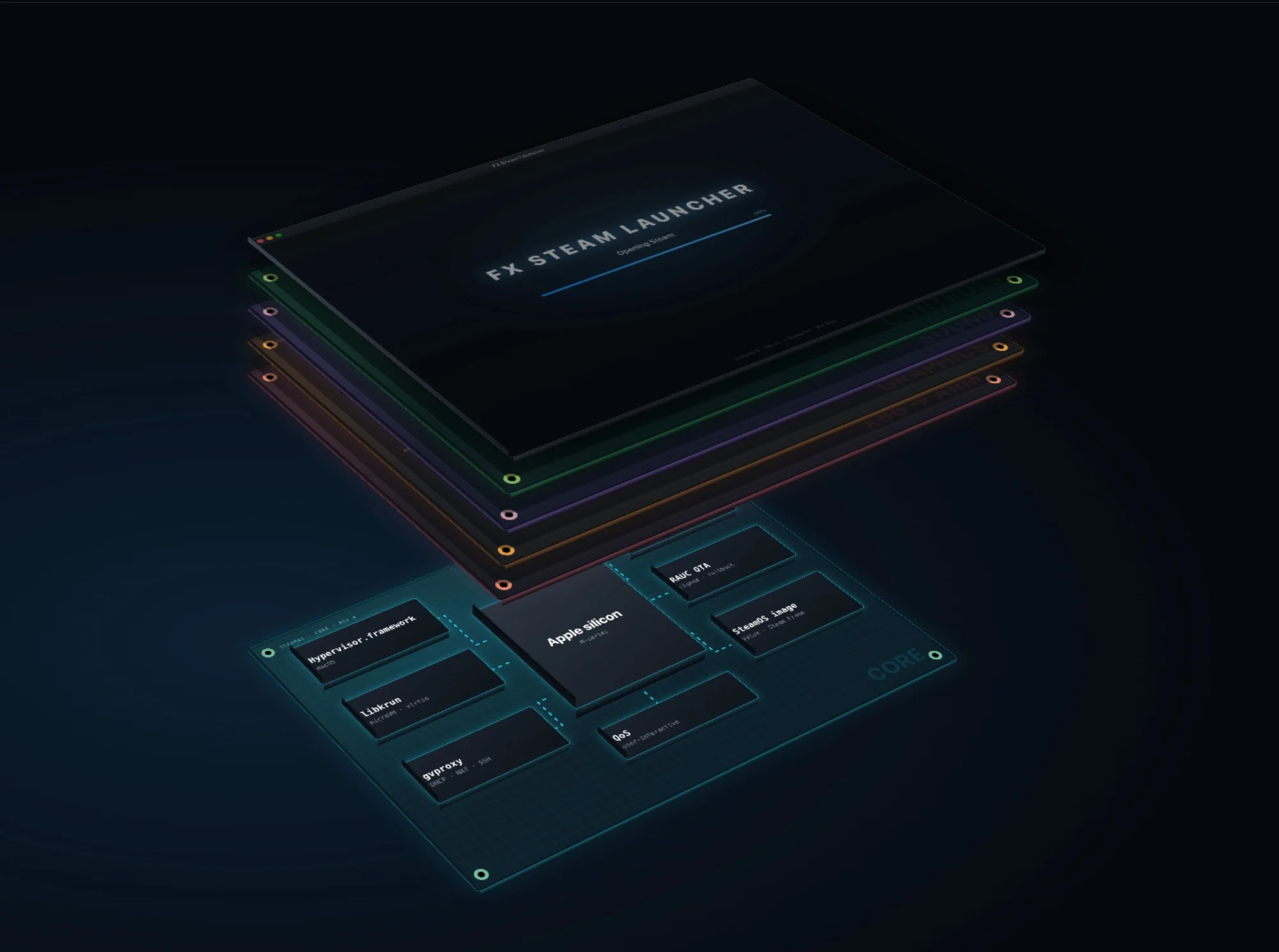
Developed by FXGL, FX Steam Launcher essentially runs an ARM-based version of Valve’s SteamOS inside a virtual machine (VM) on macOS. This allows users to launch the familiar Steam interface in a separate window or full-screen mode without having to replace or interfere with their Mac’s existing operating system.
The project also handles much of the technical work behind running Windows games on Apple’s hardware. It uses Proton to translate Windows game instructions, while another component called FEX converts x86 code into instructions that Apple Silicon can understand. Graphics are similarly translated to work with Apple’s Metal API, allowing games to make use of the Mac’s GPU rather than relying entirely on software rendering.
As for system requirements, FX Steam Launcher supports Apple Silicon Macs running macOS 15 or later, with approximately 20GB of free storage needed to create its virtual machine and download the necessary files. While it does support the original M1 generation, the developer recommends M4 chips and newer, particularly for more demanding or recent games. Having 32GB of unified memory is also recommended for heavier titles, as systems with only 16GB may encounter performance issues.
Some Games Can Already Run At Playable Frame Rates
Despite the additional layers of translation involved, FX Steam Launcher has demonstrated some promising results. According to its official website, the Stellar Blade Demo can run at 60 FPS at 1280 x 800 px on an M4 Max, while the same title has also been tested on an M1 Max, achieving around 29 FPS using the newer KosmicKrisp graphics driver.
Naturally, performance varies depending on the game and the Mac’s hardware. Some titles may also require additional time to compile shaders during their first launch, which can cause temporary stuttering before performance improves on subsequent sessions.
Not Every Game Is Supported
There are still several limitations to consider before turning your Mac into a makeshift gaming PC. For starters, games that rely on anti-cheat systems which block virtual machines will not work. The launcher also has limited DirectX 12 feature support, meaning certain newer games that require more advanced features or shader models may refuse to launch altogether.
Furthermore, not every game will run without graphical issues or performance hiccups. FX Steam Launcher is an ongoing project, with its developer regularly releasing updates to improve compatibility, fix bugs and introduce additional features.
Nevertheless, this is an interesting development for Mac users who already own a sizeable Steam library. While it is not quite a replacement for a dedicated gaming PC, being able to access some of those existing purchases without buying separate macOS versions is a pretty compelling proposition in itself.
(Source: FX Steam Launcher, via TweakTown)
