
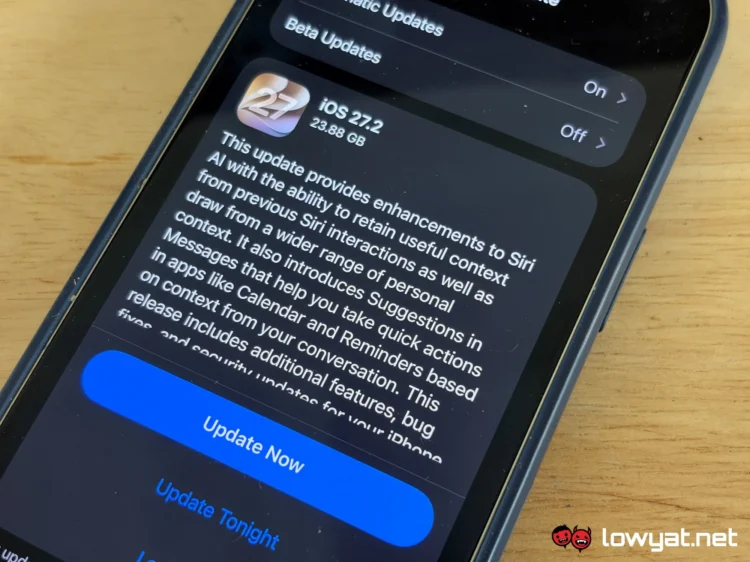
Apple has officially released iOS 27.2, bringing several new features and improvements to compatible iPhones. These include an updated Siri AI experience, a redesigned Apple Music app, changes to Messages and Podcasts, and Apple Pencil support for the iPhone Duo.
The biggest changes come to Siri AI, which can now retain context from previous interactions to provide more relevant responses. It can also suggest actions in iMessage based on conversations, helping users quickly perform tasks in apps such as Calendar and Reminders.
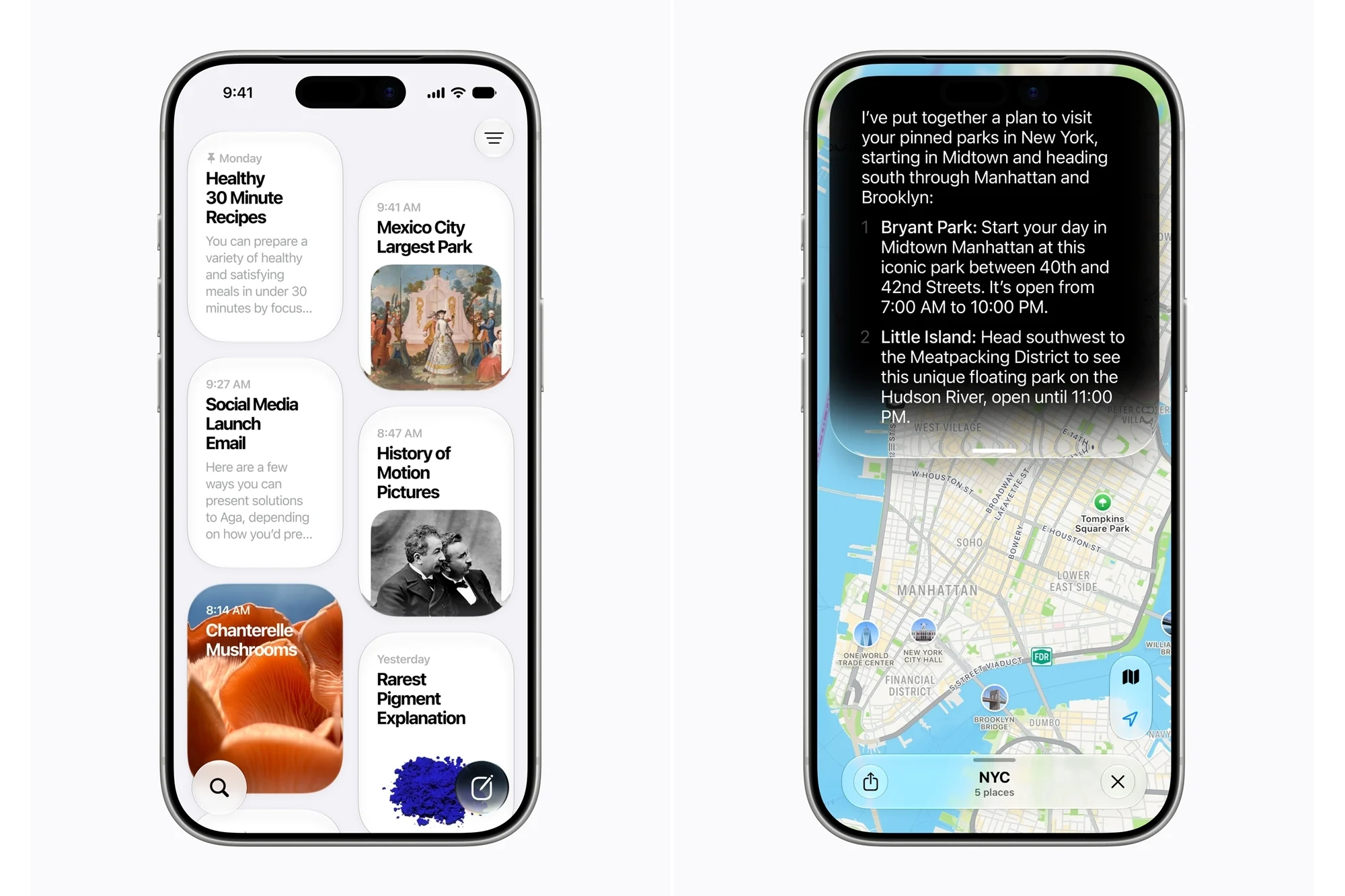
Siri AI is also expanding its language support, with French, Japanese, Korean, Portuguese and Spanish joining the list. However, the feature remains unavailable in the European Union (EU). These Siri AI improvements are available on the iPhone 16 series and newer models, as well as the iPhone 15 Pro and iPhone 15 Pro Max.
Apple Music also receives a visual refresh, including a redesigned app icon. Meanwhile, FaceTime now supports adding a third-party sign language interpreter or live captions to calls, making conversations more accessible. Another addition is support for SynthID watermark detection, which helps users identify images that have been generated or modified using AI.

iPhone Duo Gets New Features
The iPhone Duo receives two features with iOS 27.2 that are not available on other iPhone models. The first is EdgeLight, which was previously limited to larger MacBook displays. When making a video call in a dim environment, the feature produces a ring of light around the display to brighten the user’s face.
The other addition is Apple Pencil support, specifically for the USB-C version of the stylus. This gives iPhone Duo users another way to interact with the device’s larger display.

Fixes For More Than 160 Security Vulnerabilities
Apart from the new features, iOS 27.2 and the simultaneously released iPadOS 27.2 address more than 160 security vulnerabilities, making the update worth installing as soon as possible.
Among the issues fixed are an Apple Intelligence vulnerability that could allow a remote attacker to access sensitive data and a Hide My Email bug that could expose a user’s real email address. Apple has also addressed more than 30 WebKit vulnerabilities and approximately 15 kernel-related bugs.
Apple has not indicated that any of these flaws are being actively exploited. However, with details of the vulnerabilities now available, devices that remain unpatched could face increased security risks.

How To Download And Install iOS 27.2
This appears to be a substantial update, with the download weighing in at over 20GB on our devices. As such, downloading and installing it may take a while, so it is recommended that you use a Wi-Fi connection rather than mobile data.
Unlike iOS 27.1, which had more limited device support, iOS 27.2 is available for all iPhones compatible with iOS 27. This includes the iPhone 11 series and newer models, covering devices released from 2019 onwards. The second- and third-generation iPhone SE models are also supported, alongside the latest iPhone 18 Pro, iPhone 18 Pro Max and iPhone Duo.
To install the update, open Settings on your iPhone, select General, then tap Software Update. From there, choose Download and Install and follow the on-screen instructions to complete the process.
(Additional source: Apple [official website])
