
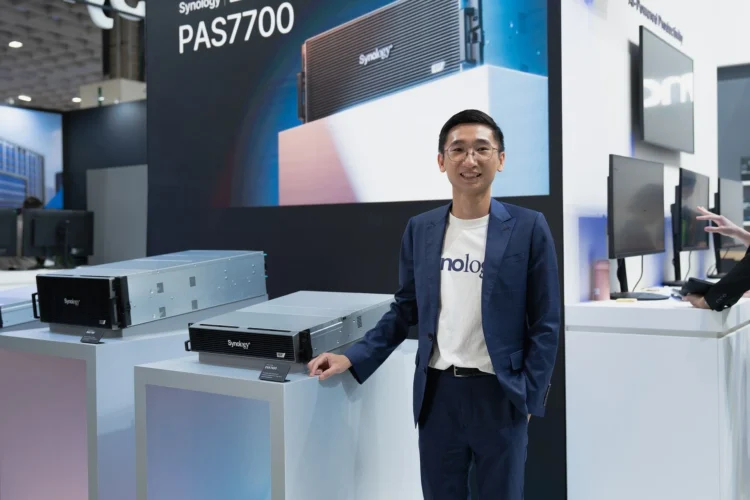
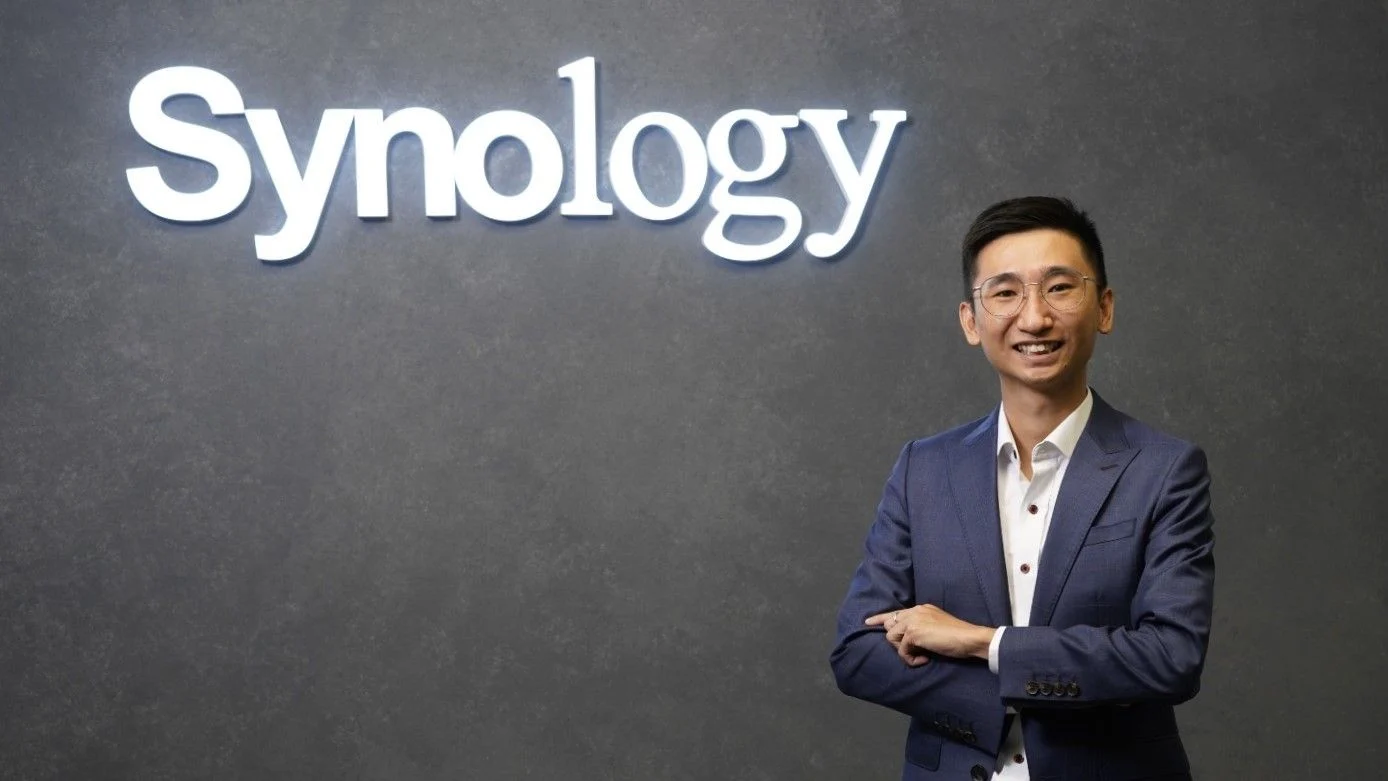
Earlier this month, Synology made a handful of announcements at during Computex 2026, and that sort of gave us an idea of what it plans to do for the future. But to get a clearer idea, we sat down with Jason Sin, Country Manager for Synology Malaysia, to chat and learn more about the brand and what it is offering to the masses.
What Is Synology’s direction by the release of the new products?
Since last year, we’ve been planning on enterprise market. This year, we’re releasing products and backup solutions for said market.
With AI being at the forefront, is Synology also planning on engaging with said market?
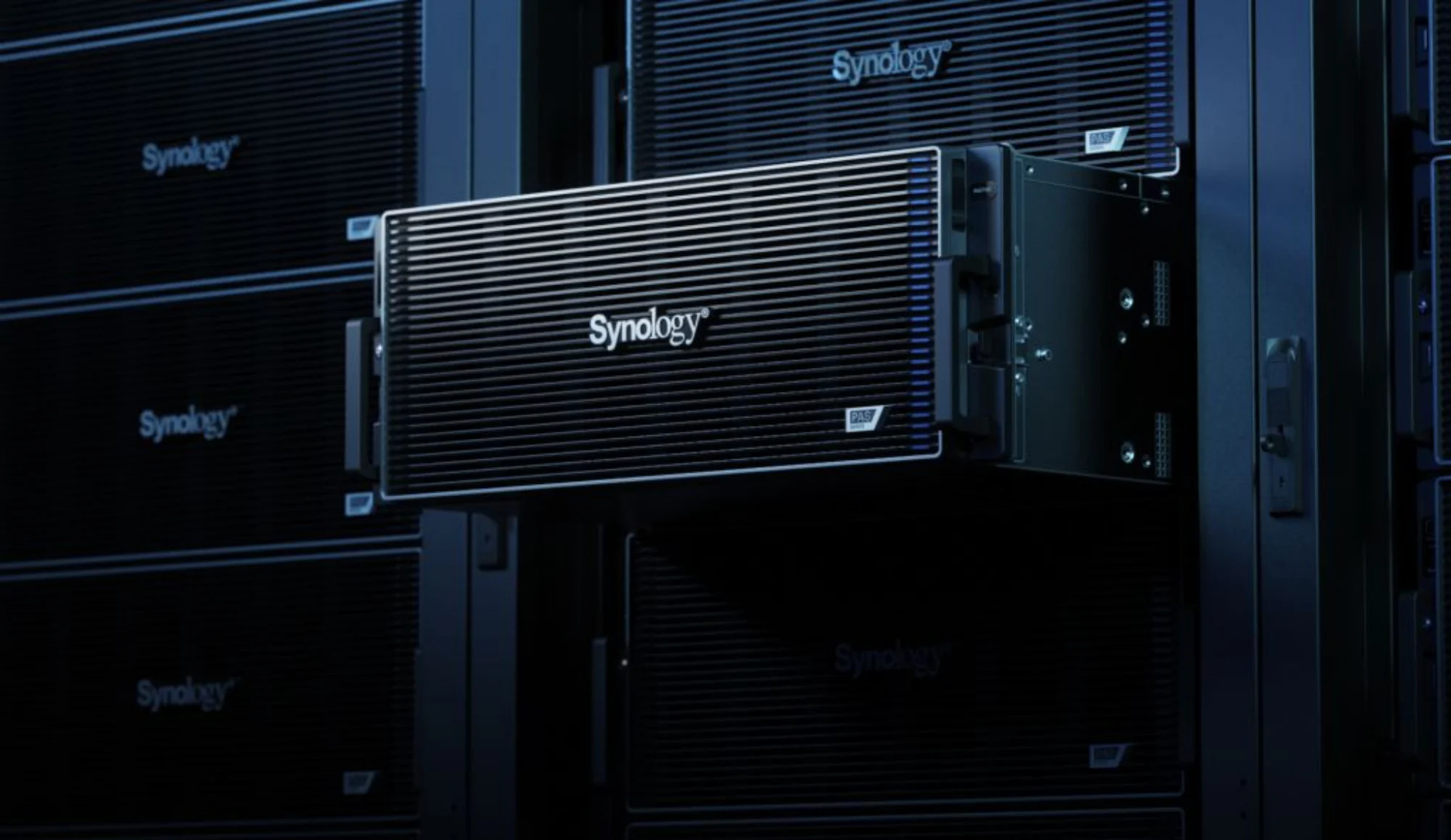
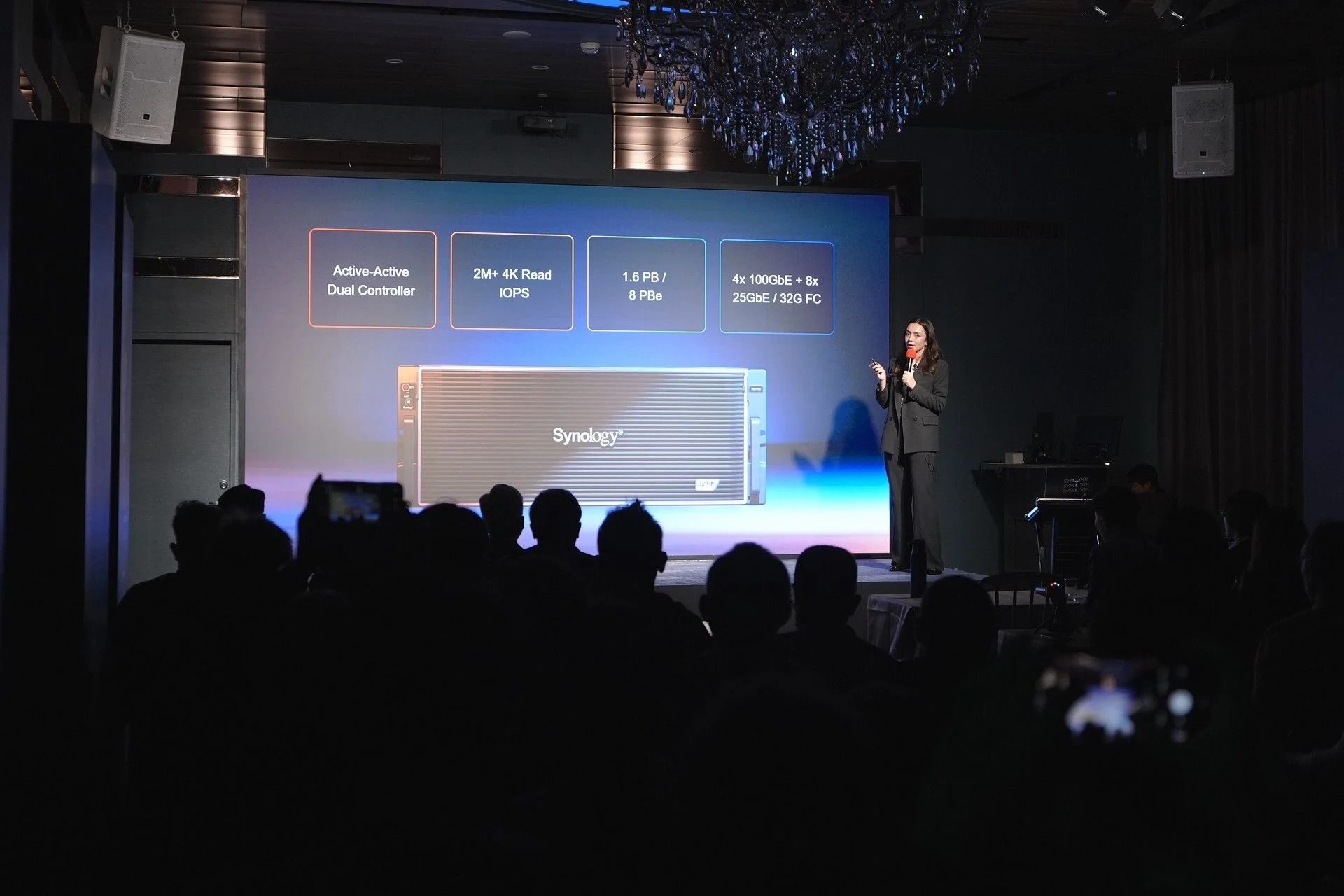
Absolutely, and that’s one of the reason we released the PAS7700. It’s high performance, With AI, you’re going to need a lot of TOPs, high network speeds, the works. That’s why we have the PAS7700.
We also have other AI solutions and integrations. We can do ChatGPT integration, for example, to help boost a company’s business productivity.
Are there any Malaysian companies that have started using the PAS7700?

Not at the moment. Officially, we’ve just released this product.
With prices for memory on the rise, is Synology doing anything for businesses in reducing that cost or provide some cost-effective solution to offset it?
There is definitely an impact, but we’ve also encountered a stock shortage, in addition to the rising prices. Simply put, you can’t sell products that you don’t have, even if the price is high.
For us, I can say that we have done well in inventory control: we’re making sure that our products are being used in “projects”, and not just for the sake of being stockpiled. Some individuals do this, and we’re doing our best to mitigate this situation, and minimise scalping.
On that note, I’ll share a bit: we’ve received weird requests from potential customers before, asking for 1,000 of our devices, but they can’t even tell us who their end users and how they intend to use it — clearly, a case of hoarding, stockpiling, and scalping.
Besides the physical hardware, what makes Synology’s products enticing?
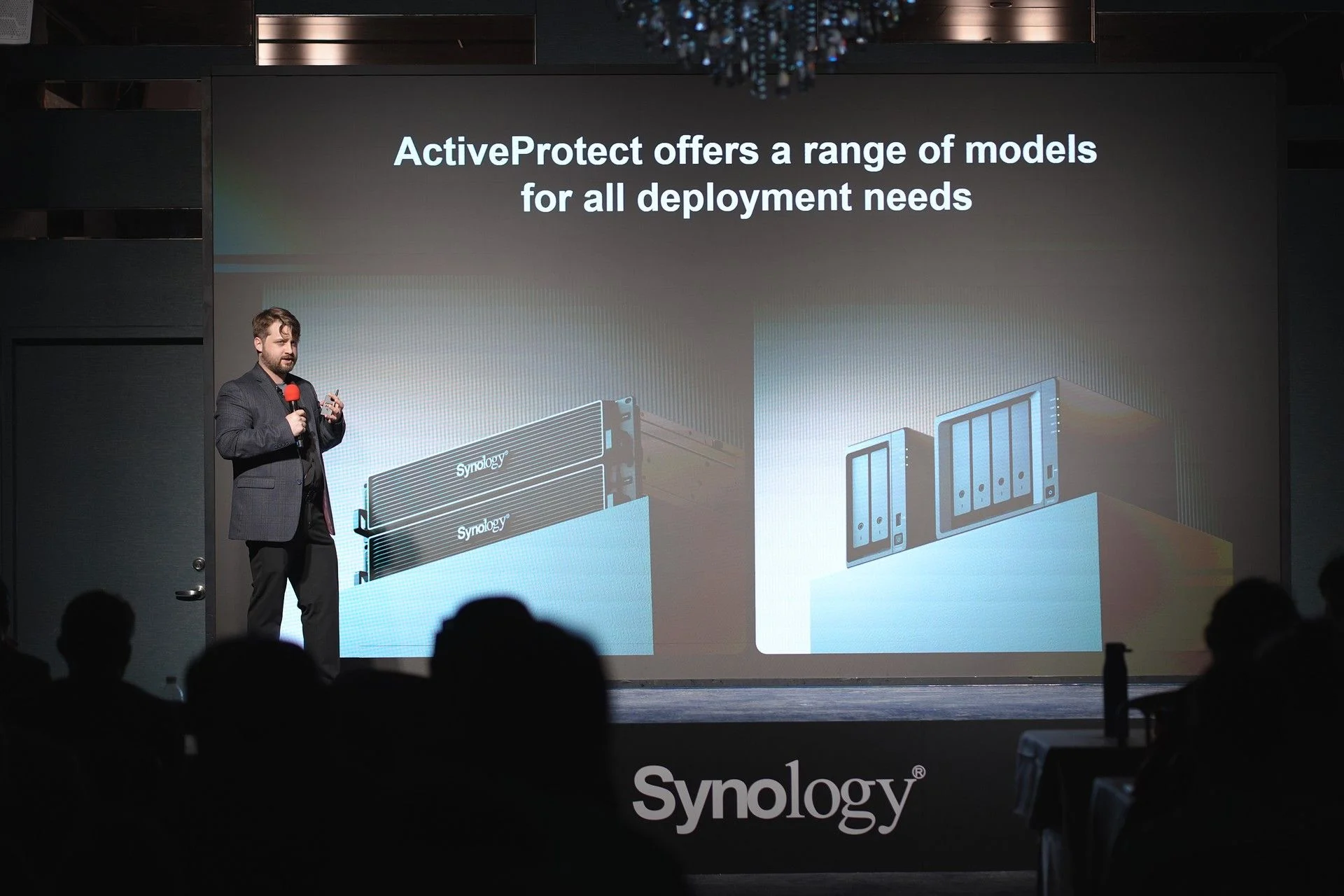
So, on the service and features side, we’ve got two technologies: Deduplication and Data Tiering.
Deduplication is more or less self-explanatory: imagine backing up 100 laptops and they have similar files being saved to our storage. It’s a waste of space, especially when they are identical. Deduplication basically keeps one file of each in our system, instead of multiple copies.
The second is data tiering. Again, purchasing SSDs and HDDs are expensive, and depending on the importance of your data, you’re not going to want to store non-sensitive and small-sized data in the SSD. Our tiering software will auto-tier your data, automatically moving data from SSD to HDD, and vice versa.
Of course, you can set the tiering policy via software; days, weeks, months. After that time, the software will just move out the data from SSDs to HDDs. Oh, and this technology is also applicable on our consumer desktop Plus series. The only requirement for this is that you update DSM to the latest version.
Any other updates coming on the software side?
On the commercial side, we are going to introduce integration for malware detection, either with third-parties or by ourselves, we’ve not decided yet. At current, we can only back up, but we can’t detect if said back ups are infected with malware.
With this, we can effectively scan the data and ensure that they are clean. Again, it’s an upcoming feature, with a rollout possibly happening over the next handful of updates.
What are your thoughts of increasing demand for storage backup in Malaysia?
Honestly, I find that the awareness for data backup has grown. There is no doubt that it has grown, even among SMBs who are looking for “immutable” and airgap backups.
The reservations before were the same: why should I get a back up storage? They say that they’ve never been a victim of ransomware, and getting backup storage doesn’t generate any ROI.
Immutables is data that is essentially placed under a protection period where hackers, superadmins, or even Synology are not allowed to access said backup data. Only you. It not only protects from external threats, but also internal threats.
On that last note: imagine a disgruntled employee has just been laid off, and they were working as a superadmin in your IT department. In a final act of spite, that employee deletes all of the company’s data, costing the company money. This is where the immutable feature would come in handy.
The second product we’re offering is airgap storage. Think of it as a second layer to your backup, whereby it isolates your storage location from the whole network. Usually, airgap storage is applied to remote location scenarios, if something happens to the main storage location. This is part of our 3+2+1+1+0 standard: three copies of data, in two different medias, with one copy off-site, with one immutable and airgap, with zero errors.
What’s next in the context of AI?
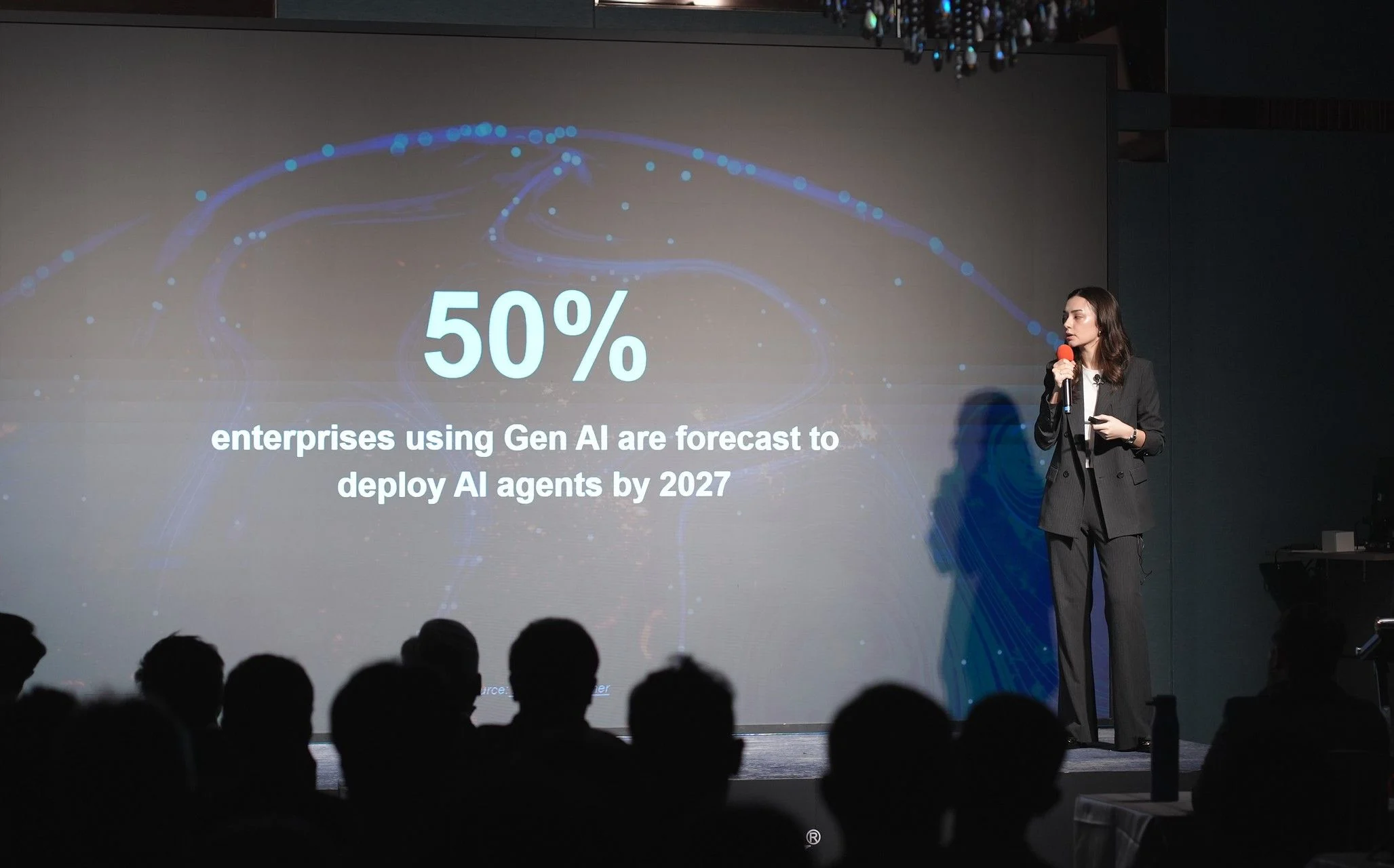
So, as of right now, we’re working hard to release a feature called Deep Search. This would allow you to apply your GPU in your NAS storage, allowing users to perform something called “schematic search”. As an example, you’re looking for a photo inside your database, and all you need to do is type in prompts: it could be the name of the photo, or a particular subject in the feature, and it’ll find it. Basically, using very human questions to comb through data, but again, it’ll all be GPU-dependent. And of course, enterprise-grade data protection.
