
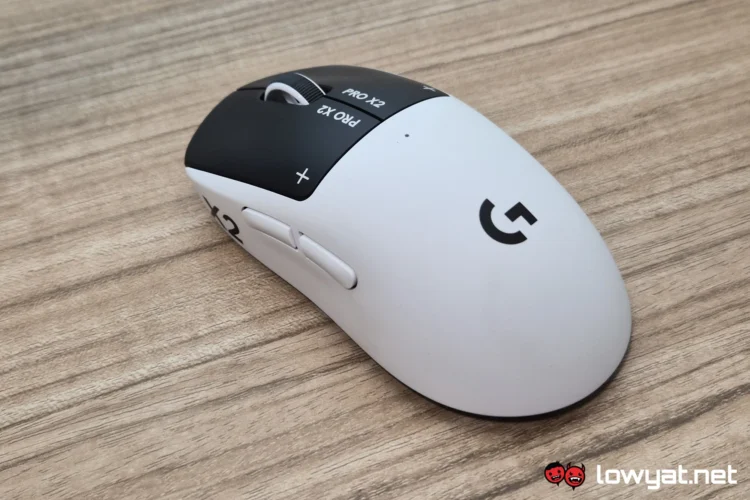
The Logitech Pro X2 Superstrike was first revealed back in September of 2025. At the time though, the company said it will only be available in markets within Q1 of this year. Sure enough, its local launch happened just around the middle of last month.
If you’ve been following the mouse’s journey, you’ll know that what makes the Superstrike special is its unconventional approach to the otherwise mundane mechanism of a mouse click. It is, in my mind, fair to compare this to reinventing the wheel. But has it done so successfully? And was it worth all that trouble? Let’s find out.
What Am I Looking At?
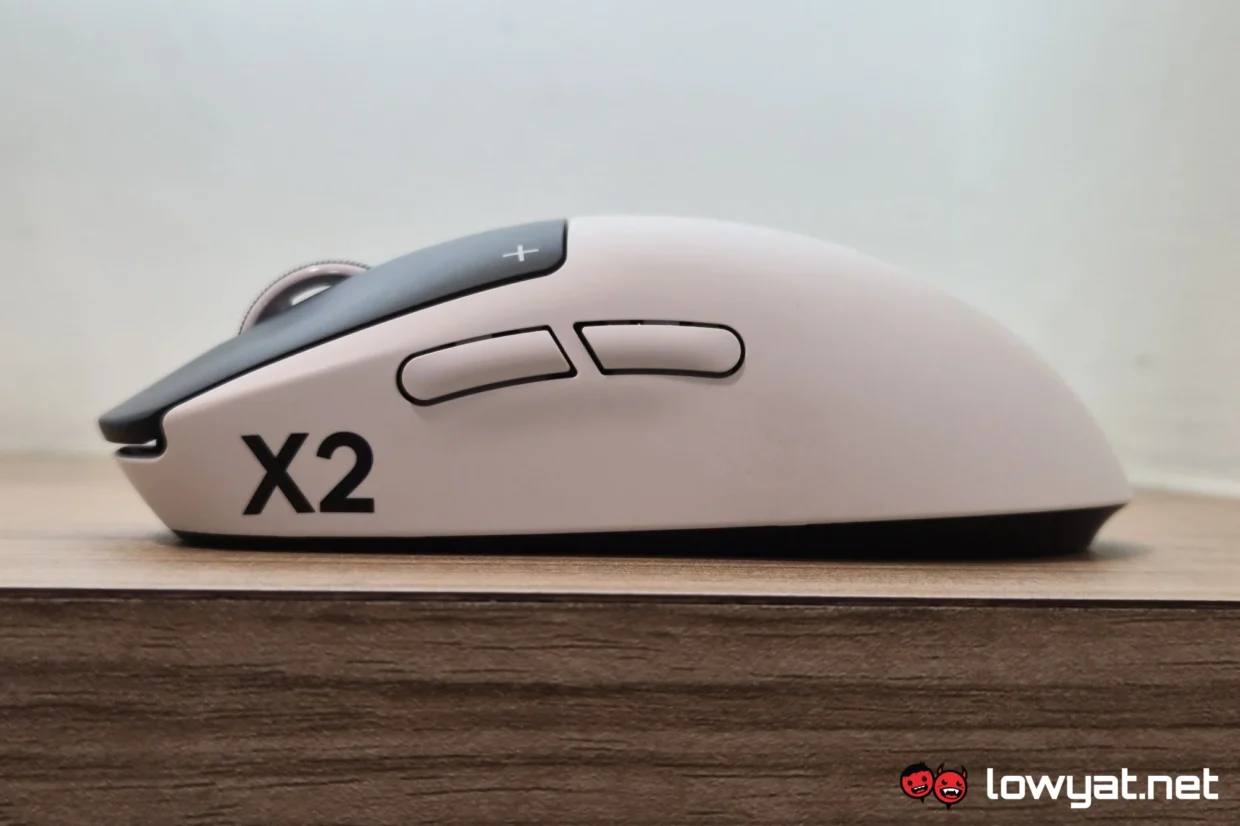
Rather than using mechanical switches, Logitech has given the Superstrike magnetic, analogue input instead. At least, this is the case for the two main buttons anyway. This means that, when you press on those buttons when the mouse is turned off, you get absolutely no physical feedback whatsoever. To make up for this, when the mouse is powered on, you get haptic feedback to make up for it.
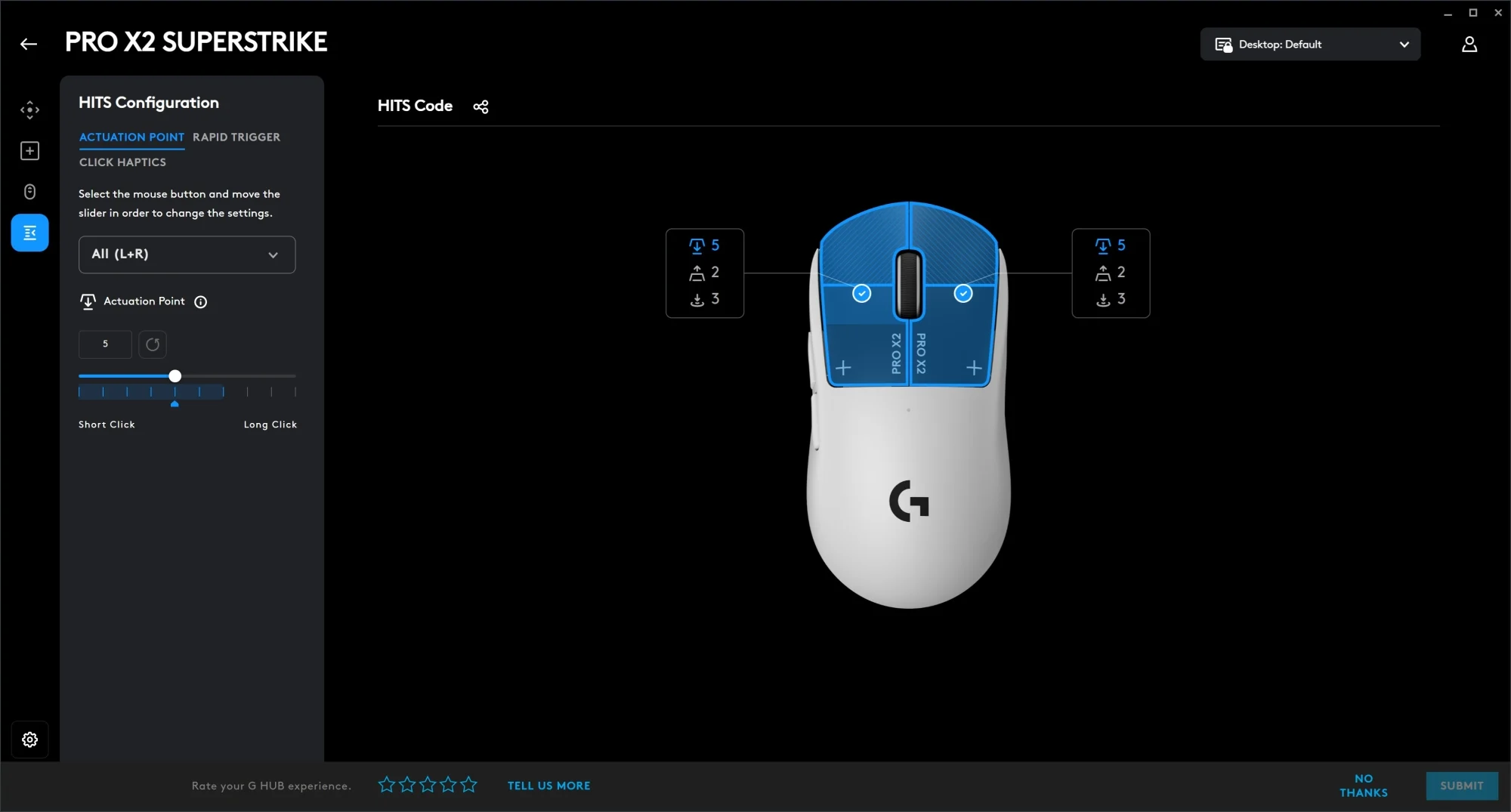
Making use of analogue input confers a few other benefits to the Logitech Pro X2 Superstrike. For one, you can set your own custom actuation point. If for whatever reason you feel that the “click” registers too early or too late, you can set the actuation point earlier or later in its travel distance. In the same vein are the rapid triggers. This means that you don’t have to fully depress the button before the next one registers. The amount you do need to depress, this too you can set to your preference.
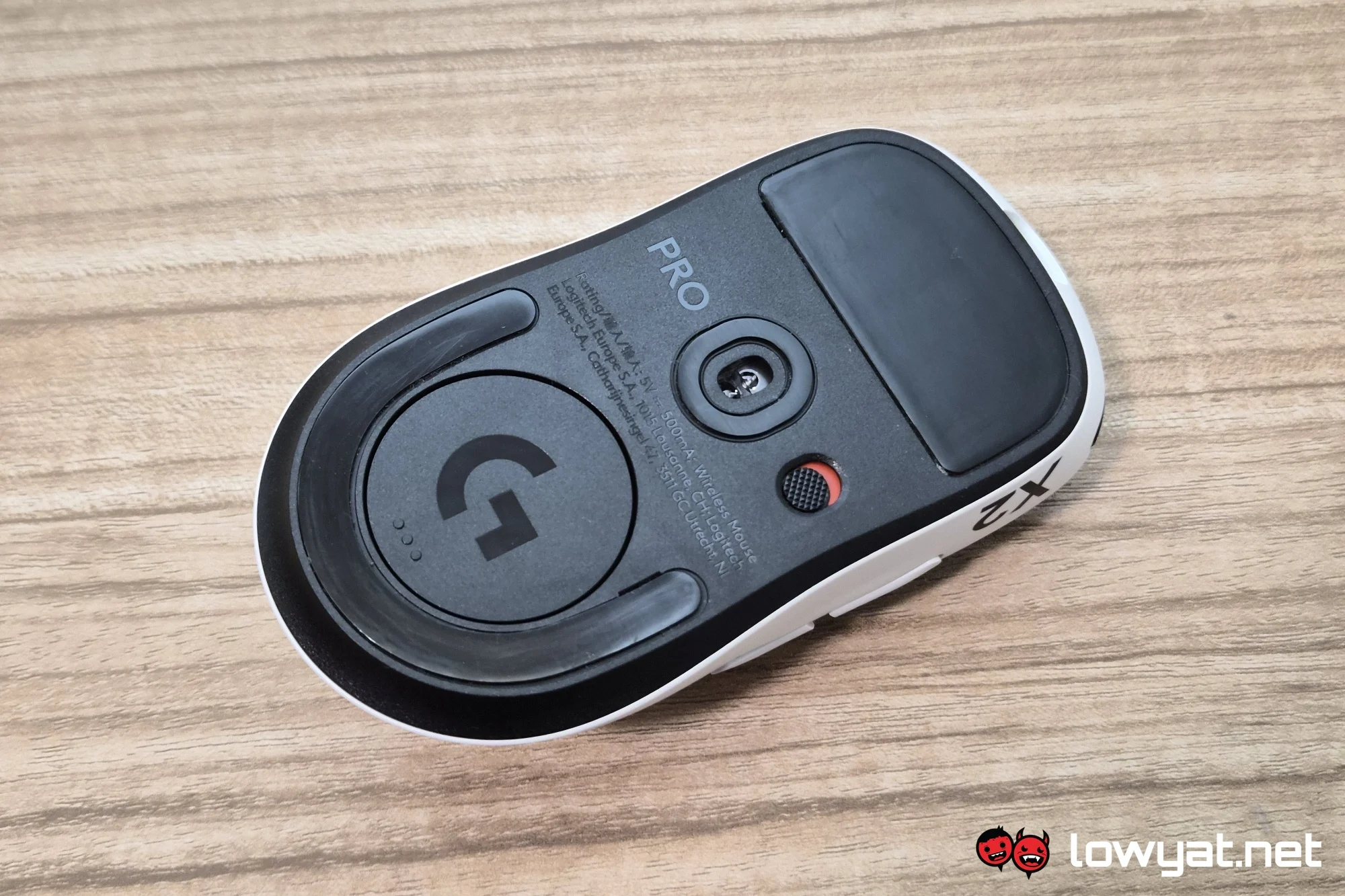
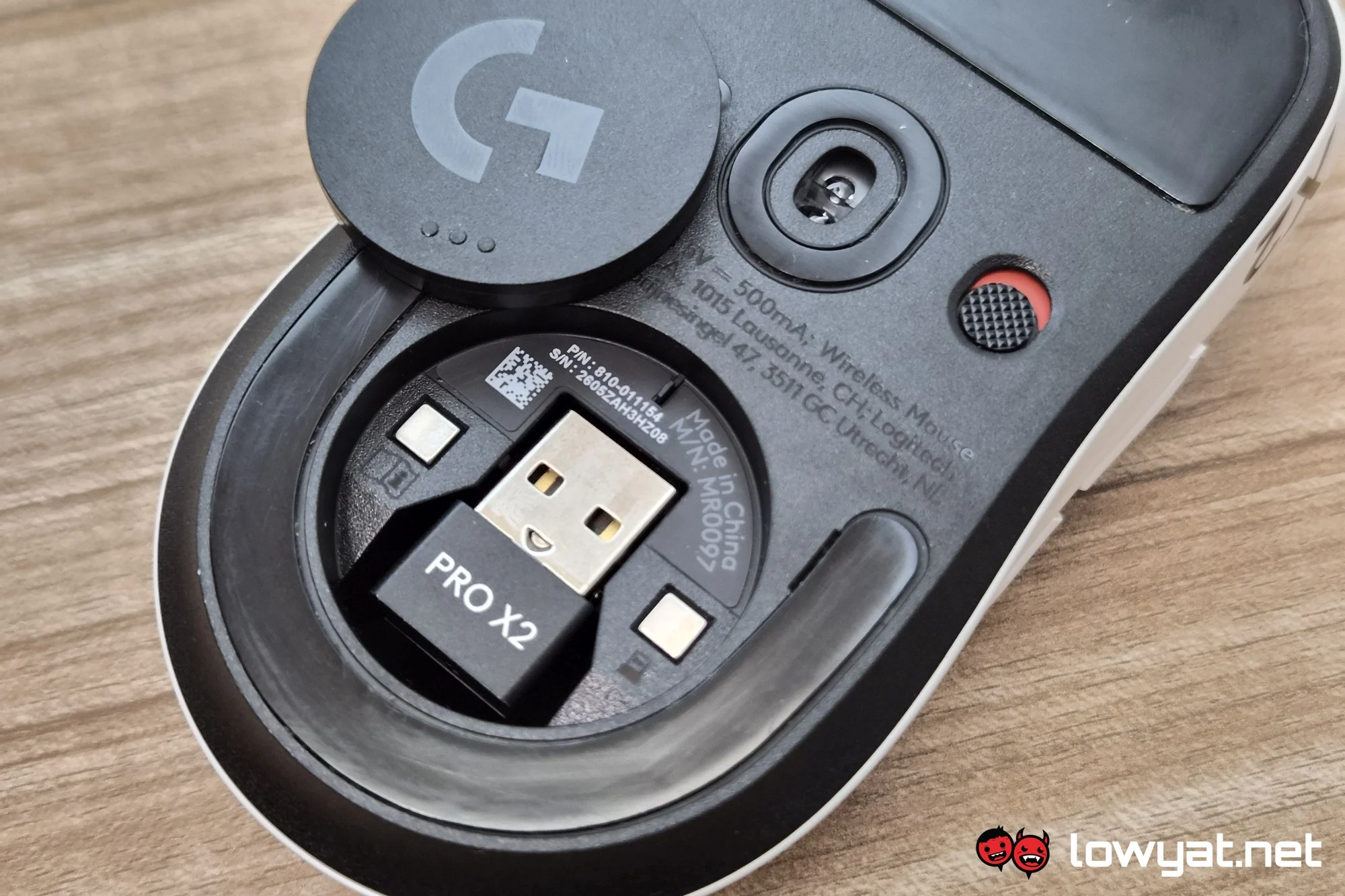
Made for the esports athlete or aspirant, Logitech has made the Superstrike pretty light, weighing in at 65g. Other esports bells and whistles include a maximum of 8 kHz polling rate if you feel so inclined, up to 44,000 DPI or 888 IPS thanks to its HERO 2 sensor, and a battery life of up to 90 hours of wireless use. Overall, analogue input aside, pretty standard for a gaming mouse.
What’s Good About It?
With the nature of analogue input for the two primary buttons on the Logitech Pro X2 Superstrike, you can probably count on them being very long-lived. Not engaging with mechanical moving parts there means that it is extremely unlikely to experience that which plagues all other mice. Which is clicks either not registering or doing so multiple times, or even without your input at times. Chances are you’ll even get bored of it before that happens. Or, if you hold on to it for as long as possible, you may even run into battery issues first.
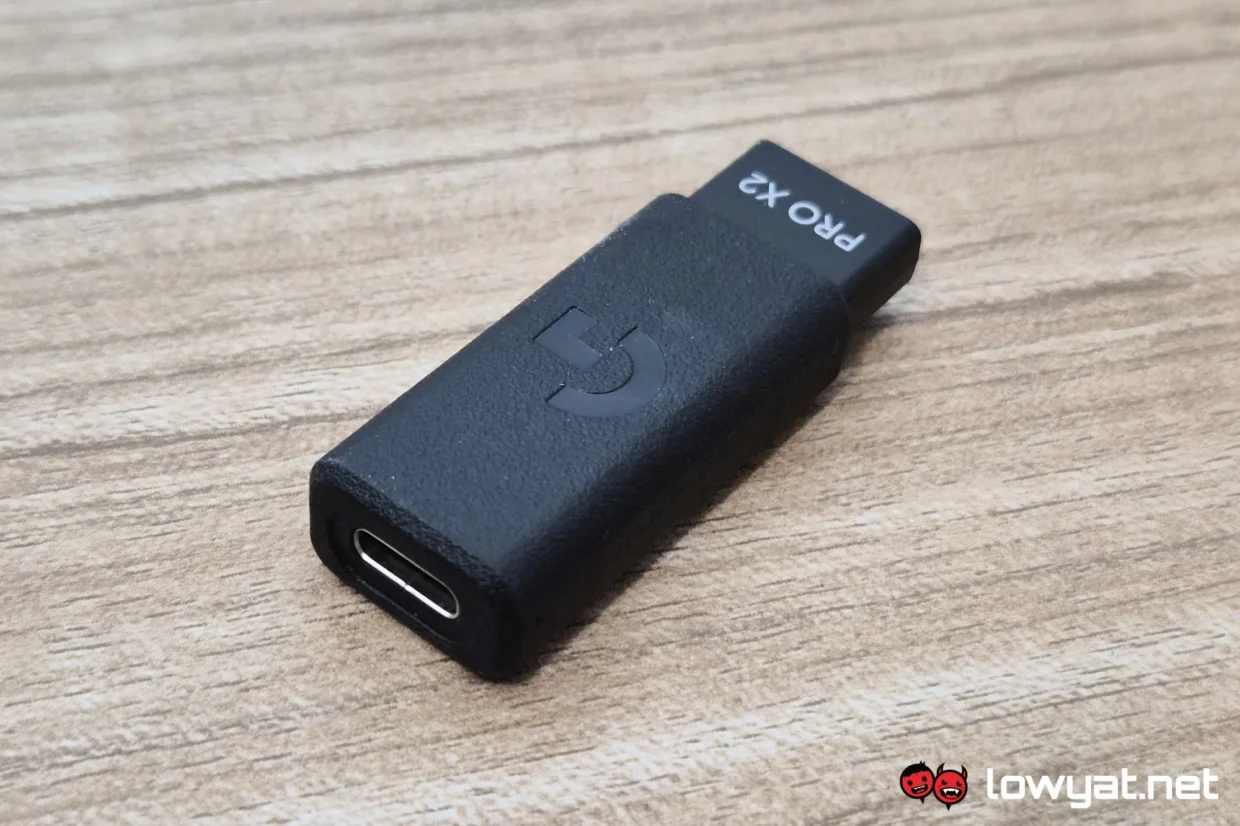
All the other benefits of analogue input mentioned above also means you can personalise the Superstrike to your liking. Rather than having to adapt to the average mouse’s actuation point, that’s something you decide. That said, the main two buttons on the Superstrike don’t have much in the way of travel distance anyway, but it’s always better to have options than not.
Similarly, I myself have not experienced a scenario where I actively benefitted from the rapid triggers. The aforementioned shallow travel distance meant that it didn’t take long to fully depress the mouse button before pressing it again. And in shooters, semi-auto guns also don’t usually have the fire rate to necessitate that degree of rapid triggers. It’s a similar story with MOBAs for the most part, but I guess you can argue that the right click benefits immensely from this. On the other hand, I can imagine skilled RTS players with astronomical APM count could benefit from this.
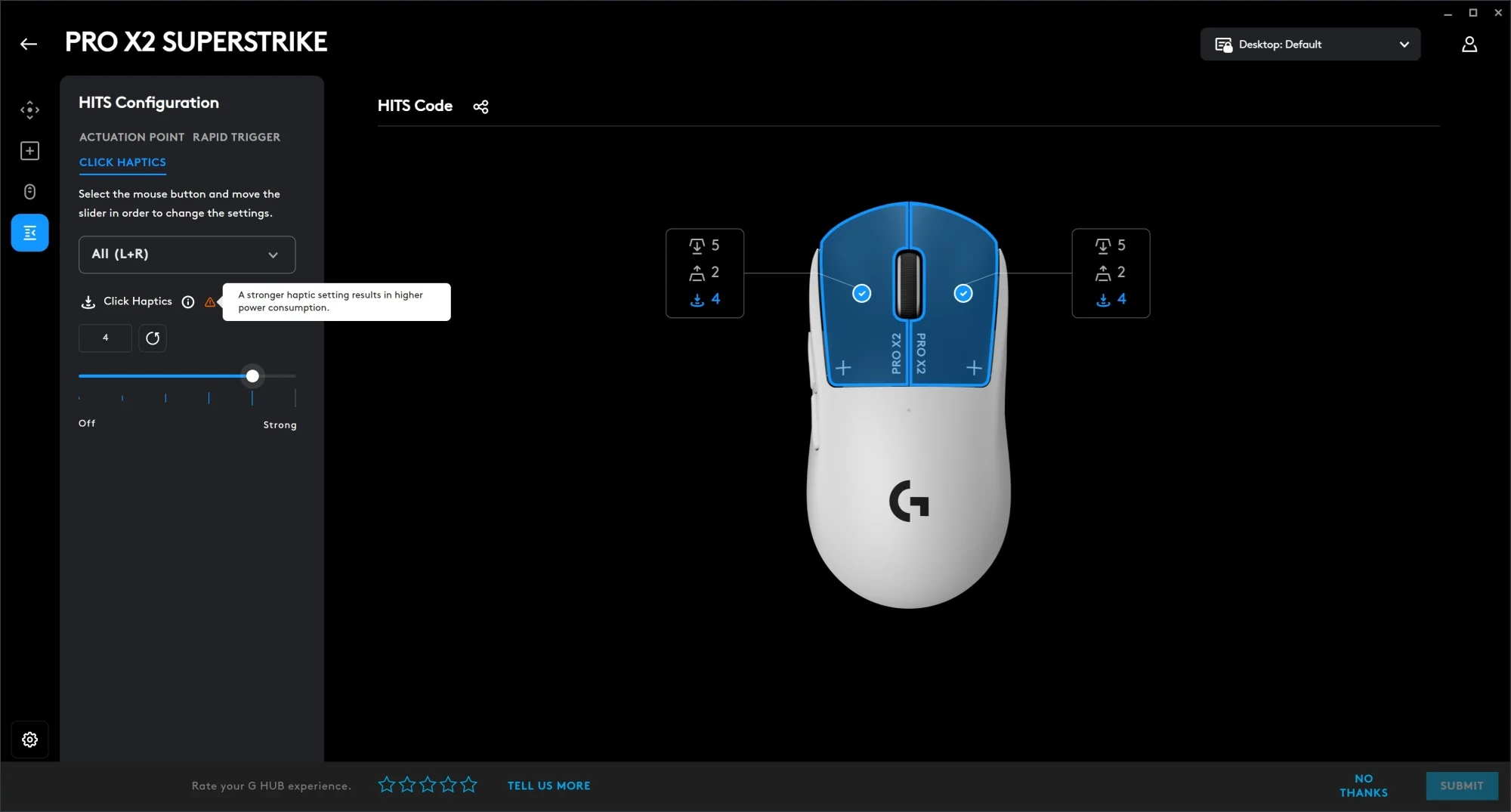
Finally, there’s just something about the novelty of haptic feedback that makes the Superstrike very fun to use. This is something that would wear off over time, but otherwise, it’s still a pretty solid mouse. And in all honesty, I don’t have enough gaming hours in a week to test the 90-hour battery life claim, having had it for only slightly under a month.
What’s The Catch?
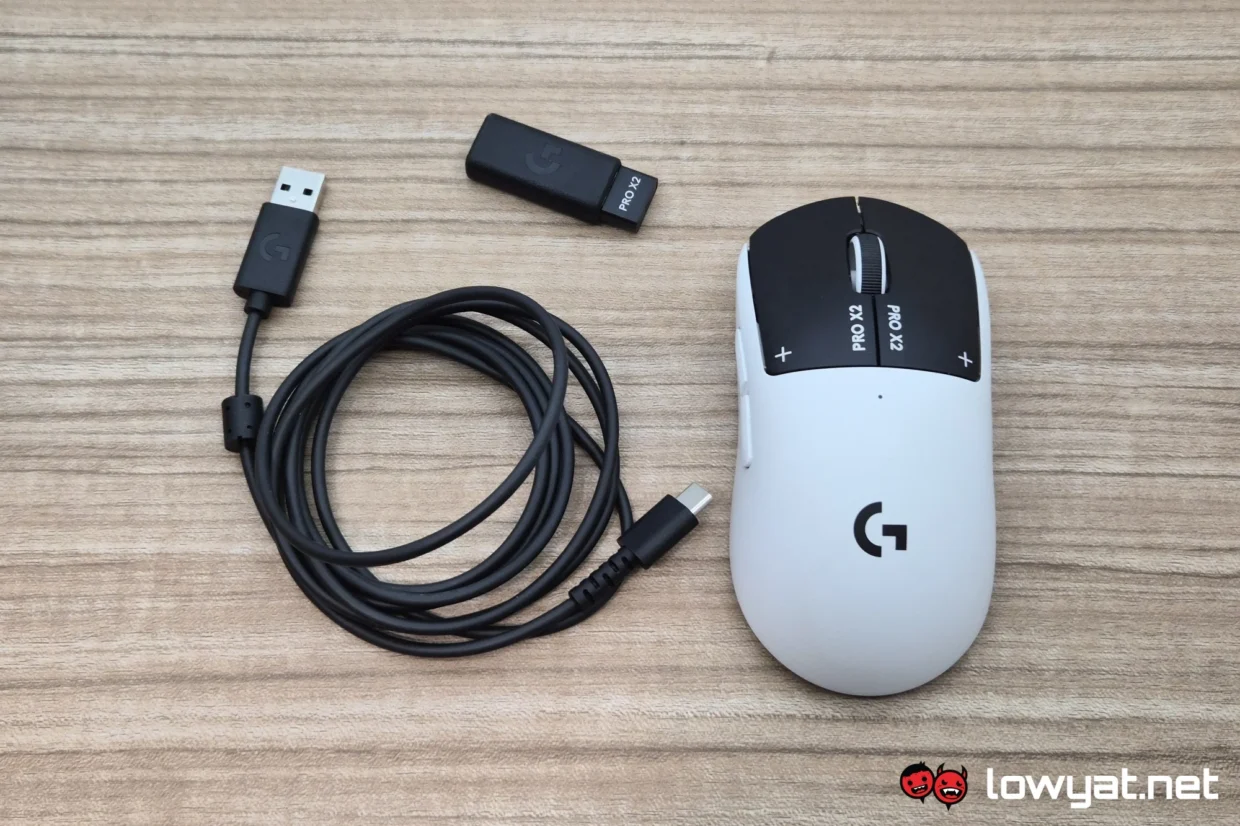
Despite the revolutionary input method of the two primary buttons, the Logitech Pro X2 Superstrike does not extend this to the two side buttons. These still make use of traditional mechanical microswitches, which means that they will wear off at some point. Sure, it may be a few million clicks down the line, but those failing will still mean that the whole mouse will need replacing. Unless you know someone or somewhere that does that kind of repairs, of course. Regardless of whatever technical challenges involved in implementing analogue input for the side buttons, it’s still a shame that they don’t benefit from it.
More of a nitpick than a full on negative is the way the onboard profiles work. As is the case with most peripheral makers, you set these up with a brand’s PC software. And in this case it’s the Logitech G Hub. As usual, you use this to set up your preferences, such as the aforementioned actuation points and rapid trigger liftoff points, as well as reprogram buttons if you want to. But you have to set these before turning on the onboard profiles, as once you turn them on, you won’t be able to make adjustments until you turn it off again.
Should I Buy It?
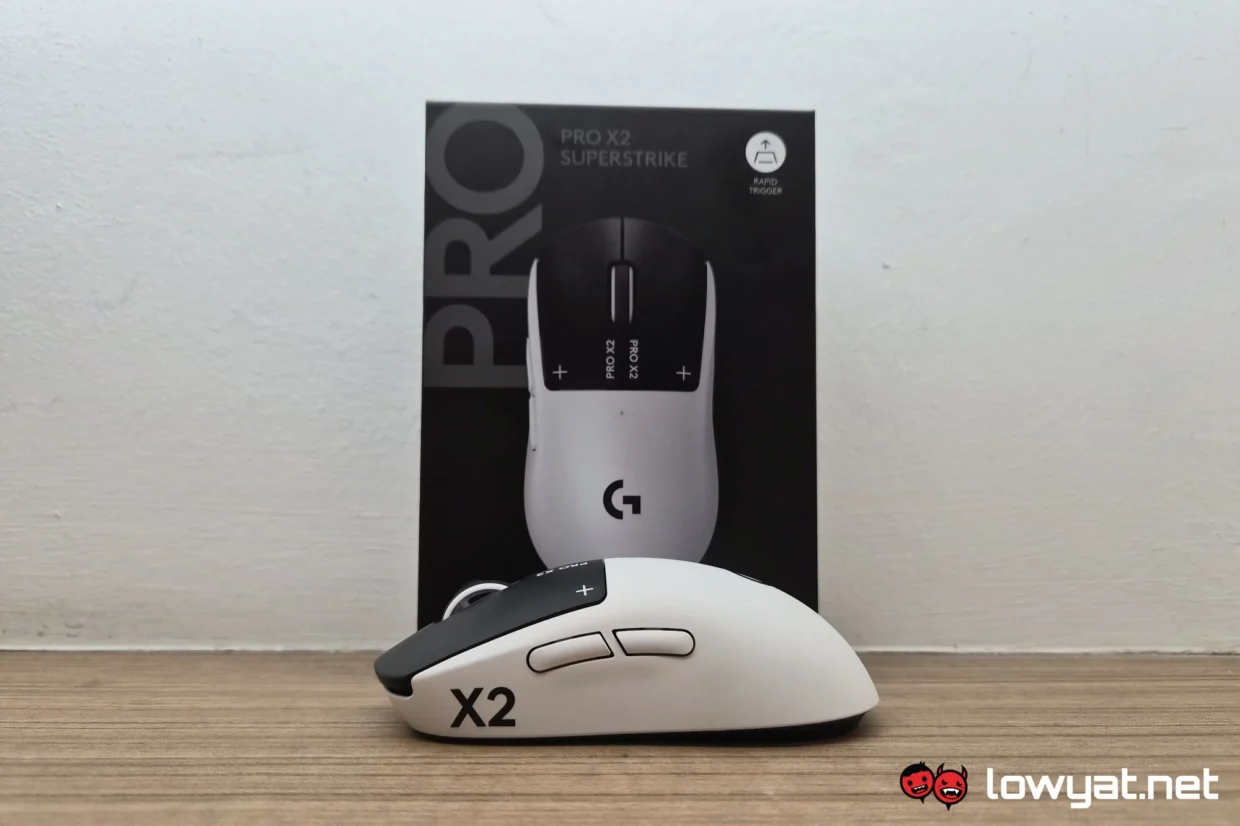
If you don’t already have a gaming mouse, or are due for a replacement or upgrade, then absolutely. Novel features aside, the Logitech Pro X2 Superstrike is a fine gaming mouse on its own. It’s light and responsive, and while it’s not as comfortable to hold as something more ergonomic, it’s not actively uncomfortable to hold for extended periods of time. The analogue input will likely translate to longevity just by its nature. And with so many settings you can tweak thanks to that, you can further craft it into the perfect mouse for you.
@lowyatnet This is the Logitech PRO X2 Superstrike, the first mouse to use analogue magnetic input rather than conventional mechanical clicks for its two main buttons. Is this the new frontier after optical switches?#LogitechProX2 #LogitechG #GamingMouse
Of course, its sheer novelty of the way it works also contributes to its draw. And with the ability to increase or decrease the strength of the haptic feedback for each click, these will let the mouse itself be quite the source of entertainment for a while. But even when the novelty wears off, you can be sure that the Logitech Pro X2 Superstrike will remain functional. Unless the side buttons and scroll wheel give way first, being conventional and all.
