• Hype
  • Murai
  • Lipstiq
  • Varnam
  • Hangat
  • Autofreaks
Lowyat.NET
  • News
    • Lifestyle
    • Computing
    • Hardware
    • Internet
    • Rumours & Leaks
    • Software
  • Forums
    • Kopitiam
    • Tradezone
    • Property Talk
    • Finance & Business
    • Fast and Furious
  • Gaming
    • PC Gaming
    • Console
    • Mobile Gaming
    • Esports
  • Mobile
    • Apps
    • OS
    • Tablets
    • Phones
    • Telco
      • Celcom
      • DiGi
      • Maxis
      • Tune Talk
      • U Mobile
      • Buzzme
  • Pricelists
    • Compu-zoneUpdated
    • ViewnetUpdated
    • Sri ComputersUpdated
    • StartecUpdated
  • More
    • Artificial Intelligence
    • Automotive Tech
    • Drone
    • Enterprise
    • Entertainment
    • Fashion
    • E-Hailing
    • Wearables
    • Contact Us
No Result
View All Result
Lowyat.NET
  • News
    • Lifestyle
    • Computing
    • Hardware
    • Internet
    • Rumours & Leaks
    • Software
  • Forums
    • Kopitiam
    • Tradezone
    • Property Talk
    • Finance & Business
    • Fast and Furious
  • Gaming
    • PC Gaming
    • Console
    • Mobile Gaming
    • Esports
  • Mobile
    • Apps
    • OS
    • Tablets
    • Phones
    • Telco
      • Celcom
      • DiGi
      • Maxis
      • Tune Talk
      • U Mobile
      • Buzzme
  • Pricelists
    • Compu-zoneUpdated
    • ViewnetUpdated
    • Sri ComputersUpdated
    • StartecUpdated
  • More
    • Artificial Intelligence
    • Automotive Tech
    • Drone
    • Enterprise
    • Entertainment
    • Fashion
    • E-Hailing
    • Wearables
    • Contact Us
No Result
View All Result
Lowyat.NET
No Result
View All Result

Google Puts Gemini On macOS, Windows Devices With New Native Apps

Users can directly share the contents of their screen with the AI assistant.

by Nurul Kamil
April 16, 2026
Google Gemini app macOS

Image: Google

255
SHARES
Share on WhatsappShare on TelegramThreads

Google has been pretty busy this week. Aside from bringing Personal Intelligence to our shores, the company has announced a dedicated Gemini app for macOS. This app, which was coded in Swift, offers a native desktop experience that’s easily accessible without needing to switch tabs.

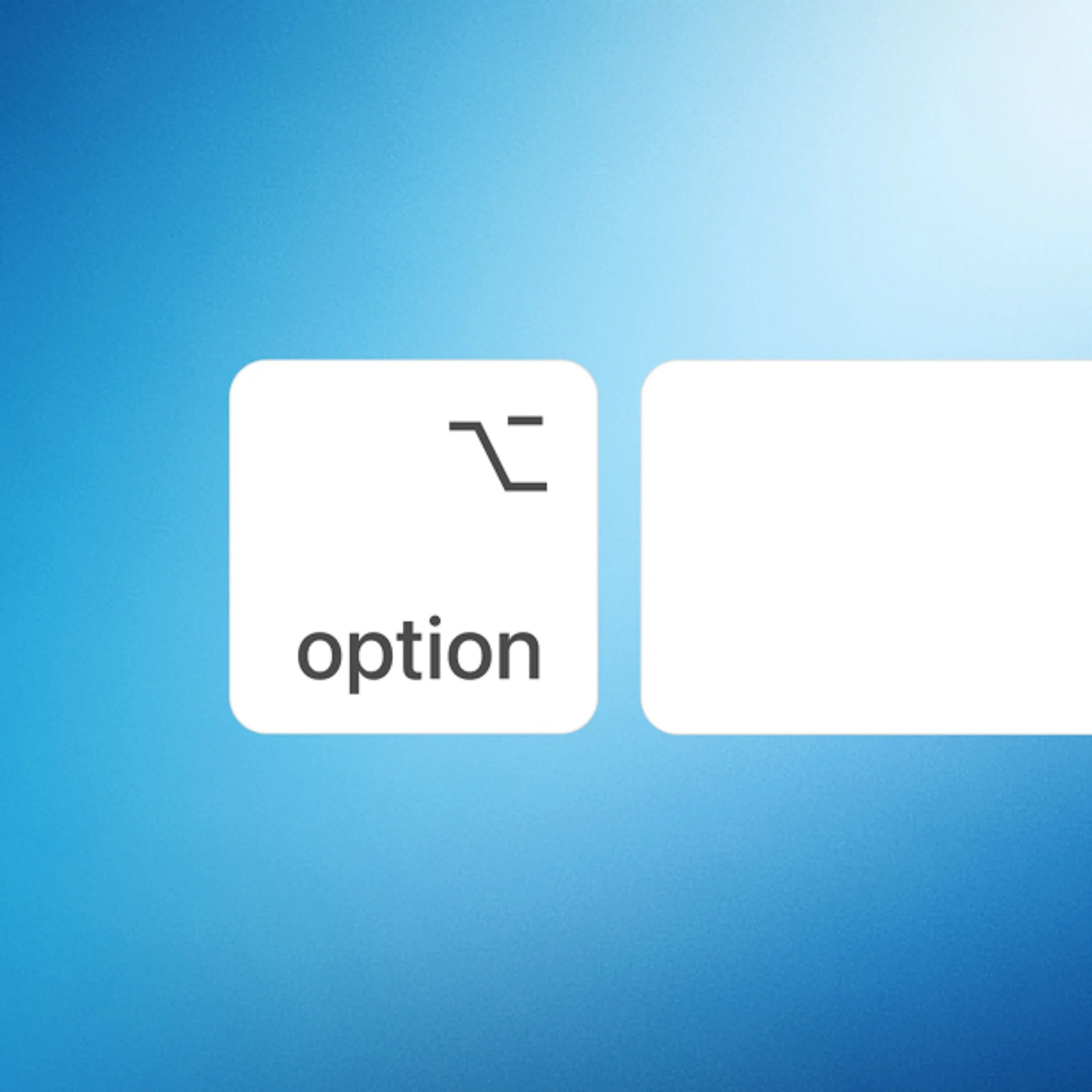
Users can launch the app using a keyboard shortcut. Pressing Option + Space brings up the mini chat, while Option + Shift + Space leads to the full chat experience. According to Google, users can change these shortcuts if they so choose. Of course, the app is also accessible through the Dock and menu bar.
Google Gemini app macOS
Image: Google
Google Gemini app macOS
Image: Google
Google Gemini app macOS
Image: Google

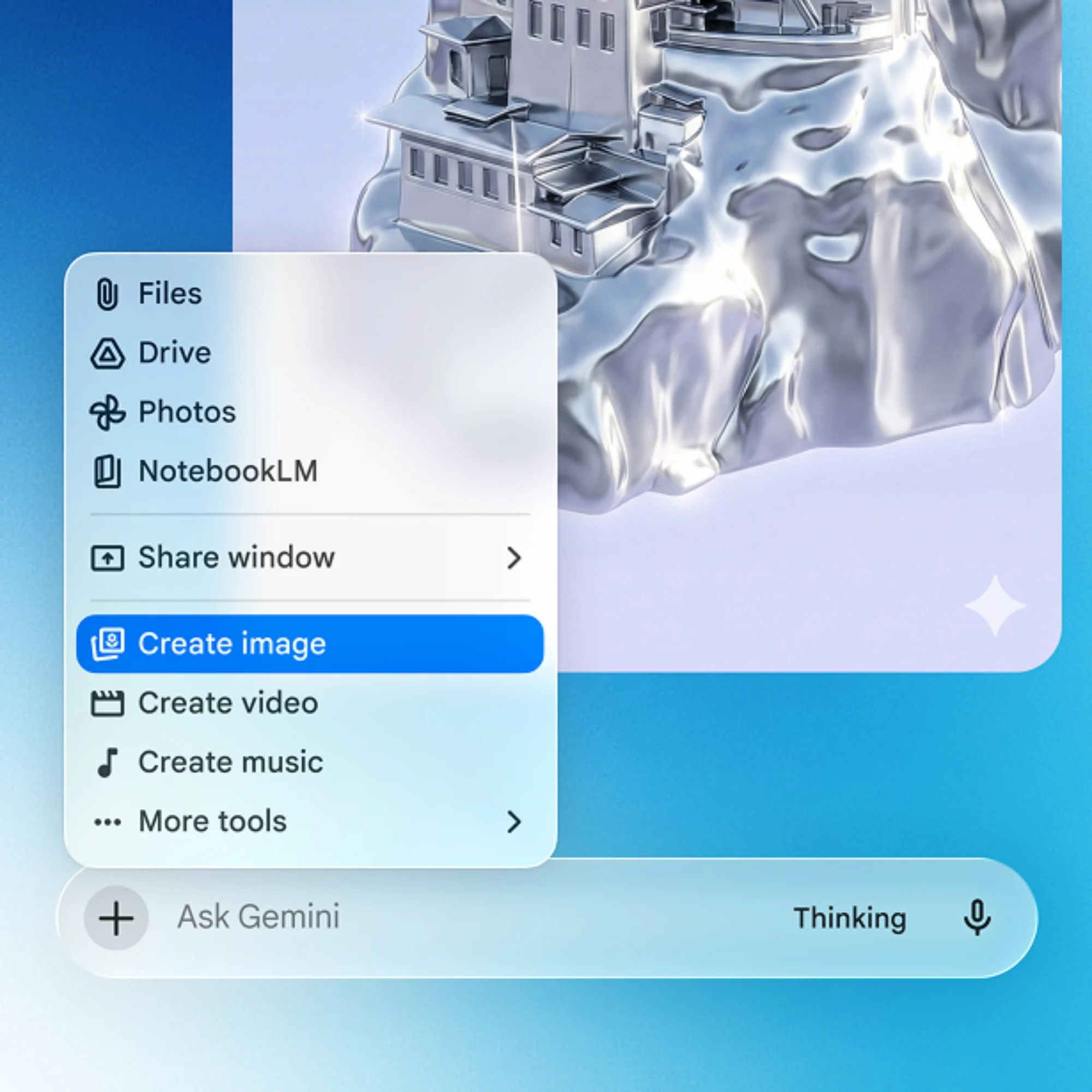
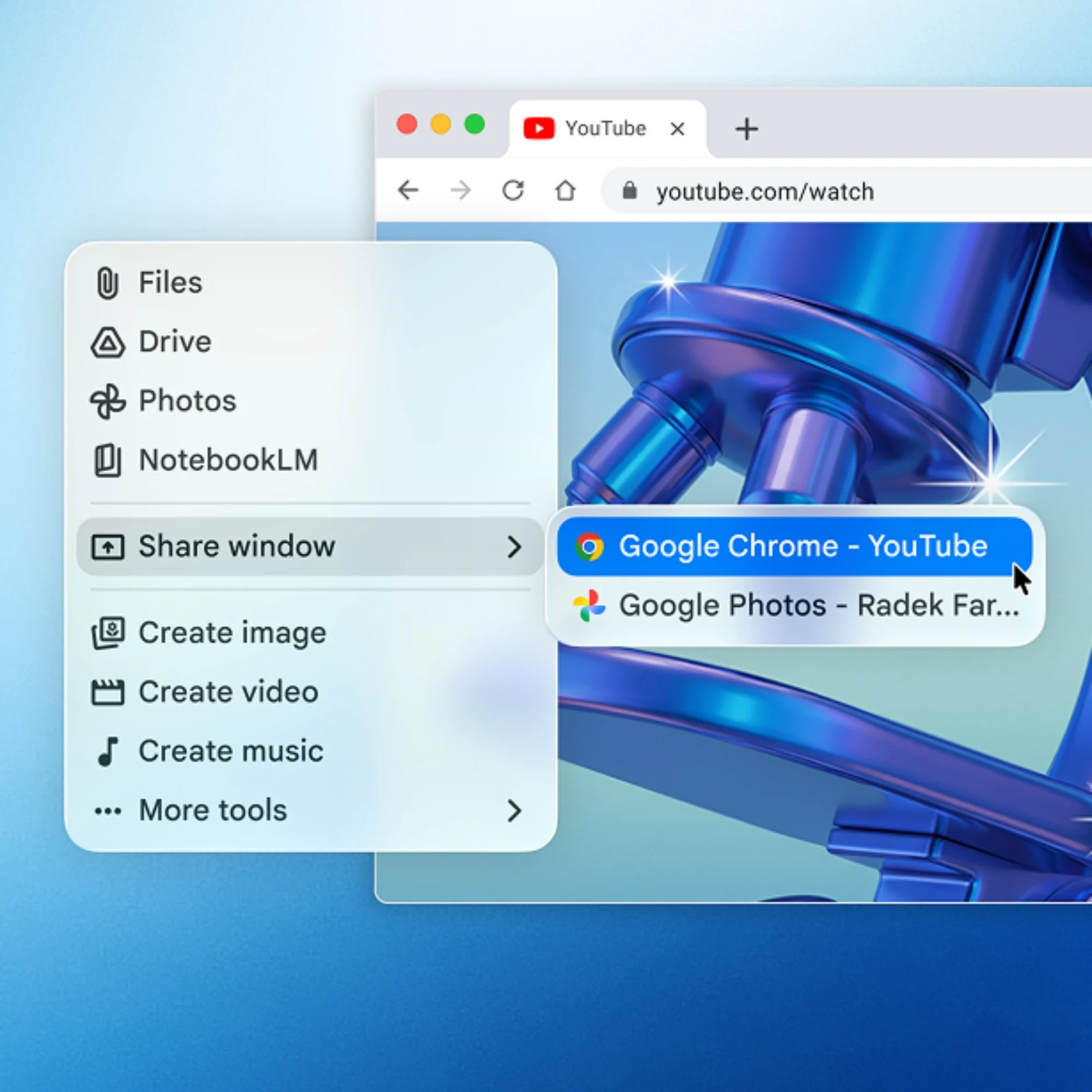
Through the app, users can share any window on the Mac with Gemini. This Share Window function provides the AI assistant with contextual information, allowing it to better assist with tasks. Aside from that, tools like Nano Banana and Veo are on board for generating images and video clips.

The Gemini app is currently available to download for devices running compatible versions of macOS. As per the FAQ section, the app requires macOS Sequoia (15.0) or later and runs exclusively on Apple Silicon.

A search app for Windows
Google desktop app
Image: Google

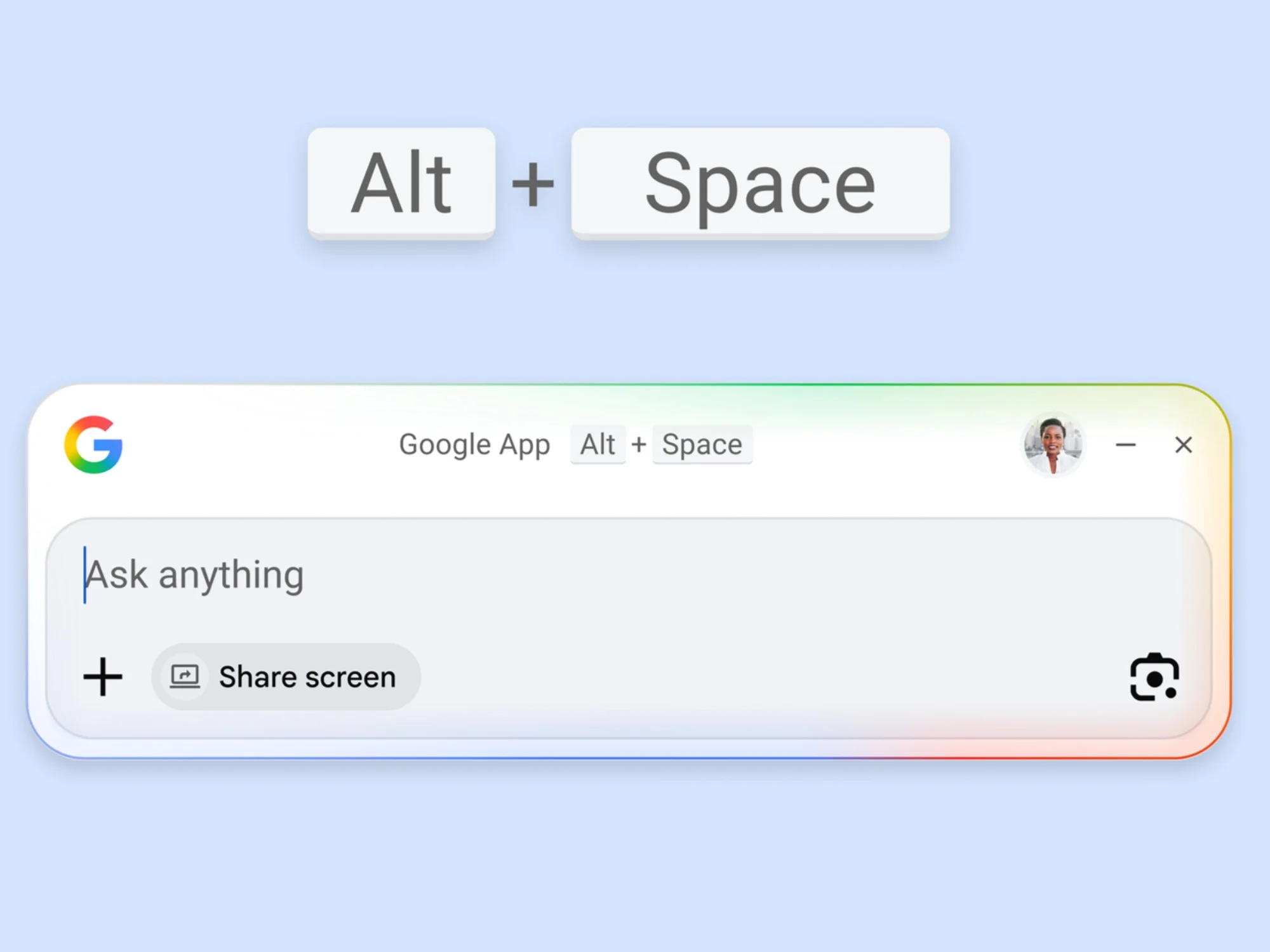
Earlier this week, the company announced a desktop app for Windows devices. It’s not a dedicated Gemini app per se, since the company is just calling it the “Google app for desktop”. However, AI-driven features like AI Mode are on hand.

Much like its macOS counterpart, users can access the app through a keyboard shortcut. In this case, it’s Alt + Space. This summons a prompt box, which floats on top of whatever is on the screen. Here, users can search for what they need, be it information on the Internet, or installed apps and files. And yes, this includes Google Drive files.
Google desktop app
Image: Google
Google desktop app
Image: Google

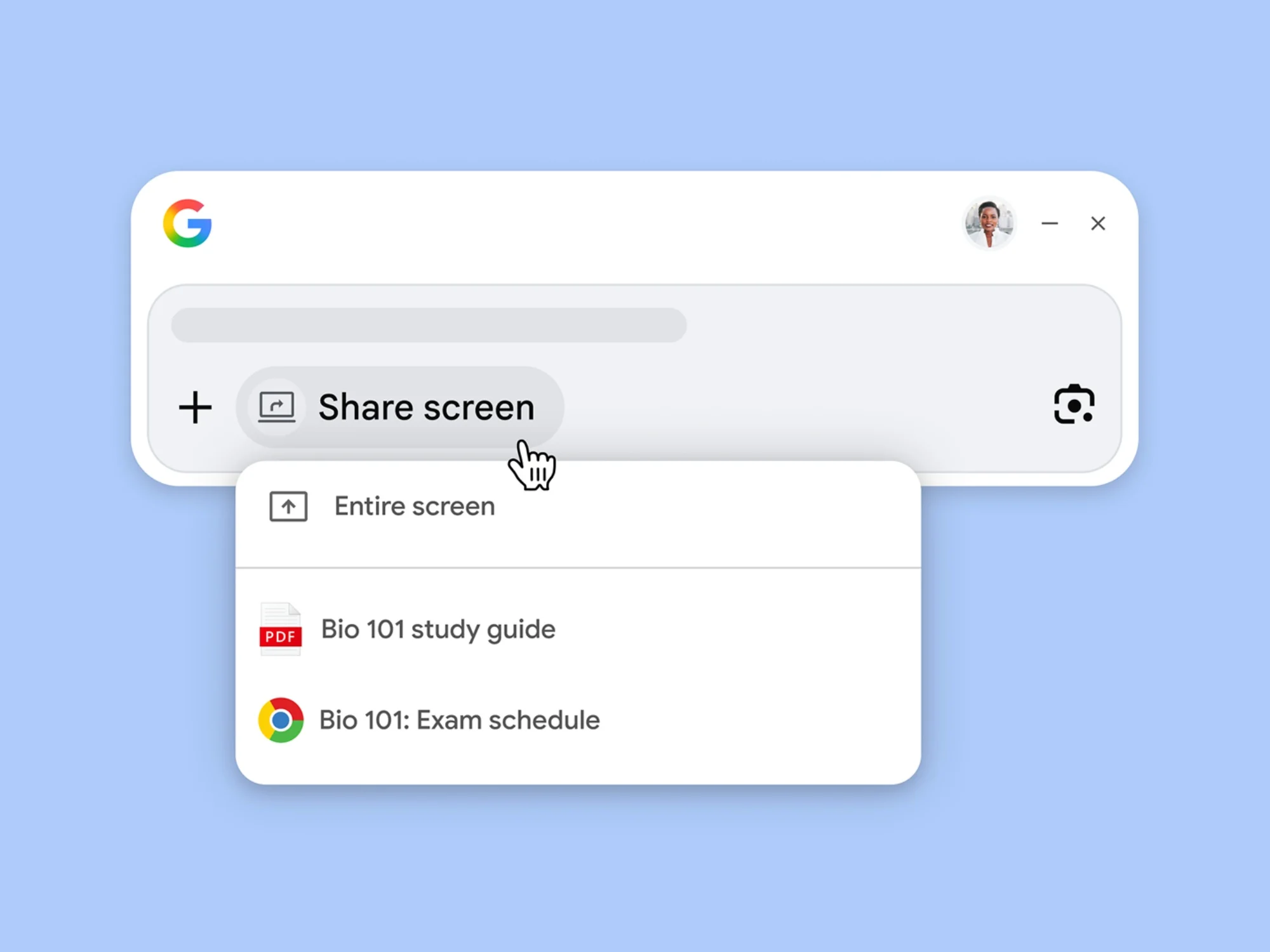
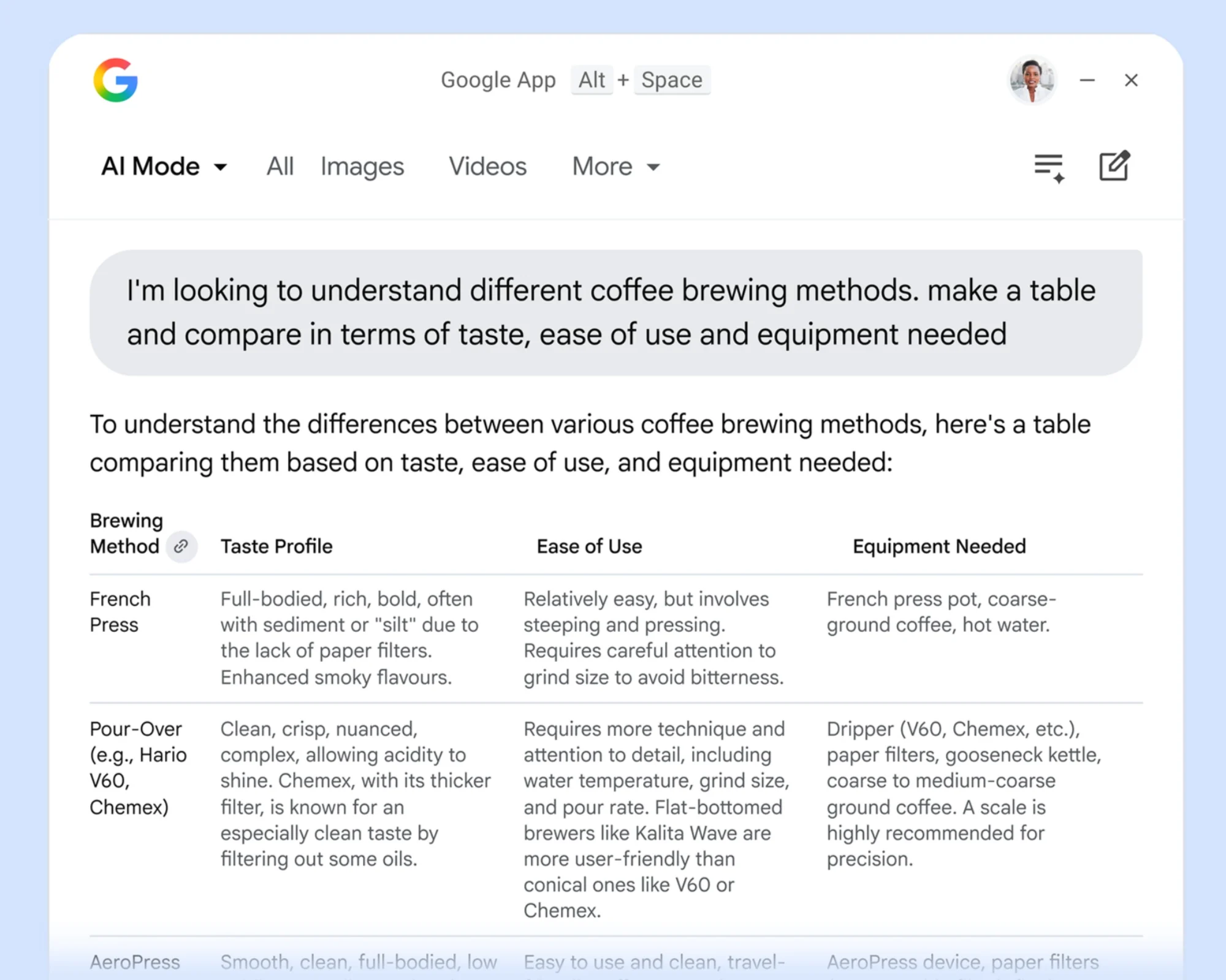
As mentioned earlier, AI Mode is available for follow-up questions. Furthermore, Google Lens and screen-sharing capabilities allow users to ask about any part of their screen. This can be limited to a specific window, or the entire screen.

Related Article The Google Fitbit Air Is A Screenless Fitness Tracker With A 7-Day Battery Life

The app is already available to download for eligible devices. Users will need a device running Windows 10 at least.

(Source: Google [1], [2])

Filed Under GeminiGoogle
Updated 3:00 pm, Thu, 16 April 26
SendShareShareShare102Tweet64

Follow us on Instagram, Facebook, Twitter or Telegram for more updates and breaking news. 

No Result
View All Result

TRENDING THIS WEEK

  1. 1
    Transportation

    Touch ‘n Go Launches Enhanced RFID Lane For Seamless Tolling

  2. 2
    Automotive

    High Court Awards Man Who Sued JPJ RM40,000 Over MADANI Number Plates

  3. 3
    News

    LHDN Expands MyTax e-Assessment Appeal System

  4. 4
    News

    JPN Dispels Viral MyKad Address Enforcement Campaign Claims

  5. 5
    Hardware

    Gamer Slaps 2.5kg Aluminium Heatsink On To RTX 4060

NETWORK

  • Hype
  • Murai
  • Lipstiq
  • Varnam
  • Hangat
  • Autofreaks

ABOUT

  • Advertise
  • Careers
  • Privacy Statement
  • Editorial Policy
  • Terms of Use
  • Contact Us

©2026 VIJANDREN RAMADASS. ALL RIGHTS RESERVED.

No Result
View All Result
  • News
  • Forums
  • Laptops
  • Telco
  • Mobile
  • Gaming
  • Artificial Intelligence
  • Fintech
  • Cryptocurrency
  • Cyber Security
  • Hybrid Vehicles
  • Advertise with Us

©2026 VIJANDREN RAMADASS. ALL RIGHTS RESERVED.

No Result
View All Result
  • News
  • Forums
  • Laptops
  • Telco
  • Mobile
  • Gaming
  • Artificial Intelligence
  • Fintech
  • Cryptocurrency
  • Cyber Security
  • Hybrid Vehicles
  • Advertise with Us

©2026 VIJANDREN RAMADASS. ALL RIGHTS RESERVED.