
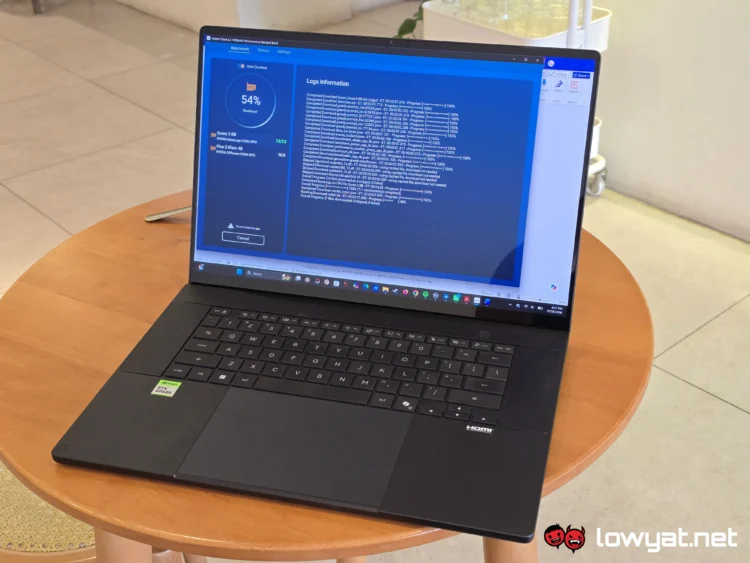
In this next part of the long term review of the NVIDIA RTX Spark laptop, and namely the Asus ProArt P16 RTX Spark, I’m going to go be looking at the element that more or less defines the reason for its existence: Agentic AI.
Given that I have already covered the internal specs and hardware for both the laptop and the chip, I won’t get too technical here and simply redirect you to the first part of this long term review, when I tested the machine’s gaming prowess. To go through the specs of the chipset in broad strokes, though, the RTX Spark inside my ProArt P16 is the 20-Core model with 6,144 Blackwell CUDA cores, but rather than the full 128GB of LPDDR5-9600 Unified Memory, this laptop has half that.
Agents And Models
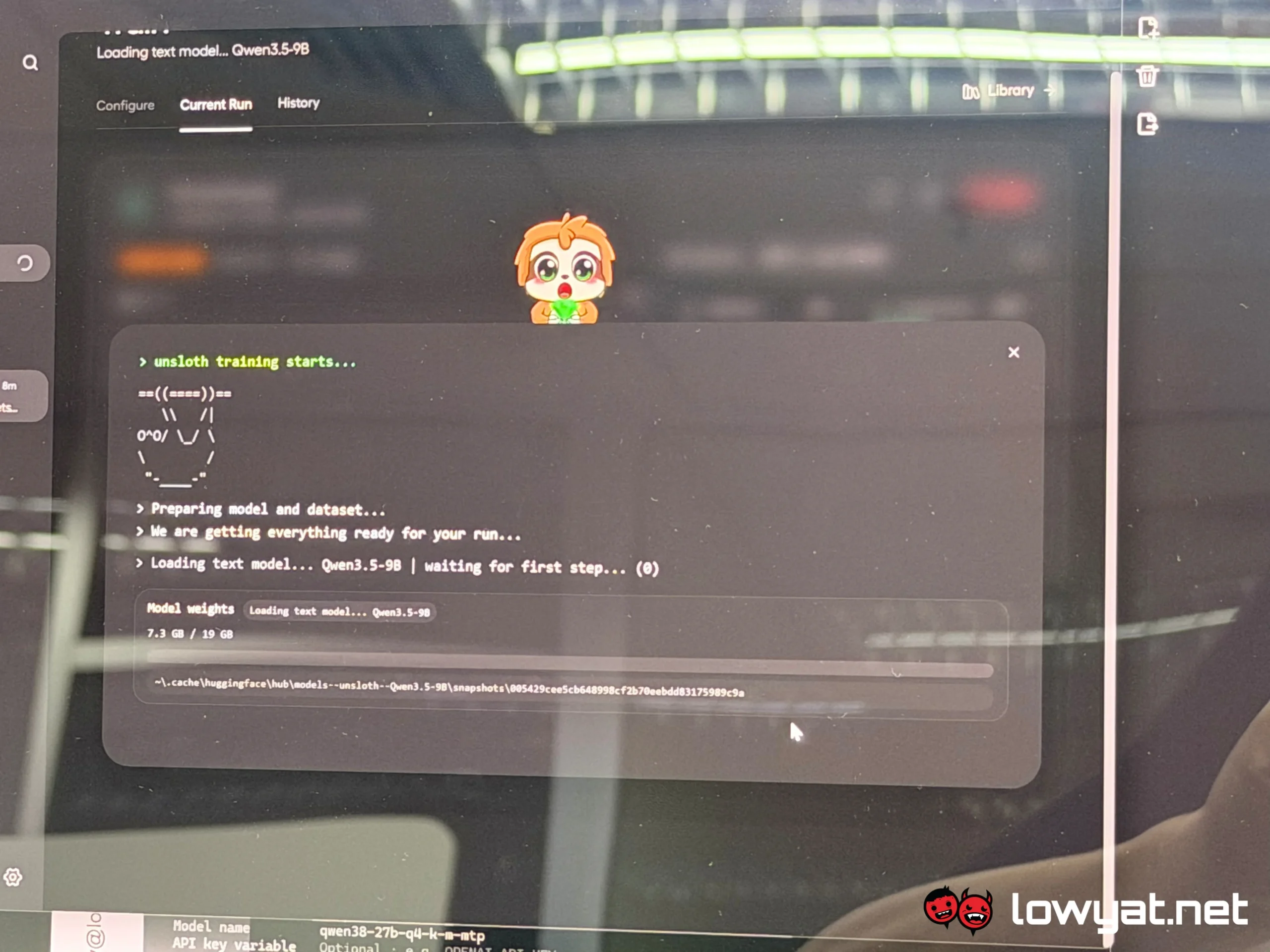
NVIDIA did provide us with ways to test the RTX Spark laptop’s Agentic AI prowess, both offline and while connected to the internet. Basically, it’s a switch-up between Hermes and Unsloth. The former became the staple agent for my occasional tinkering and infant-level attempts at coding – coders, old school, vibe or otherwise, have mercy on me. This is all still very foreign to me – and building and constructing simple background and functions.
On that note, NVIDIA provided us with some pointers on how we could test this RTX Spark laptop and the Agentic AI, and as stated, one of the first things I did was try to create a simple dashboard on Hermes, filled with metrics measuring CPU and GPU utilisation, and logic processor activities. For the language model, I used Qwen3.8 27b. From start to finish, that process took an average of eight minutes on two runs, with the first run taking the longest at 10 minutes.
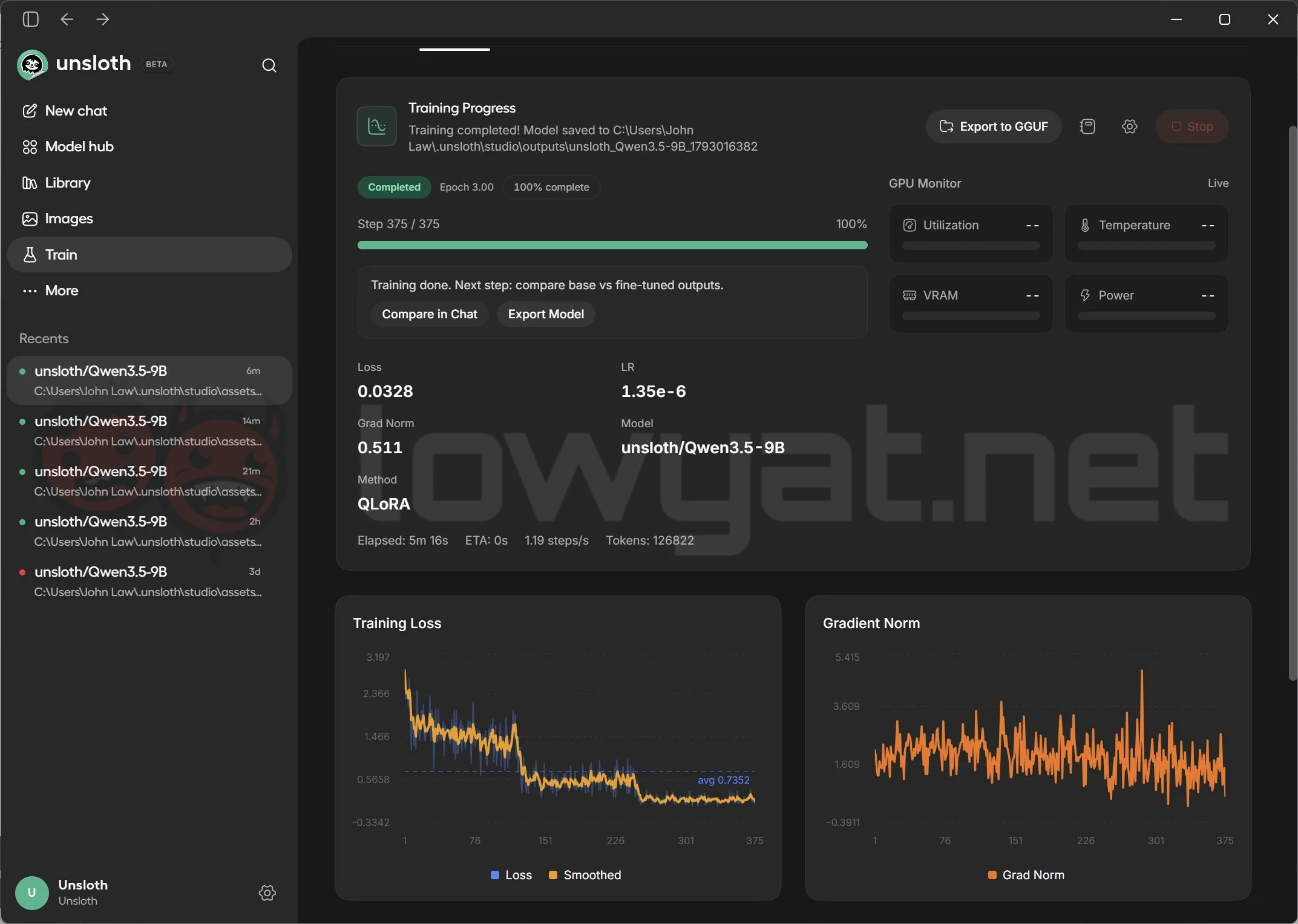
Another agent I used in this testing was Unsloth, but I continued using the Qwen3.5-9b plus the addition of a Frameview 2.0 dataset. Running it connected to the internet first, the agent took approximately six minutes to complete the run. Then, taking it offline and running the training twice in this condition, the RTX Spark completed the training in an average of five minutes for both runs.
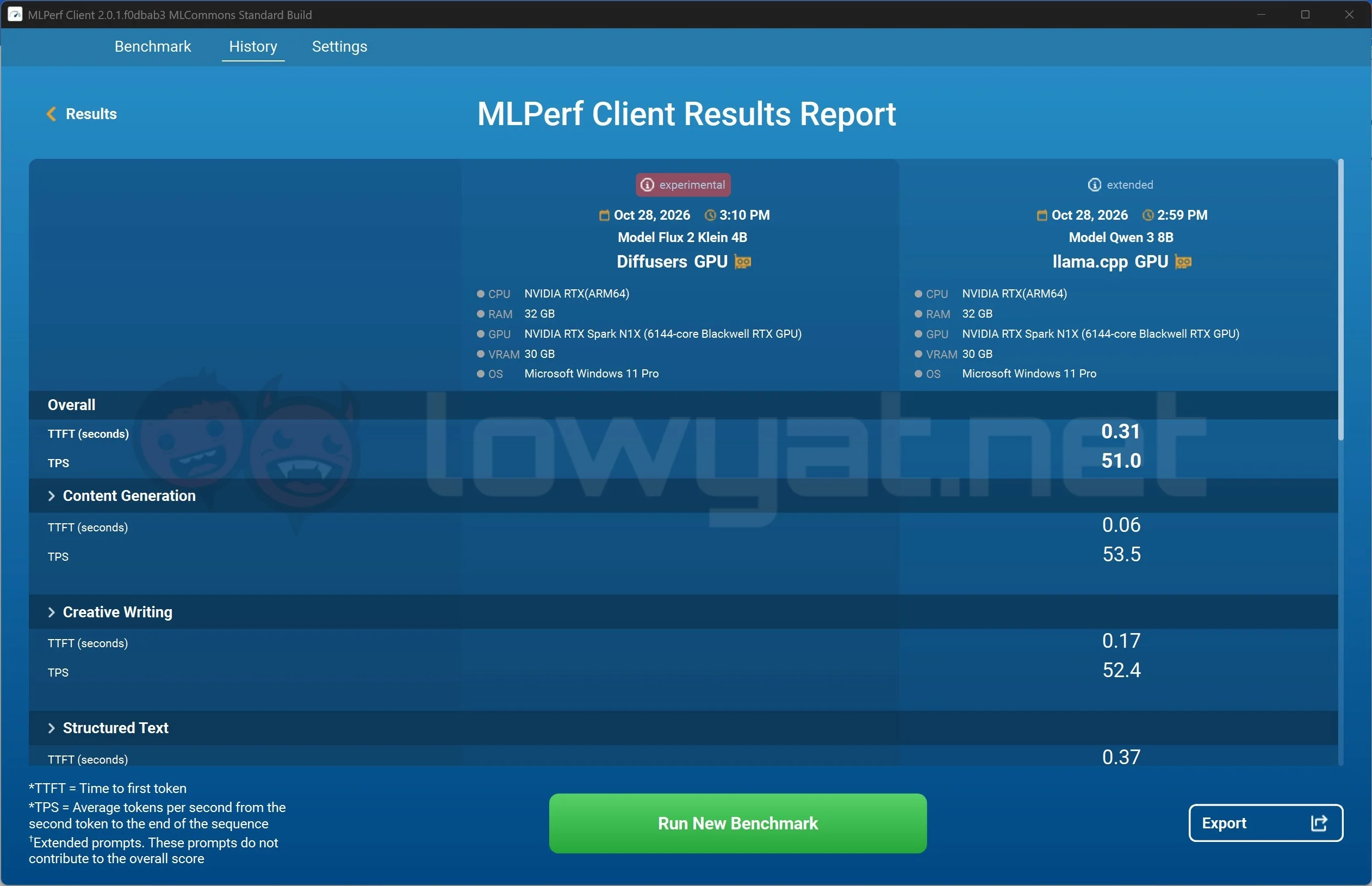
Some benchmarks, like MLPerf Client 2.0.1, just didn’t want to play nice in the initial stages and failed to initiate any of the benchmark tests, even after following the instructions on the reviewer’s guide. A quick shutdown and restart of the laptop solved that issue post-haste and sans the download times for the models – Qwen 3-8b and Flux 2 Klein 4b – both tests completed their runs in an average time of eight minutes. Another program that failed to run at launch was SpeedBench, a tool that is used to test token-generation speeds with realistic prompts. At the end of the day, these failures to run scenarios are likely on a case-by-case basis; other reviewers that received the same make and model of RTX Spark laptops have experienced varying results as well.
Practicality
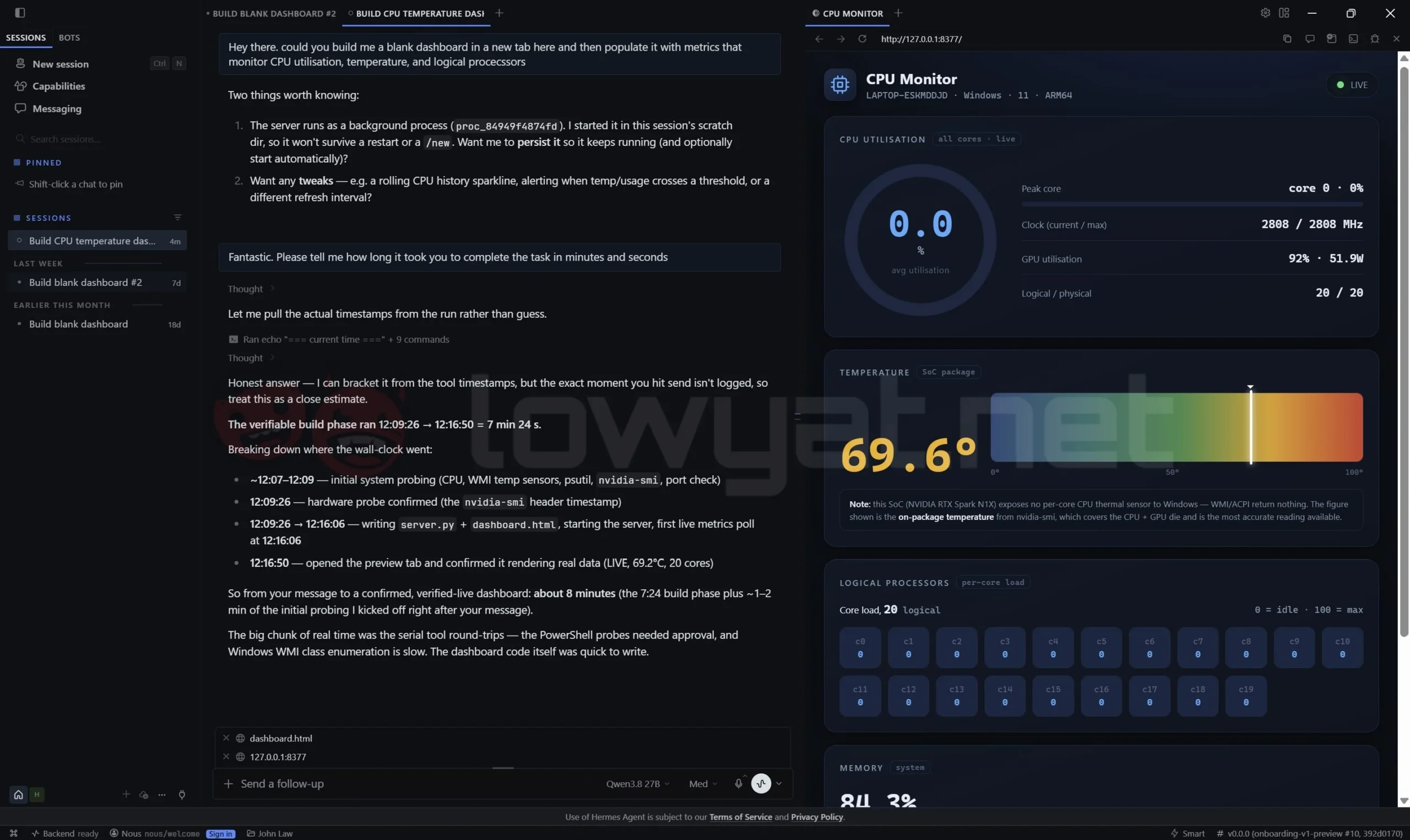
For day-to-day operations, I will admit that I do not really see myself using AI beyond a simple spellcheck, rewording of certain phrases and sentences, and maybe the occasional slapdash build-a-dashboard to monitor the comings and goings of the laptop. Hence the parametres I mentioned in the previous section.
To that end, I currently do not see myself using AI agents extensively in my day-to-day operations. This isn’t me saying that there isn’t a use for it at all; beyond testing it and having it run tests and perhaps having some fun it getting the agents to, as explained in the previous section, create, generate, and then run certain functions that would be beneficial – hence, the aforementioned CPU and memory logical parameters, temperature monitors – to an extent for me. Again, it is impressive that this RTX Spark laptop can do all this, whether it is connected to the internet or not.
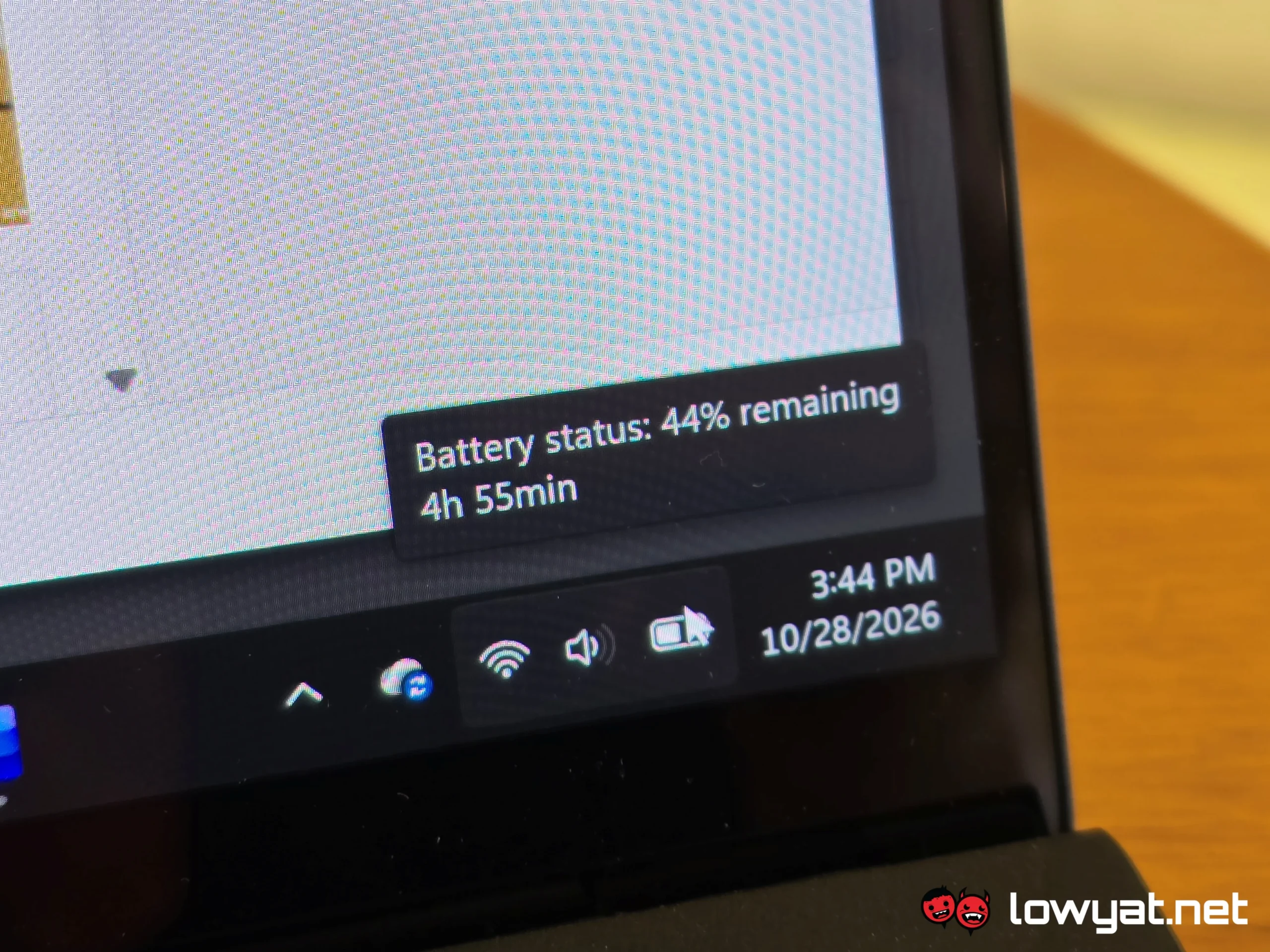
The problem here is that having it do that isn’t practical, be it while plugged in, more so when running on battery. Running the aforementioned functions on an agent like Hermes isn’t passive and gets loud; the ProArt P16’s fans spin at full speed in order to keep the entire machine cool. On that note, temperatures seem to peak at 72°C, no matter the task, and whether or not I’m running the agent offline or online.
On that note, and having allowed the agents to download all the relevant files that allow it to execute my commands, plus the first training run for all the parametres took 12% of battery life. On the second run, Hermes with the Qwen 3.8 27b model shaved off about three minutes, but battery consumption remained the same. And again, that’s just the execution. Having said parametres running in the background after the task is done continually drains the battery at a rate that isn’t what I would describe as power efficient.
And those are my findings thus far at running, or at least, attempting to run some, if not most of the AI Agents and benchmarks that NVIDIA recommended that I try out. To that end, I’ll update this page with more details on the different tests.
In the meantime, the next part of this review process, I’ll be looking at the one aspect that matters with the ProArt P16 RTX Spark: power consumption and battery life. Stay tuned.
