
Following months of beta testing, Apple has released the latest generation of its operating systems. iOS 27, iPadOS 27, macOS 27, watchOS 27, and tvOS 27 are now available to download on their respective platforms, introducing a slew of improvements and new functions.
For the most part, the updates focus more on improving the user experience, so there are no major visual overhauls this time. Design-wise, the software retains the Liquid Glass aesthetic, but with some refinements. App icons have been tweaked to be more defined, while a new slider lets users adjust the opacity of the glass-like elements.
Upgrades And New Tools

According to the bitten fruit brand, the new software versions offer faster performance. Some highlights include AirDrop transfers, which are now up to 80% faster. Other than that, apps launch 30% quicker, while photos load 70% faster after being taken. Browsing, multitasking, as well as file transfers also get a boost on iPad and Mac.
Furthermore, Search has been improved across Spotlight, Photos, and Mail, so it is more comprehensive, efficient, and stable. The company also claims that the tool will bring up more relevant results in Mail, thanks to a reworked ranking system. Meanwhile, on the connectivity end, users can expect more seamless transitions between cellular and WiFi networks, among other things.


Additionally, the update brings full-resolution sharing for photos and videos in iCloud Shared Albums, perimenopause and menopause support in the Health app, and custom EQ for AirPods users with expanded Apple GymKit functionality. Furthermore, smartwatches get new Smart Stack widget suggestions and a single-handed tap gesture, while Apple Maps introduces AI-enhanced Flyover experiences. Finally, Apple TV gets high-resolution lossless audio support for Apple Music, a redesigned Apple Podcasts app, and broader text-size accessibility options.
Child Safety Features


Initially showcased during WWDC 2026, the new child safety features are bundled in this update. Designed to help parents manage their children’s digital lives, the update allows them to set up child accounts. Parents can determine which apps the accounts can access, and the Ask to Browse feature on Safari requires approval before new websites can be shown.
Beyond that, parents can approve new contacts and block inappropriate content in shared videos or images. They can also check their children’s screen time and set limits on their device and app usage. To help parents make the best of these and other child safety features, Apple has a dedicated hub with all the necessary details.
Siri AI Beta

Of course, the update also brings new Apple Intelligence capabilities to devices that support AI features. At the forefront is the revamped digital assistant, now called Siri AI. This new version promises smarter responses with a better understanding of personal context, broad world knowledge, and onscreen awareness. The assistant can also take actions across apps to help users with tasks.
That said, the new Siri AI is currently rolling out as a beta in English, so users will have to opt-in to gain access. Beyond that, Apple notes that some Apple Intelligence features may be dependent on region and language, so not all functions might be available. Furthermore, certain tools, particularly those that require server-side models, will be subject to daily usage limits.
Availability And Device Compatibility
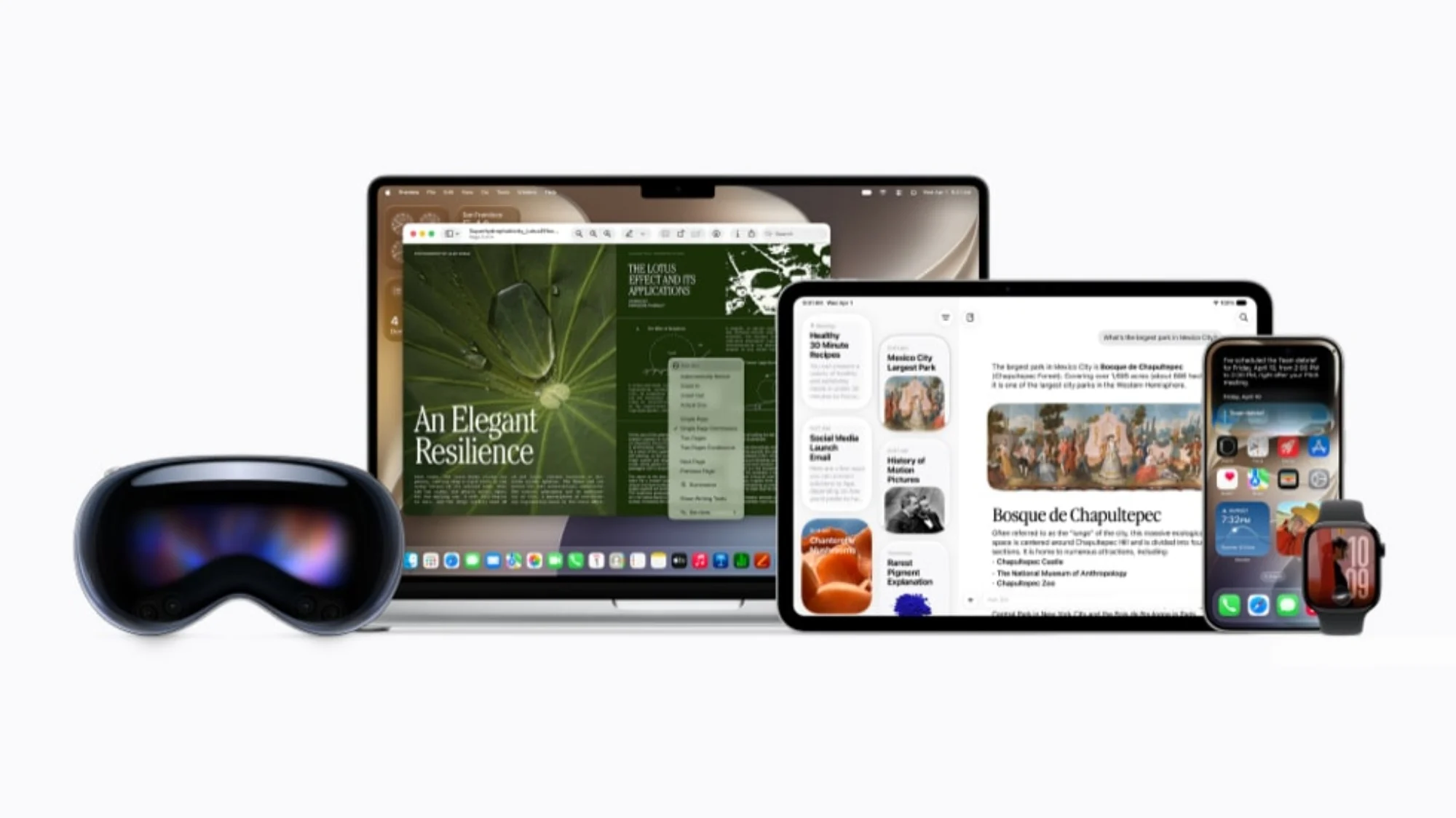
Users can now download iOS 27 and its equivalents by heading to the Settings app on their devices. From there, they can navigate to General, and then Software Update. Then, it’s only a matter of following the instructions to install the update.
As for which devices are compatible, iOS 27 supports the iPhone 11 series and newer, plus the second-generation iPhone SE and later. It is worth noting that the Apple Intelligence features and Siri AI have additional hardware requirements. As such, the list of supported devices is much shorter, encompassing the iPhone 15 Pro series and newer.
