
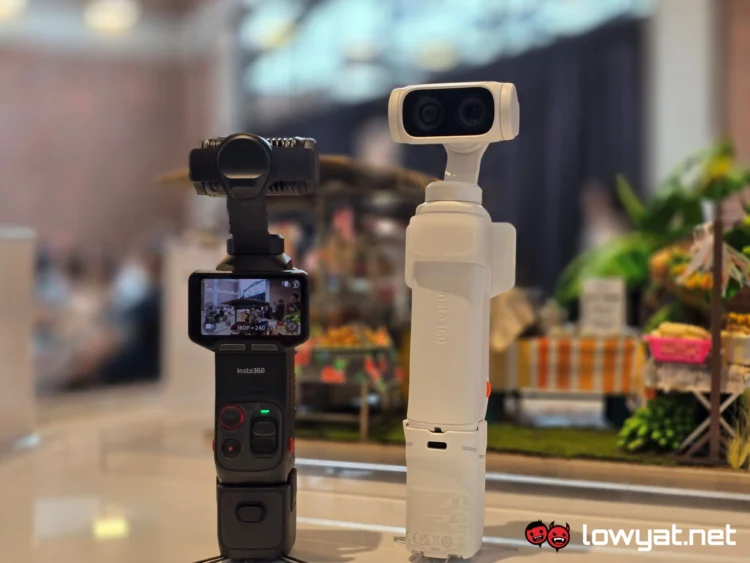
The Insta360 Luna Ultra has officially been out in our market for a couple of weeks now, but we never really got a chance to toy around with it. That is, until today, when the brand held a gathering for the media and some fans, allowing us to get up close with it.
Full disclosure: I’m not what you could call an expert, or a fan even, of gimbal cameras. By that, I mean it’s not something I gravitate to, but I have dabbled in them in the past.
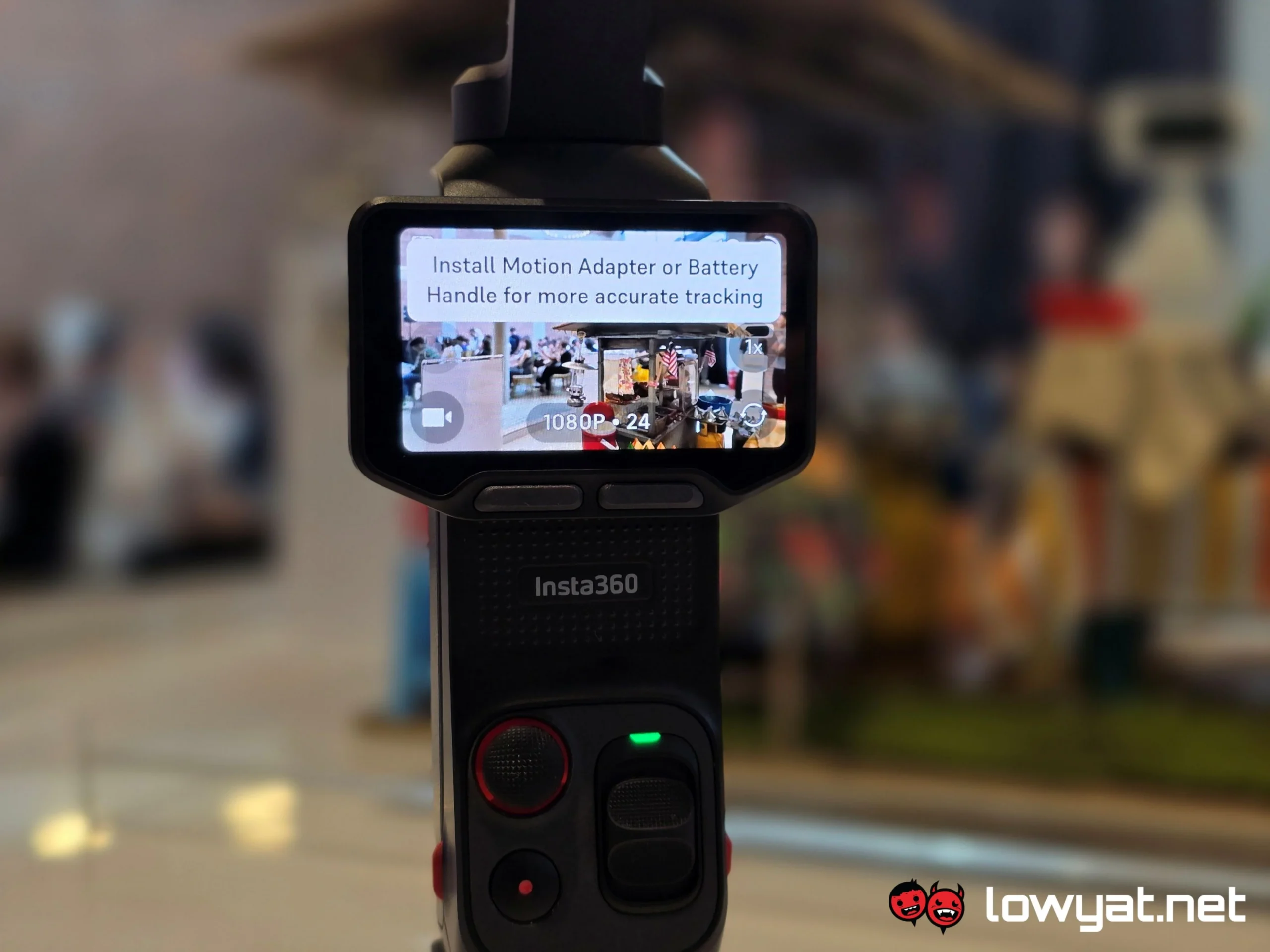
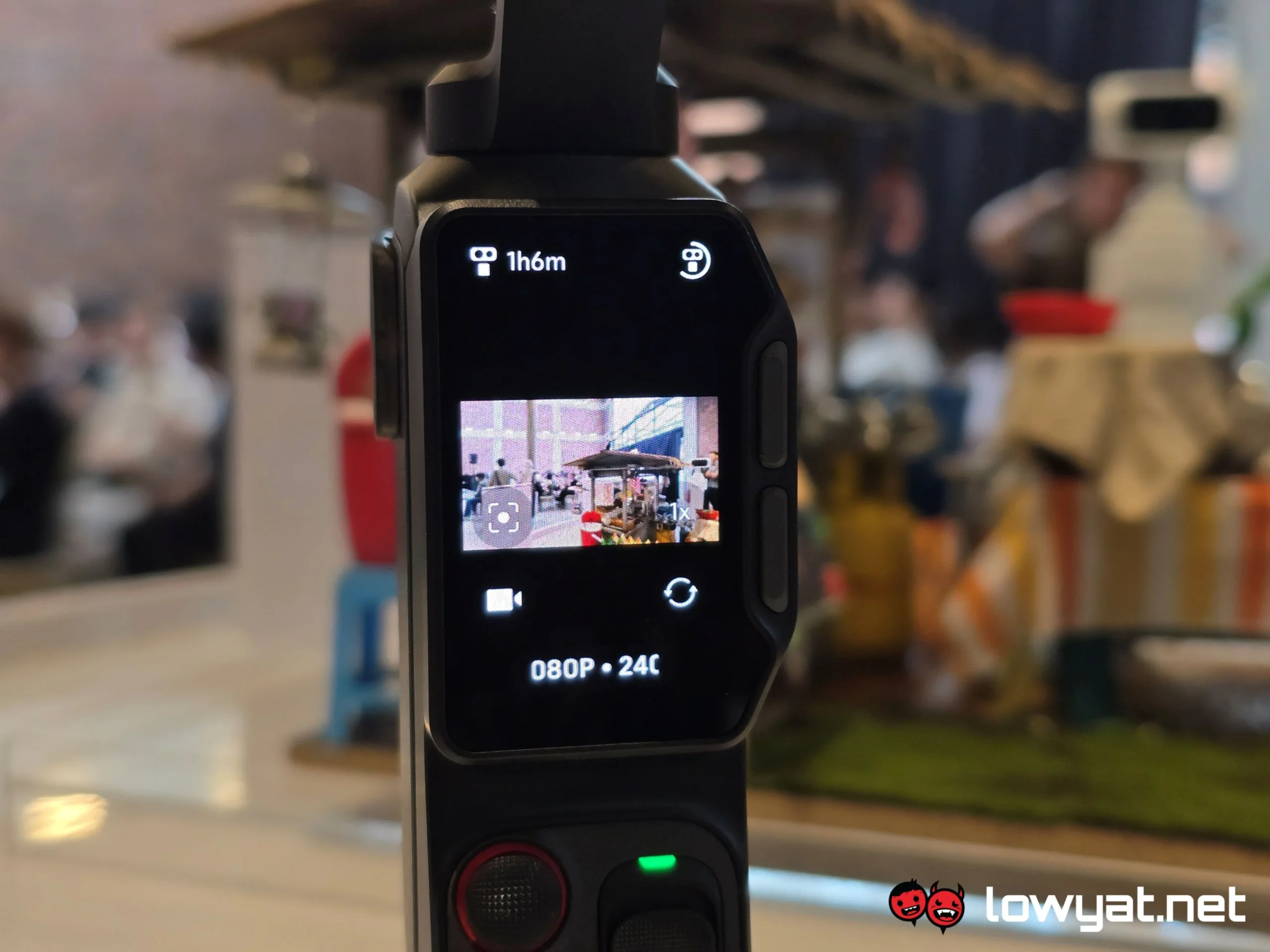
Right, with that out of the way, let’s talk about the Insta360 Luna Ultra. Let’s run through the specs sheet first. So, one of the gimbals’ main selling points is the company it has partnered with to build this thing: Leica. Insta360 is really proud of it.
To that end, the dual-lens gimbal comprises a 1-inch Leica Summicron sensor, capable of recording video at up to 8K resolution, albeit being limited to just 30 fps. The secondary sensor is a 1/1.3-inch telephoto camera sensor with an F2.0 aperture, capable of capturing 37MP UltraPhotos, as well as 200MP panoramic images. Oh, and it has a maximum zoom range of 12x, including 6x lossless zoom.
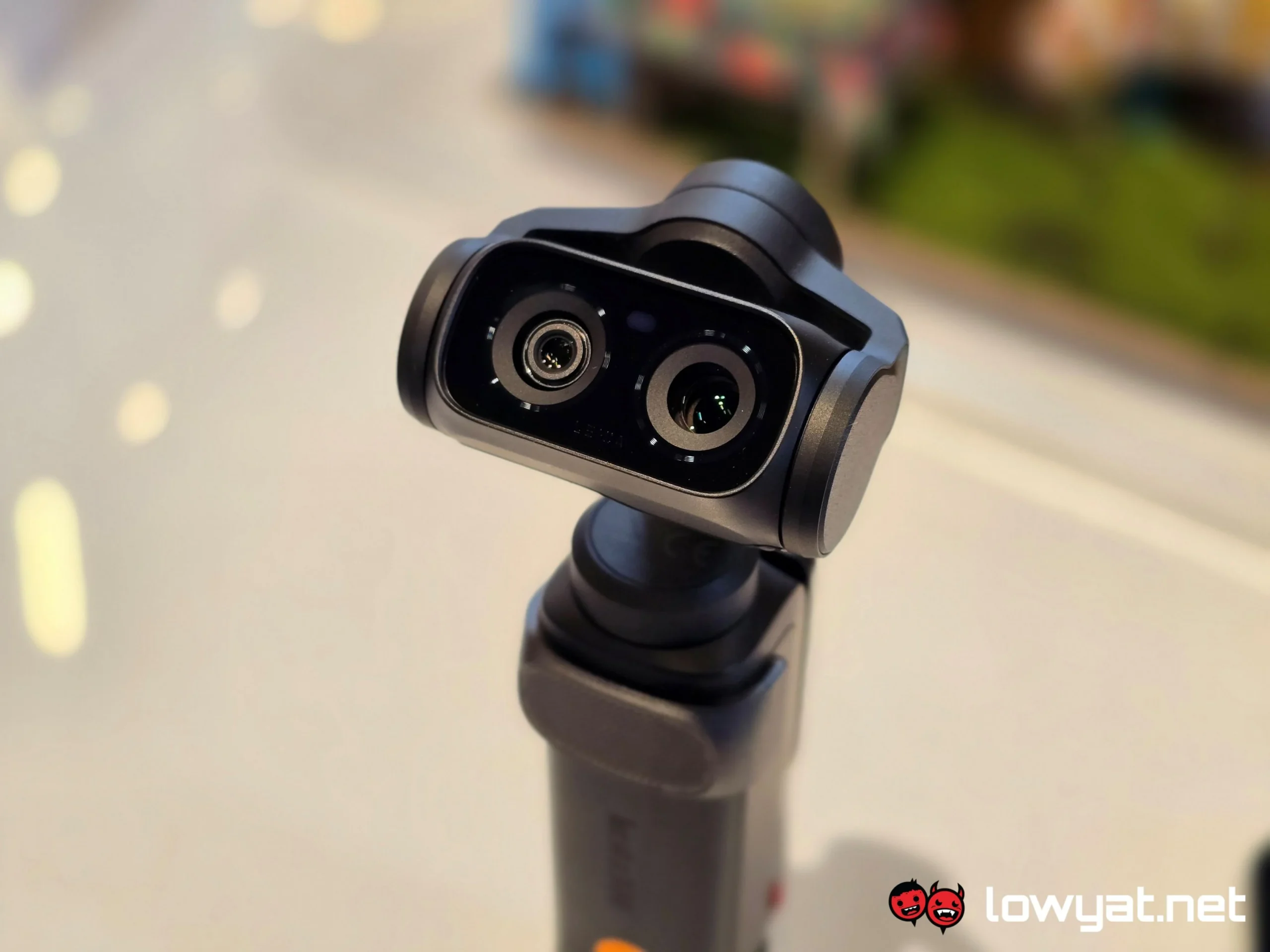
Insta360 tells us that the Luna Ultra can rotate a full 360°, but it isn’t a free-range rotation. Basically, you can have it turn around in half moon circles from the front to back, either side, but it won’t spin around a full circle. On that note, the right swivel has a larger turning radius than the left, and when I asked the rep about it, they simply told us that that’s how it was designed.
That out of the way, first impression of the Luna Ultra is that it is light, and I’m not just saying that. To hold the gimbal in my hand feels effortless, and if you’ve seen the pictures of the product, the dual-lens setup does make it look a little bit like Wall-E.
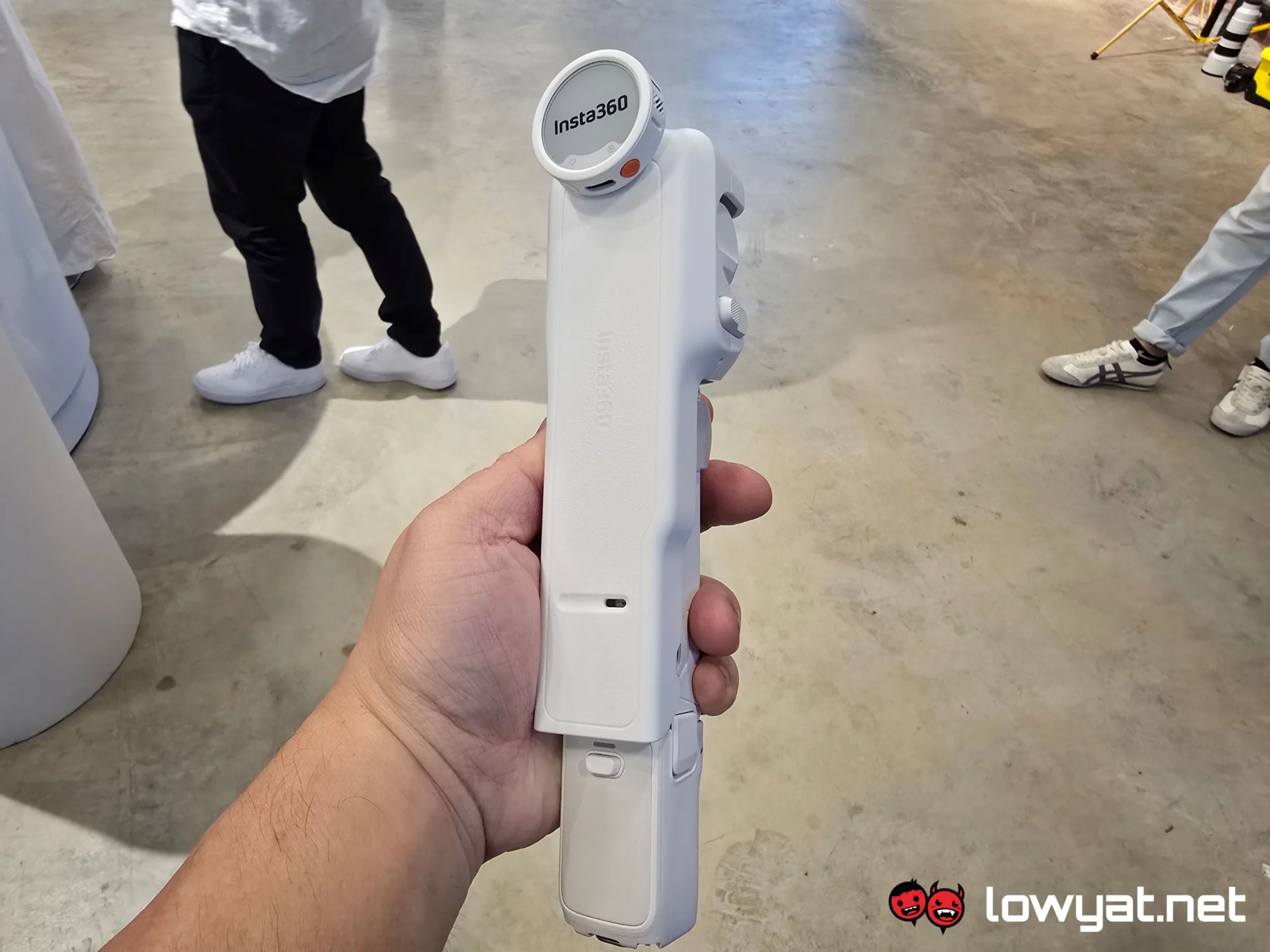
The controls, while obviously designed for one-handed use, feels like it needs a little bit of getting used to. Not by a whole margin, mind you, but I suppose if you’re a novice like me, it would feel foreign.
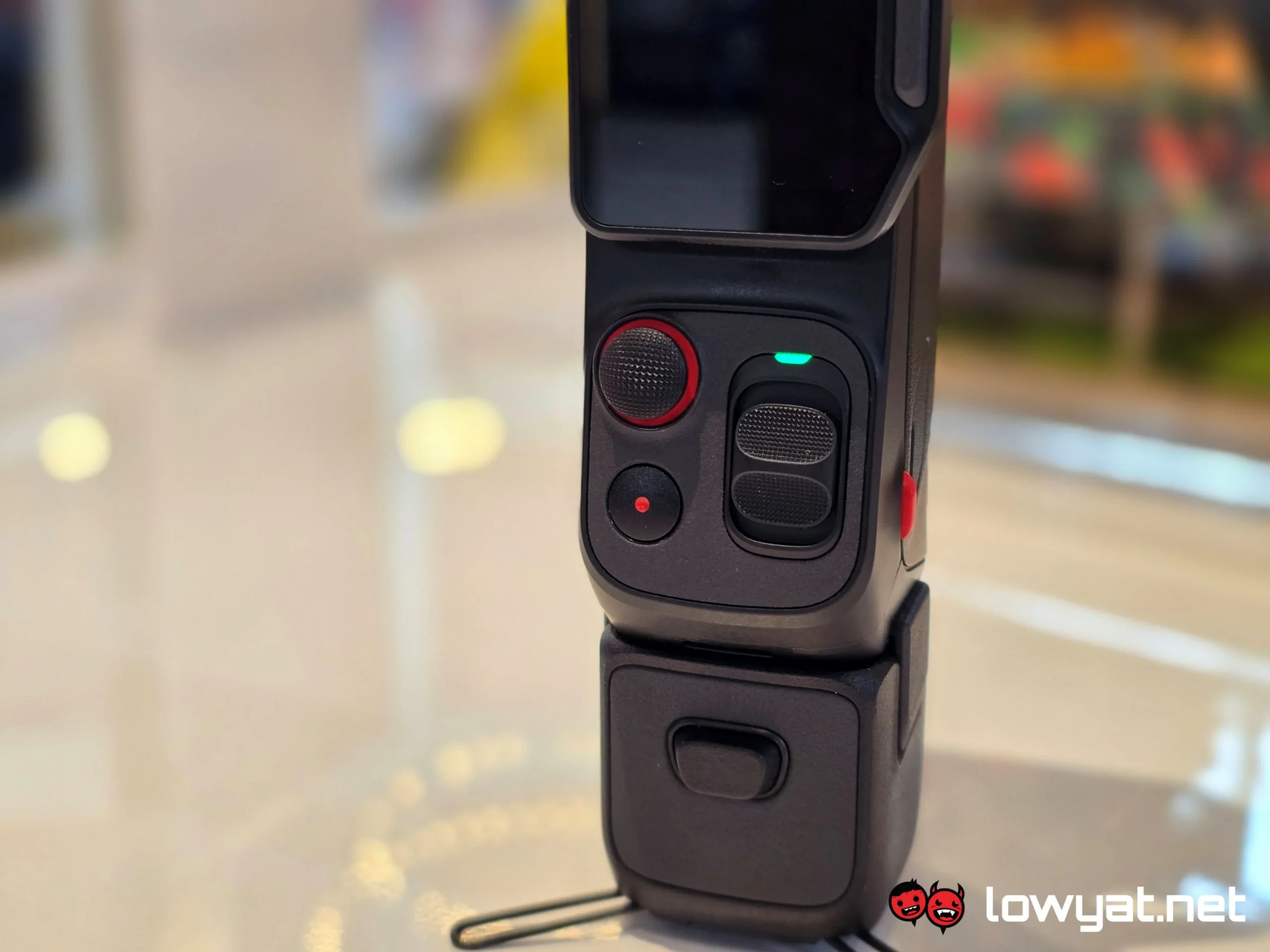
That being said, the controls of the Luna Ultra are simple to grasp and intuitive. You press and hold the record button to turn the gimbal off and on, press once to start recording or snap a photo, and twice if you want to recalibrate the orientation of the camera. The joystick just above it needs no explanation about its function, and there’s the zoom dial on the right.
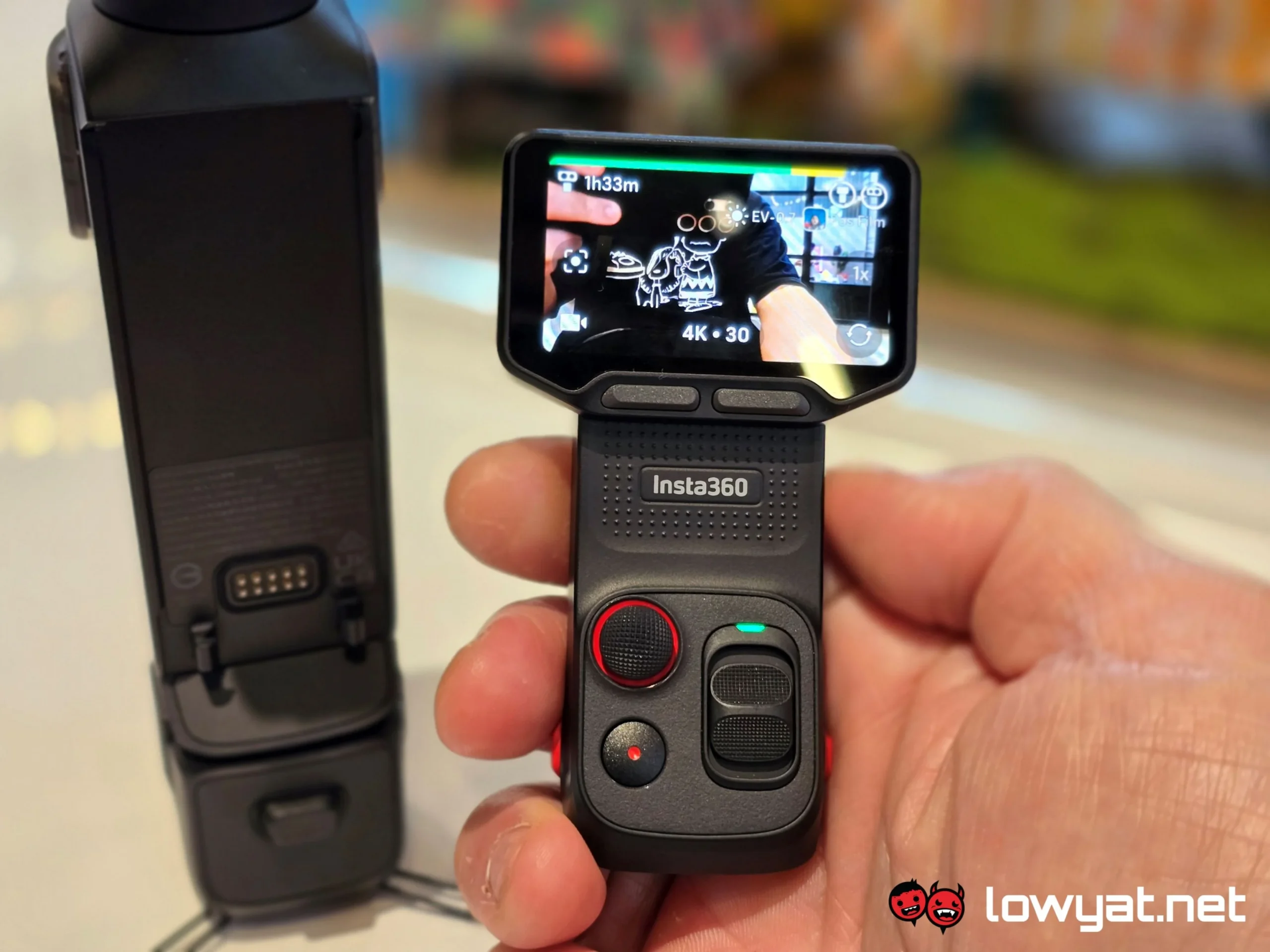
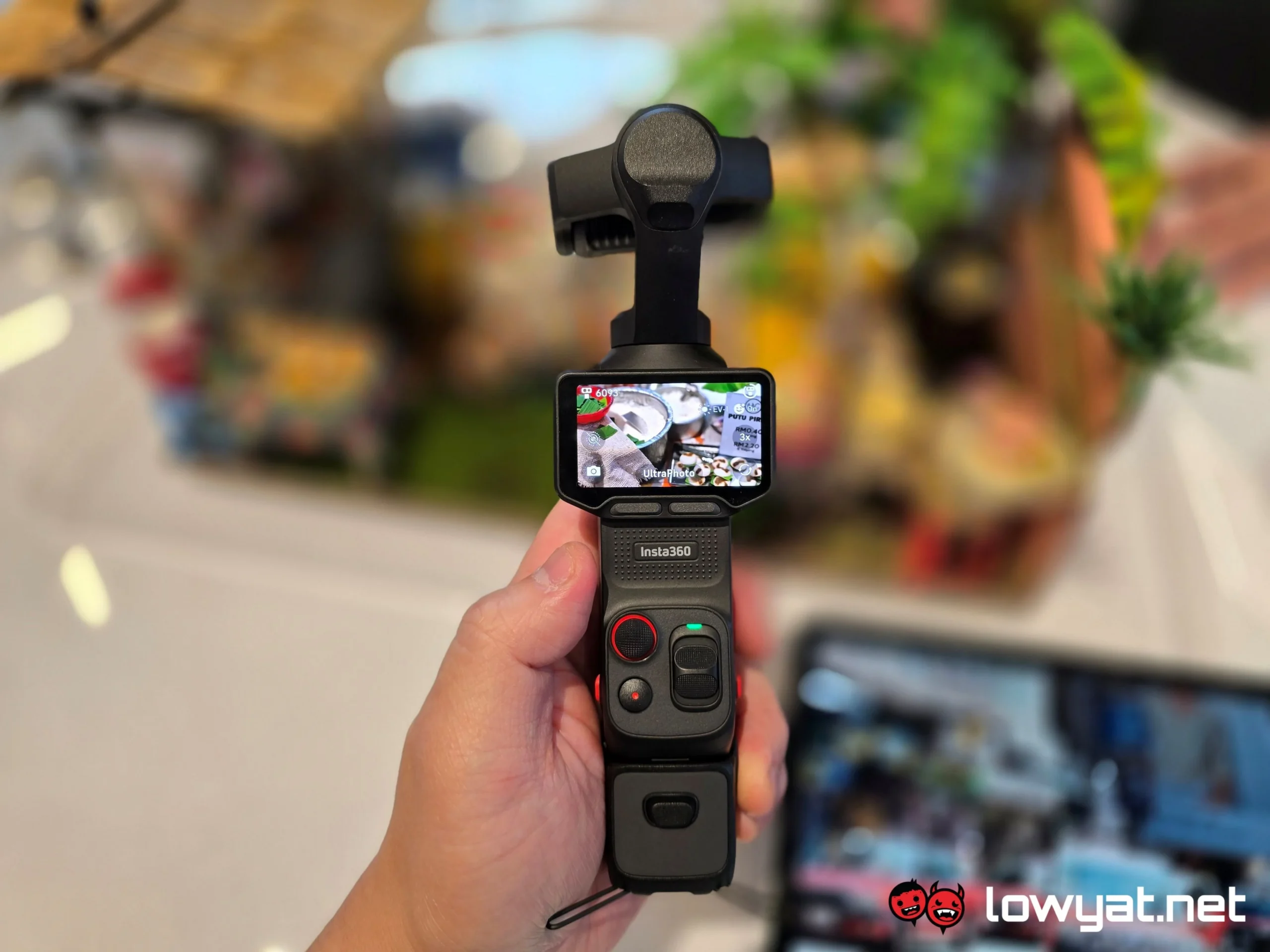
The zoom function feels like it could have used a bit of work. While using it, I found that it really doesn’t allow for minute adjustment to the zoom level — it’s difficult to make 0.1x adjustments, and in attempting to do so, I overshot the zoom level. That said the touch display does offer the option to tap on the zoom level you desire, which I actually discovered after failing to get the zoom lever to play nice.
Speaking of display, it’s a nice touch that Insta360 made the onboard display rotatable. On top of that, which orientation you have the display in will automatically dictate whether you’re shooting in landscape or portrait mode. In my eyes, it’s a boon and certainly less of a headache; at least I don’t have to manually enter the menu and set it up every. Single. Time.
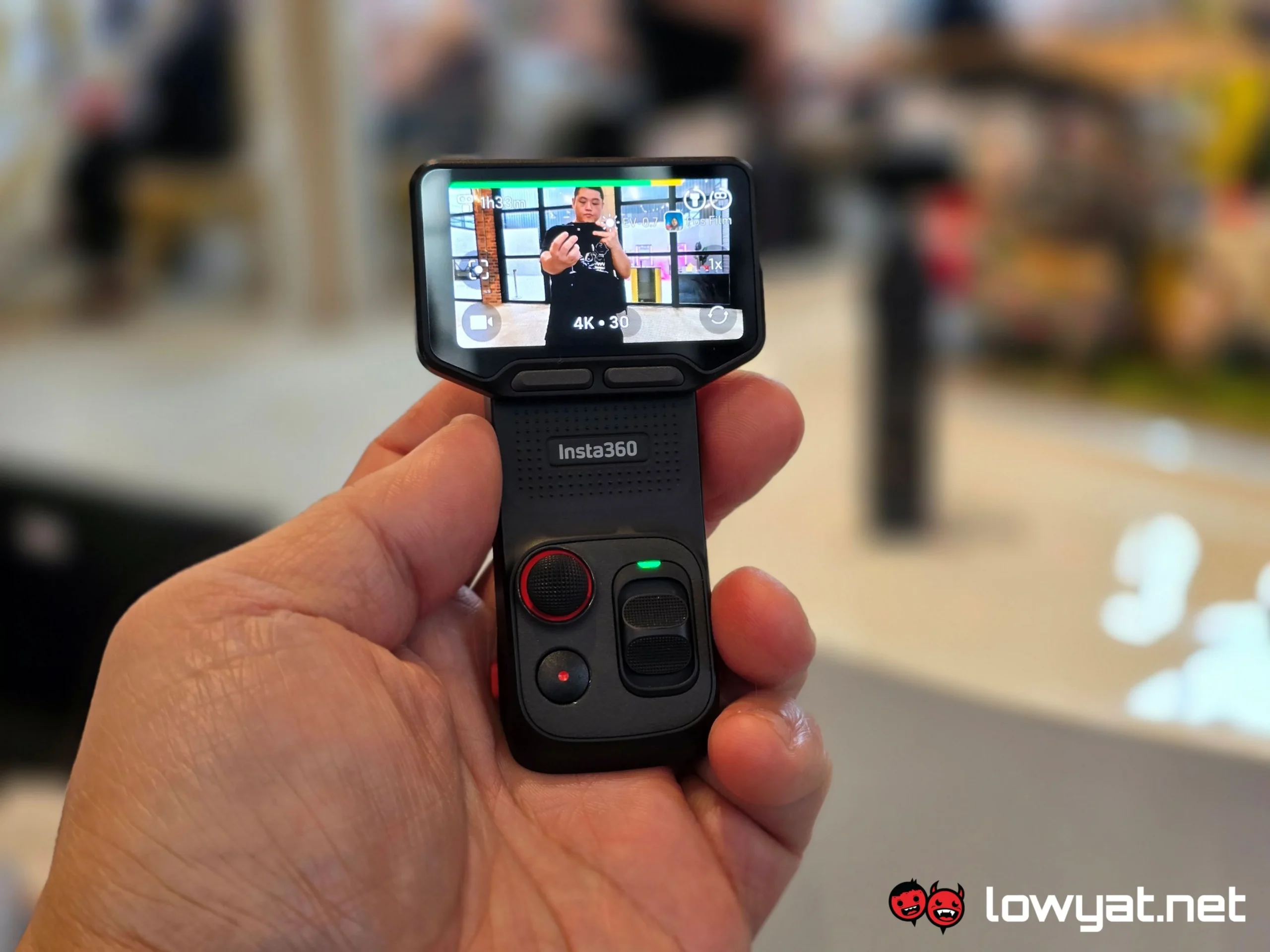
In addition, the controls are actually detachable. Insta360 says that its wireless ability is good for up to 20 metres, and seeing how I wasn’t able to really give this function the beans, I’m going to have to take the brand’s word for it.
On the subject of the gimbal and its gyroscopic functions, I’ll say this: It’s as impressive as other gimbals I’ve seen and briefly played around with in the past, but it is clearly still susceptible to over-rotation and overstretching its viewing angle. At which point, I had to reset its axis back to zero. This feels more of a user error issue, and something I would have to get used to over the long run, provided I get the chance to actually use this.
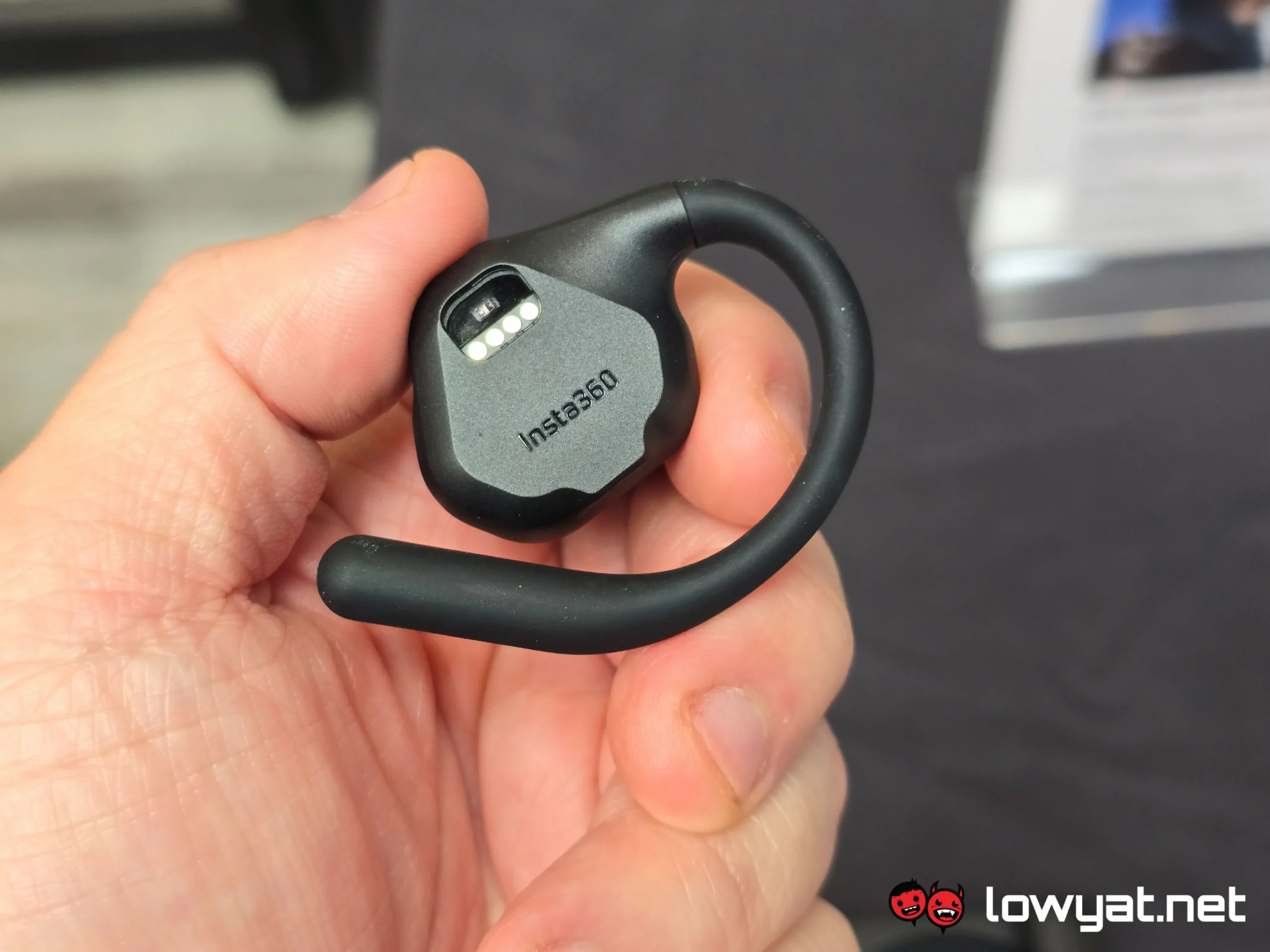
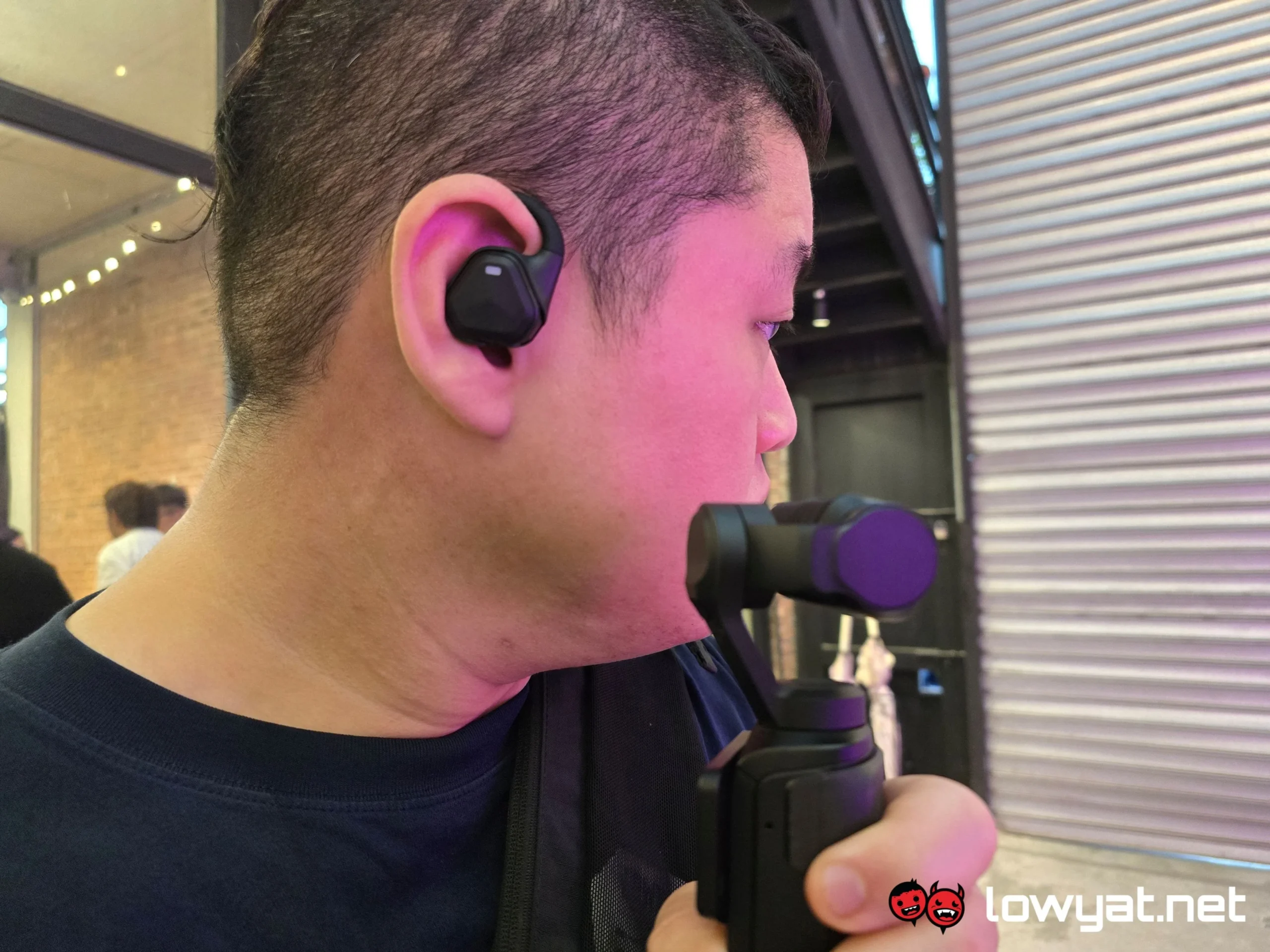
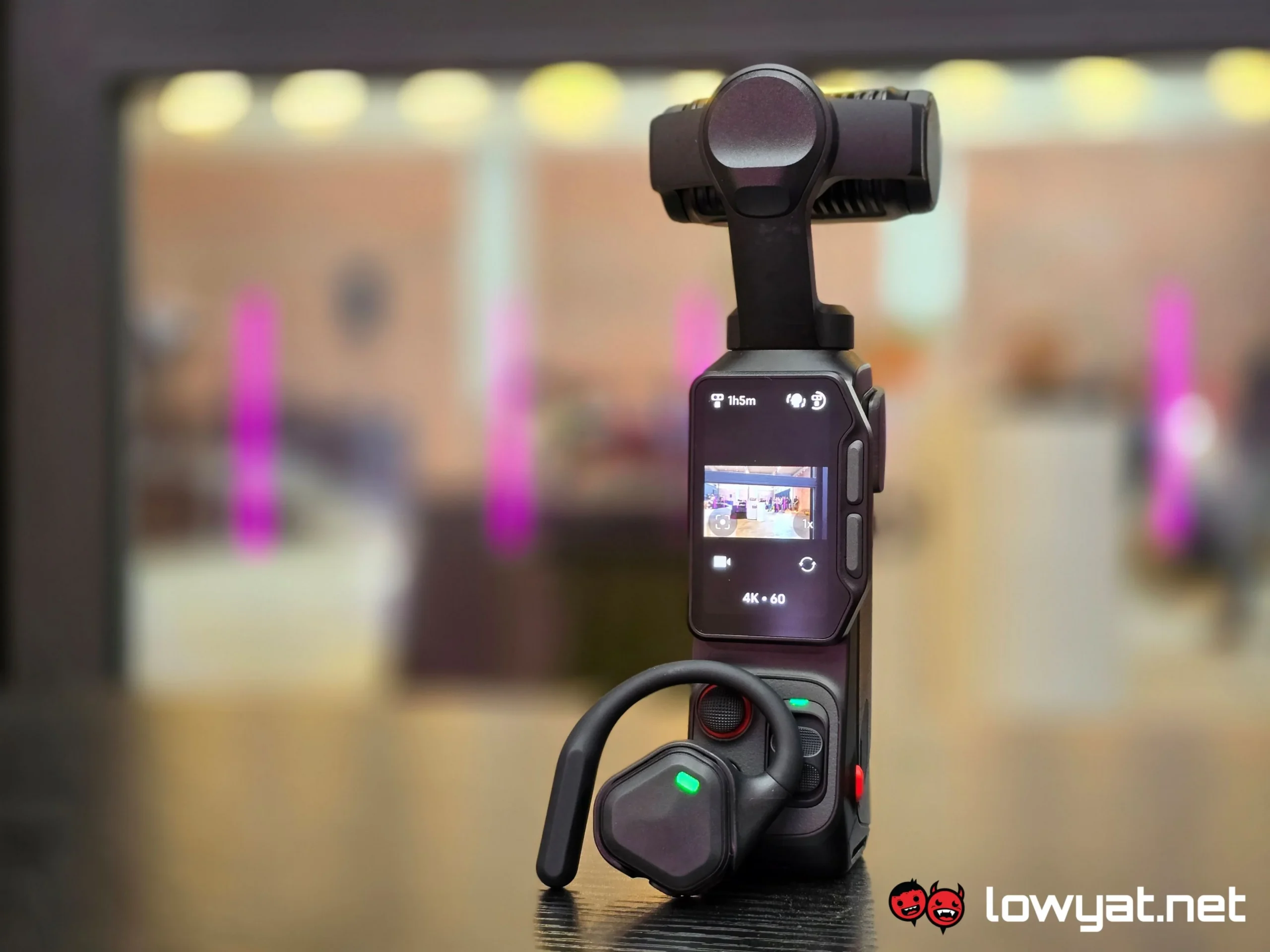
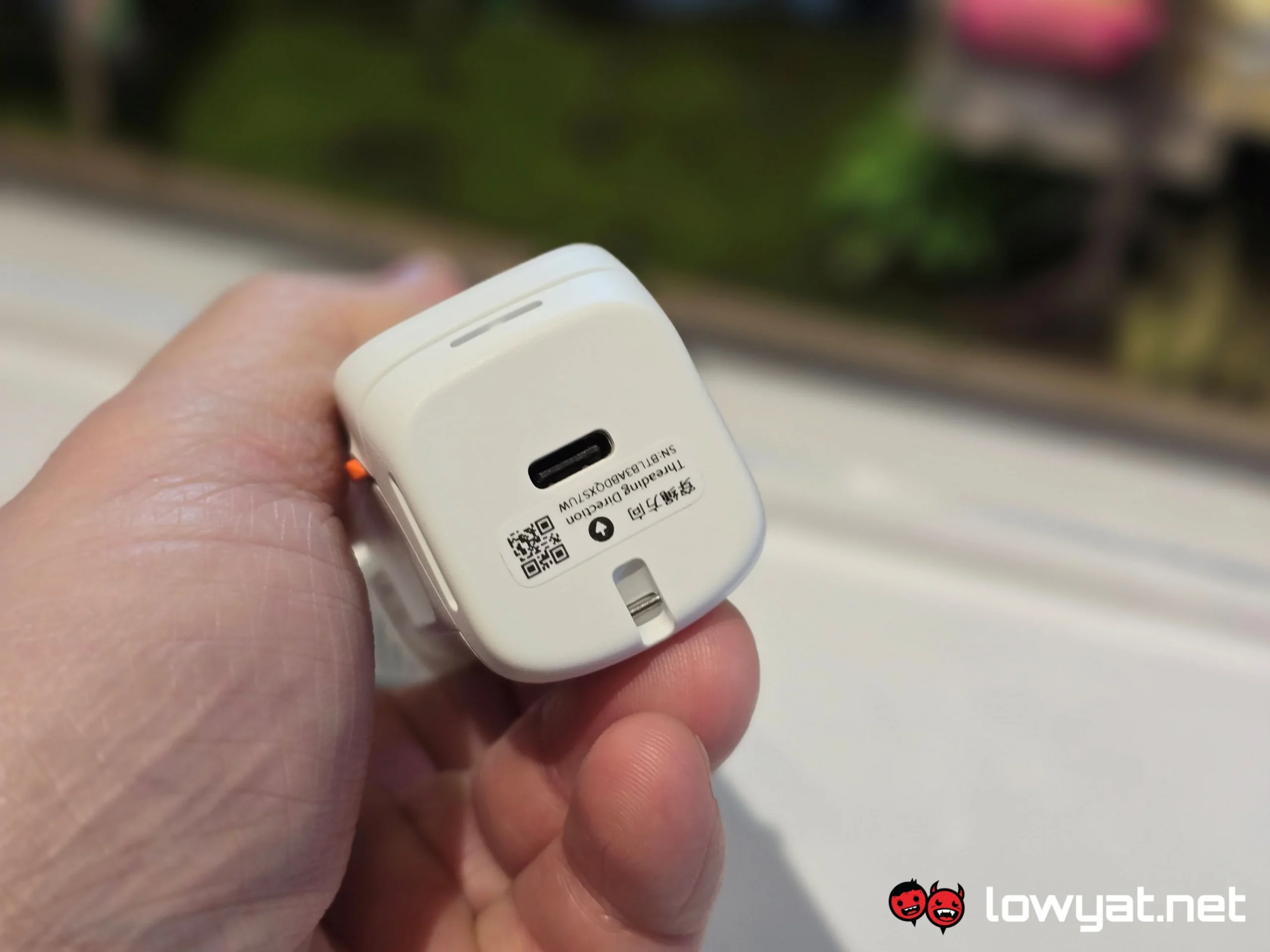
Oh, and there is one interesting party piece to the Insta 360 Luna Ultra: the POV head tracker. While an optional extra, the accessory felt, in my opinion, like a tool that could elevate the whole vlogging experience for any individual. You simply connect it to the gimbal via Bluetooth, ensure that head tracking is active, hang the camera around your neck, give it a little bit of calibration, and presto. Whatever you’re looking at, the camera’s also looking at. Seriously, there’s barely any latency, and honestly, the only issue I would take with it is that the POV module is only available in a right-ear option.
The Insta360 Luna Ultra is already available in Malaysia for RM2,999.
@lowyatnet We went hands on with the Luna Ultra, Insta360’s latest dual-sensor action camera with a 1-inch sensor Leica sensor capable of recording video at 8K resolution. #insta360 #insta360LunaUltra #gimbalcamera
