
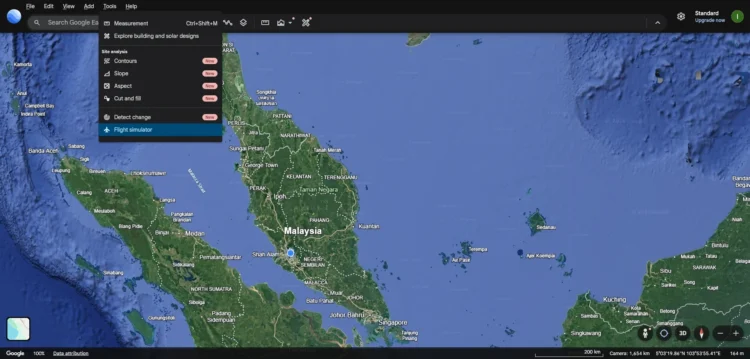
You’ve probably heard a lot about the Microsoft Flight Simulator, but have you ever heard of the Google Earth Flight Simulator? Neither have I, until today anyway. It is worth noting though that if you were a dedicated user of the Google Earth desktop software, this would not be news to you, as the mode has been a hidden easter egg for the past two decades.
With that in mind, what is new is the availability of the Flight Simulator mode on the web version of Google Earth. From the internet search giant’s documentation page, it looks to have been added or updated over the weekend. From the page in question, accessing the model is as simple as navigating to the Google Earth web page on a PC, hit Explore Earth, click on the Tools menu at the top, and select Flight simulator. It’s probably worth noting that doing this on mobile simply prompts you to download the app instead.
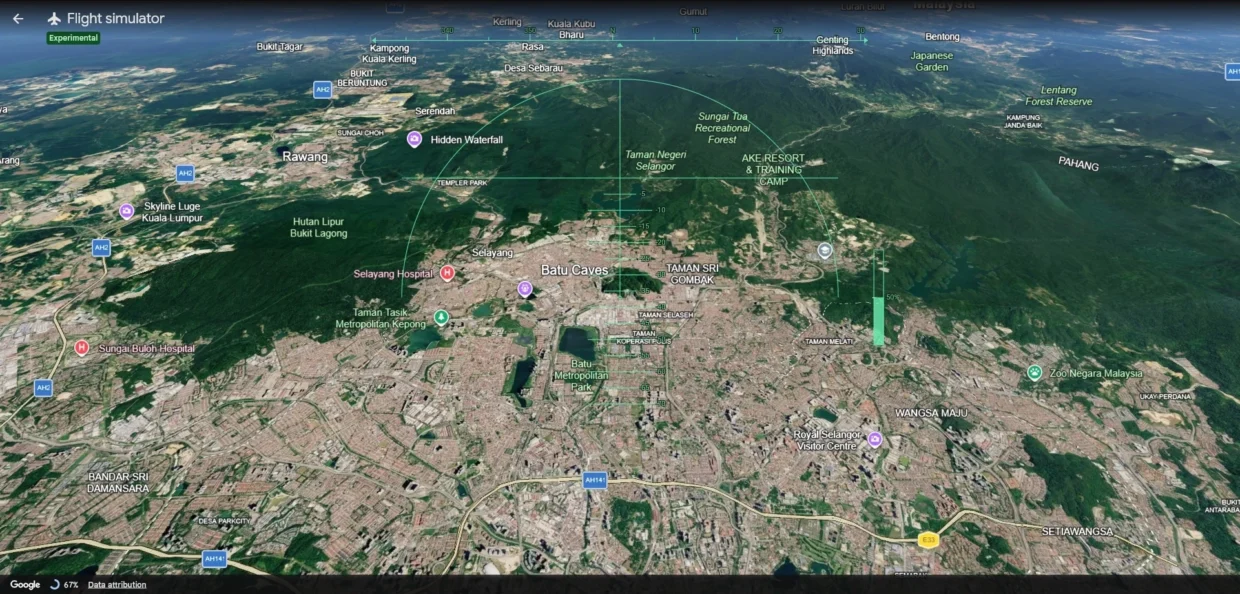
On one hand, controls and flight physics have been greatly simplified here. Not only do you not need to deal with taxiing, taking off or landing, controls are entirely done via the arrow keys, plus the Page Up and Down keys to speed up or slow down. Gamers will be disappointed to know that WASD input is not supported. You can technically use the mouse as well, but unless you were looking to induce nausea on yourself, I wouldn’t recommend it.
That being said, it’s still definitely not an arcade experience like, say, an Ace Combat entry. There isn’t even an option to level yourself out once you’ve sent your “plane” spinning like an airborne top with the mouse, so despite this being a lot less serious than the Microsoft equivalent that you need to pay for, every input still needs to be pretty deliberate.
On the flip side, while you can still crash if you fly straight into the ground, there’s no risk of stalling out even at minimum flight speed. At high speeds though, the experience becomes quite jittery, and if your internet speed is not up to snuff, you’ll see textures struggling to load in.
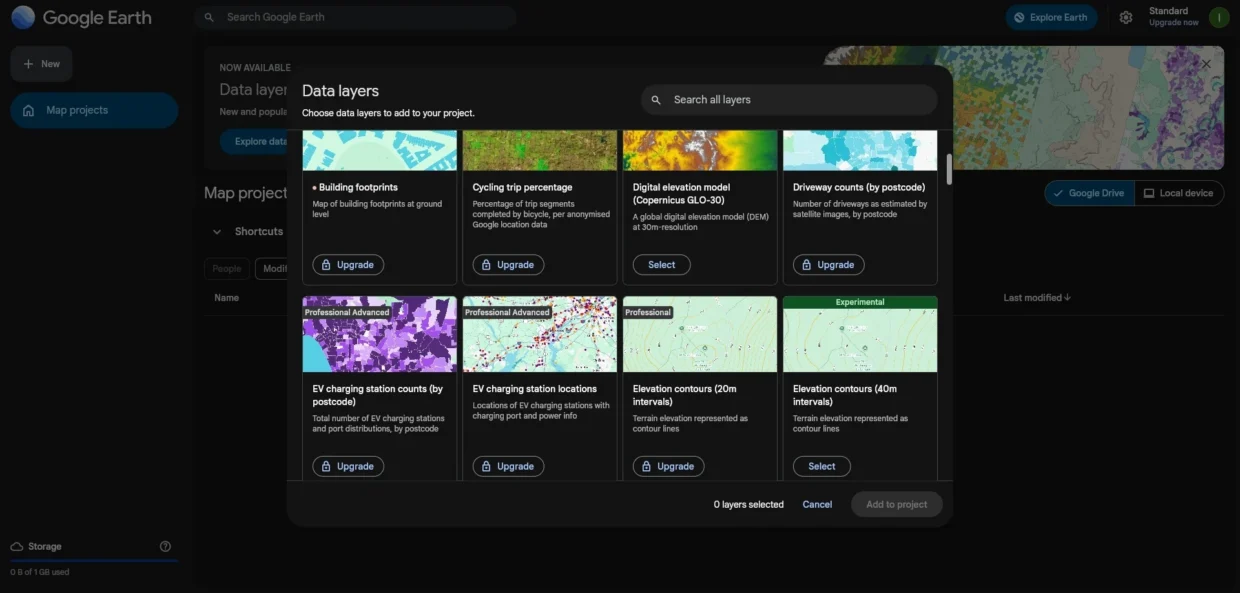
If you’re the kind of person that regularly uses Google Maps anyway, this Flight Simulator mode adds to it by adding another layer to the experience. Who knows, this free experience may be the gateway to the paid one offered by Microsoft, or any other ones that one might prefer. That being said, for more serious researchers, there are layers that you can pay for to get access to.
(Source: Google [1], [2])
