

The Xiaomi Pad 8 series launched alongside the brand’s flagship smartphones last month. Out of the two models in the new tablet lineup, the Pad 8 Pro serves as the higher-end option, with a more capable chipset at its core.
On paper, the tablet promises powerful productivity packed into a portable device. This is a claim that does hold up in practice, but your mileage largely depends on whether or not you’re picking up the accessories as well.
What Am I Looking At?
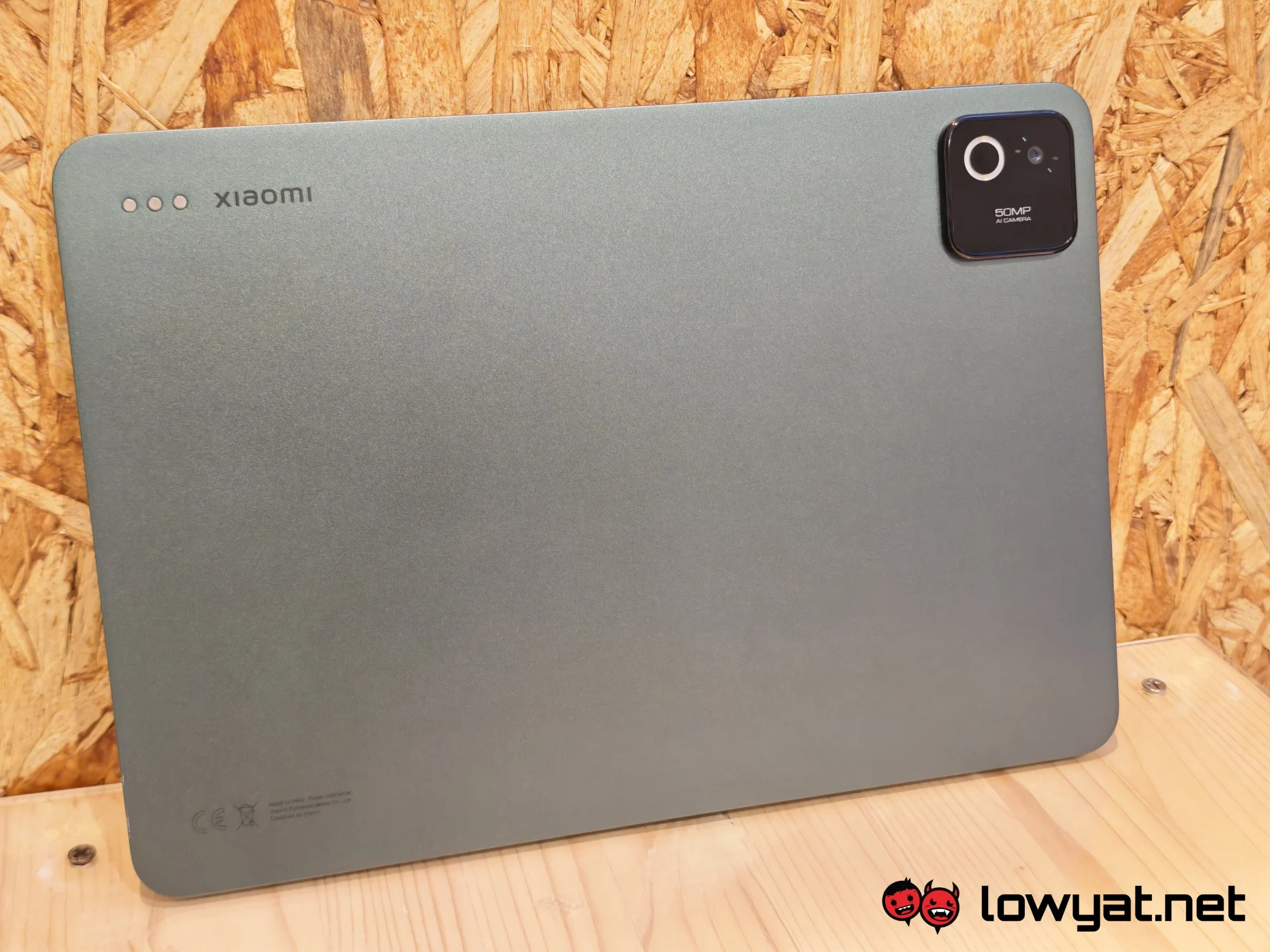
 The Xiaomi Pad 8 Pro is a slim and compact tablet, although it does lean a touch on the heavier side. This particular model is the Pine Green version. It sports a matte green chassis that does look somewhat dull and murky. If this colour isn’t your cup of tea, it also comes in Gray.
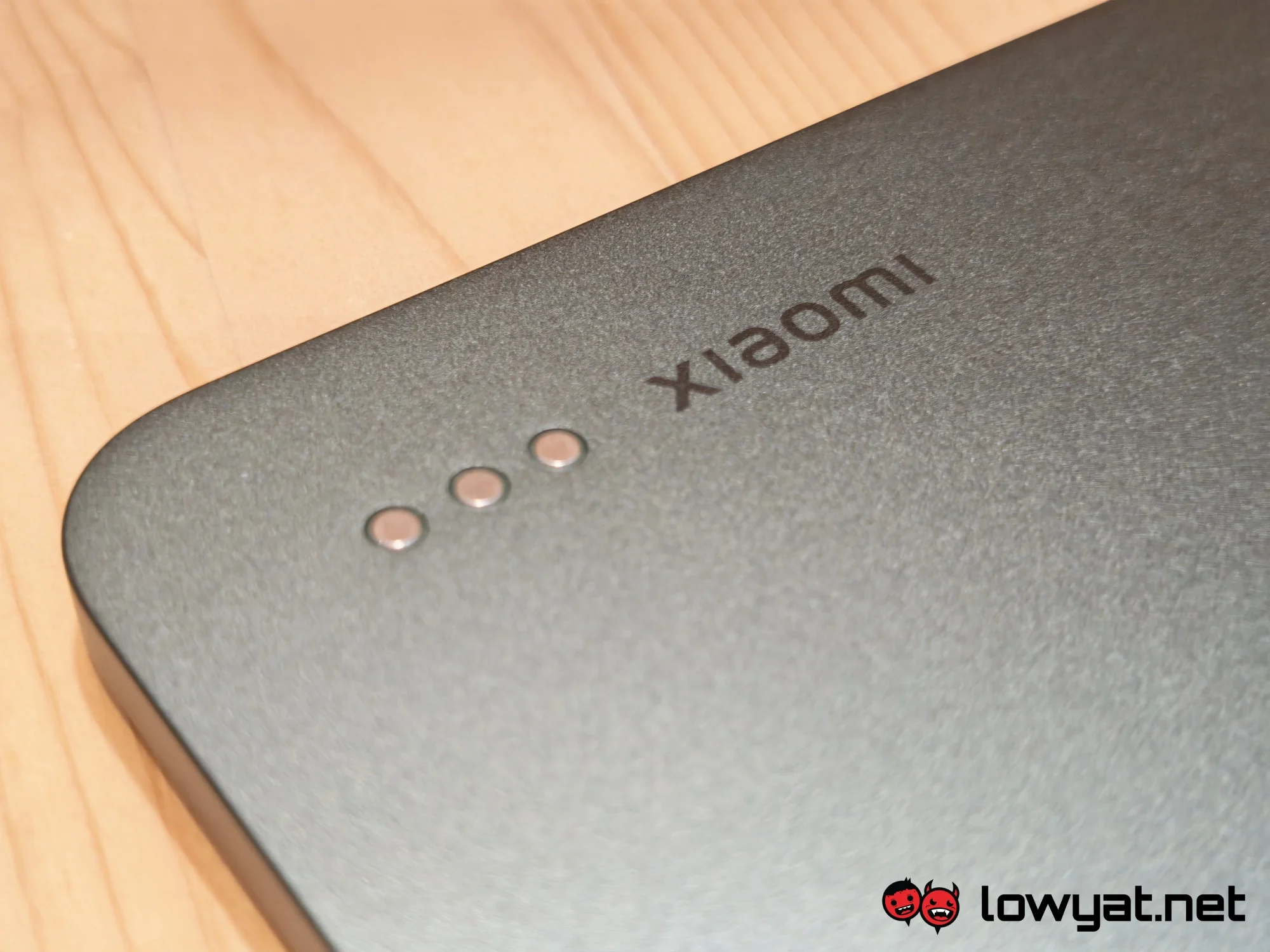
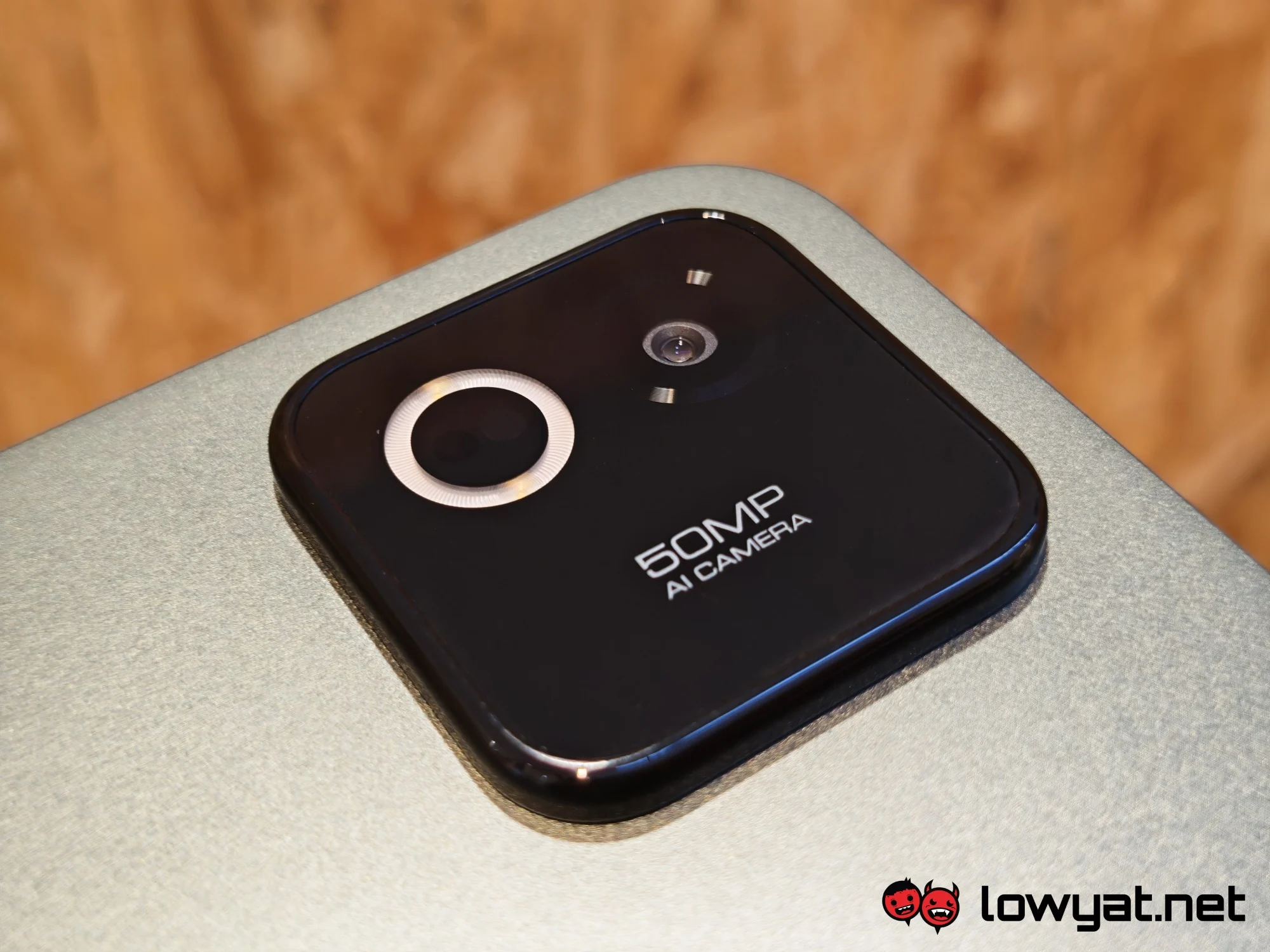
Regardless of your chosen hue, the device sports a pretty big camera bump, which does protrude quite a bit. This module houses the 50MP rear camera and LED flash. Across the camera are the pogo pins for the magnetic keyboard, which is an optional add-on. Another optional accessory is the Focus Pen Pro. This is a battery-operated stylus that attaches to one edge of the tablet.
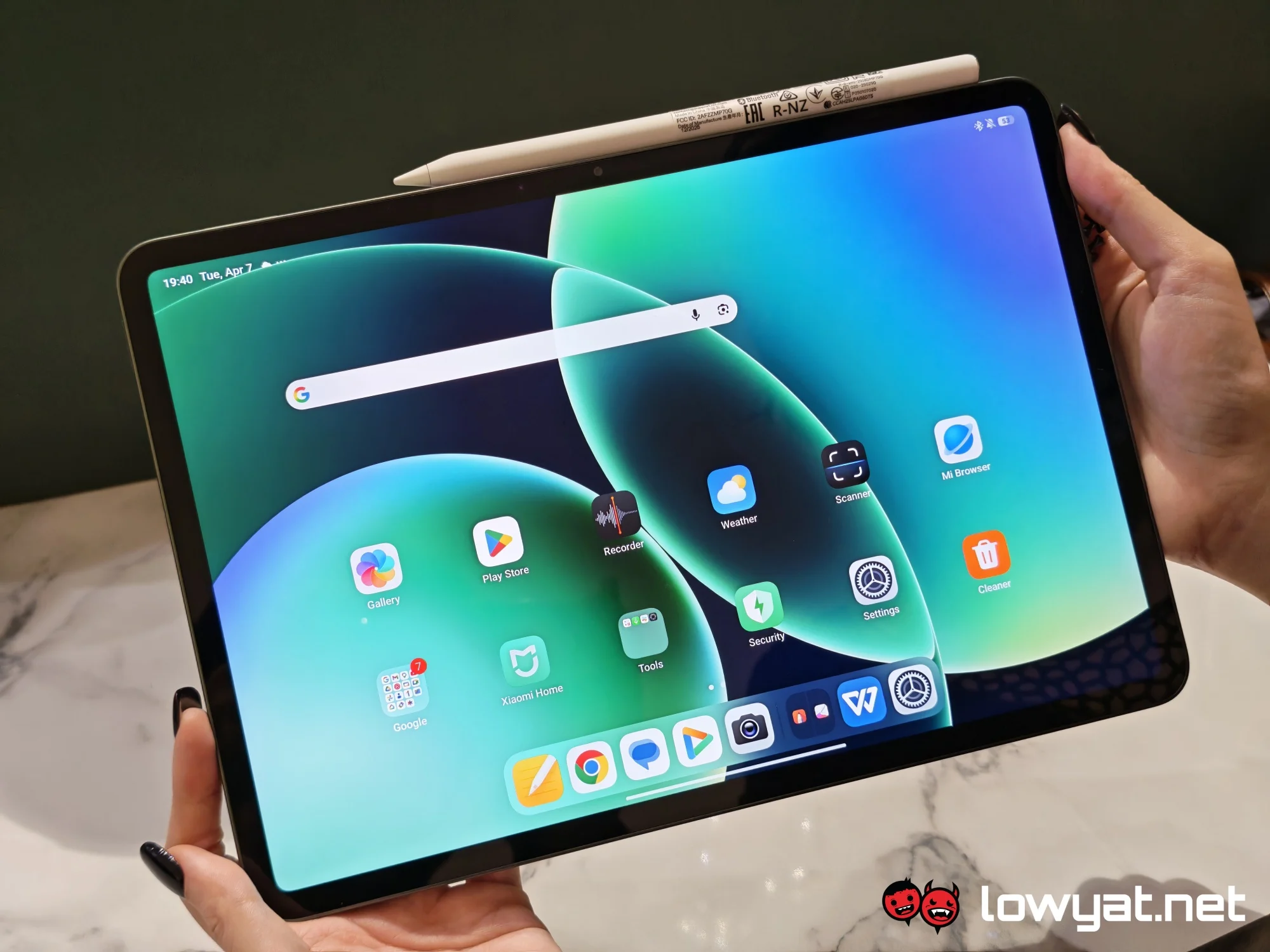
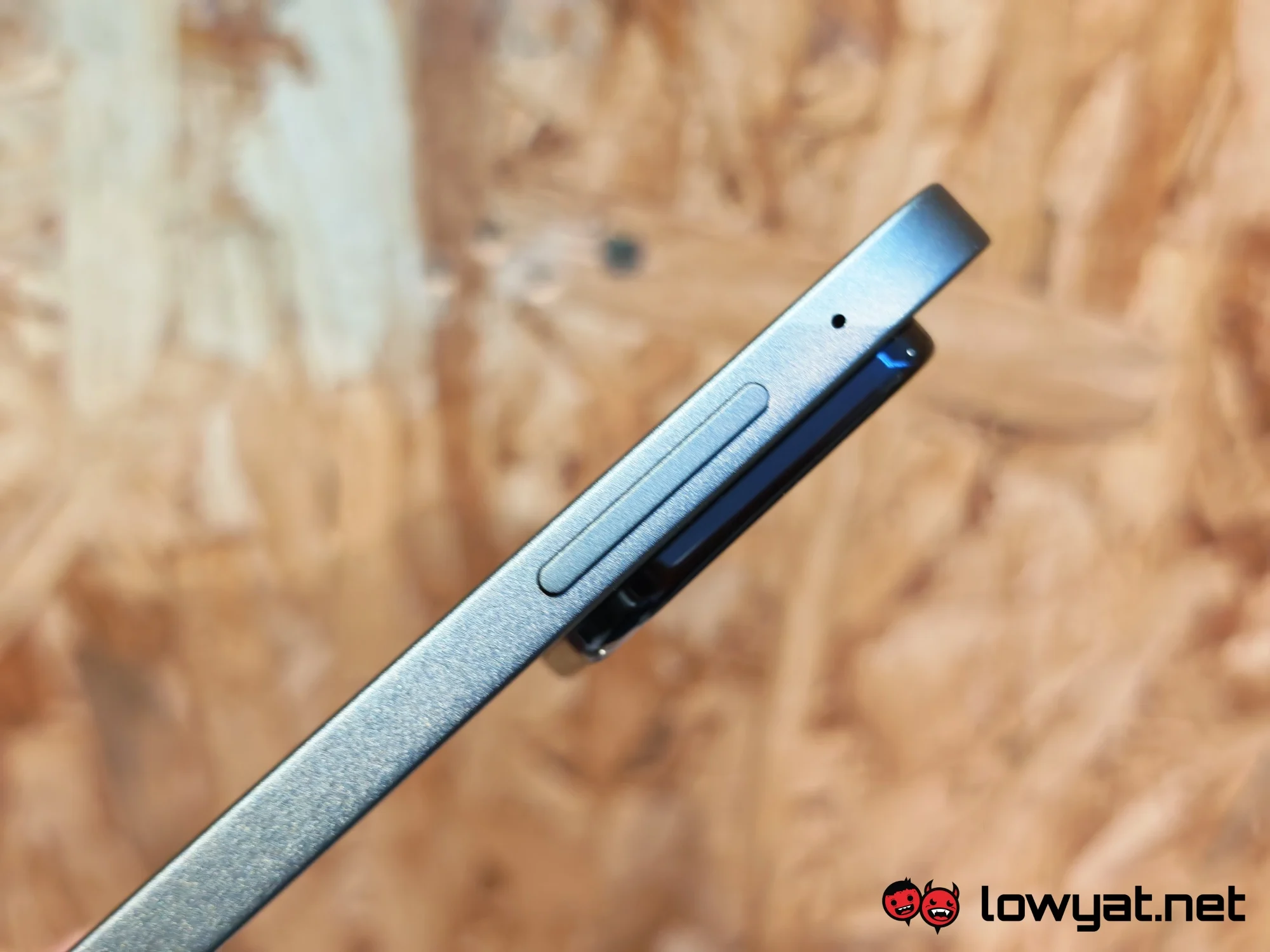
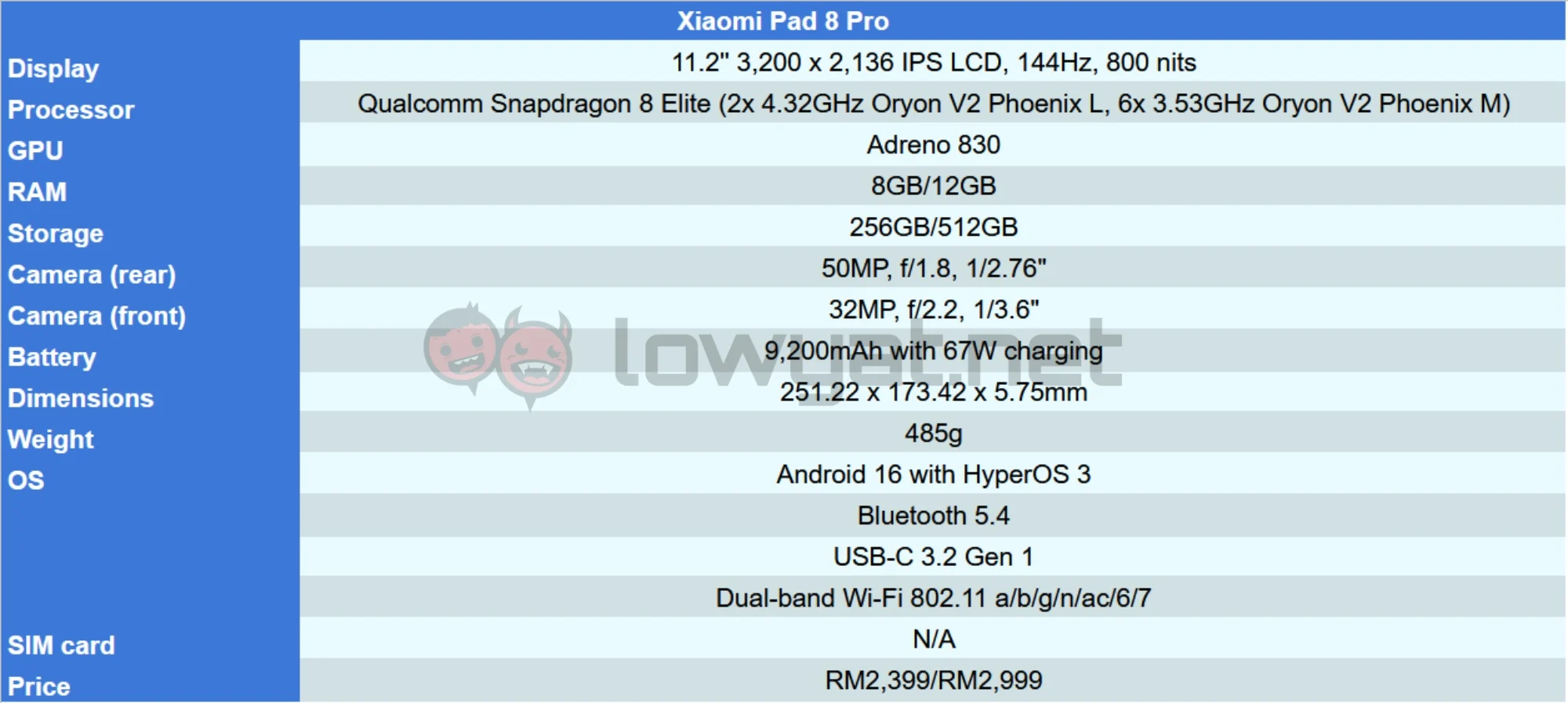
Accessories notwithstanding, the Pad 8 Pro gets an 11.2-inch 3.2K LCD display. Internally, it equips Qualcomm’s flagship chip from the previous generation, the Snapdragon 8 Elite. This gets paired with either 8GB or 12GB of RAM. Xiaomi has provided us with the 8GB version, so this review is based on that. Also worth noting is the lack of cellular connectivity.
What’s Good About It?
 In terms of size, the Xiaomi Pad 8 Pro feels just right. It’s small enough to be relatively portable, but also doesn’t sacrifice too much screen real estate. The thin and lightweight build also helps with that, even if one can’t exactly call it travel-sized. Still, it slides neatly into a bag, staying discreet and unobtrusive until needed.
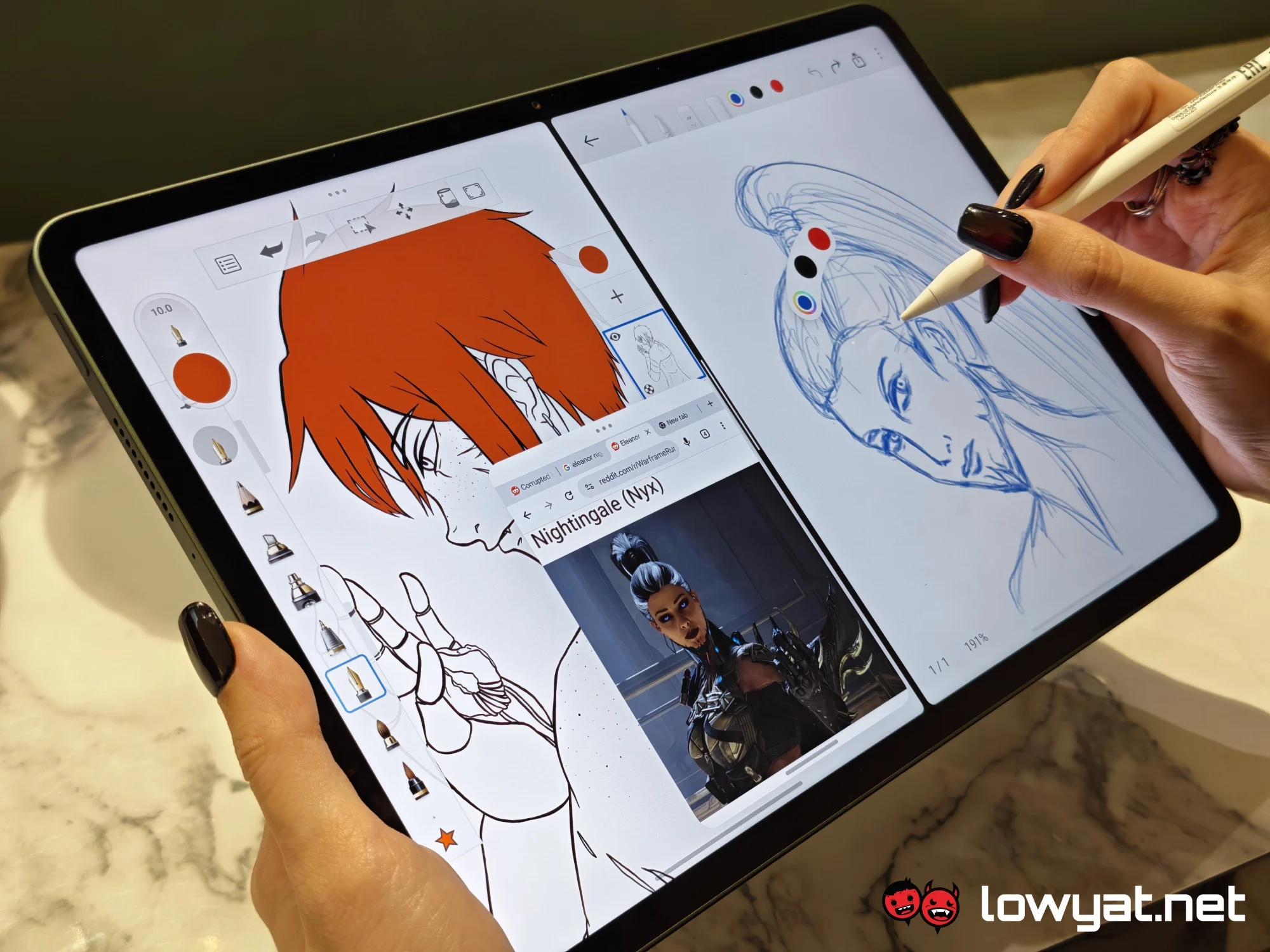
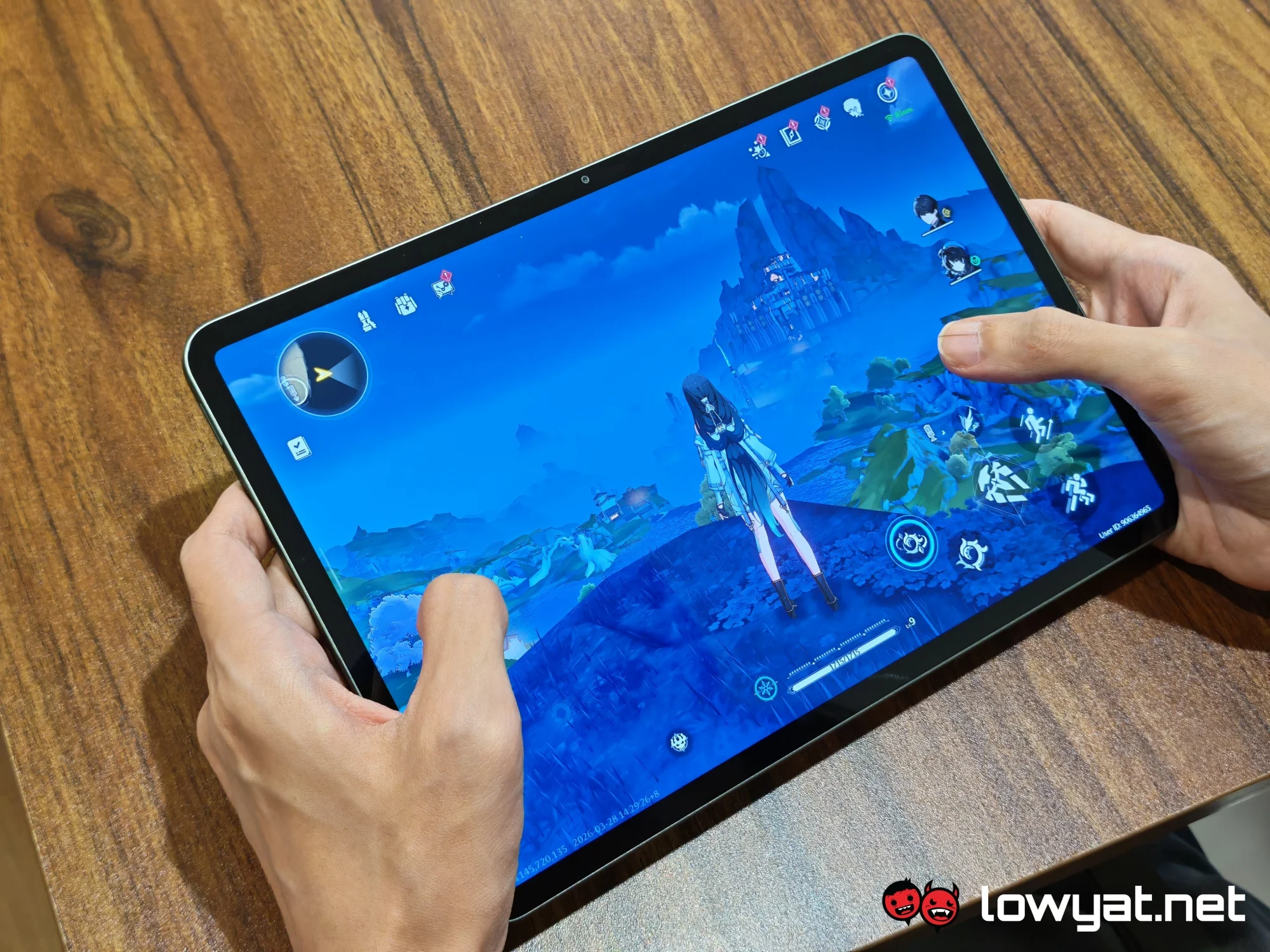
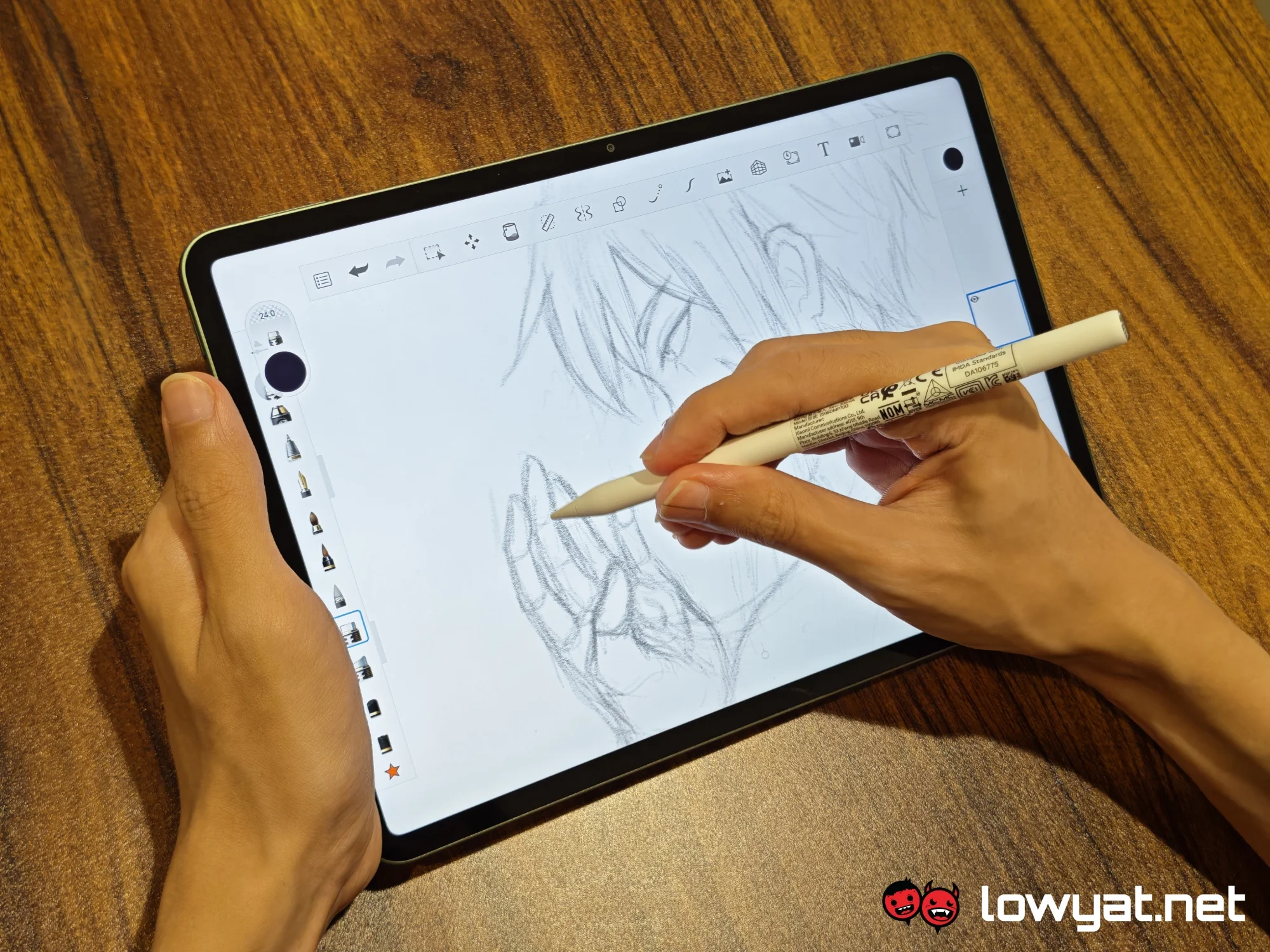
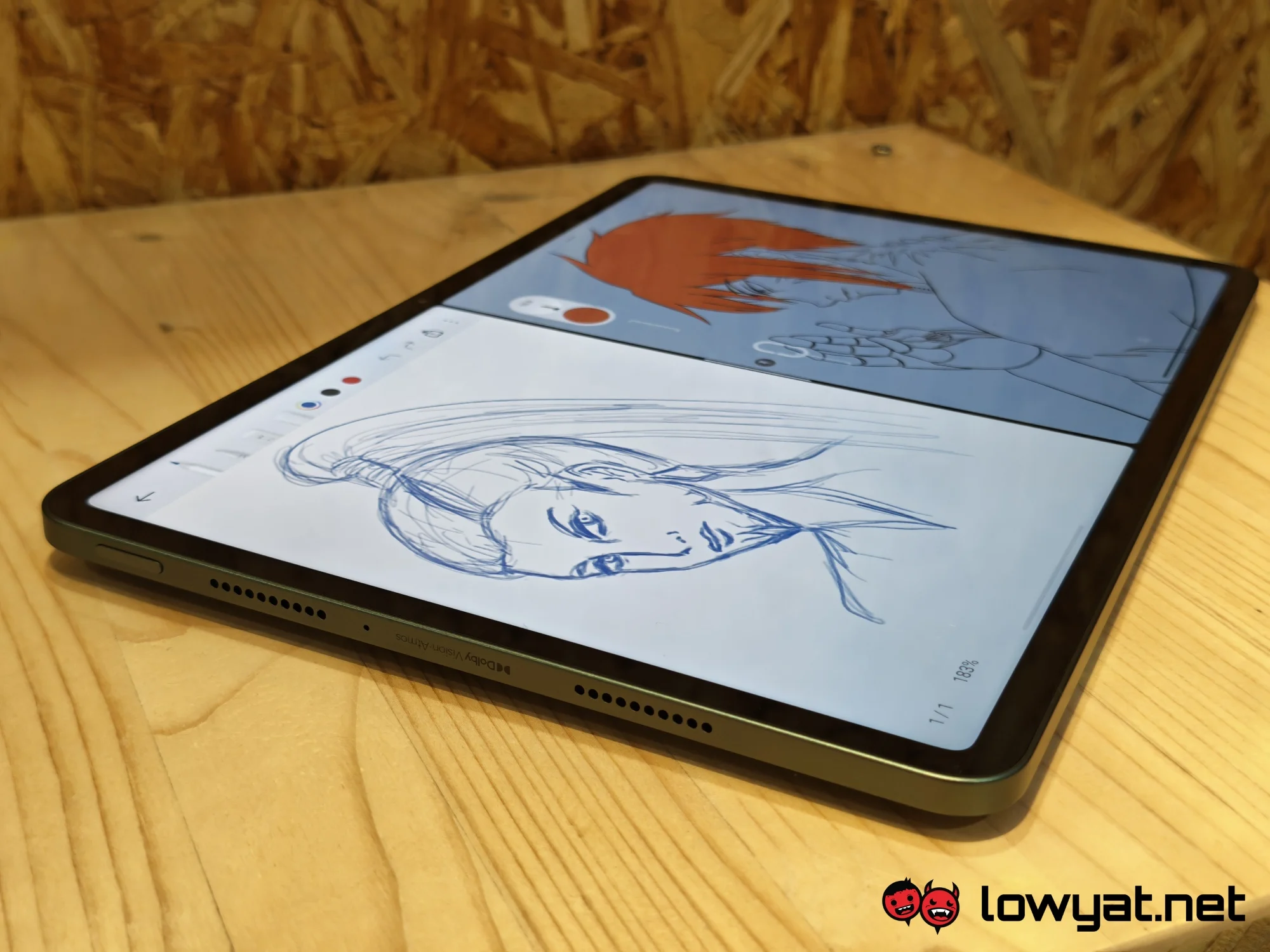
Disclaimer: I’m used to scrawling on bigger 12-inch devices, so I expected to find the tablet a bit lacking in this area. To that end, I was pleasantly surprised to find that the difference really isn’t that noticeable. There’s ample space to draw comfortably, or even have multiple apps open for multitasking purposes. While you are limited to just two apps open at a time, you can layer some floating windows on top of them if that strikes your fancy. There’s also a Workstation mode that makes it easier to open multiple floating windows.
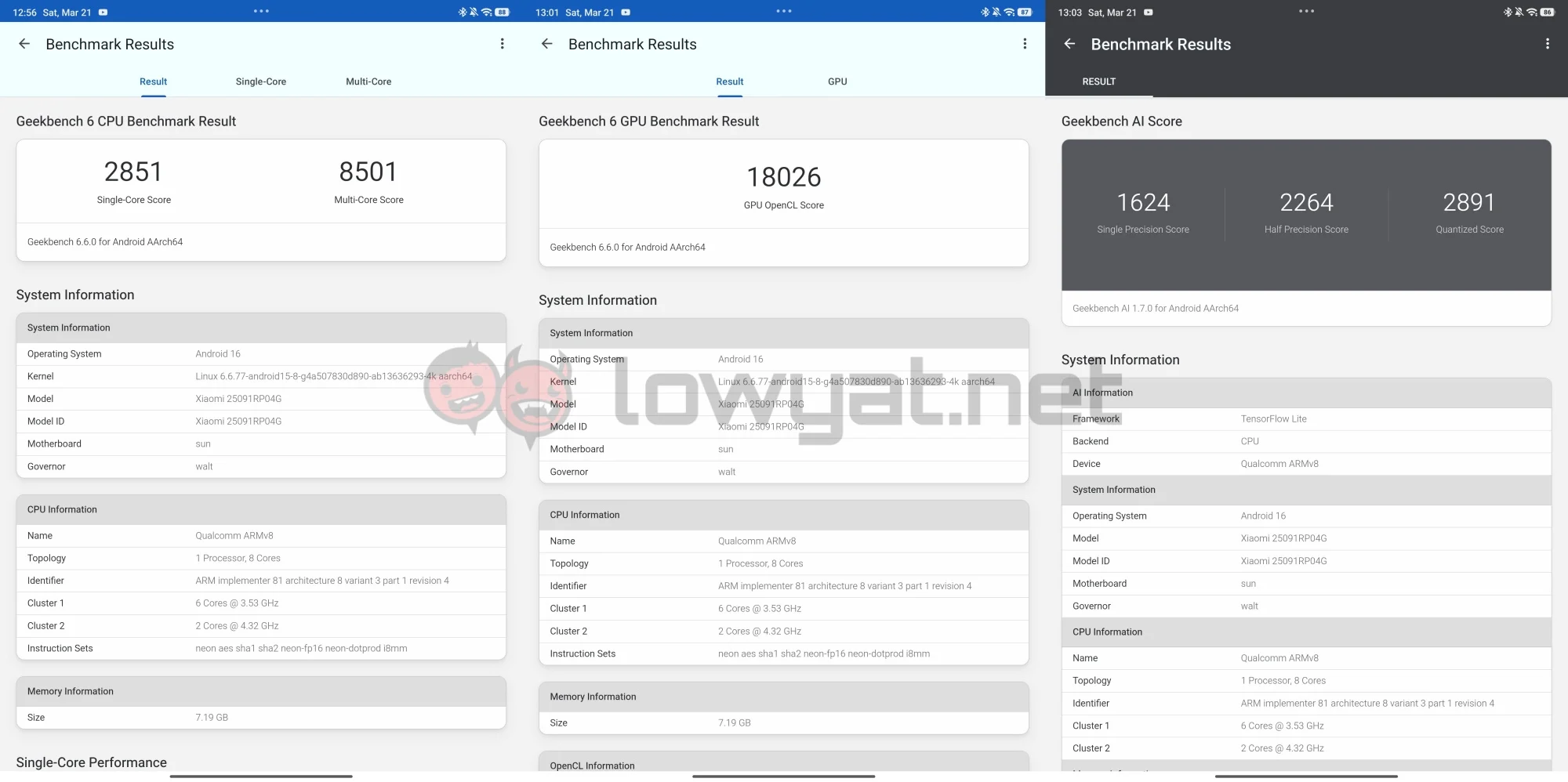
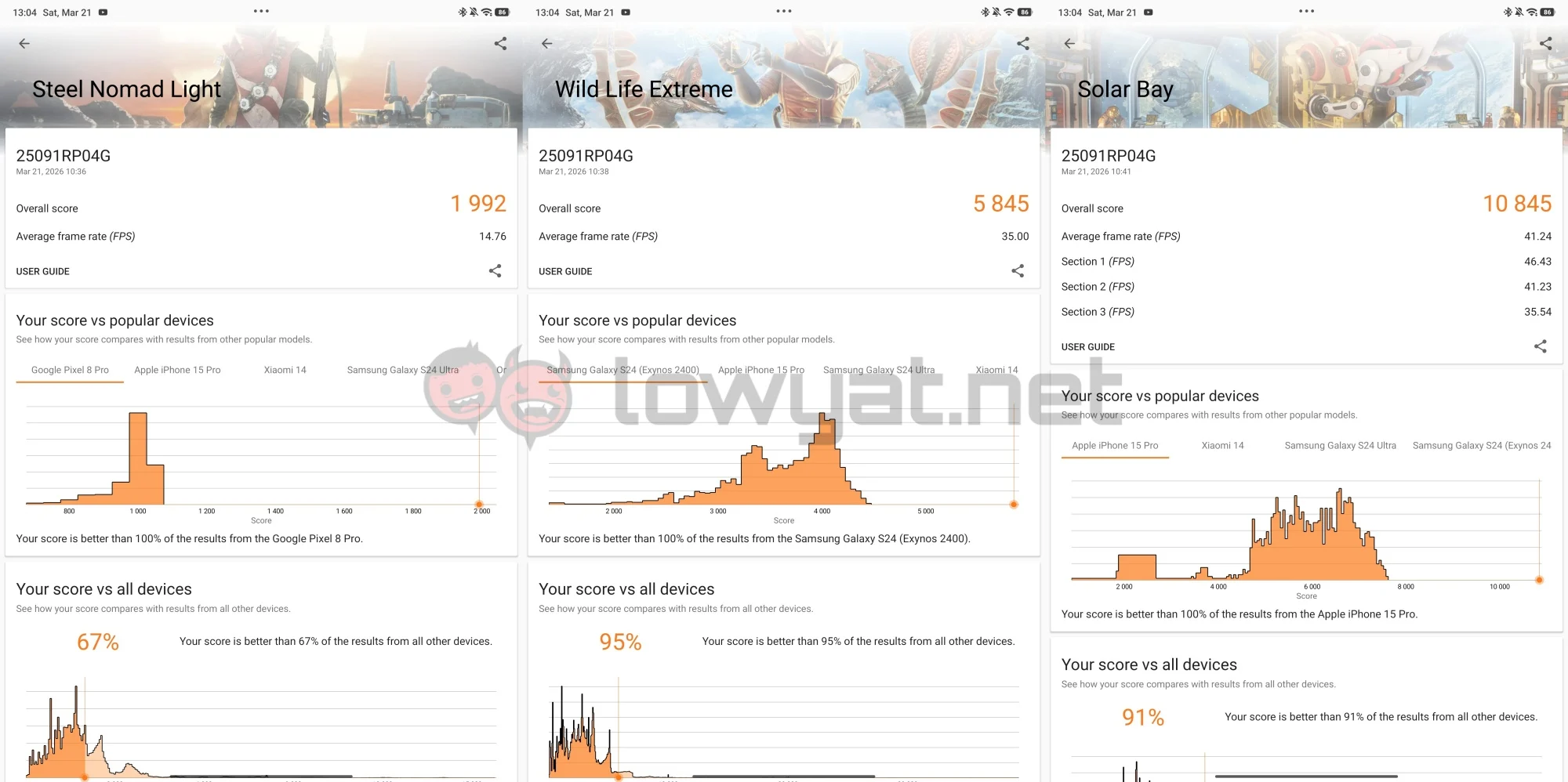
With the Snapdragon 8 Elite on board, you can expect the tablet to juggle the different apps without issue. It’s pretty much made for multitasking, seamlessly switching from one app to another. Gaming is a pretty smooth affair as well, although the tablet’s performance here is a touch inconsistent. Arknights: Endfield crashed constantly during testing, but Wuthering Waves ran without much issue.
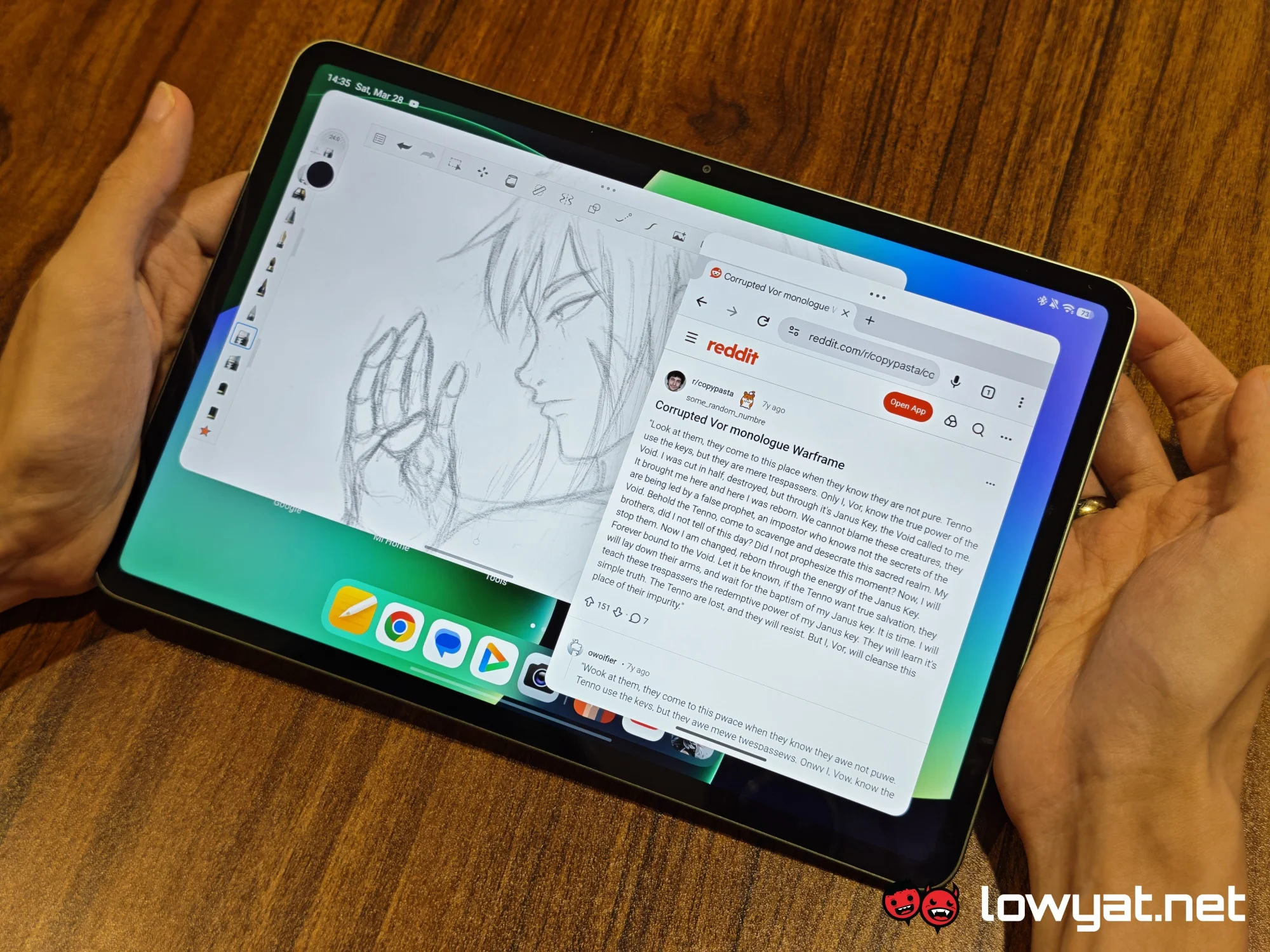
As for drawing, I do think the Focus Pen Pro is a must to get the most out of the tablet. The stylus is comfortable to hold, with a clean and sleek design that ditches physical buttons in favour of pressure-sensitive zones. While I’m not particularly fond of the gesture controls, I do appreciate the button-less design. There’s no risk of accidental presses when using it, and it feels more natural in your hand. It is a bit on the heavier side, since it has to accommodate the battery.
 While you’re free to install your favourite art software onto the tablet, it does come preinstalled with the Mi Canvas app. It’s a decent tool for beginner artists, although it functions more like a general notebook rather than a specialised art programme. It’s missing the more advanced capabilities like layers, but you do get a few different brush types and a ruler. The Focus Pen Pro also works best with the app, as it gets additional functions.
What’s The Catch?
 If you’re planning to do a lot of scribbling on the tablet, you may find the glossy surface to be a little uncomfortable to work with. Granted, this is the norm for mobile devices, and Xiaomi did make a version with matte glass. Unfortunately, this model isn’t readily available on our shores.
Aside from that, using the device under intense light can be an issue due to how reflective the display is. Furthermore, the screen’s brightness tops out at 800 nits, which isn’t quite enough to eliminate the reflections.
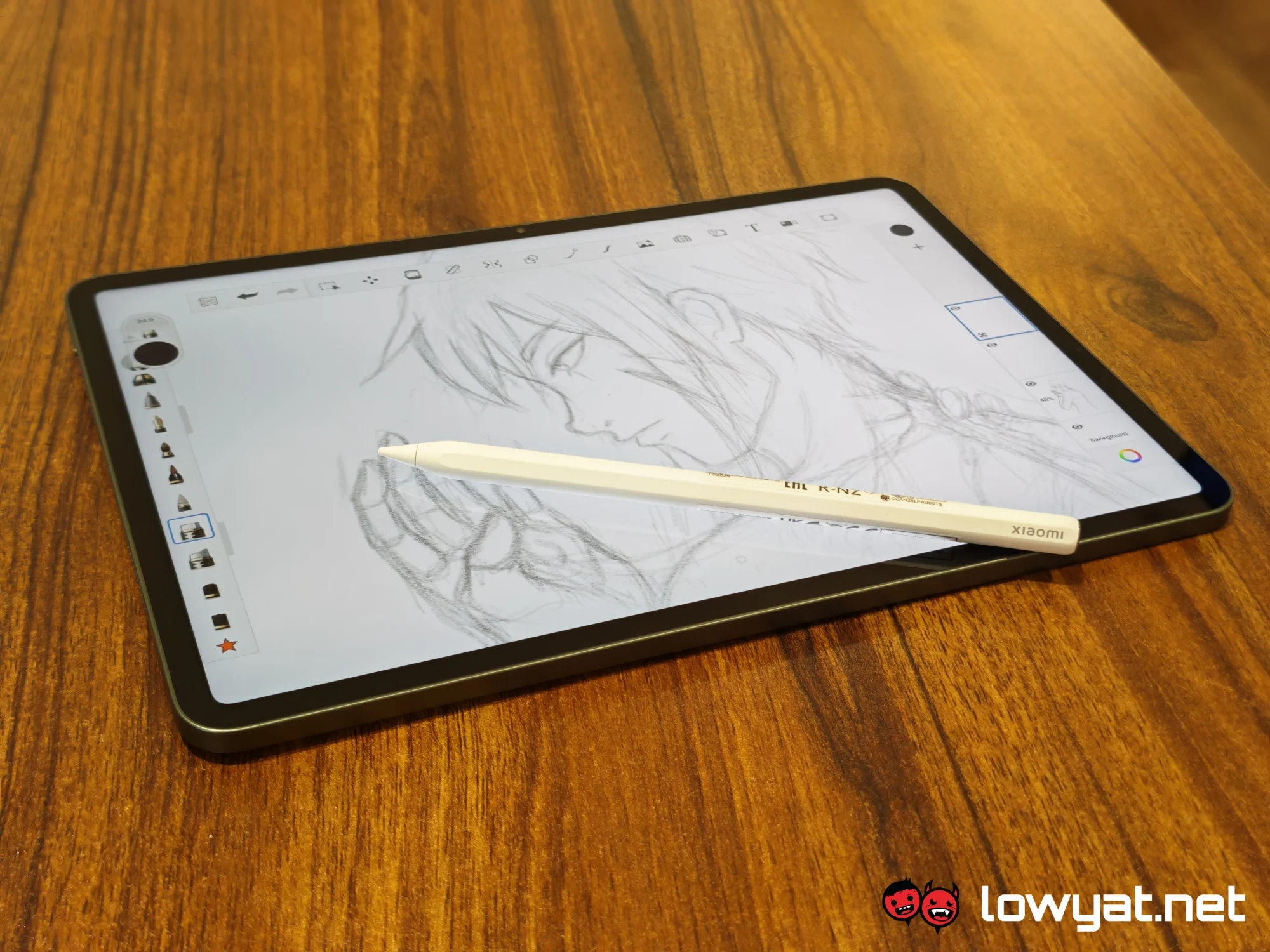
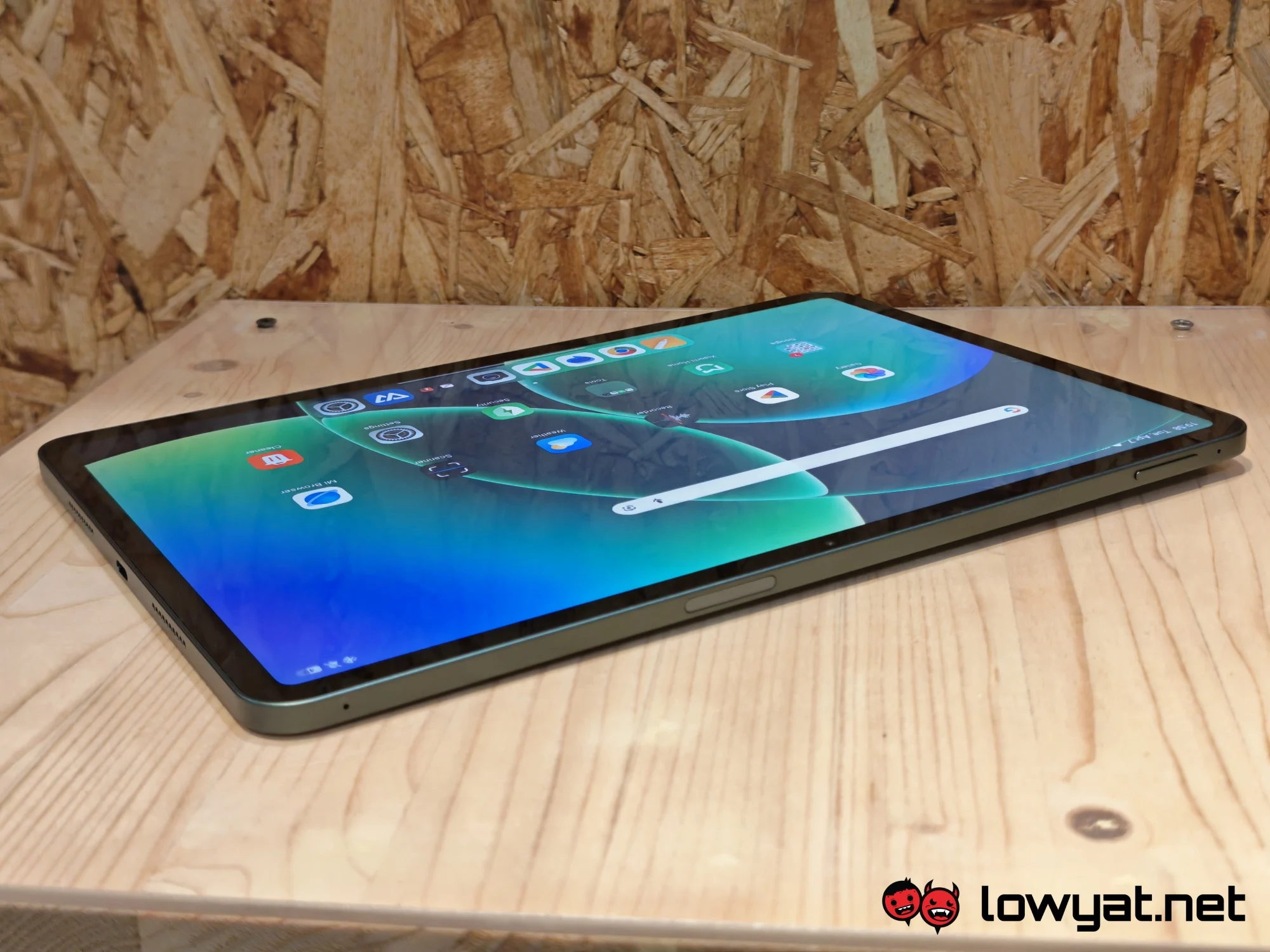
The protruding camera bump also presents a problem. On its own, the tablet cannot lie flat, so it wobbles quite a bit as you’re writing or drawing. Arguably, the camera module is needlessly huge. The lens itself doesn’t seem to occupy as much space as the bump suggests.
A case would minimise the wobble, but that would be an additional purchase as Xiaomi did not include one in the box. Speaking of purchases, the tablet does demand a little more investment to attain the “PC-level productivity” that’s advertised. The stylus, for instance, costs RM599.
Should I Buy It?
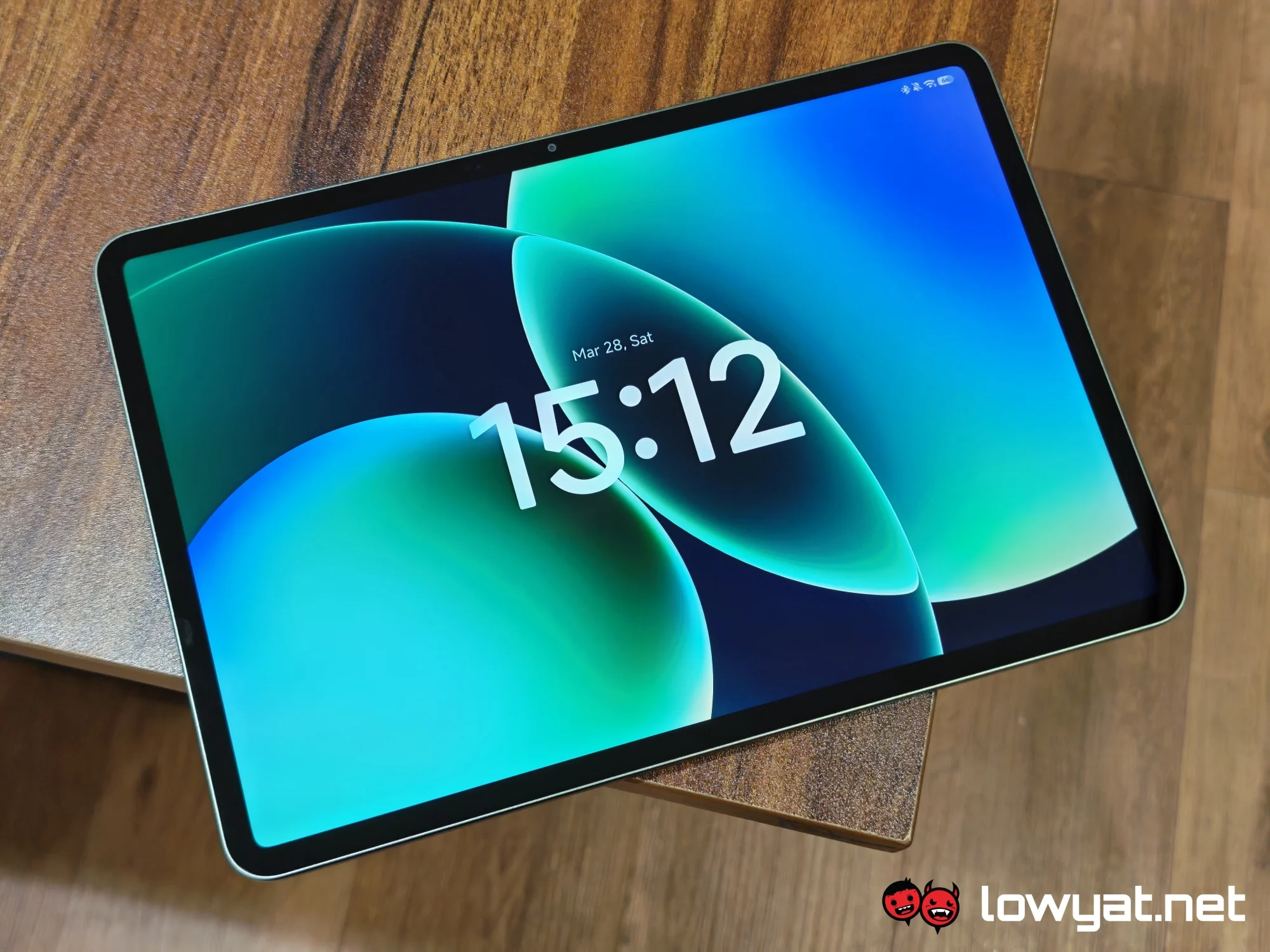 For a starting price of RM2,399, you get a portable yet powerful device that can more or less meet your productivity needs. On its own, though, it is by no means a PC substitute. At the very least, you will want the keyboard, which is an additional RM499.
@lowyatnet Today, we unbox and take a look at the Xiaomi Pad 8 Pro. The thin tablet is available for a starting price of RM2,699. #XiaomiPad8Pro #XiaomiMalaysia
That said, if you’re not looking for a pseudo-PC, then you can’t go wrong with the Xiaomi Pad 8 Pro. It’s a comfortable all-rounder suited for work and play.
