
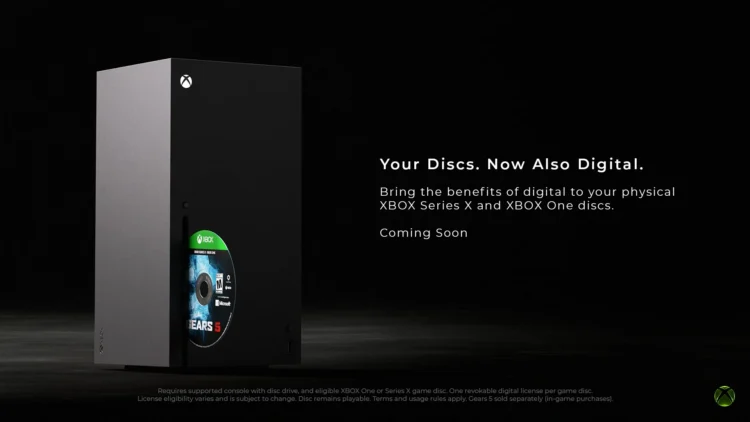
Back in August, Xbox announced that it’s letting Insiders test the Disc-To-Digital feature, which grants your account the license to a game once you pop in the disc and install it onto your console. That feature is now available to everyone with an Xbox, with the granting of the digital licence also being made faster than before.
When it was first officially announced, the Microsoft video games division said that all you needed to do to be granted a digital licence to a game was pop the disc into an Xbox One or Series X console, and launch the game. This meant that it had to be installed on the console as well. Now, according to the latest announcement, you can skip the installation part. Instead, you can highlight the game from the Home page, hit the Menu button, and select “Get digital license”.
As before, the company provides the disclaimer that not all games will benefit from this, and part of the reason is because the process needs the permission of the game’s publisher. Games that have obtained their digital licences this way will have a badge next to them when they are displayed in the library. They can also be played without the disc being in the console, until it gets tied to another console. If these games also support Play Anywhere, they will also show up with the badge on the Xbox app on PC, from which the game can be installed.
The FAQ page that Xbox has prepared also mentions certain niche cases like multi-disc games, Ultimate Editions and DLC. The first one is the most straightforward – use the first disc. For the second and third, the brand says that whatever content that’s on the disc itself will get a digital licence equivalent, while things obtained separately like DLC “are governed by the terms of those codes and may not be included”. Those of you with Xbox consoles can give the full FAQ page a read.
(Source: Xbox)
