
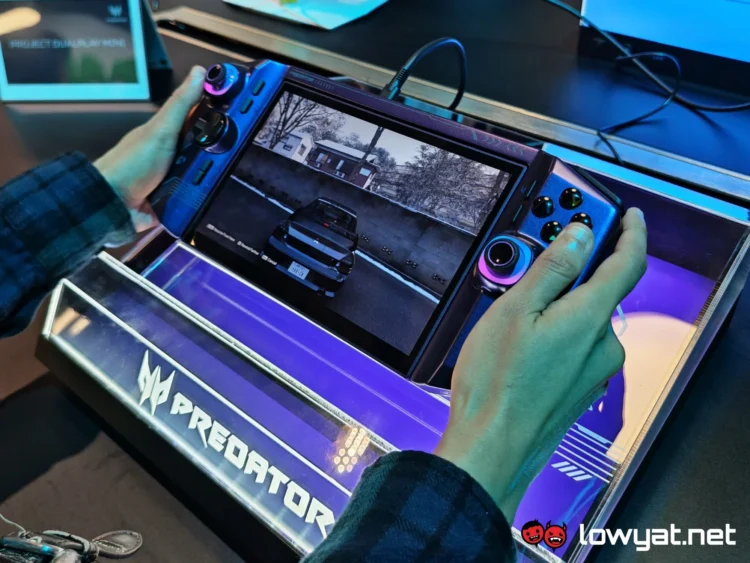
The star of Acer’s IFA 2026 reveals has to be, without a doubt, the Project DualPlay Mini. Much like its non-mini counterpart, the device is not a full-fledged consumer product, but rather a proof of concept for demonstrating the company’s innovations. Conceived as a 2-in-1 handheld console, mini laptop hybrid, it aims to answer the question of how a mobile gaming device can be engineered to accommodate productivity needs. Whether that is a question that needs answering is a whole other ball of wax, but for now, let’s dive into how well Acer has executed the concept.
As this is just a prototype, the company has kept its specifications under wraps. Regardless, the Project DualPlay Mini more or less looks and feels like an 8-inch handheld, and from a distance, you probably wouldn’t be able to tell that it’s hiding a keyboard. Of course, the line where the two halves meet gives up the game, but that’s inevitable. The bottom half also has a slight indent in the middle to allow for a better grip when switching to laptop mode, but the design doesn’t exactly scream “I’m also a laptop”, which I do appreciate. It’s discreet, which is kind of ironic given the RGB lighting and other gamer-esque detailing.
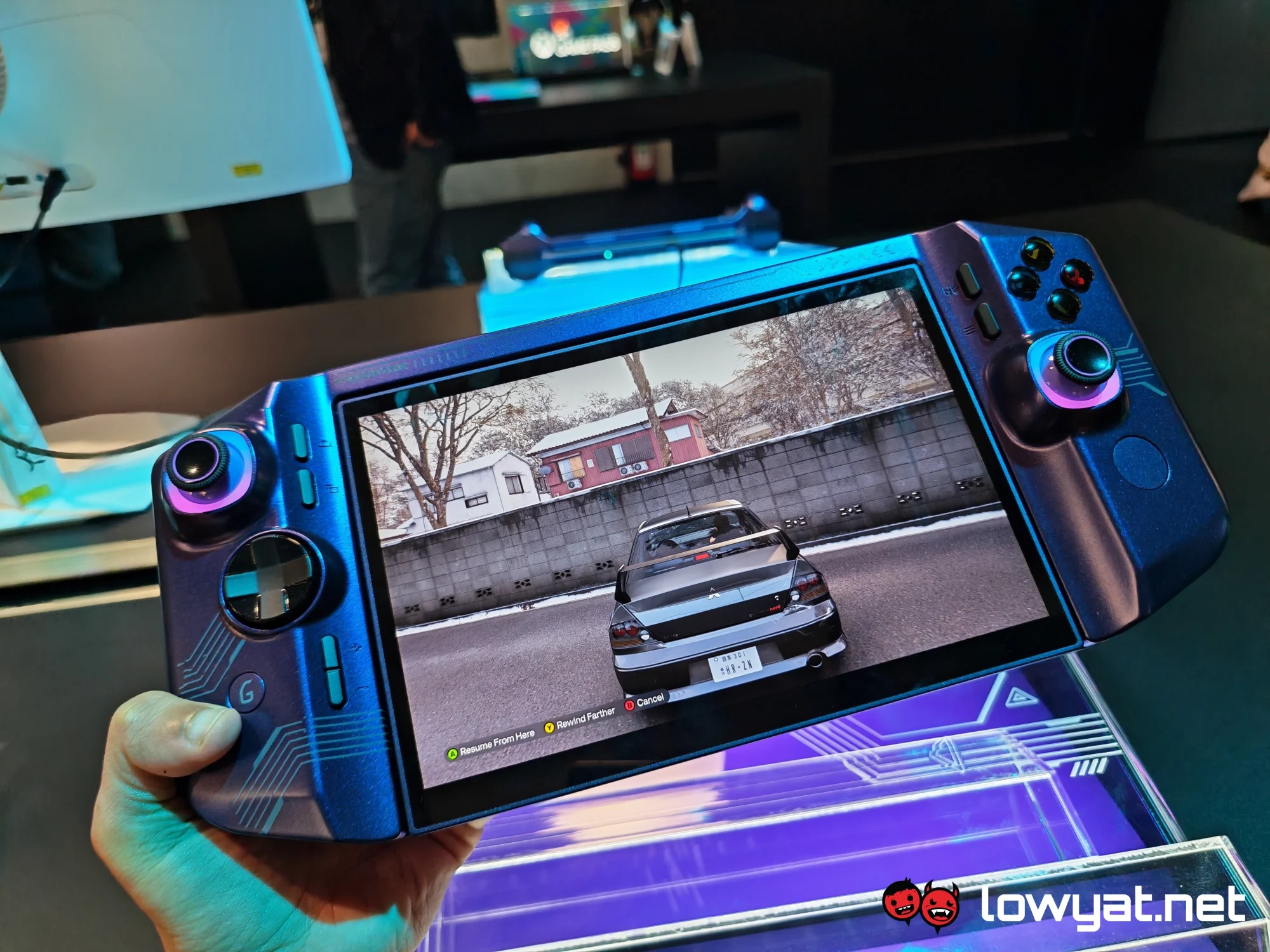
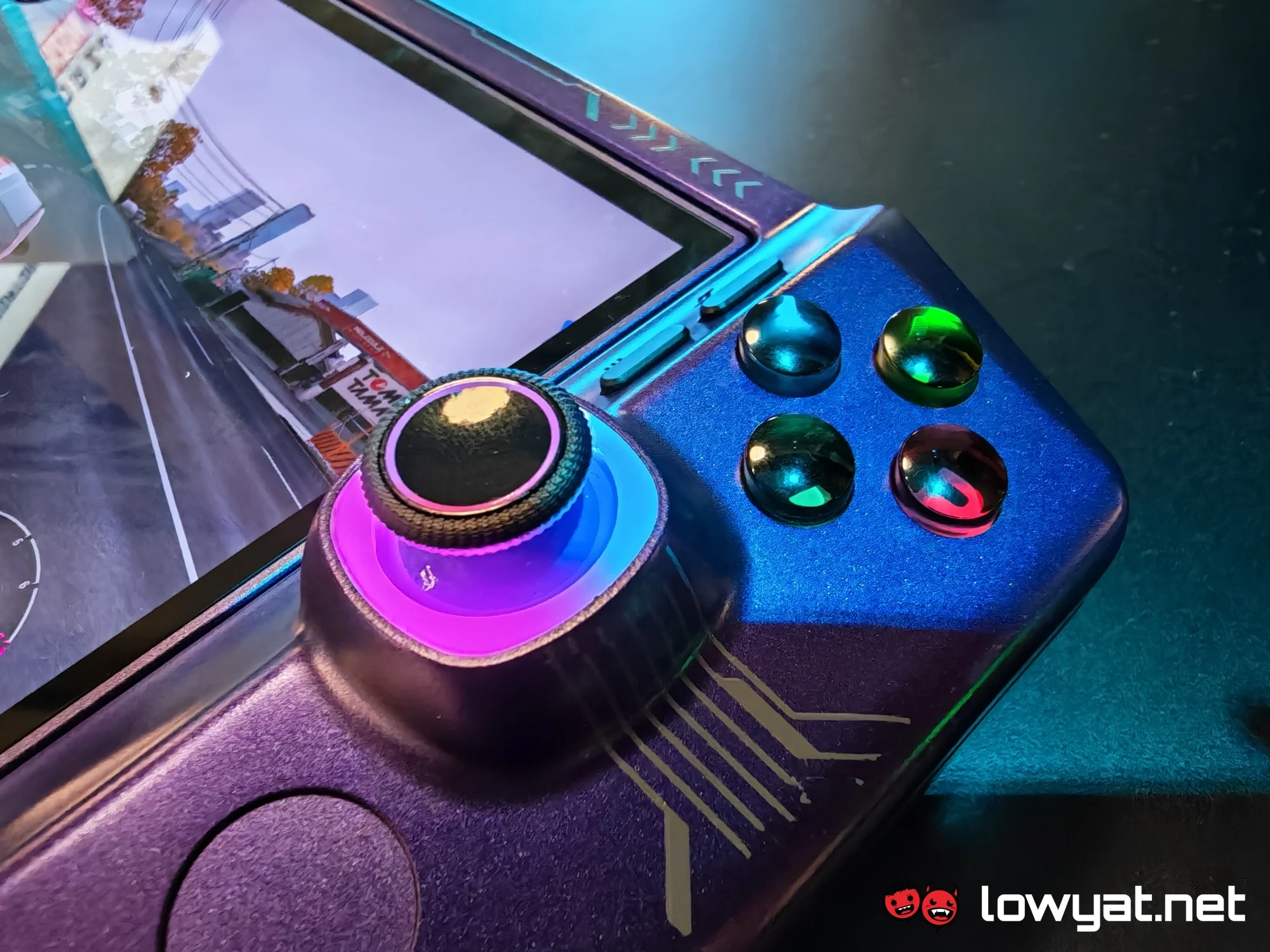
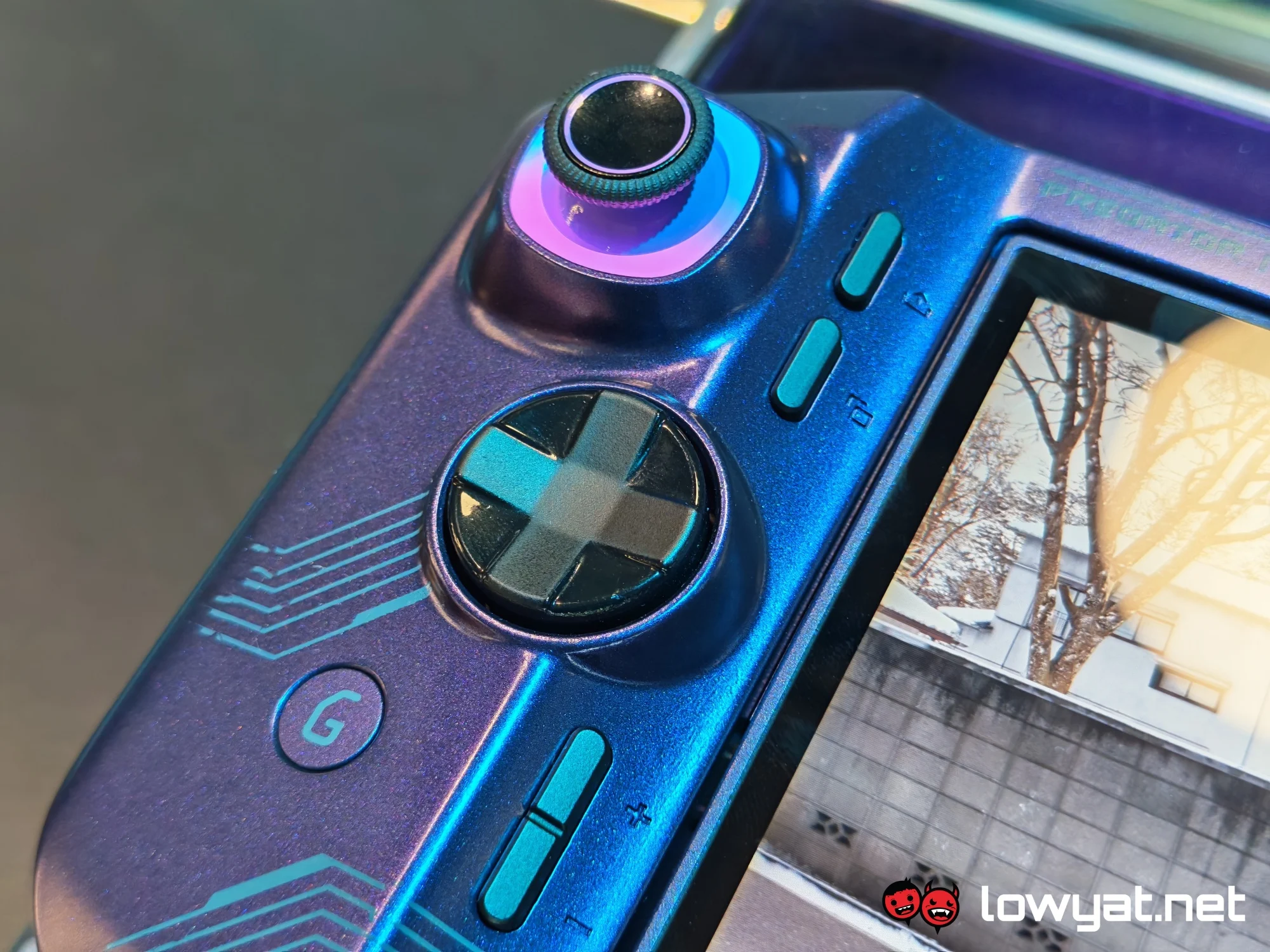
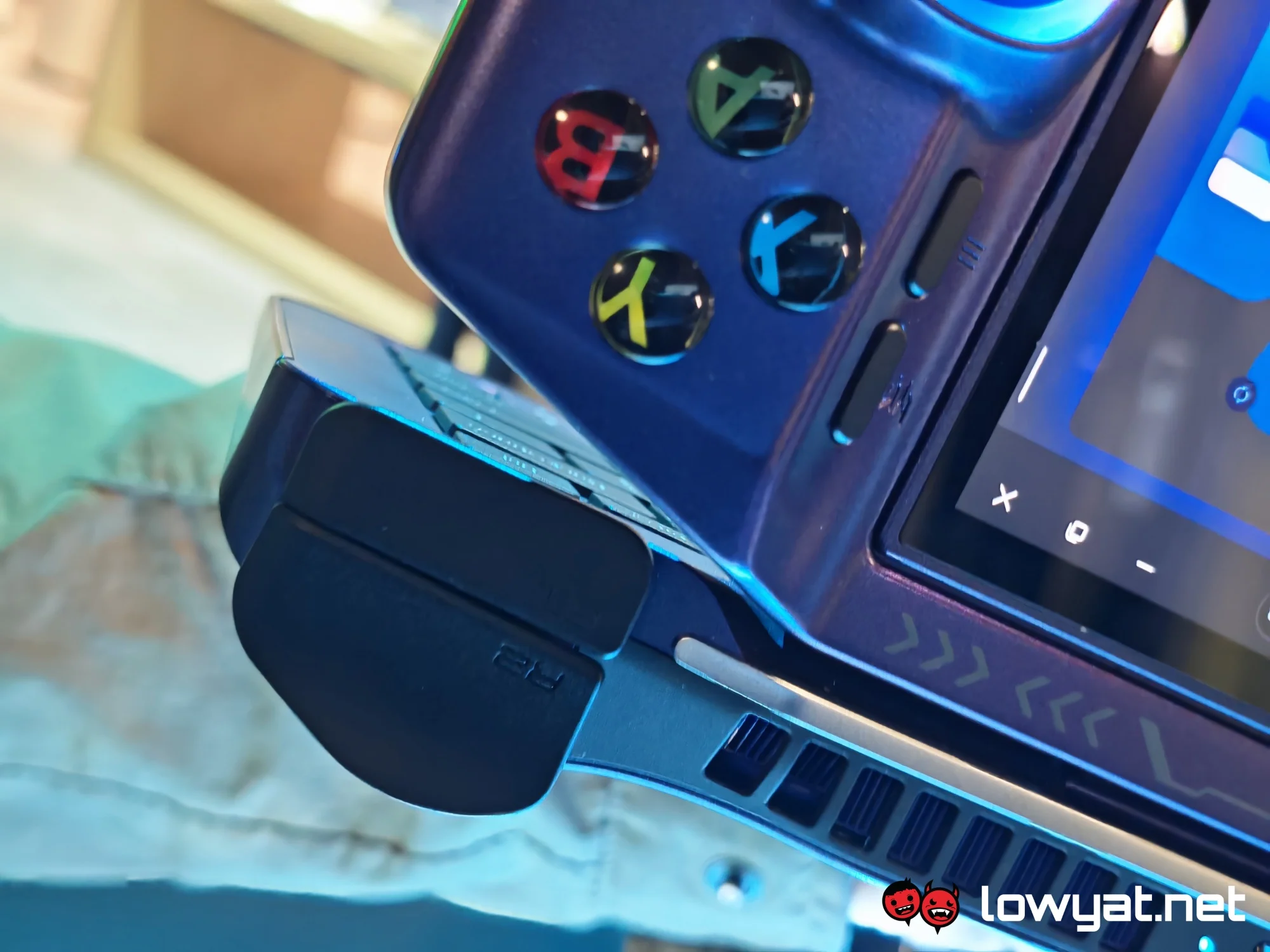
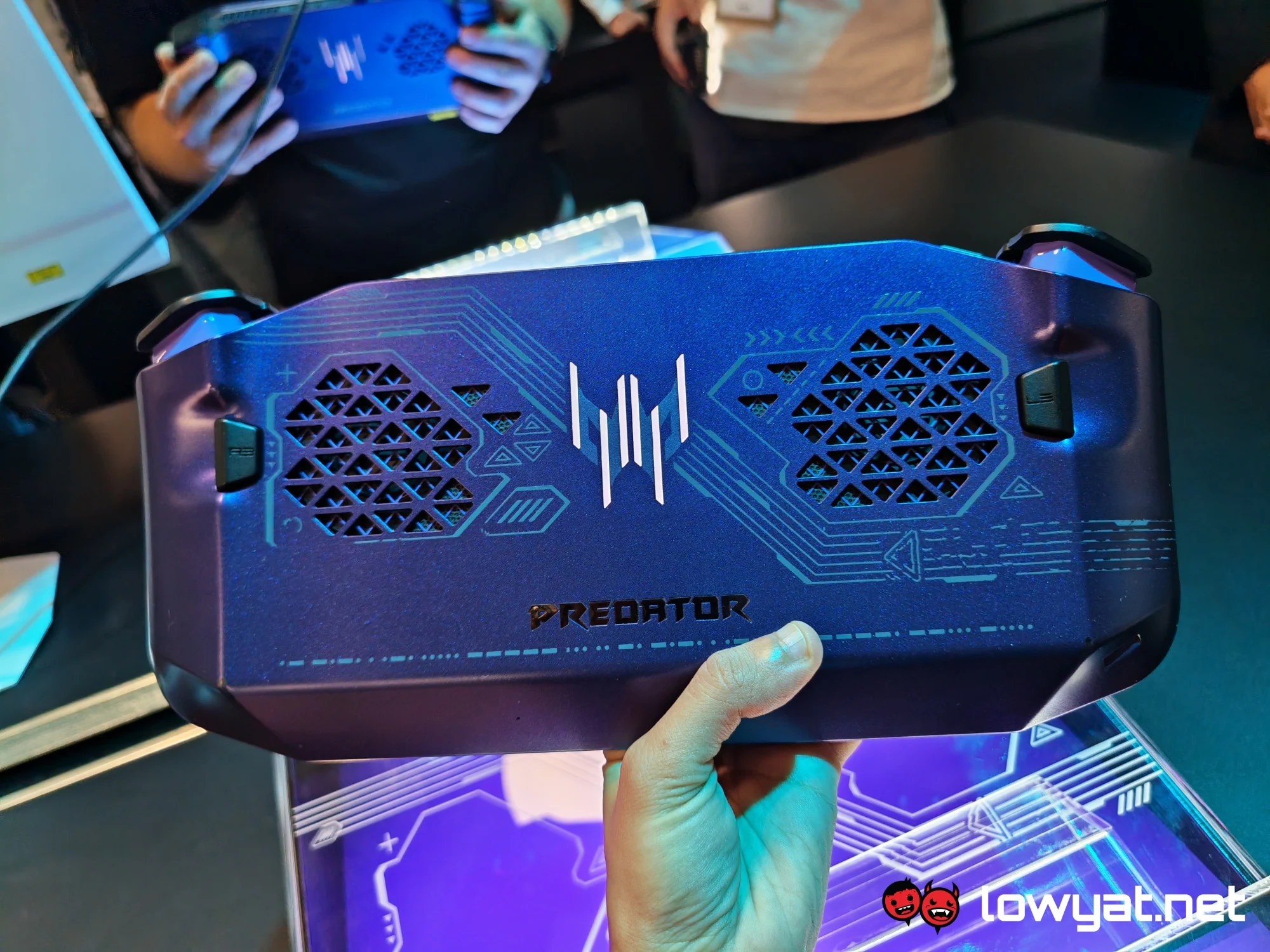
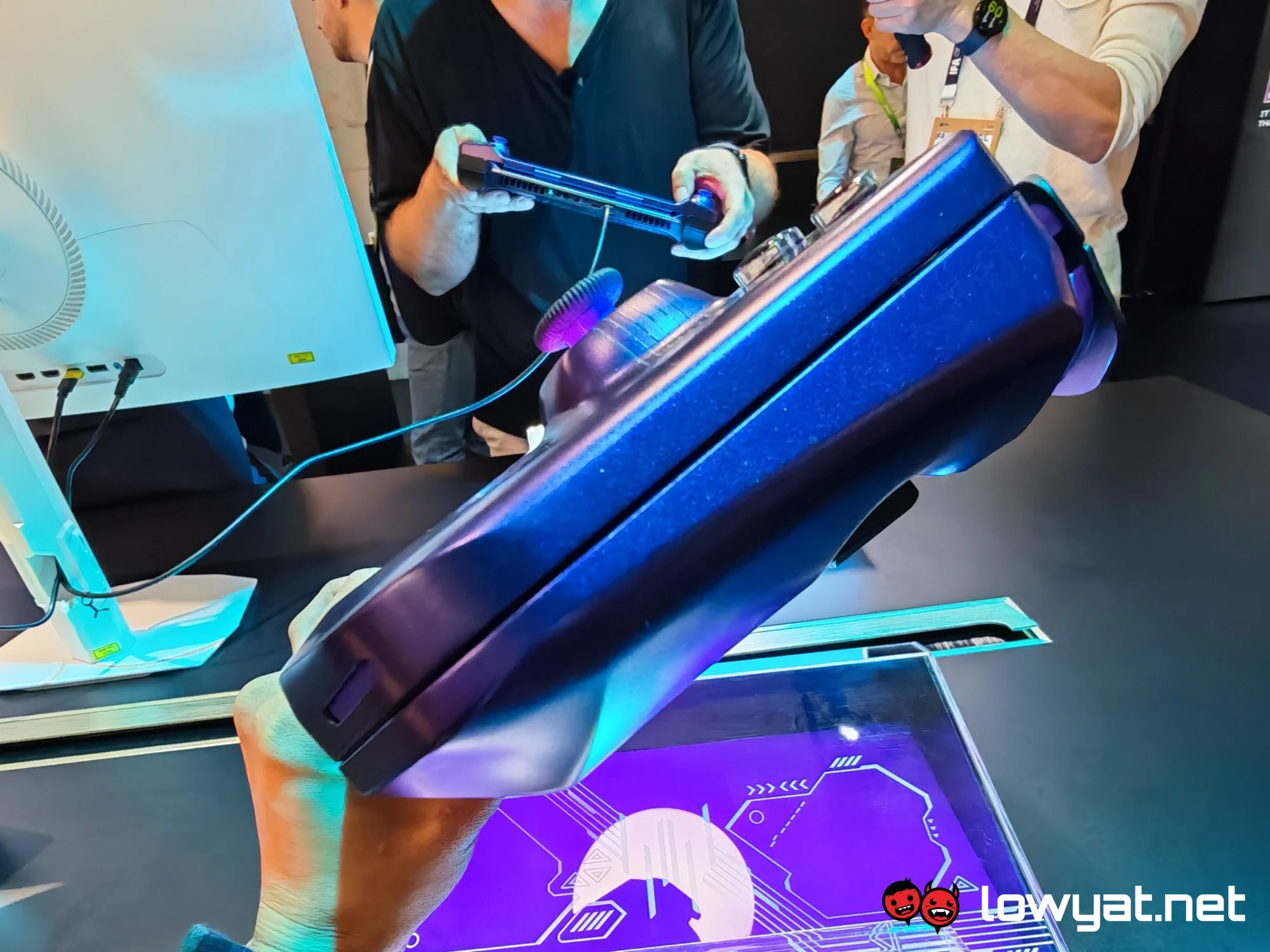
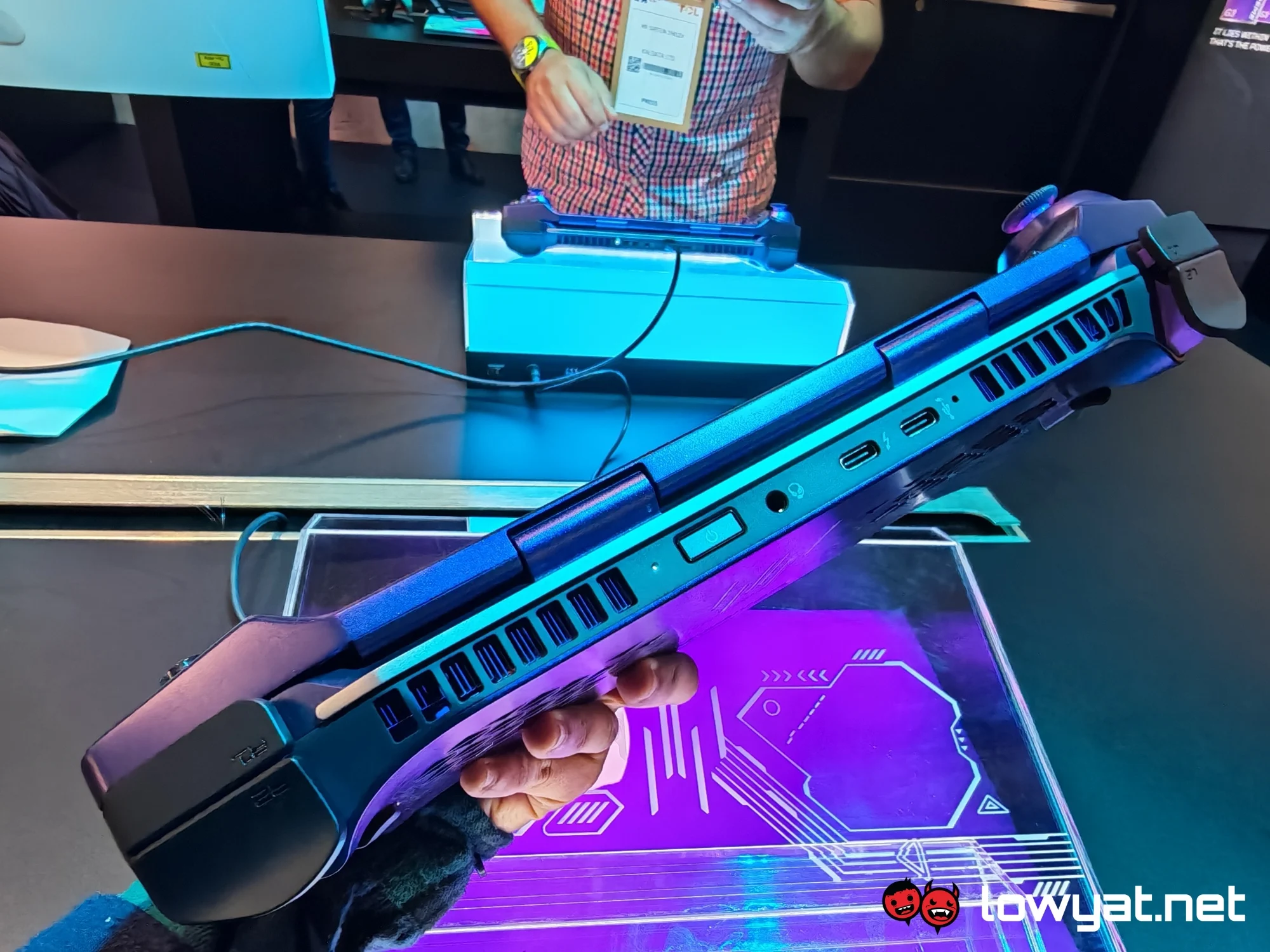
Anyway, the Project DualPlay Mini is pretty light for what it is. It’s obviously heavier than the Predator Atlas 7, but not the Atlas 8. It’s about the same compared to the latter model. So, all things considered, it scores points for portability and comfort, though it’s hard to say how long one can stand to use it before wrist fatigue sets in. It’s also a bit boxier than the other two handhelds, so it doesn’t quite fit as nicely in your hands. But for what it’s worth, there’s no pinching where the top half meets the bottom one. Other than that, the shoulder buttons stick out a bit, though this is mostly to keep them out of the way when you switch to laptop mode.
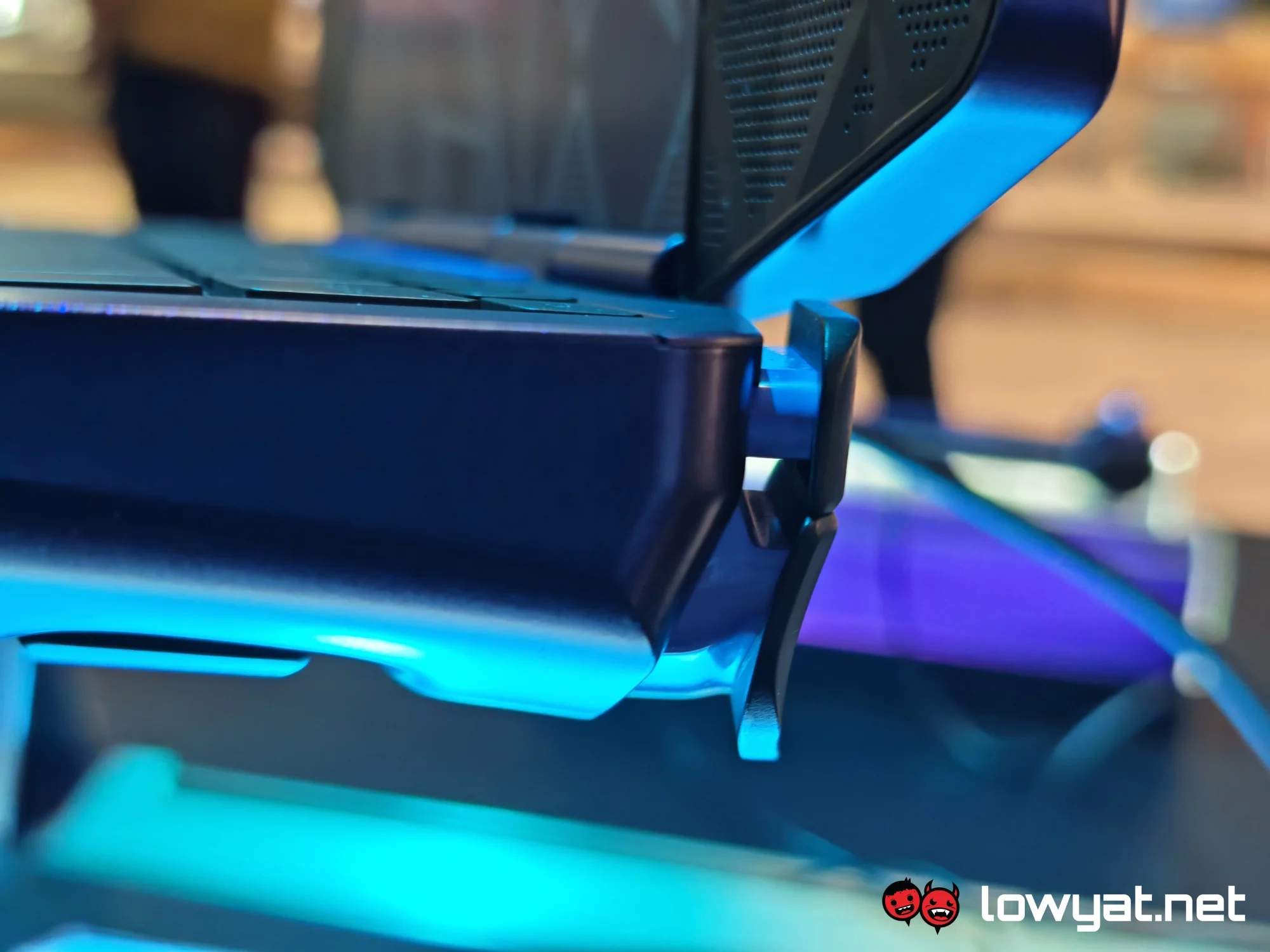
Speaking of which, swapping is only a matter of flipping it open and then swivelling the screen to face you. It rotates fairly easily, though there will be a bit of resistance at first. Once the display is in place, the device goes into desktop mode, and you can use the keyboard. The main idea is for you to use said keyboard to do things like write documents and compose emails, though I hesitate to say it would be a comfortable experience.
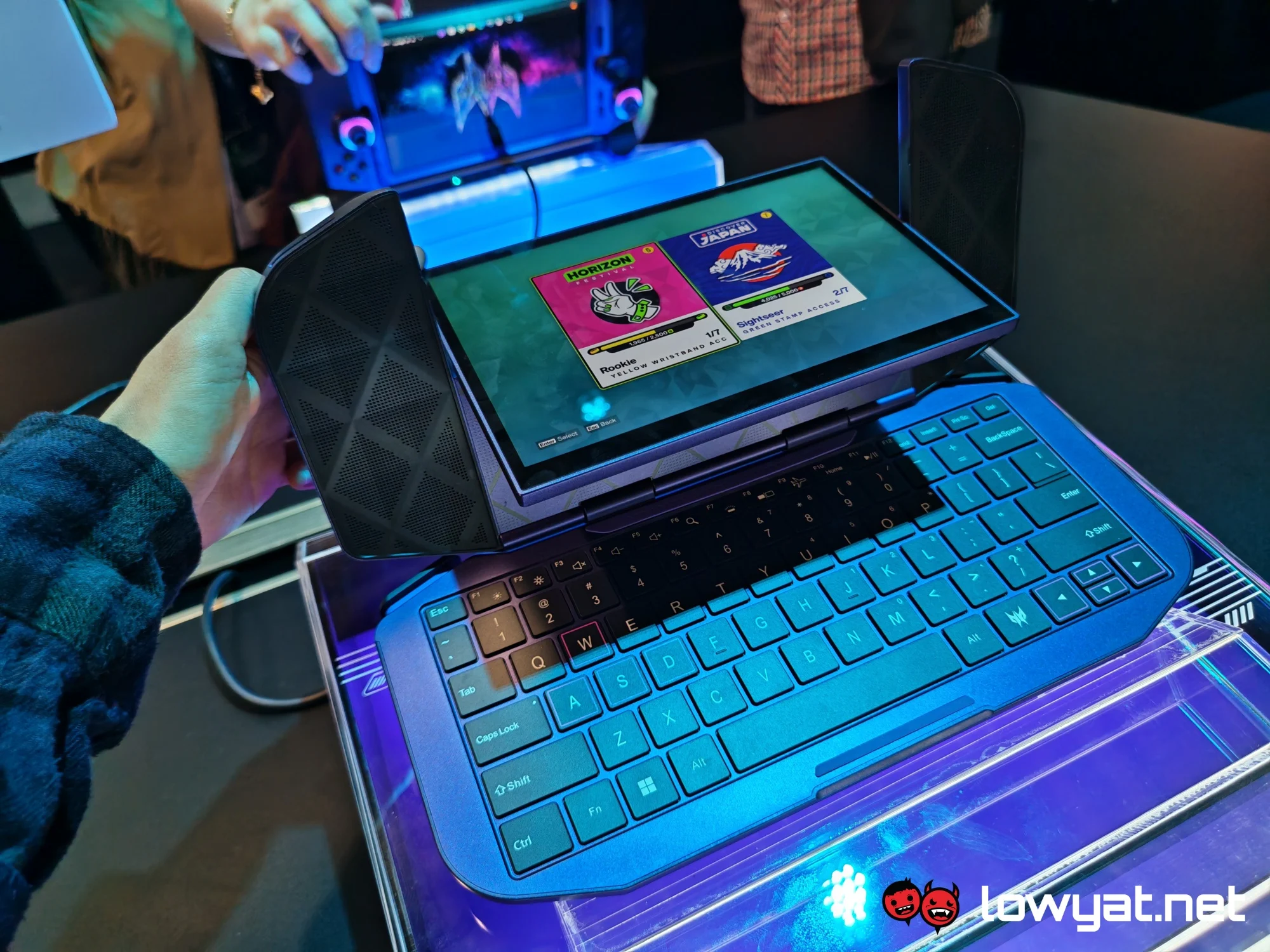
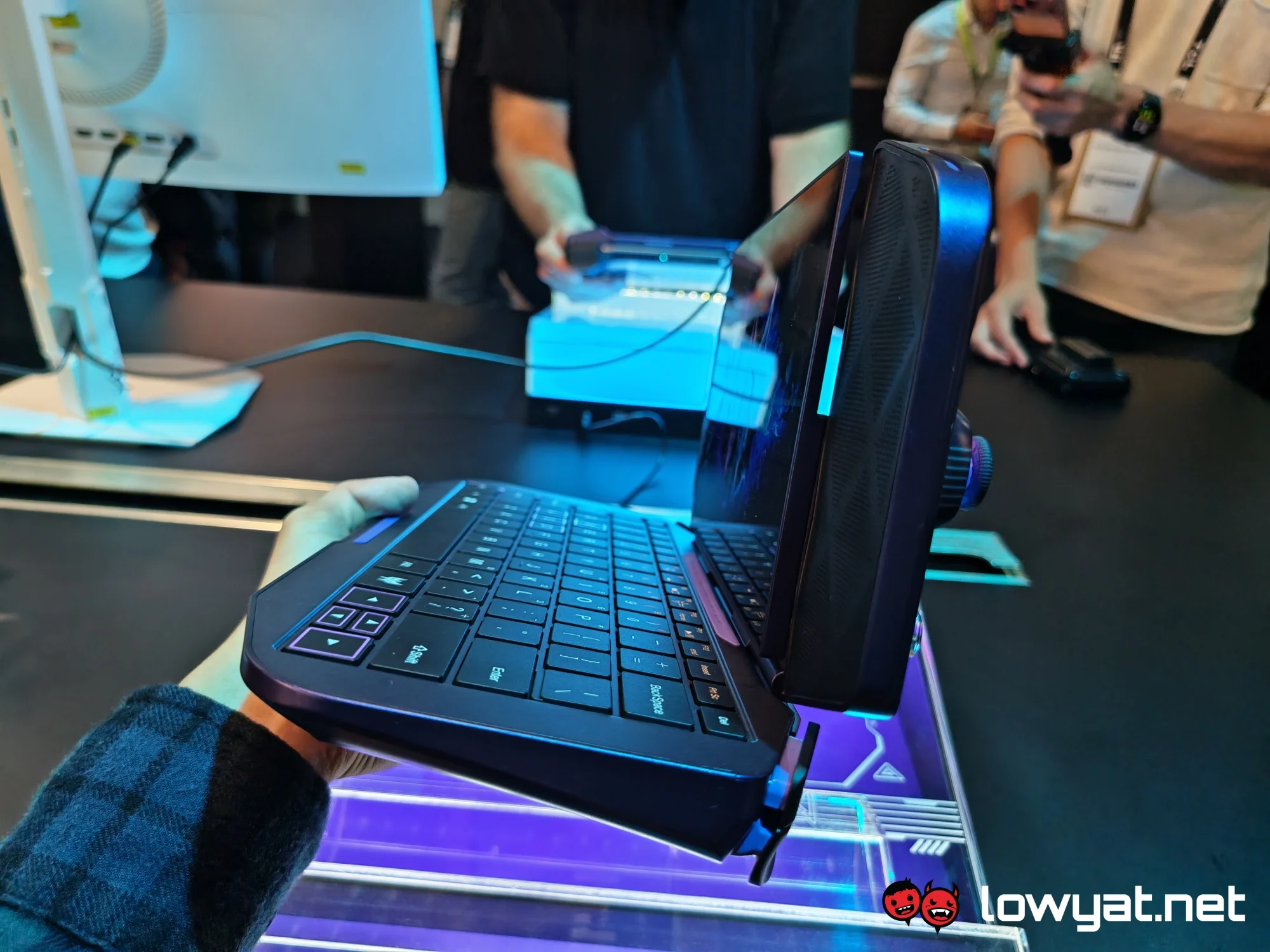
Size is clearly a limiting factor here. Given the lack of space, you don’t get a full keyboard, so no numpad for those who can’t live without shortcuts. Oh, and there’s no touchpad, either, so you need to rely on the touchscreen. These limits are understandable, but typing certainly feels cramped either way, even when you have small hands. If you’re the kind of monster who types one-handed, this is probably less of an issue. The bigger problem is probably the small screen. While it’s adequate for games, you’ll probably struggle with big spreadsheets, for instance. I can’t imagine doing long stretches of work on this thing, but perhaps that’s not what it’s meant for.
It’s likely designed with light work in mind. But more importantly, the laptop mode was made for games like first-person shooters. The device can pair with a mouse (and other peripherals too), allowing for more precision than with a joystick and buttons. And this is what makes the hybrid design appealing to begin with. Obviously, certain games work better with a keyboard and mouse setup, which makes your typical handheld less than ideal. The Project DualPlay Mini is basically telling players they don’t have to choose between one or the other. Switching back to the default state is simply a matter of spinning the display back to its original position and snapping the device closed.


By the way, you can’t close it when the screen faces inward as you would with a regular laptop. There’s a slight bump that will keep the display from going any further, and forcing it would obviously break it. It’s unclear why Acer made this design choice, since having the option to close the device in this way would keep the screen protected should any gravity-related mishaps occur.
Practicality matters aside, the Project DualPlay Mini is certainly a fun concept, and one that Acer has handled pretty well. The device doesn’t feel bulky or too heavy, and switching back and forth is an easy enough affair. Arguably, its issues have more to do with the inherent size constraints rather than any design flaws, and overcoming that may lead to a device that feels overengineered rather than natural.
 In any case, the device isn’t headed for the consumer market anytime soon. The company has yet to decide whether it will be turning the concept into an actual product you can buy.
