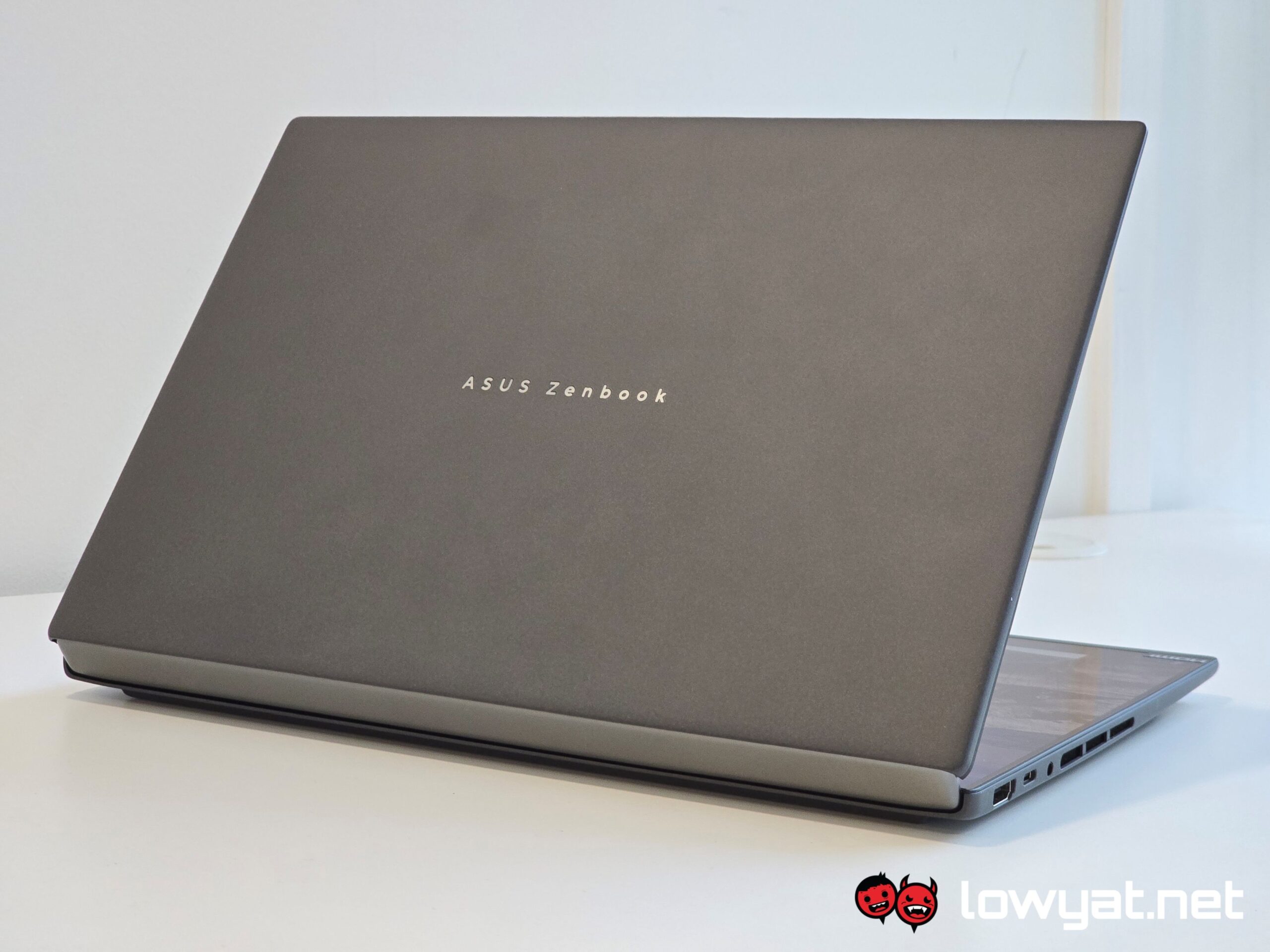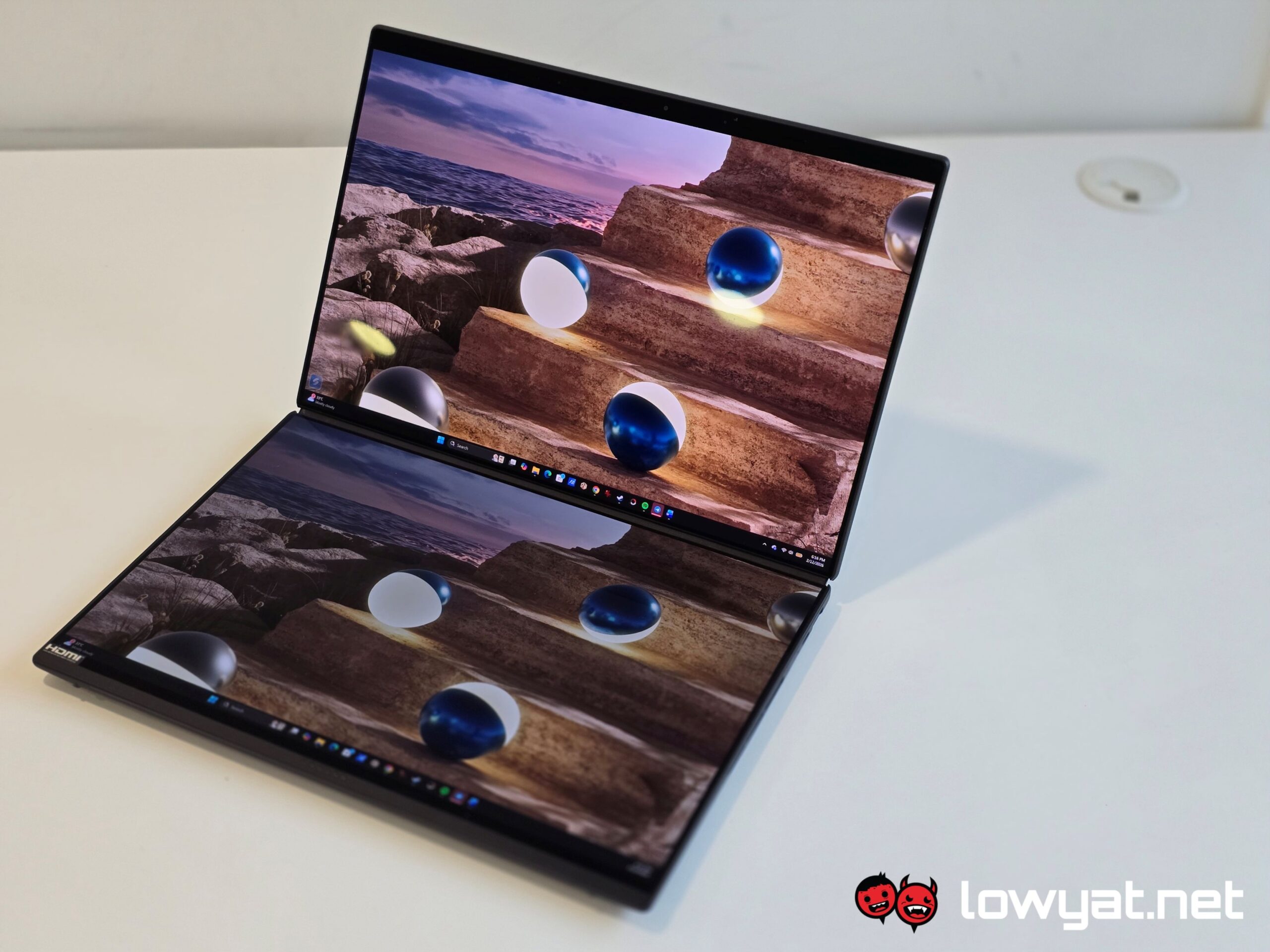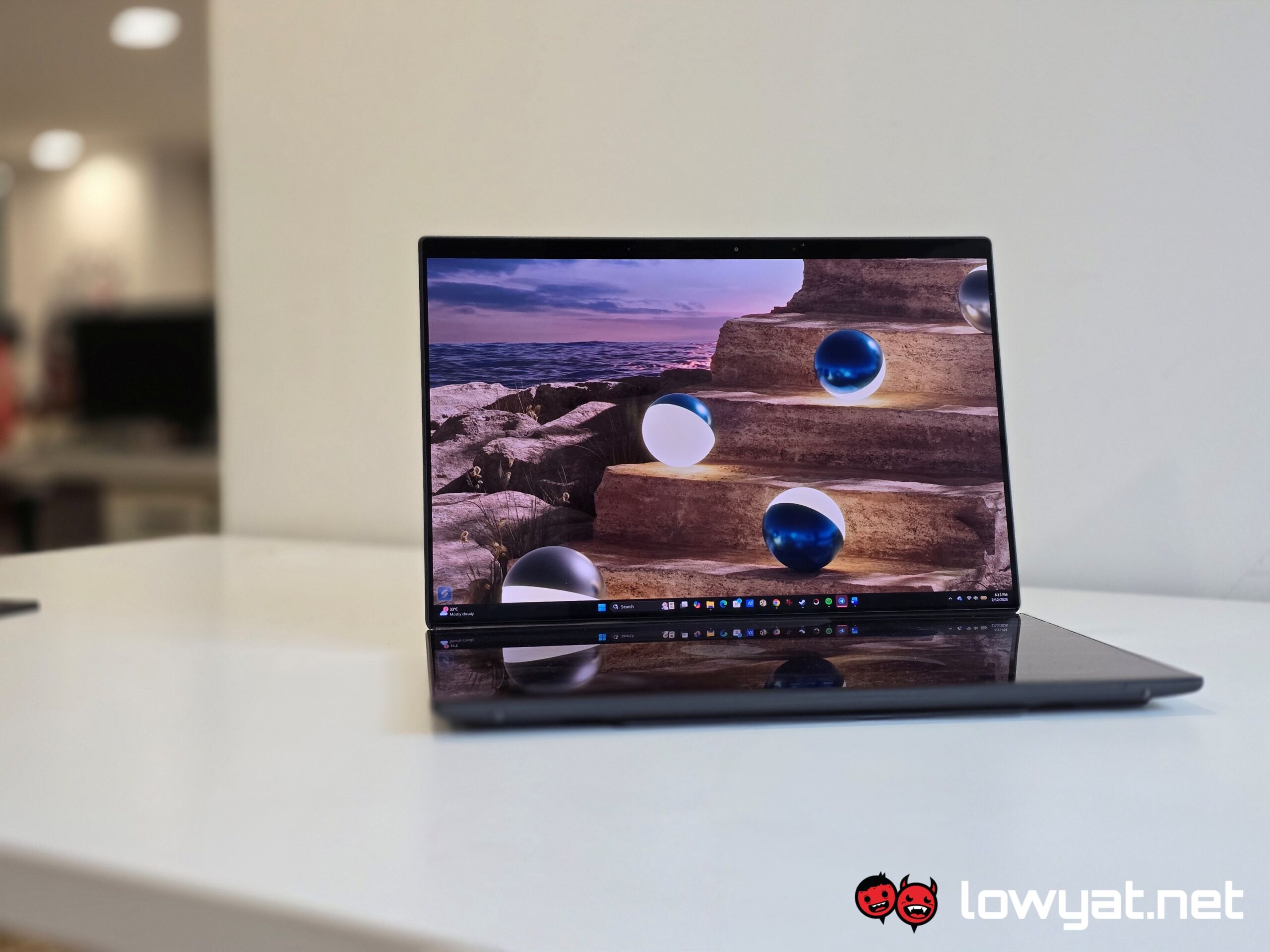
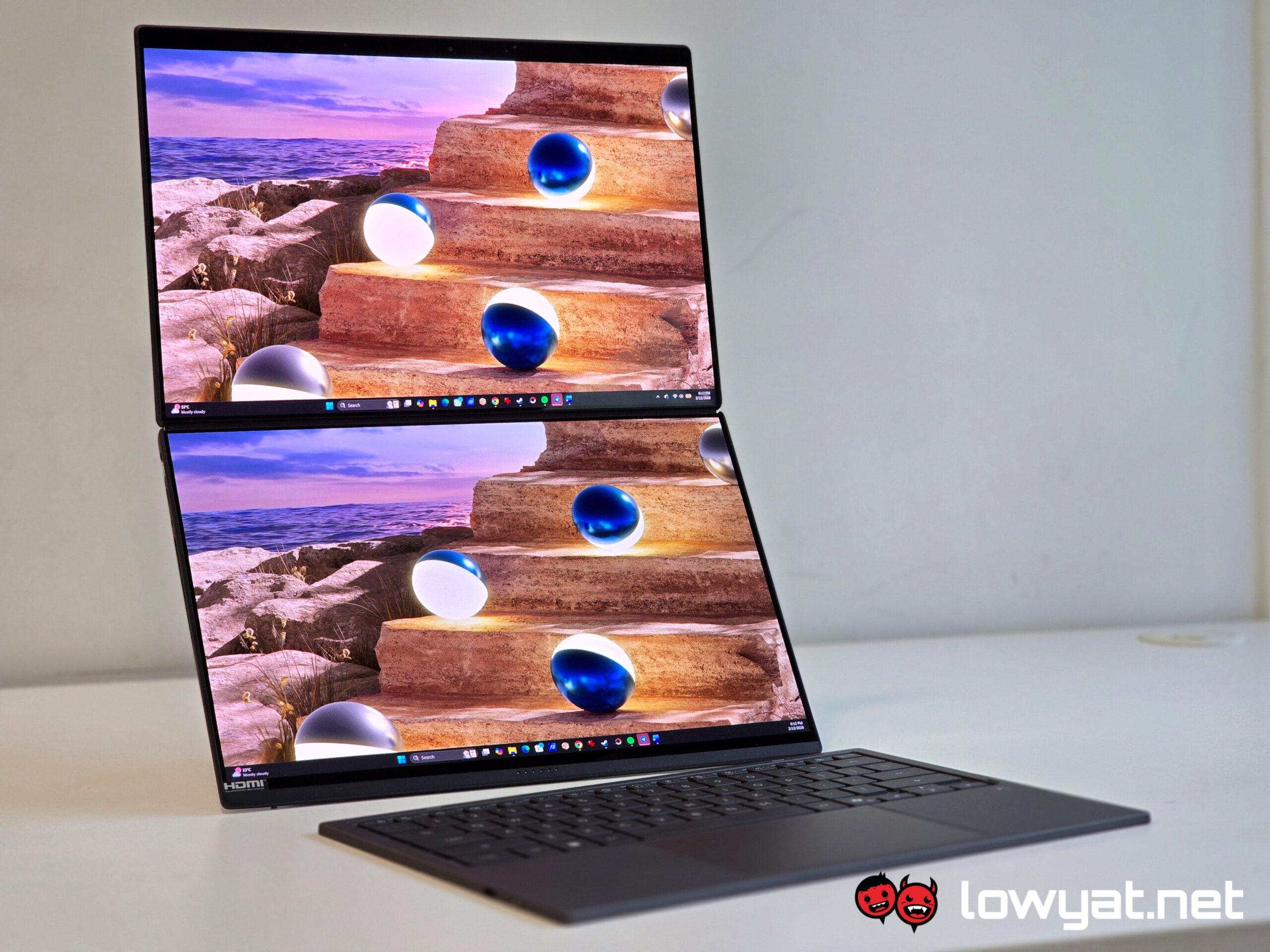
This year’s ASUS Zenbook DUO has been given more than just a facelift and, in my opinion, has received something akin to an overhaul. Yes, that includes the displays on it, despite it being nearly identical to its predecessor. Nearly.
But again, the star of this show isn’t what ASUS has to offer for a body. Oh no, the one stealing the show is the processor powering it all: Intel’s top-of-the-line Panther Lake mobile CPU.
Design And Functionality
As I mentioned, this year’s Zenbook DUO is one of the first laptops not just to ship out with Intel’s Panther Lake, Core Ultra 3 Series mobile CPUs, but also some changes to its chassis and physical form.
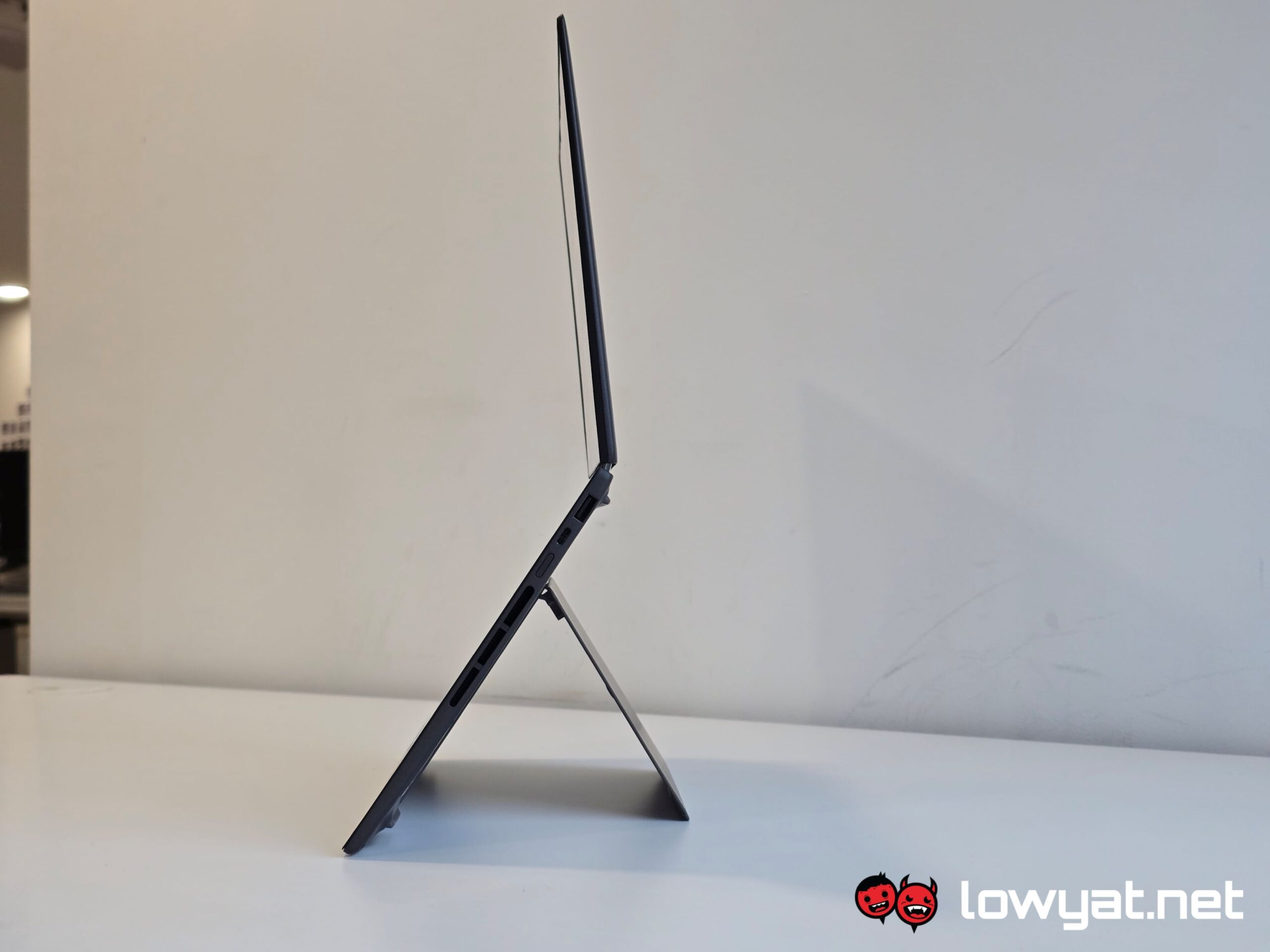
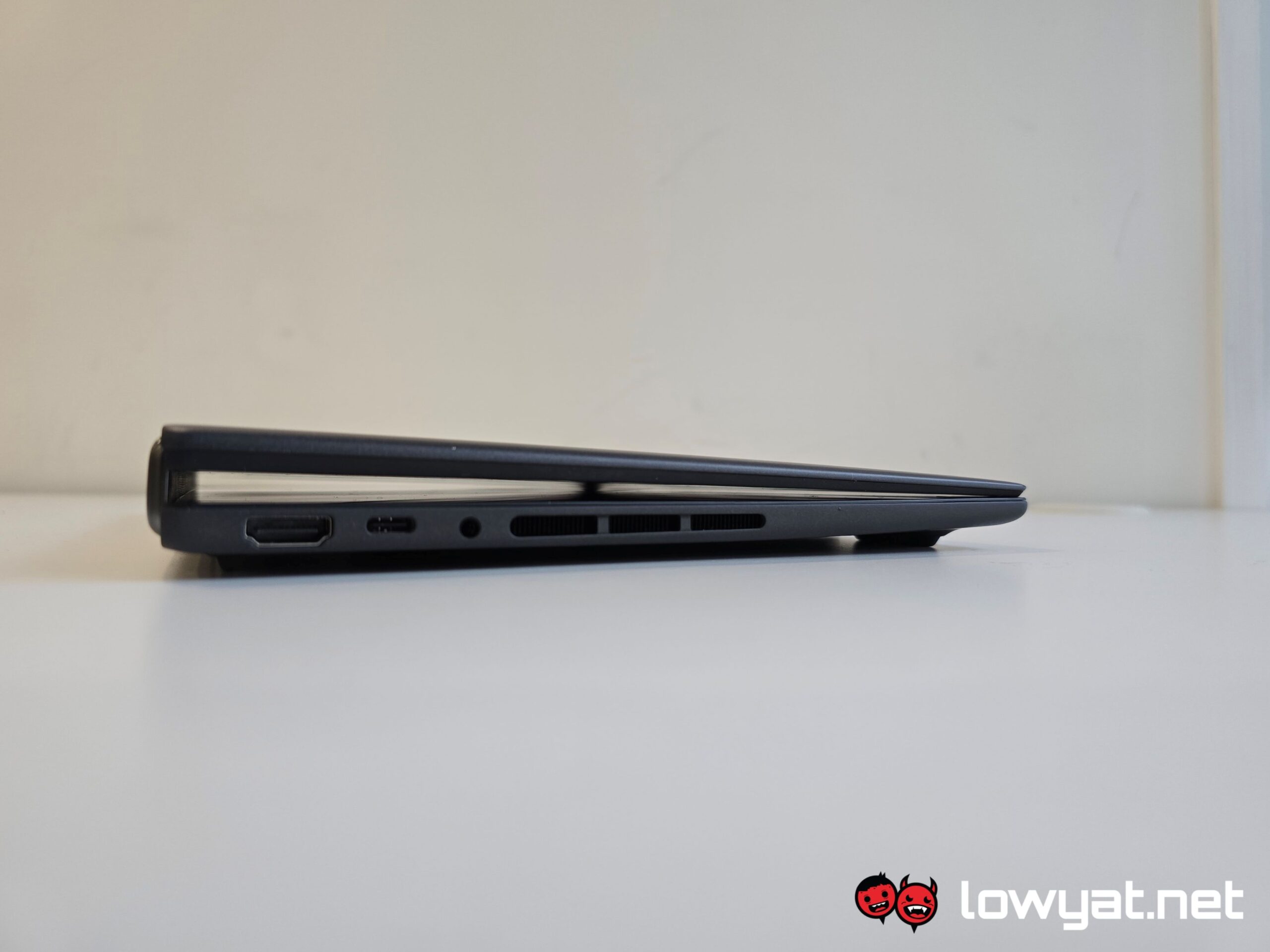
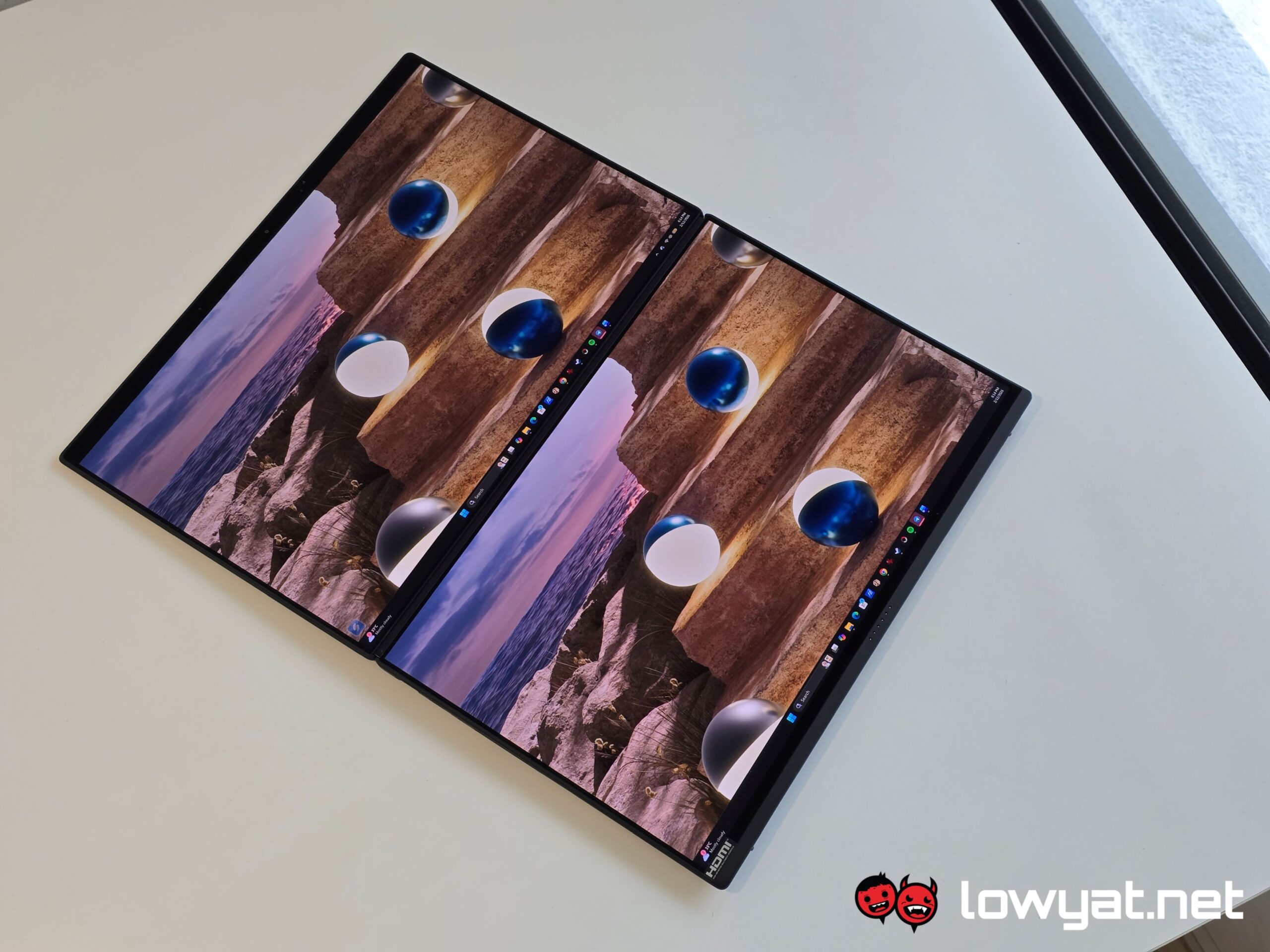
The first major change is the hinge. Instead of the Ergolift Hinge design – I’m actually surprised that the design lasted well into 2025, especially after the kerfuffle between ASUS and Lenovo that forced the former to adopt a new design that initially rolled out with the 2024 editions of its thin and light Zephyrus G Series laptops – you now get a hinge that allows both displays to lie flat on a table. Well, nearly flat anyway.
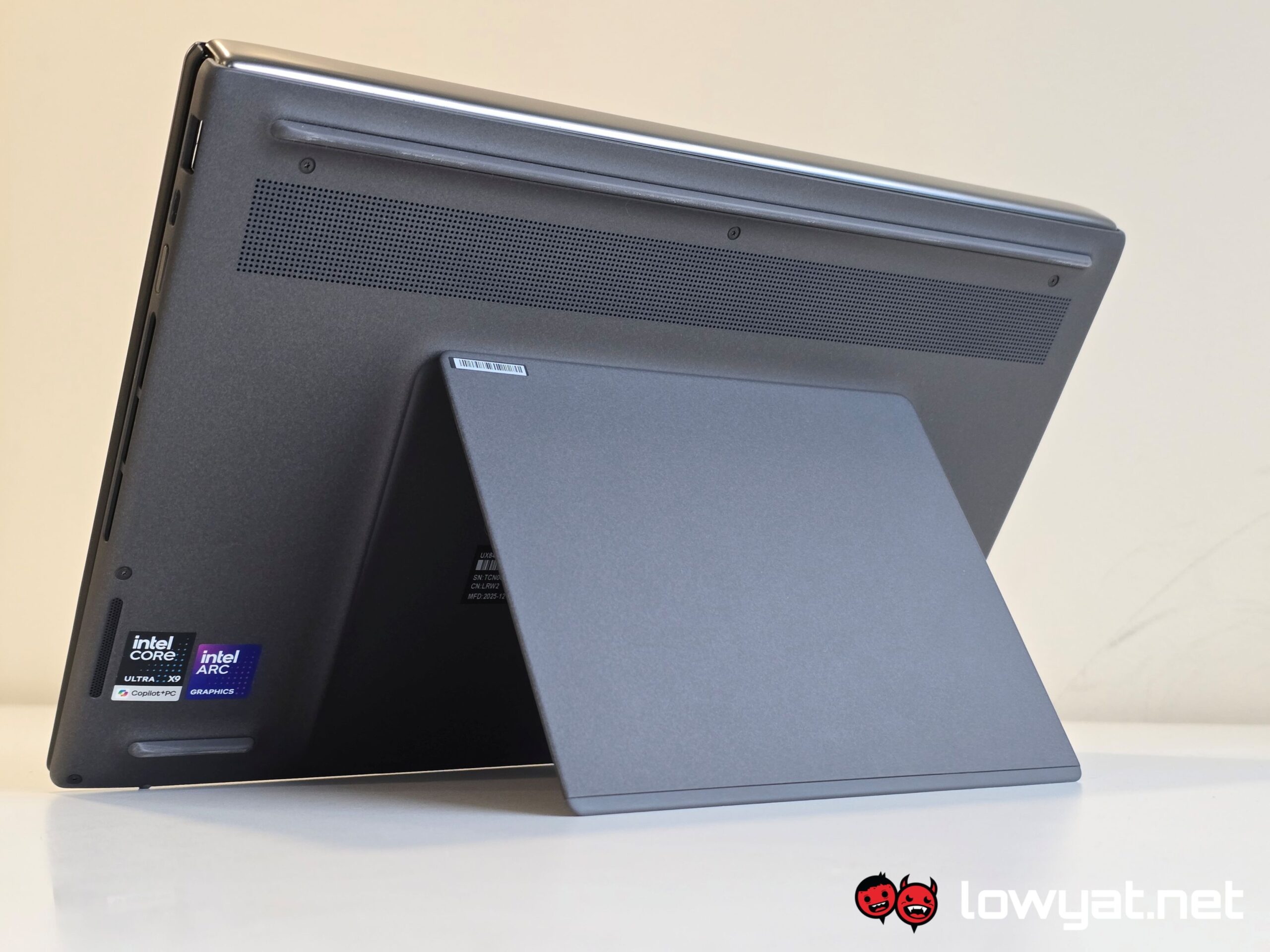
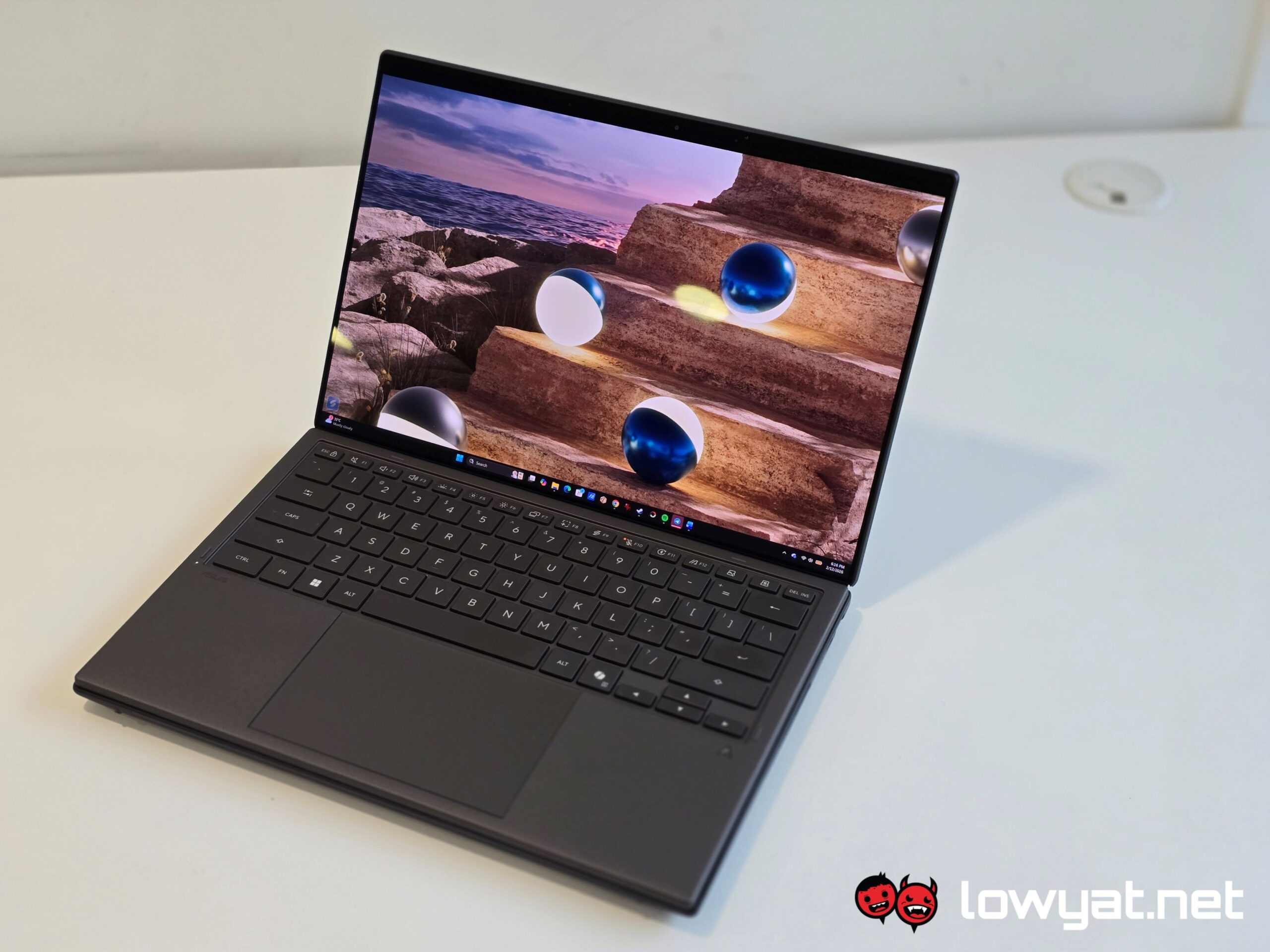
Ceraluniminum chassis, solid kickstand, and two bulging displays.
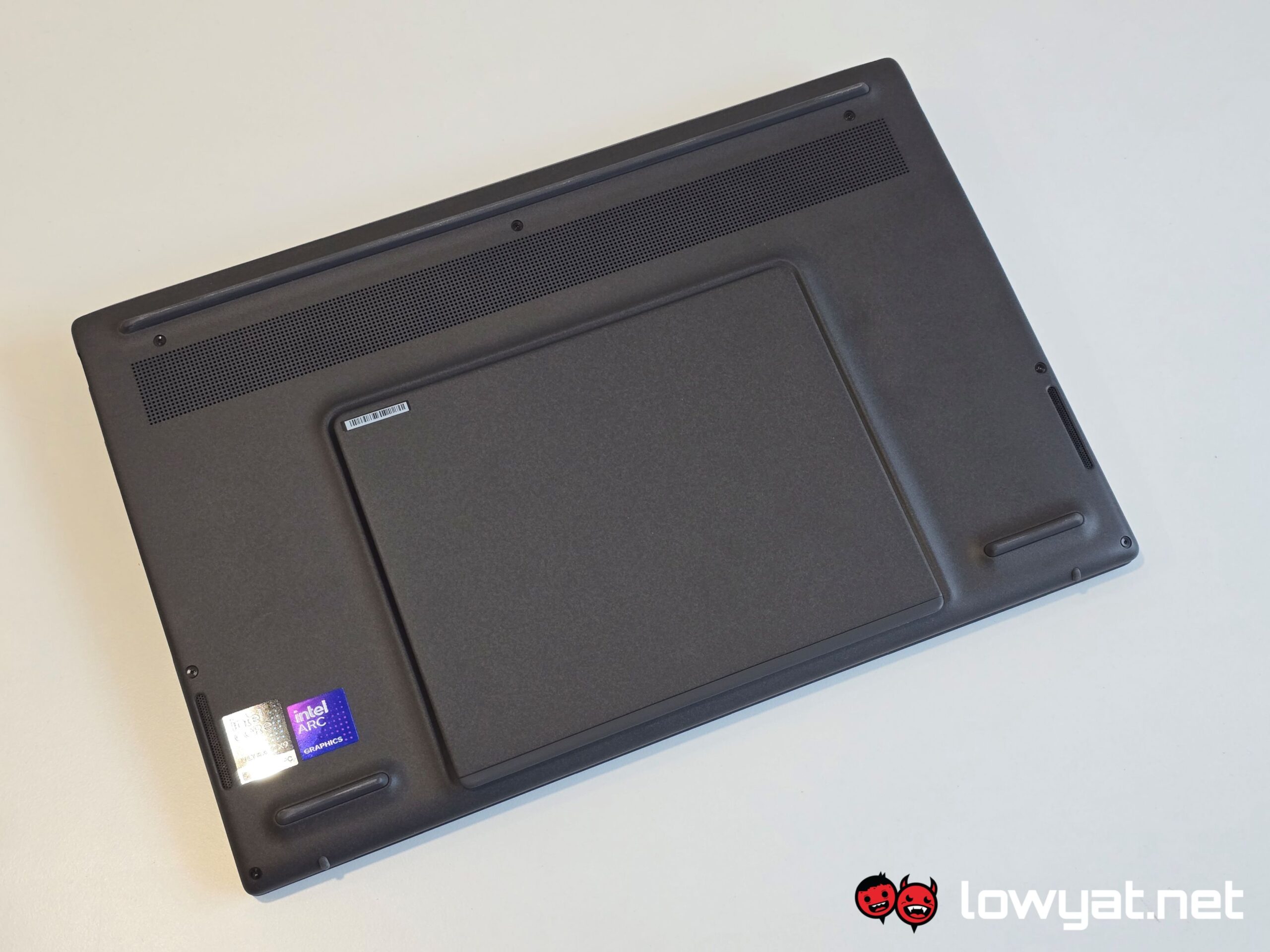
The Zenbook DUO comes with a built-in kickstand that is made of a solid piece of “Ceraluminum”, and with a hinge that is just as hardy. A bit of effort is actually required to deploy, but more to the point, it creates a gap between the surface and the top display, rather than sitting flush on the surface.
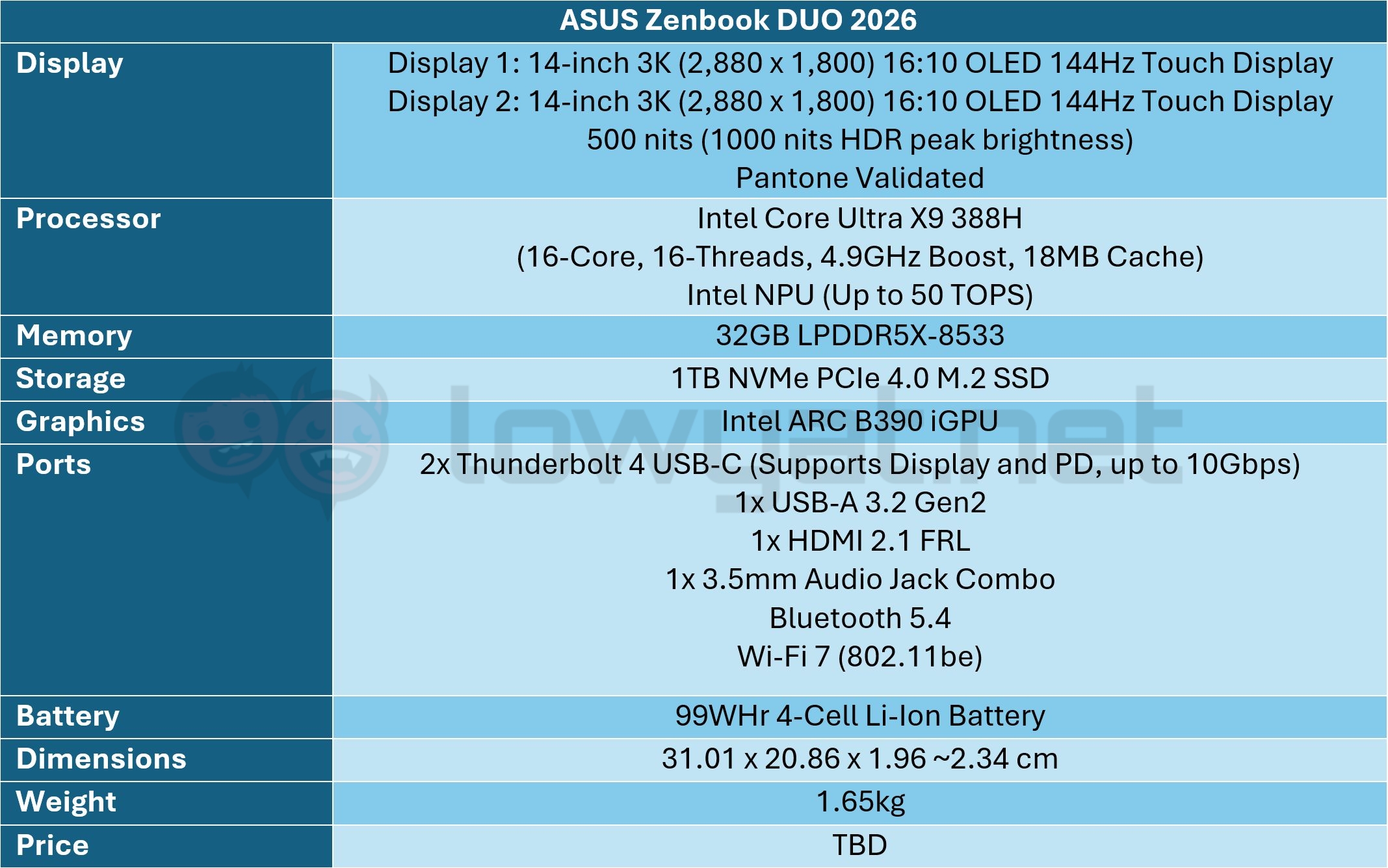
There’s also the weight of the laptop that I call into play. On paper, ASUS states the weight of the Zenbook DUO as 1.65kg, but I’m guessing that’s without the detachable keyboard sandwiched in the middle of it, and I can feel the difference. On that note, the keyboard is warranted two charging options: either you let it charge in the laptop’s defacto mode via the pogo pins at on the edge, or you stick a USB-C cable right through its side.
It is often said that the human eye naturally scrolls sideways, and especially so when it comes to multi-monitor setups. It’s true, to a degree; I personally have a dual monitor setup side-by-side, and yes, my head is basically on a swivel whenever I am running different projects.
That isn’t the case with the Zenbook DUO, I am quite pleased to tell you. Having two monitors in a stacked position is equally as, if not more useful, increasing productivity levels. This is simply because, when I’m writing, I simply have to look up or down at the screens to compare notes, and that requires far less energy than turning your neck.
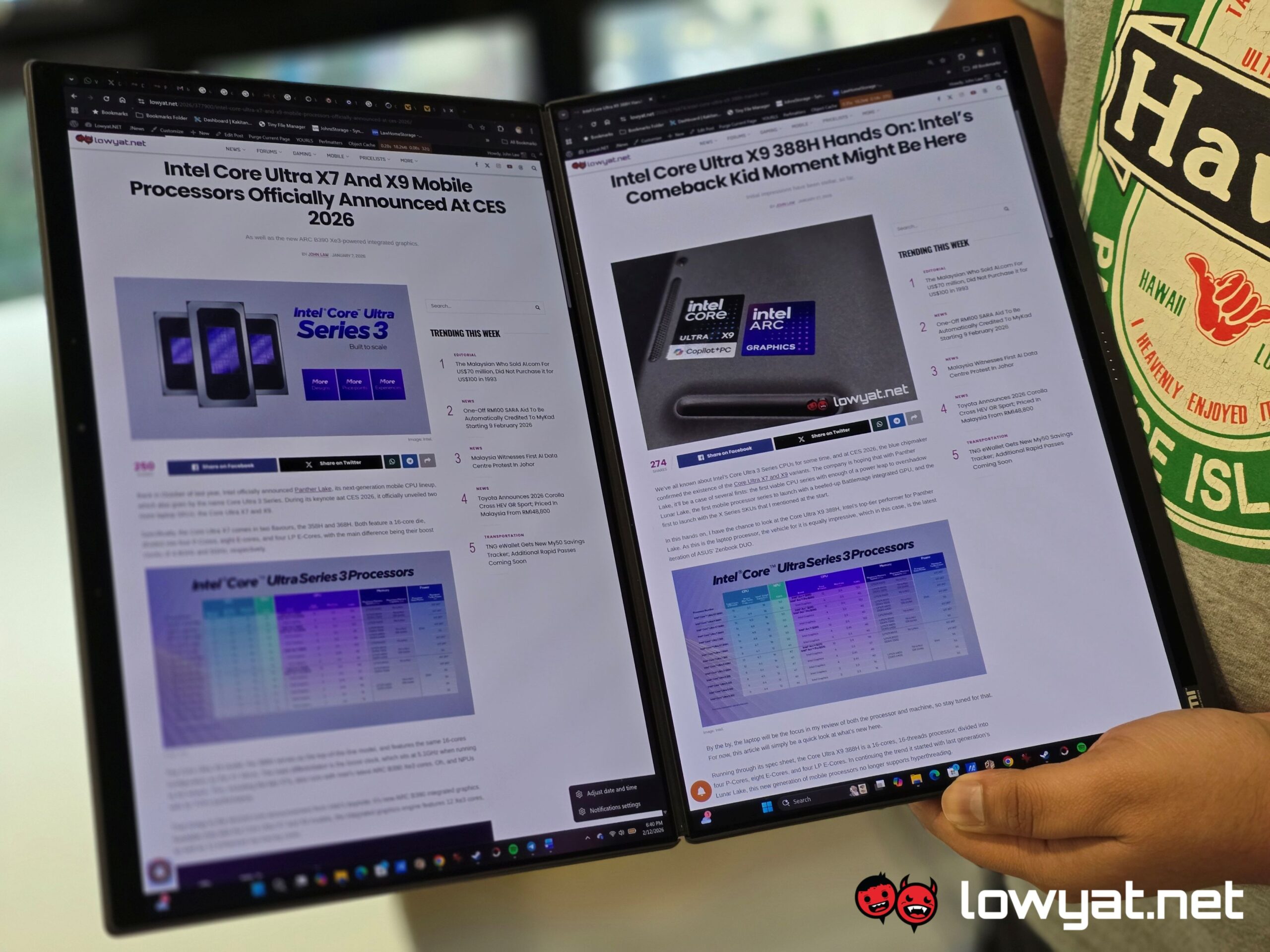
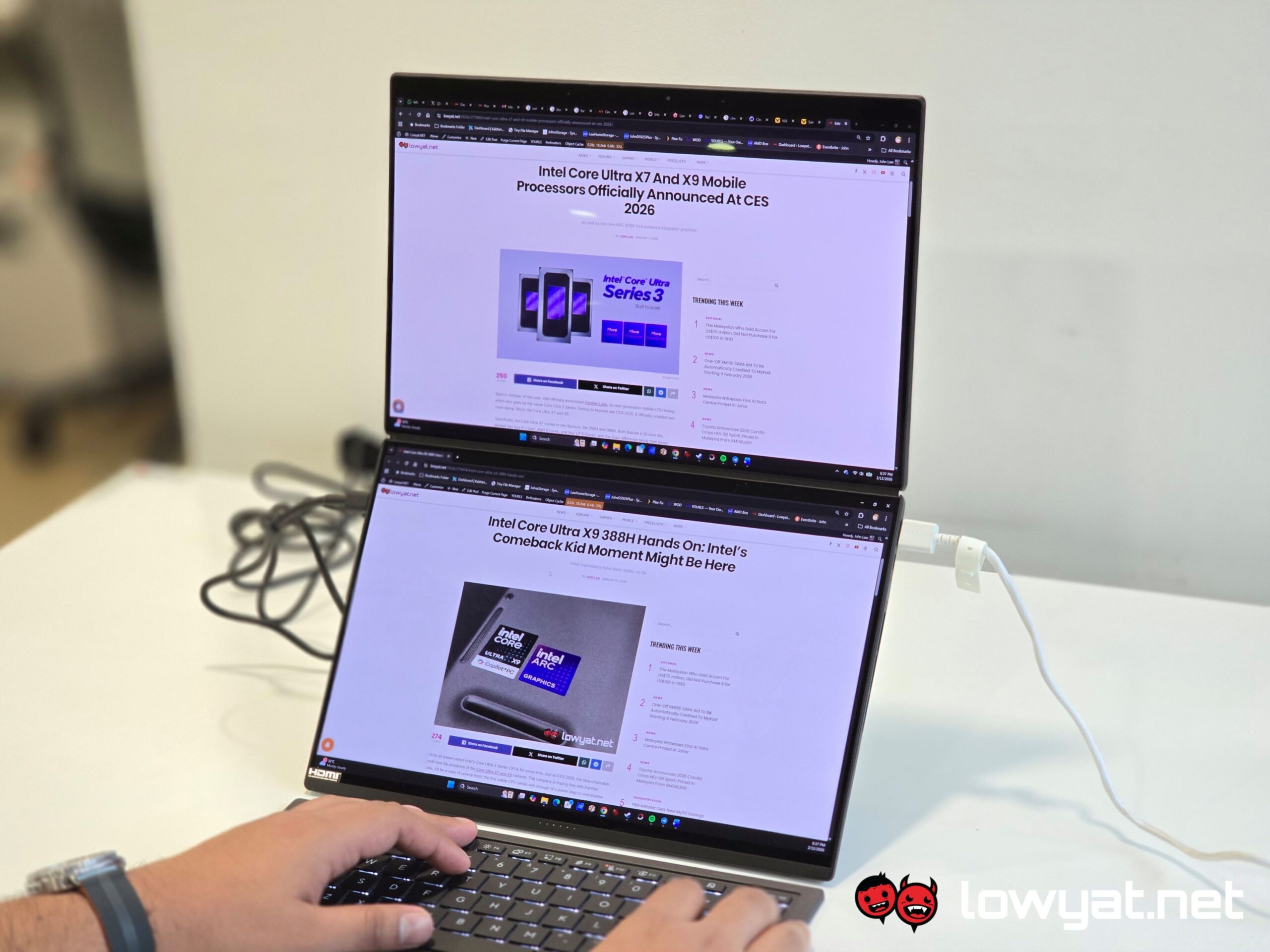
Couple that with the built-in kickstand, it’s clear that ASUS has taken several other factors into mind – where are you going to prop up the Zenbook DUO; how do you plan on propping it up; how severe will your viewing angle of it be. All this from a standpoint of functionality, with the aesthetics effectively coming in a close second.
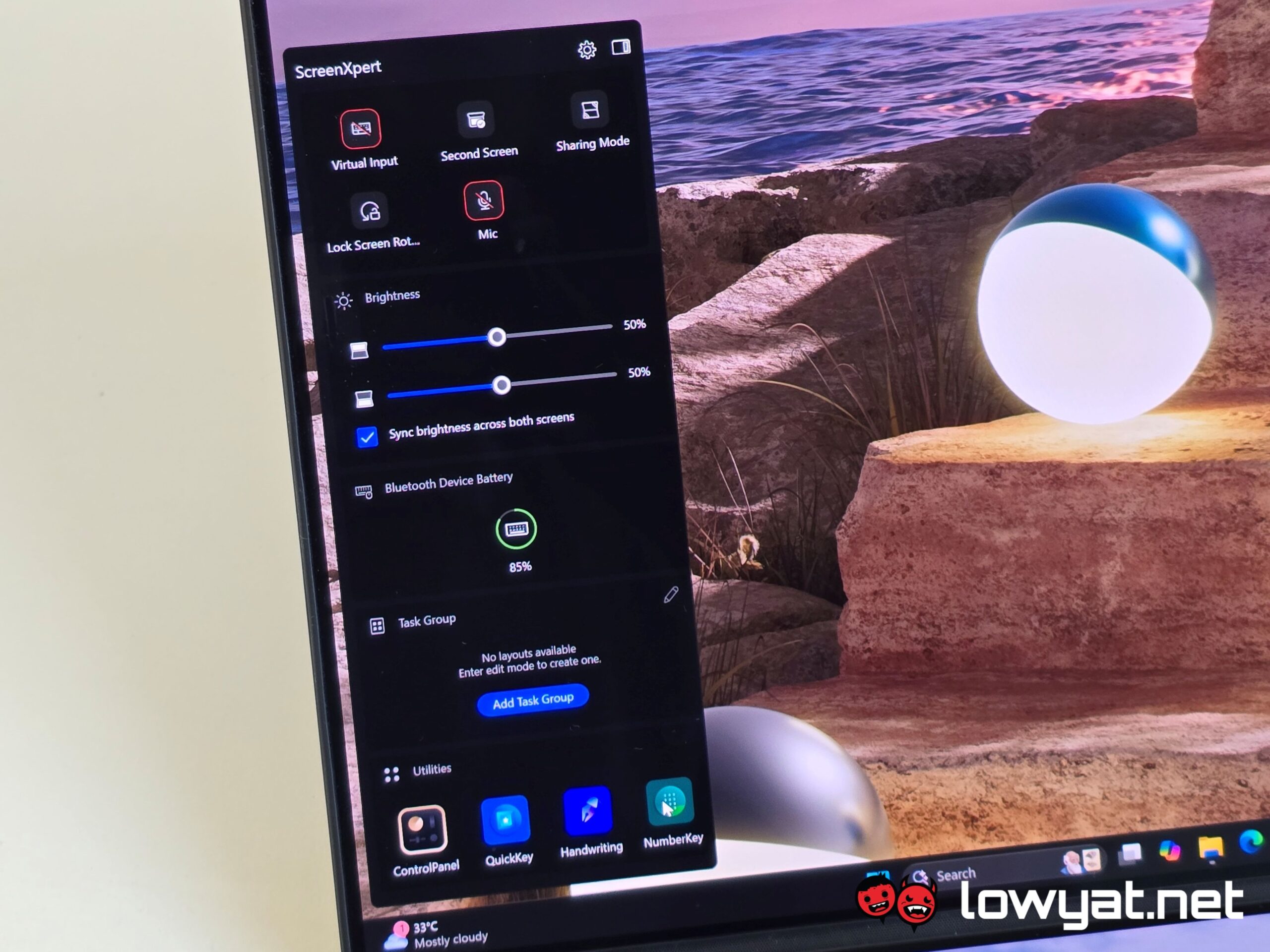
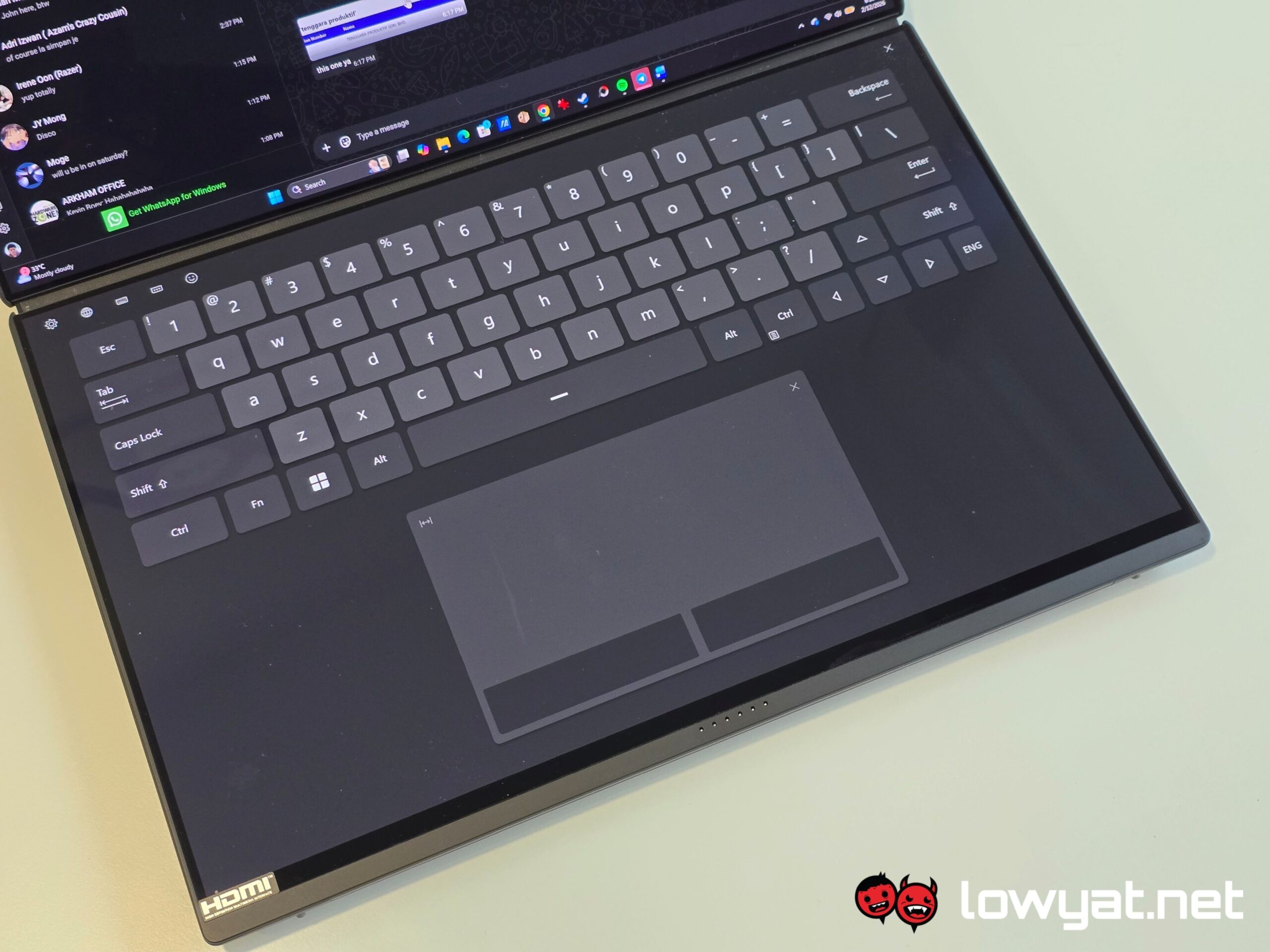
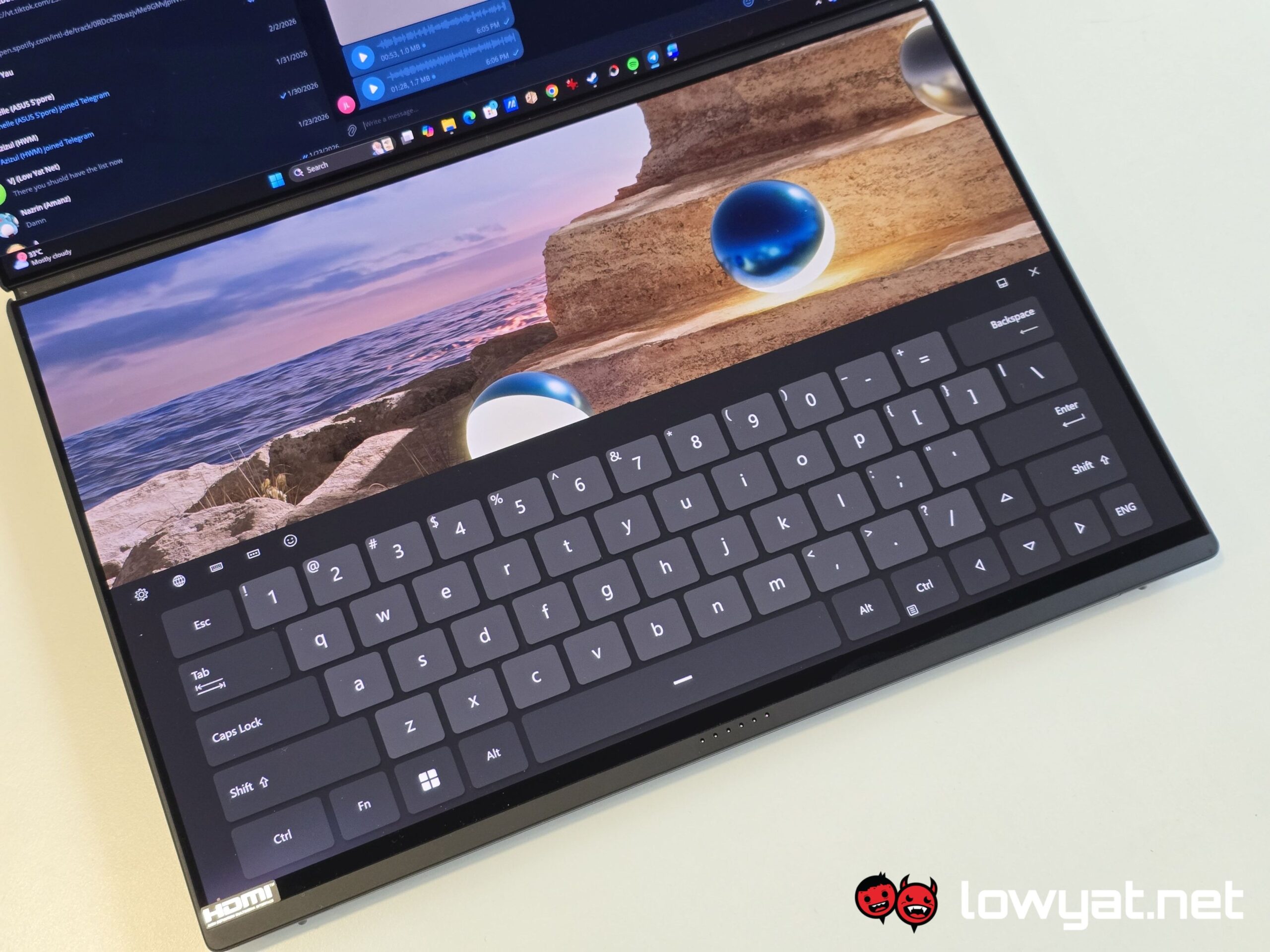
Of course, you can also have the second display act as a digital keyboard and trackpad, but in my review of the Zenbook DUO, this wasn’t action I would find consciously doing, and most of the time, I’d just be having fun with the volume control function.
Performance And Benchmarks
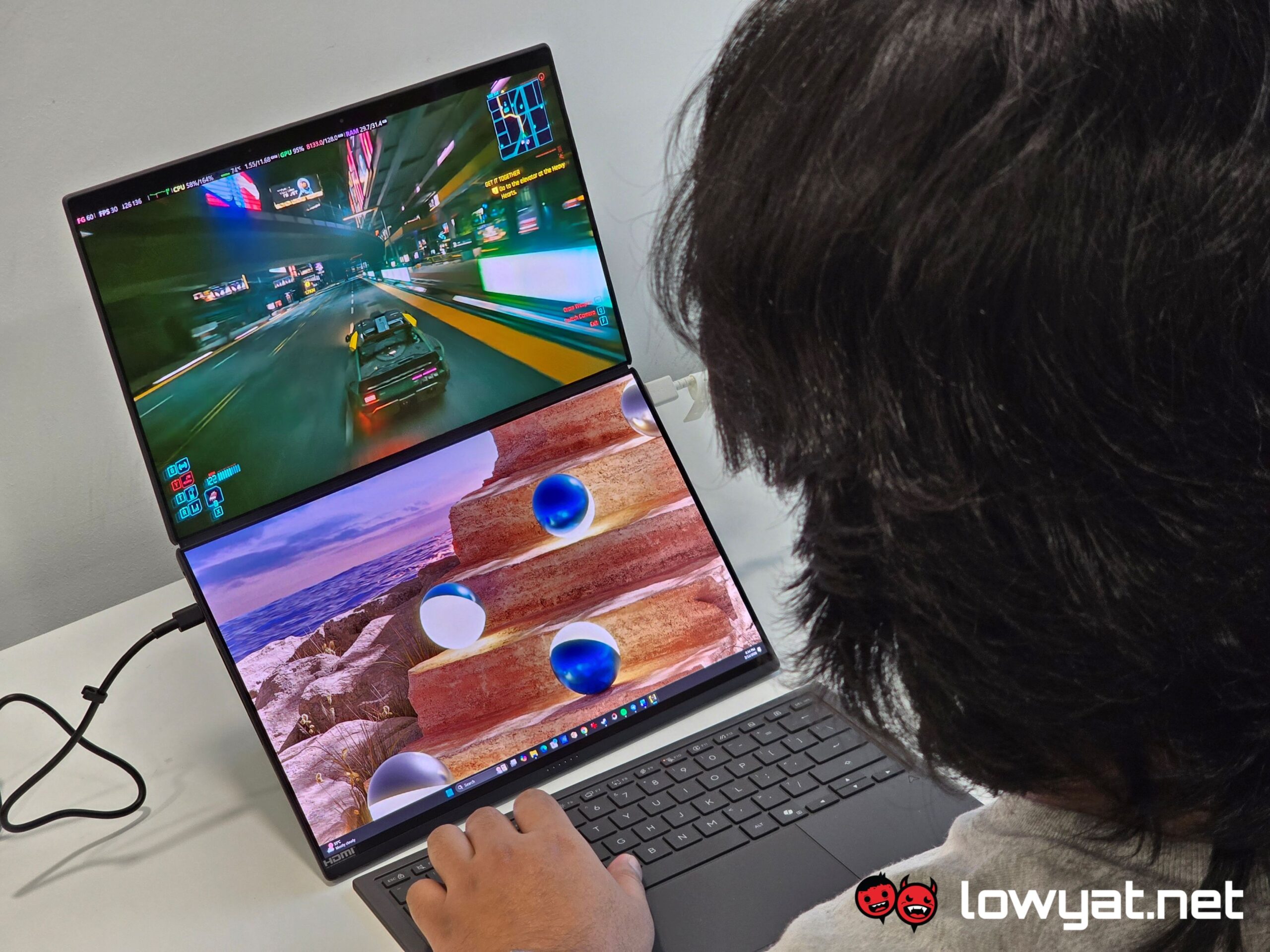
At the risk of sounding like a broken record, working with the Zenbook DUO actually increases my productivity, and for someone with a need – need – for multi-monitor setups, this makes device is a godsend, especially when I’m out on the field.
Honestly, it feels amazing that I do not have to split my browser tabs, and that I can just snap them into either the top or bottom panel, and continue typing out my article while cross-referencing my sources, or watch a video, doom-scroll through one my social media platform. It’s usually a toss-up, but you get the idea.
And to be clear, I’m not saying that I don’t split the tabs with the Zenbook DUO. With two screens, that means I can more tabs across them, allowing for an even greater coverage of data and information, to the point that it can become overwhelming.
The Zenbook DUO isn’t without sin, by the way. One of the handful of issues I have with it is with its detachable keyboard. It’s Bluetooth powered and a mix of linear and clicky, plus a decent amount of key travel that you don’t feel like you’re pounding the table with each stroke. The issue here is that the dedicated Snipping tool, which allows you take screenshots in absence of the Print Screen key, can be temperamental and sometimes chooses not to work.
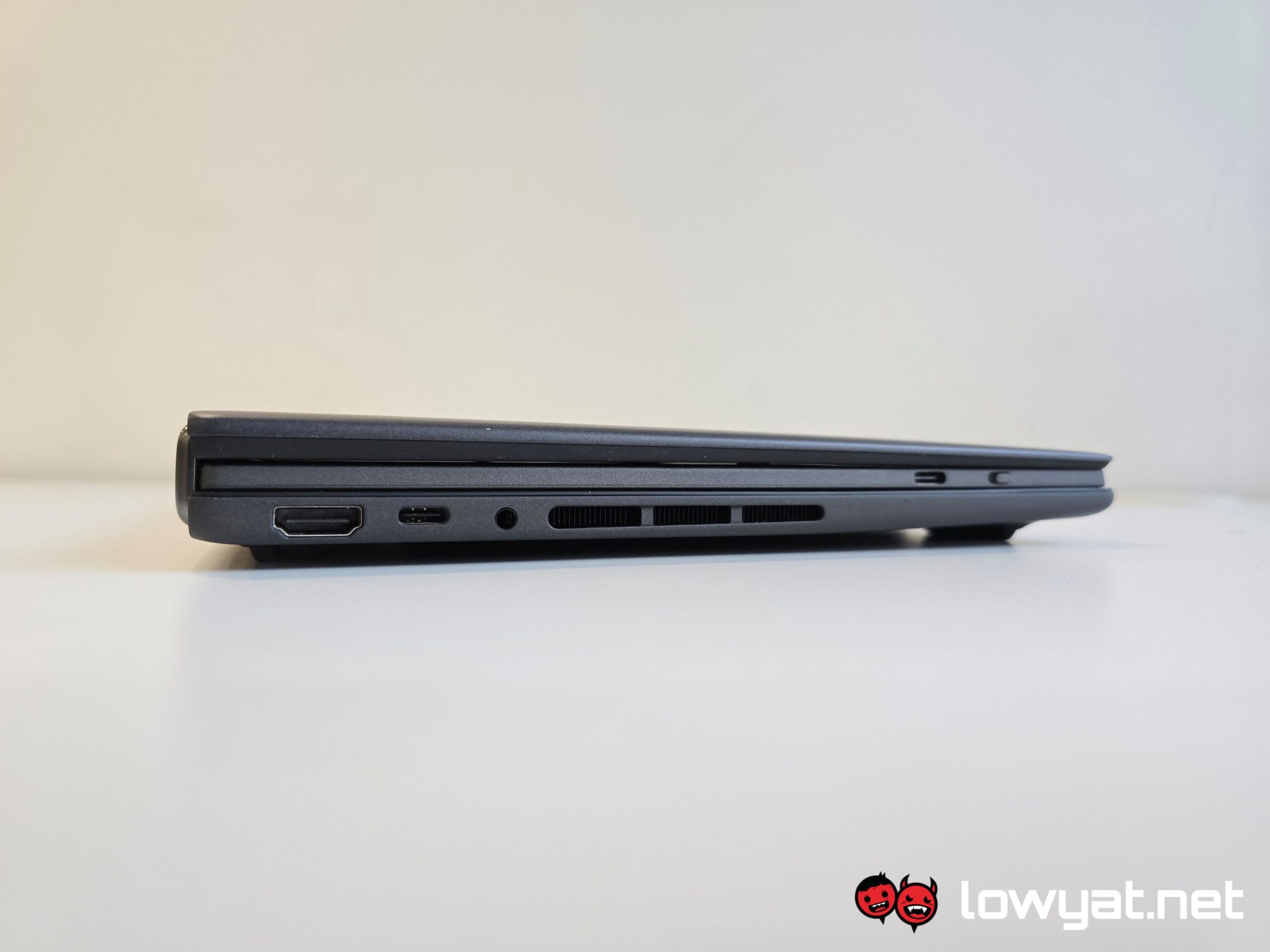
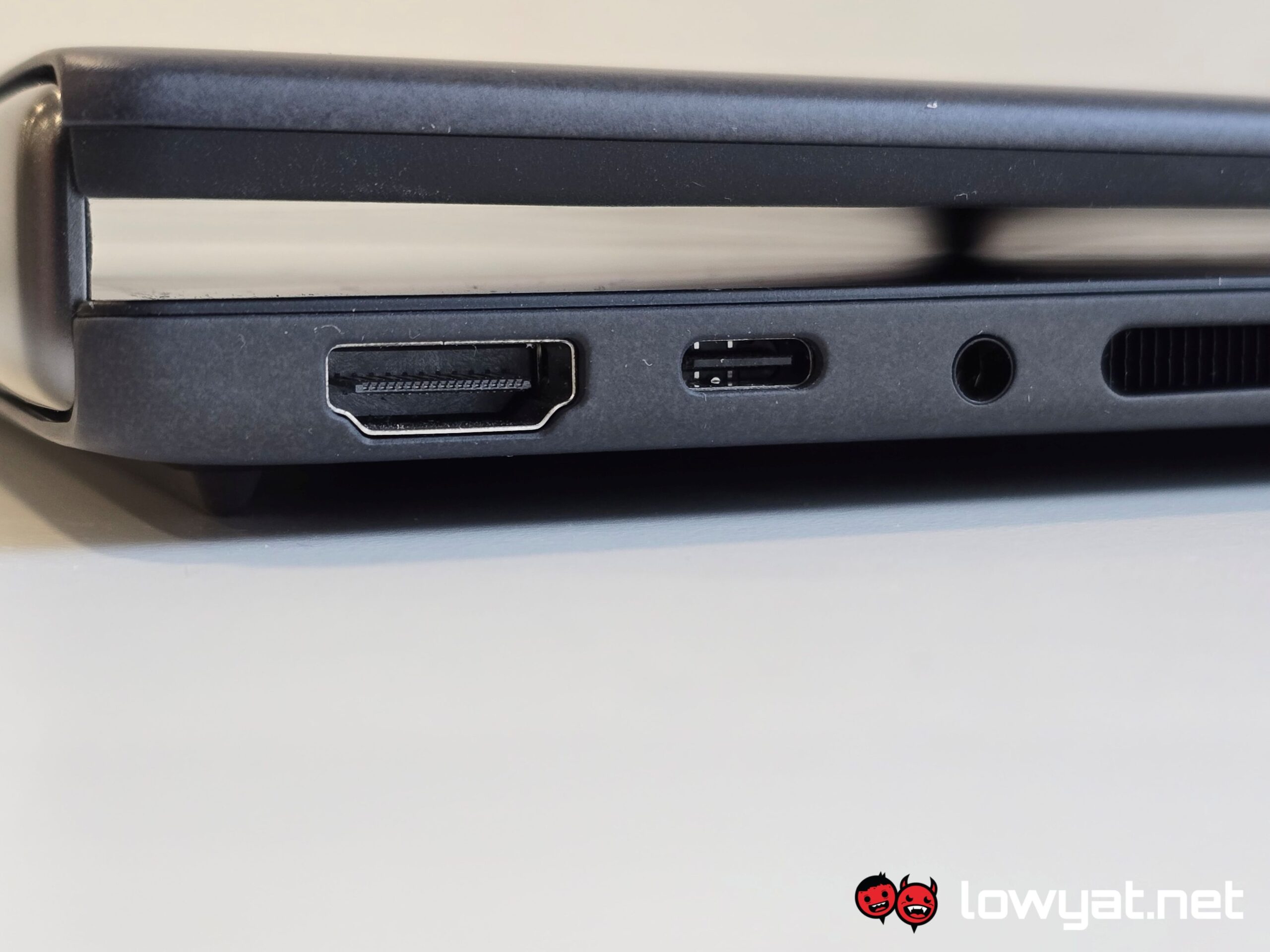
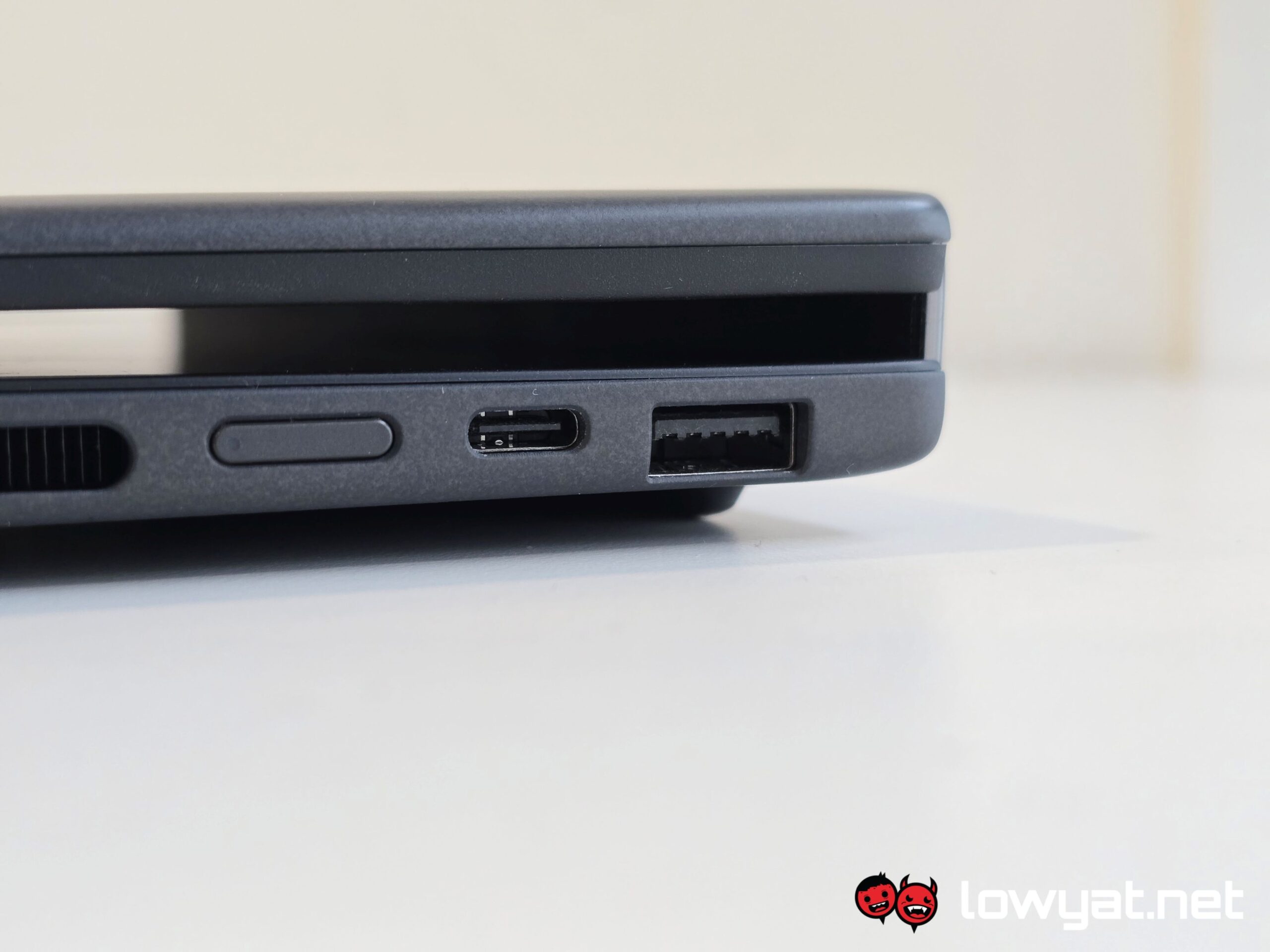
The lack of ports irks me, but I suppose that is the price to pay for thin and light
Then there is the other trade-off that often plagues thin-and-light machines such as these: the lack of ports. You get two Thunderbolt 4 ports, one USB-A port, and an HDMI port. Subtract one Thunderbolt 4 port for charging your PC, and that effectively leaves you with one port that you’re most certainly going to stick an I/O port extender into, especially if you’re someone like me who has a pair of USB-A powered headphones.
Moving on, the typing and trackpad experience. As I said, there’s just enough key travel that you don’t feel like you’re tapping the table, but the trackpad? My fingers glide across like butter. On top of that, each tap and click is literally accurate to the touch. In my experience, not all trackpads are created equal; the trackpad on this laptop’s keyboard is responsive and accurate, almost to a fault. Honestly, there have been times when the ball of my thumbs on both hands have accidentally opened up a page that I didn’t want to open up, but the trackpad registered the contact.
And then there’s the audio, and it is surprising. Just to be clear, it’s no MacBook Pro, but with the volume level at 60%, the onboard speakers deliver some really full-body highs and mids. The woofer, while understandably not as strong, provides just enough oomph when listening to particular genres, such as Synthwave. But obviously, a media player isn’t one of the Zenbook DUO’s main selling points.
Battery life is another milestone for Panther Lake, but more impressively, it’s another milestone ahead of Intel’s previous generation Lunar Lake. On a single display, the Core Ultra X9 388H on the Zenbook DUO 2026 gives me a near 18 hours on average. 18. That is far longer, and far more long-lasting than what I got with the Lunar Lake-based Zenbook S14 I reviewed years ago.
13 hours while on dual-display mode? Yes, please.
In dual-display mode, that number obviously drops because of the extra power needed to operate it, but hell, running between 12 and 13 hours, with brightness set at 40% and with the refresh rate capped at 60Hz? I’ll put in bluntly: Holy S&%#. That longevity, by the way, is with the background of most of apps and pages being blindingly white, and glaring at me.
But the most impressive point of the Core Ultra X9 388H, let alone the Zenbook DUO? It’s ability to game, and game on moderately demanding graphics presets.
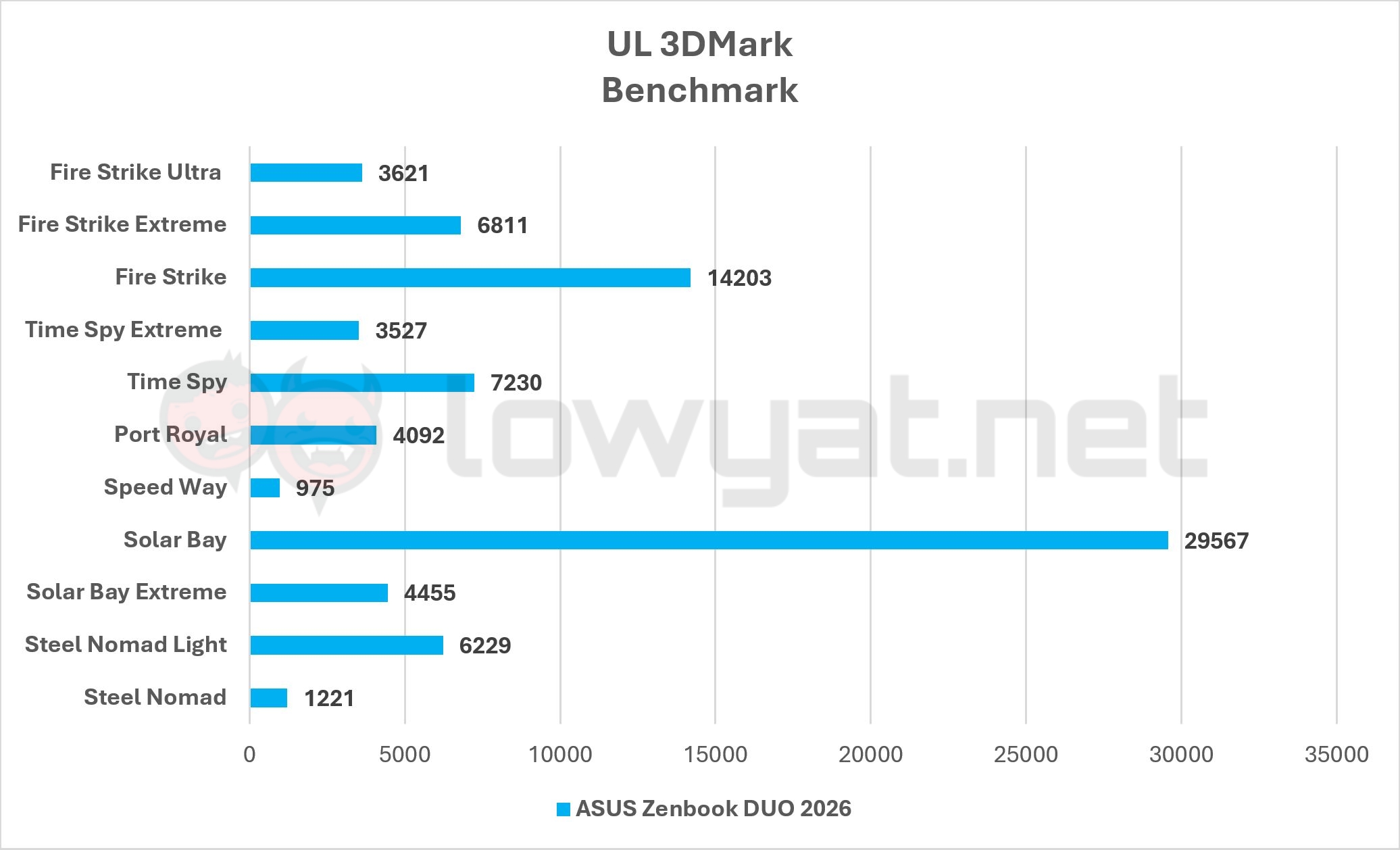
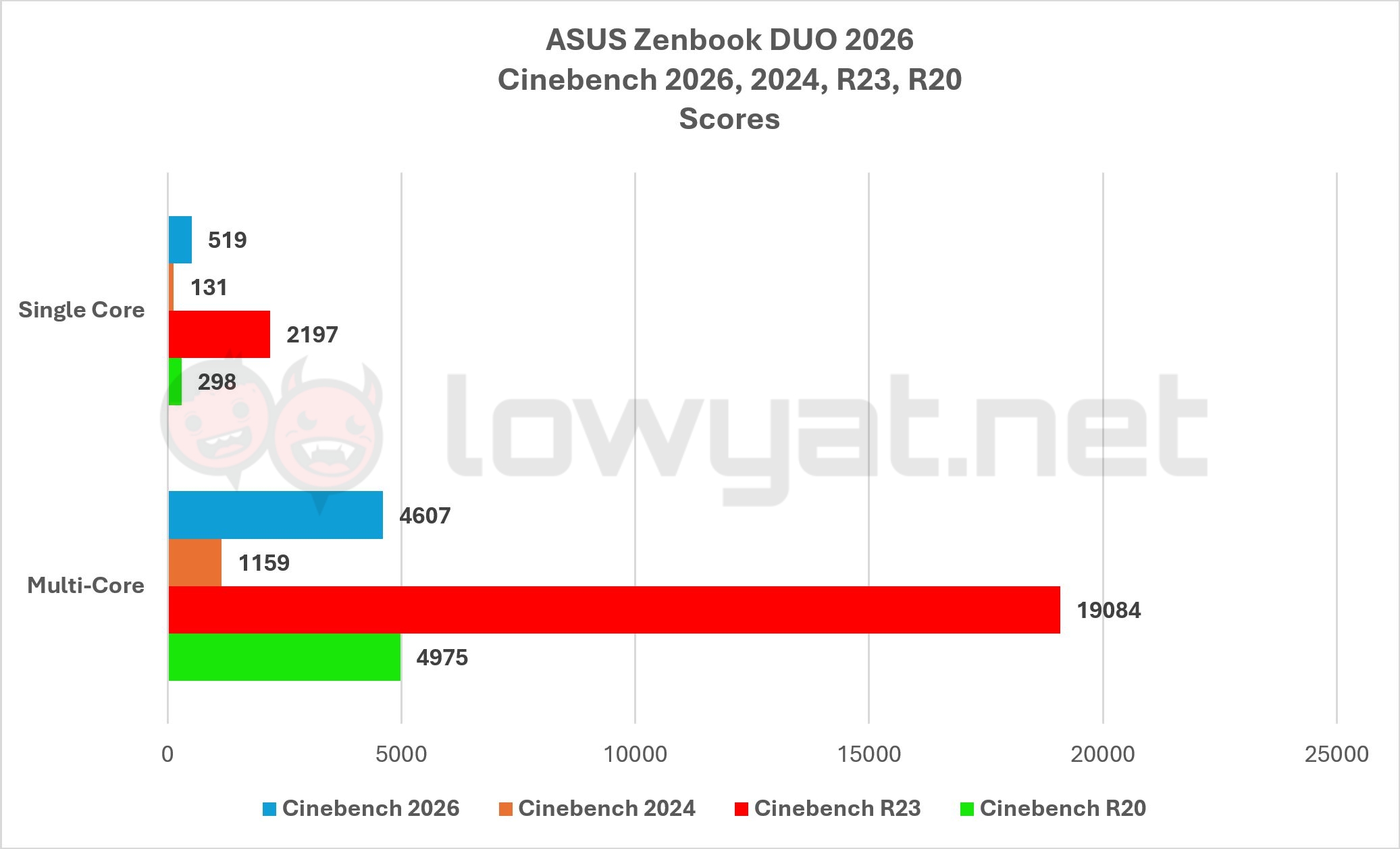
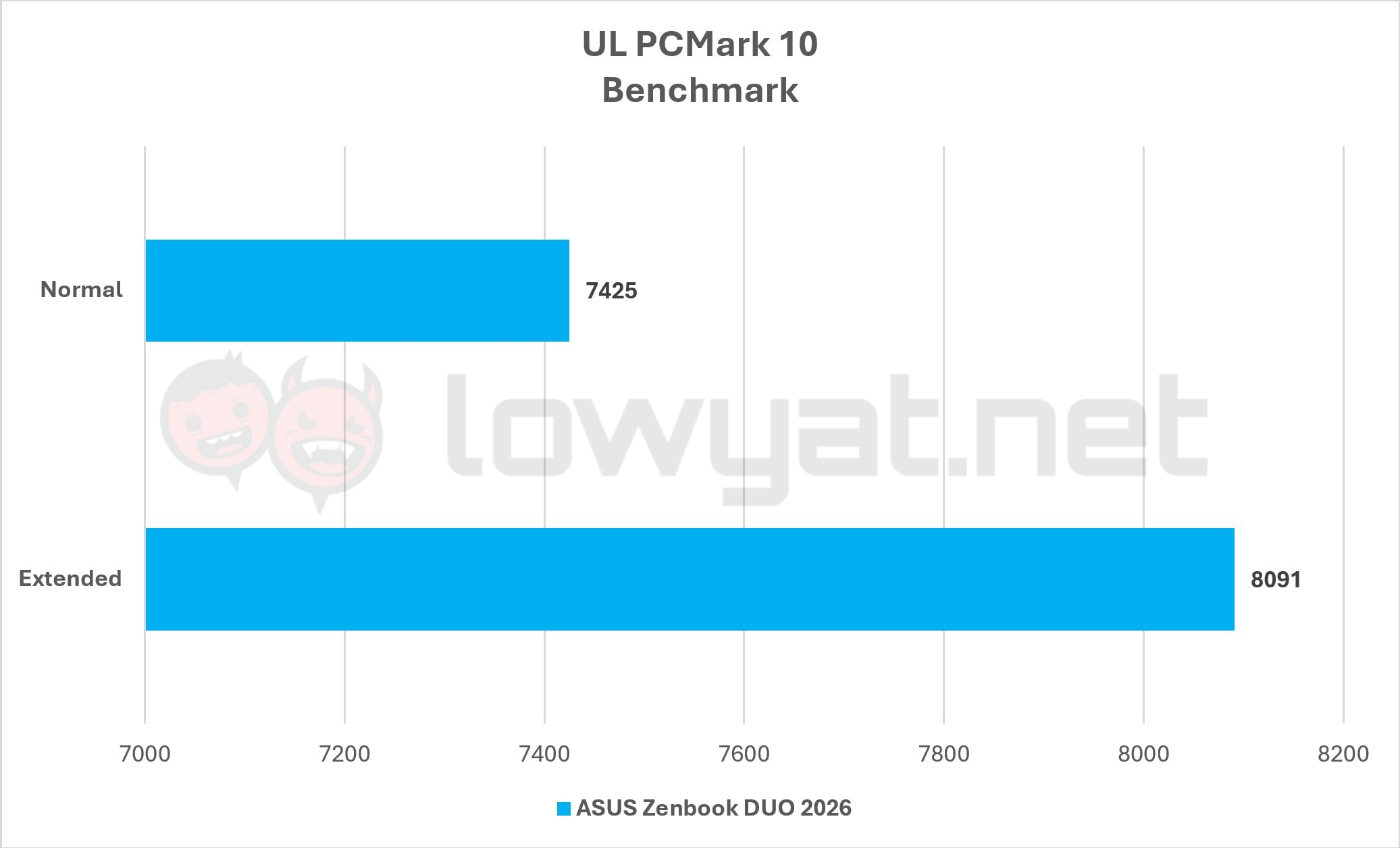

Seriously, Intel has made some serious improvements to its Battlemage architecture, and the ARC B390 iGPU attached to the 388H proves it in virtually every other title, albeit knocking down the resolution from its native 2.8K to QHD+ (2560 x 1600).
I am talking running Cyberpunk 2077 with the ray tracing set to Medium, as well as the rest of the other fixtures and fittings to the medium preset as well, and getting an average of 71 fps throughout the game. I am talking about playing Doom The Dark Ages, a game that, by default, has ray tracing baked into it, with Medium settings, XeSS set at Performance with no Frame Generation to speak of, and it holds its own at a steady 40 fps average.
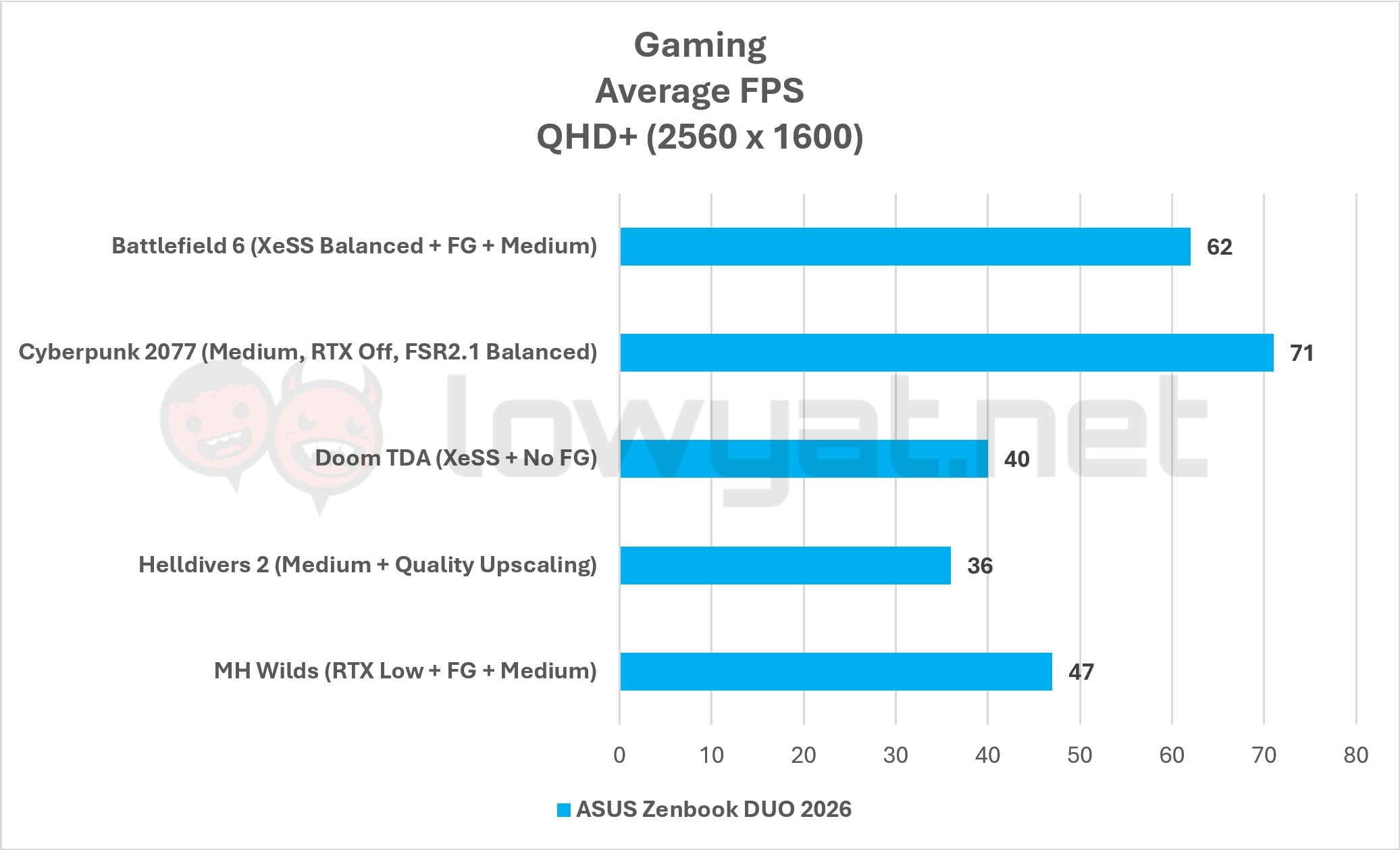
Likewise, on Battlefield 6, I’m getting 62 fps on average at the Medium preset, but to be fair, the game doesn’t have ray tracing which, again, is a bit of an odd move for EA, given that their last two Battlefield titles were poster children for the upscaling technology.
The point that I am trying to make here is this: the ARC B390 in this processor has not ceased to impress me since I began gaming on it, and it’s making me have a rethink about my stance on thin and light, 14-inch “gaming” laptops, and if I actually and personally need such a machine anymore. And those are AAA titles, so you can imagine the kind of performance and experience you’d get if you were playing less graphically demanding titles.
Conclusion
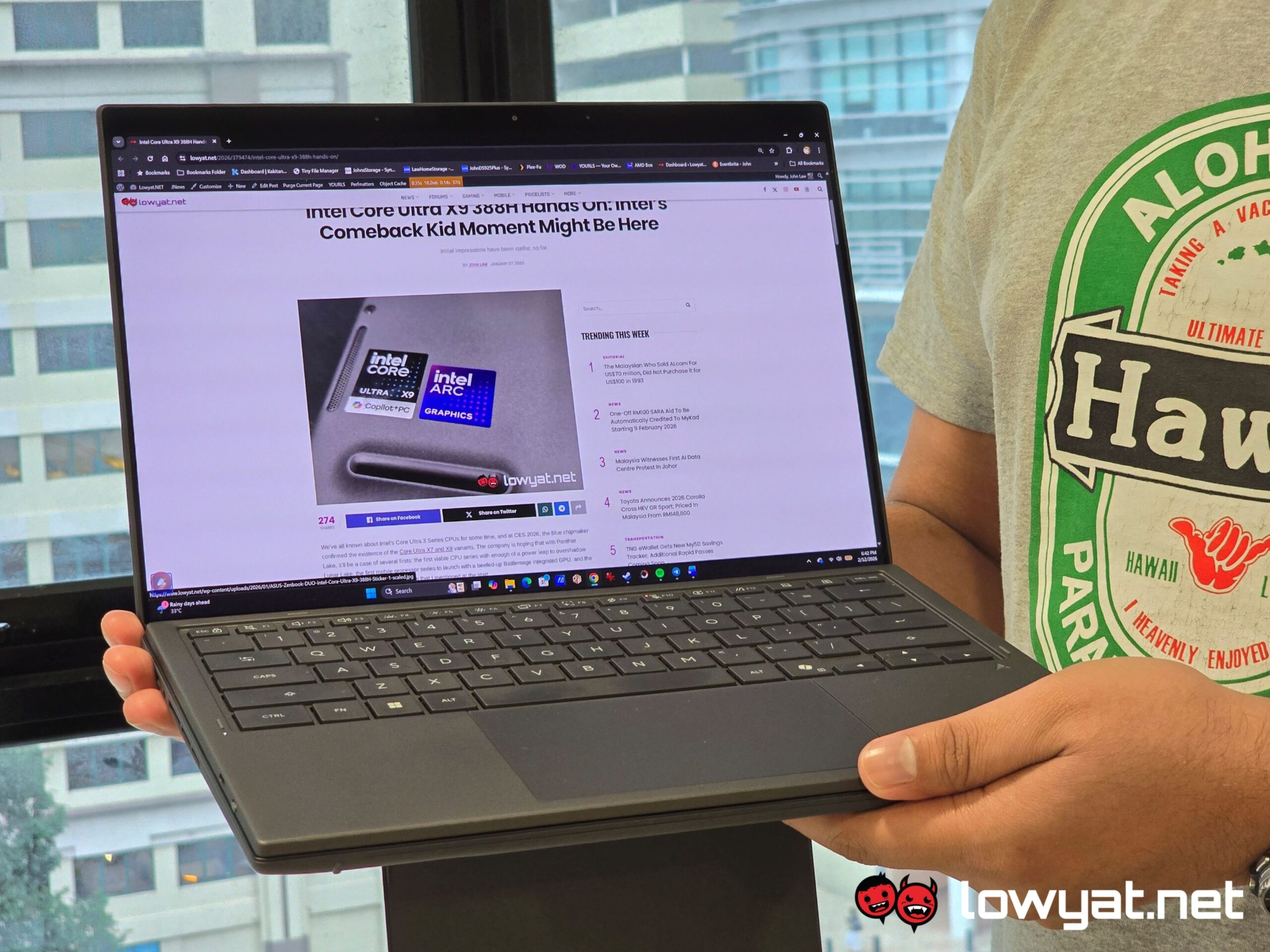
The ASUS Zenbook DUO 2026 isn’t so much a reimagining but rather, a reinvigoration in all the places that matter. Again, at the risk of sounding like a broken record, the brand did the right thing in changing the spine, making it so that the laptop could lie flat.
It also did the right thing in keeping the dual-mode display design; the brand already knew that it had a good thing going and like all folks that know this, they didn’t change it and maintained the status quo.
Panther Lake is breathtaking, powerful, and impressive.
Above all else, ASUS made the right choice by using Intel’s latest and greatest Core Ultra X9 388H from its Panther Lake lineup. Panther Lake is, for want of a better word, impressive, and it is clearly a sign that the blue chipmaker is already on the right path in reclaiming its dominance of having a long-lasting, power efficient, and powerful processor, both in the mobile and desktop space.
Oh, on that note, and before I forget: Welcome back to the big leagues, Intel. I’ll be the first to admit, it was starting to get a little stale with your red rival having the scales tipped in their favour. Perhaps now we can start to see some innovation and headstrong competition that I, along with many others in the industry, have been longing for.
Photography by John Law.