

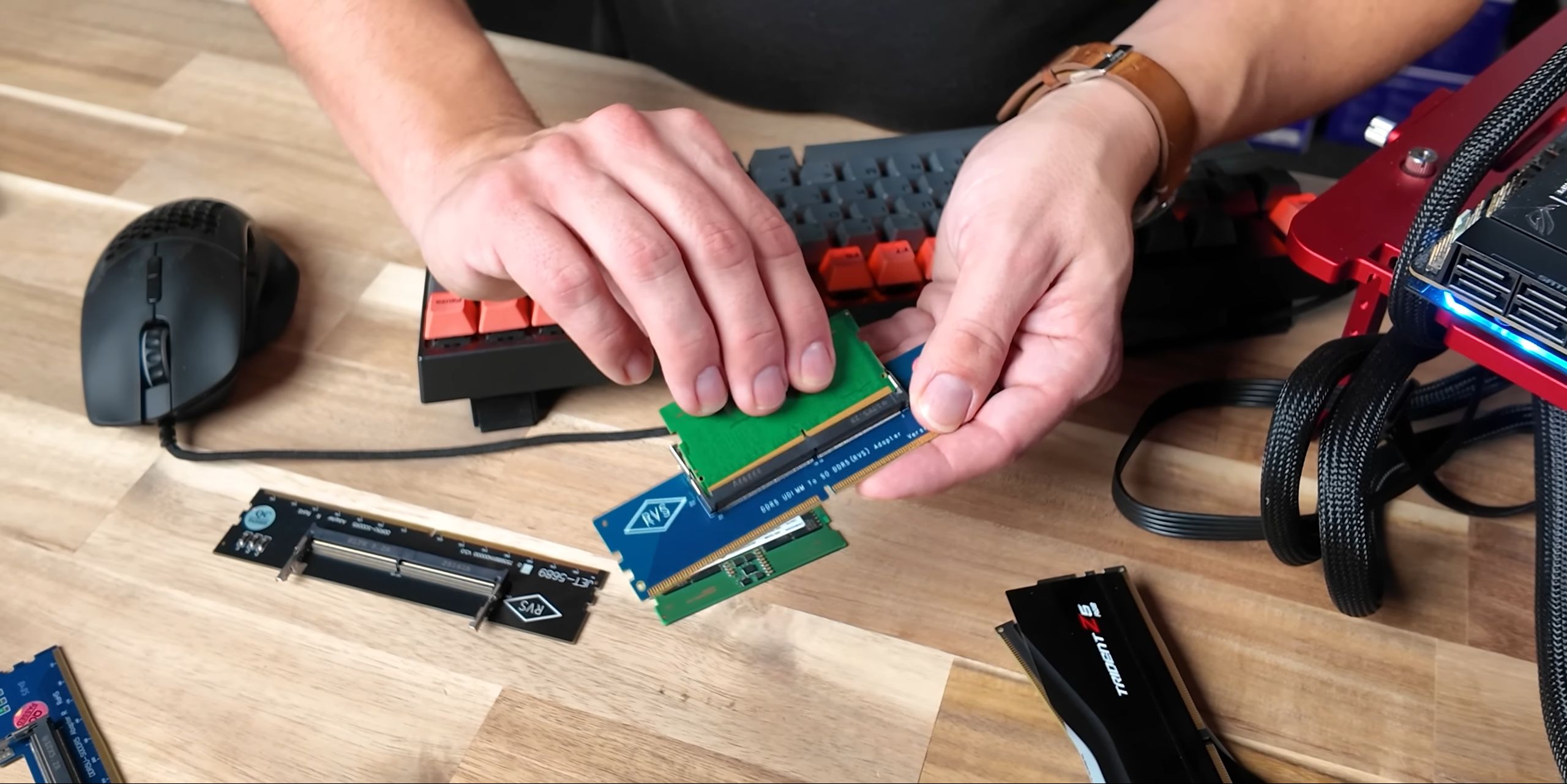
Hardware Canucks, the Canada-based tech outfit, recently posted a video detailing a temporary solution to soaring DDR5 desktop memory prices: turning to laptop, or SO-DIMM, DDR5 memory modules and use RAM adapters to affix them to your motherboard.
The idea of a laptop RAM adapter is far from new or groundbreaking, and has been around for years. However, given the current and fluid situation with desktop memory – not just with DDR5, but prices for DDR4 have also spiked in the wake of rising memory chip prices – this is probably one of the better temporary solutions for those who just don’t want to pay the price of an RTX 5070 or standard PS5 console for what was essentially one of the more “affordable” components.
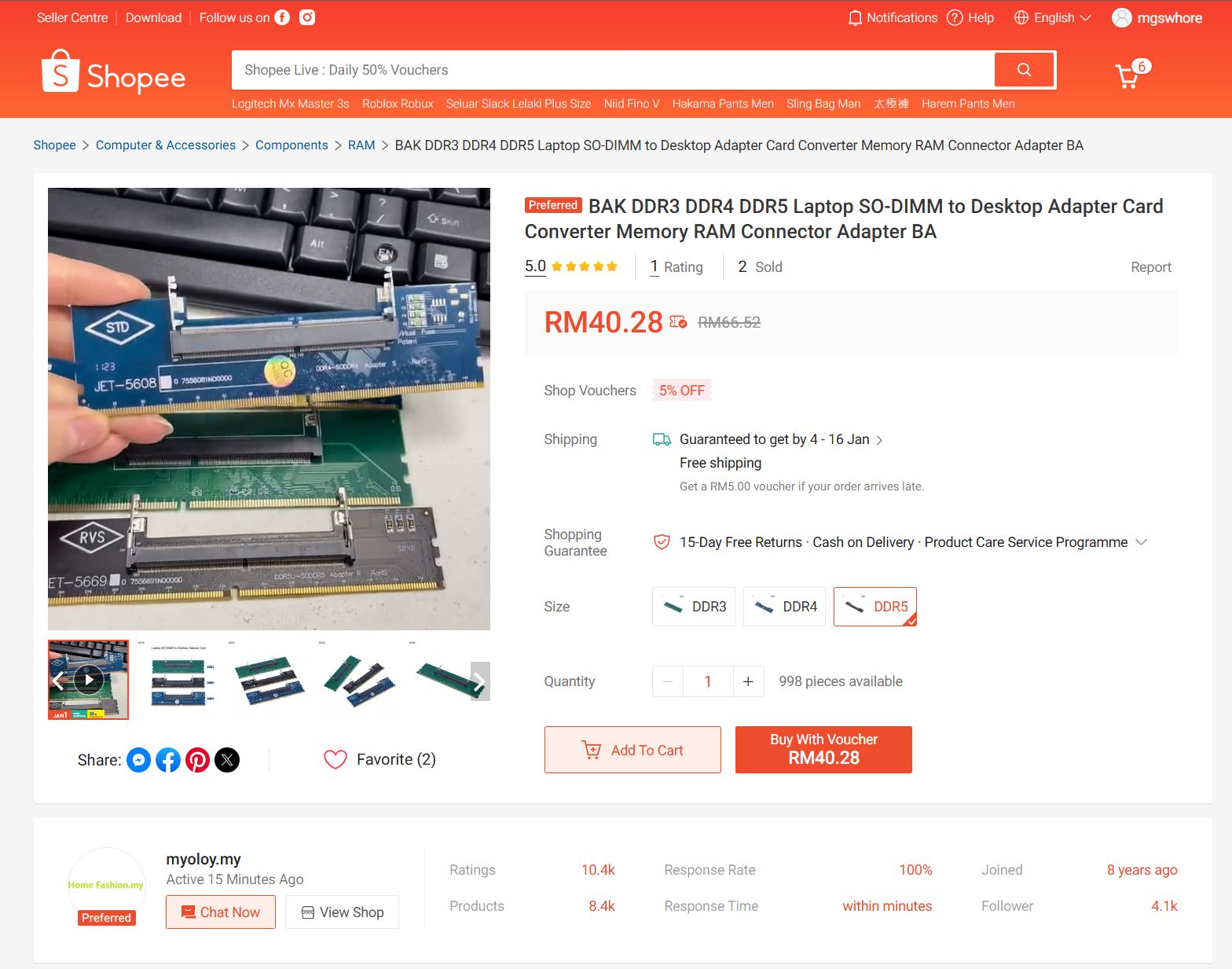
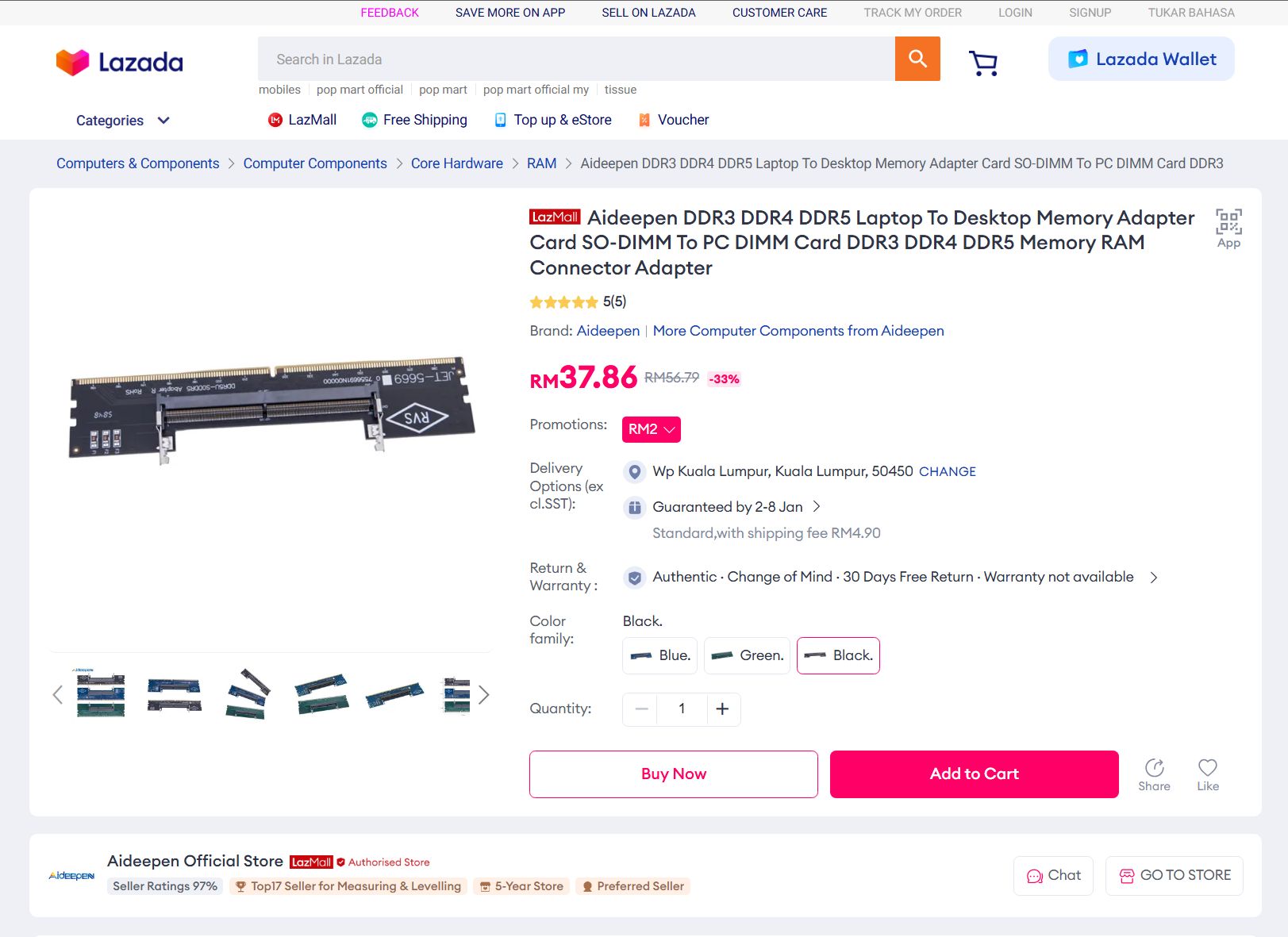
For the record, laptop RAM adapters aren’t terribly expensive either. We found a couple of sellers on both Lazada and Shopee selling these components, with DDR4 adapters typically priced at around RM25, while the DDR5 adapters averaged RM40. The application of this is also pretty self-explanatory: you look for and purchase laptop RAM of your choice, install it into the adapter, then proceed to plug said adapter into the memory slots of your desktop PC’s motherboard.
Again, Blame AI

If it wasn’t already clear as to why the price of memory is skyrocketing at a steep curve, it’s because all fingers are pointing at the AI craze. As pointed out, Sam Altman, the CEO of OpenAI, basically gobbled up 40% of the world’s memory supply, all in the name of beefing up his AI machines’ learning capabilities with different AI language models. The worst part, though, is that he isn’t even the worst offender.
That said, and as Hardware Canucks point out, prices for laptop memory aren’t unaffected by the memory price hike either. In other words, you’re going to have to do a bit of bargain hunting. As it stands, most PC outlets here in Malaysia don’t sell laptop DDR5 RAM in two-piece kits, and primarily as single-piece options. Off the shelf, they average RM350 for an 8GB DDR5-5600 stick, and double that for a 16GB stick of the same frequency.
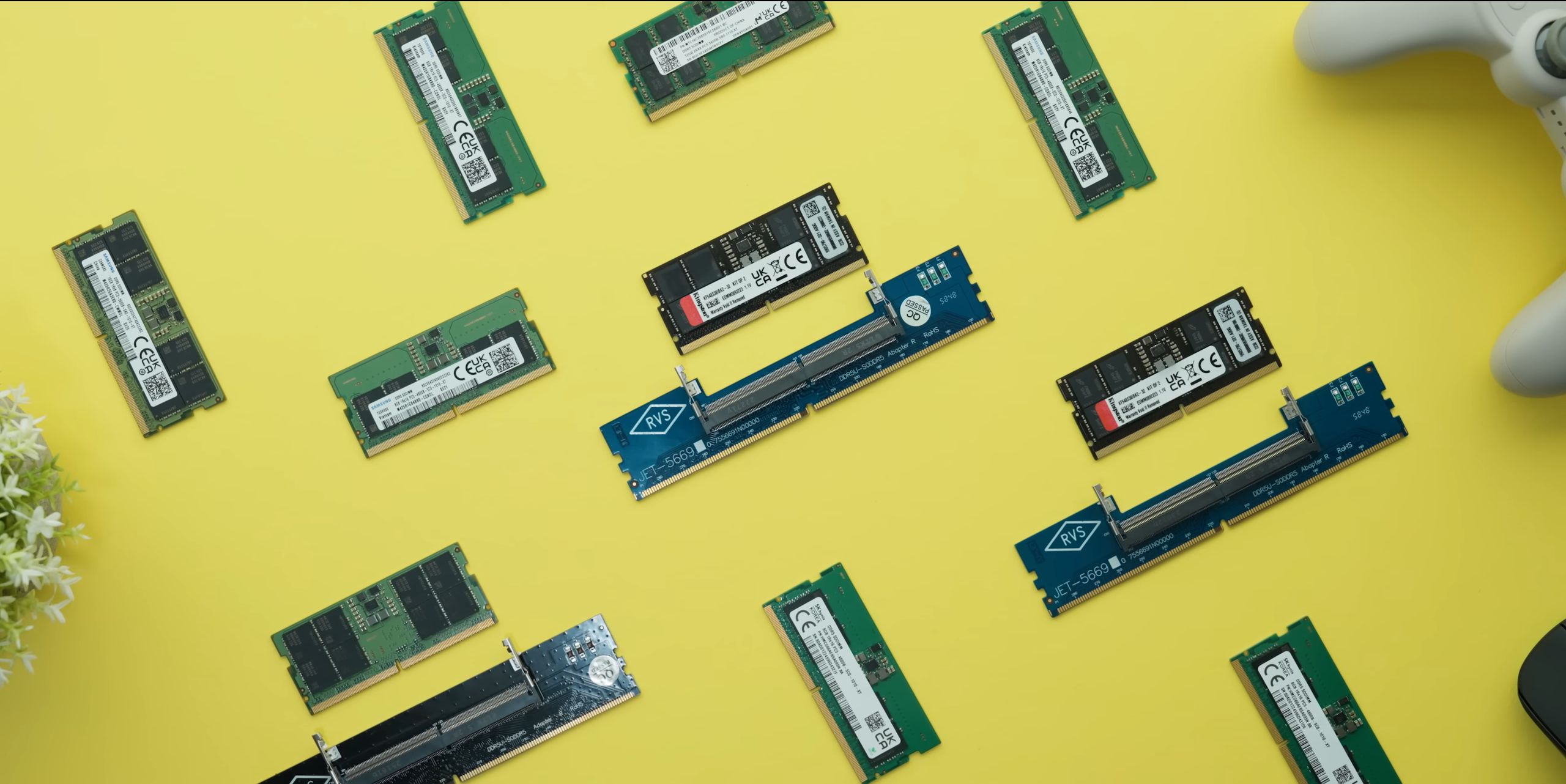
There are obvious drawbacks, one of which is the speed at which these laptop RAM modules boot, but that’s easily solved by manually setting the speeds on the RAM within the system BIOS. Another issue is the physical height clearance. These laptop RAM adapters tend to add height, which could be a problem for those among you using air coolers for your CPU. If you’re using an AIO, though, then this issue simply doesn’t exist.
As for performance, Hardware Canucks showed that using laptop RAM on a desktop PC showed little or next to no difference in performance.
