• Hype
  • Murai
  • Lipstiq
  • Varnam
  • Hangat
  • Autofreaks
Lowyat.NET
  • News
    • Lifestyle
    • Computing
    • Hardware
    • Internet
    • Rumours & Leaks
    • Software
  • Forums
    • Kopitiam
    • Tradezone
    • Property Talk
    • Finance & Business
    • Fast and Furious
  • Gaming
    • PC Gaming
    • Console
    • Mobile Gaming
    • Esports
  • Mobile
    • Apps
    • OS
    • Tablets
    • Phones
    • Telco
      • Celcom
      • DiGi
      • Maxis
      • Tune Talk
      • U Mobile
      • Buzzme
  • Pricelists
    • Compu-zoneUpdated
    • ViewnetUpdated
    • Sri ComputersUpdated
    • StartecUpdated
  • More
    • Artificial Intelligence
    • Automotive Tech
    • Drone
    • Enterprise
    • Entertainment
    • Fashion
    • E-Hailing
    • Wearables
    • Contact Us
No Result
View All Result
Lowyat.NET
  • News
    • Lifestyle
    • Computing
    • Hardware
    • Internet
    • Rumours & Leaks
    • Software
  • Forums
    • Kopitiam
    • Tradezone
    • Property Talk
    • Finance & Business
    • Fast and Furious
  • Gaming
    • PC Gaming
    • Console
    • Mobile Gaming
    • Esports
  • Mobile
    • Apps
    • OS
    • Tablets
    • Phones
    • Telco
      • Celcom
      • DiGi
      • Maxis
      • Tune Talk
      • U Mobile
      • Buzzme
  • Pricelists
    • Compu-zoneUpdated
    • ViewnetUpdated
    • Sri ComputersUpdated
    • StartecUpdated
  • More
    • Artificial Intelligence
    • Automotive Tech
    • Drone
    • Enterprise
    • Entertainment
    • Fashion
    • E-Hailing
    • Wearables
    • Contact Us
No Result
View All Result
Lowyat.NET
No Result
View All Result

Hands On: Google Maps app for iOS

by Huei Song
December 14, 2012
Google Maps Installing
Share on WhatsappShare on TelegramThreads

Google Maps Installing

As ironic as it may seem, if there was one thing iOS users cannot live without, it would have to be Google Maps. Sure, there may be other mapping services such as the ever-popular Waze, or even Nokia’s Here mapping service that was announced not too long ago, but in less than 24 hours (7 hours to be precise) since the arrival of the Google Maps App for iOS, it has already top the charts, in iTunes U.S. at least.

So how is the Google Maps app for iOS compared to Google Maps elsewhere? For starters, it comes with the same features like showing you a rather updated map (of Malaysia as well in case you were wondering) and it can provide routing for you to go from point A to point B via car, public transit or by walking. It also has got various layers like satellite view and traffic view; there’s also a Google Earth option but as always, that is not available in Malaysia, yet.

Find out more after the break.

Interface wise, things has changed a little, it is now easier for you to search for your destination because the search text box is right at the top. Because I’ve used Google Now before, my profile comes with two fixed places – one for home and one for work.
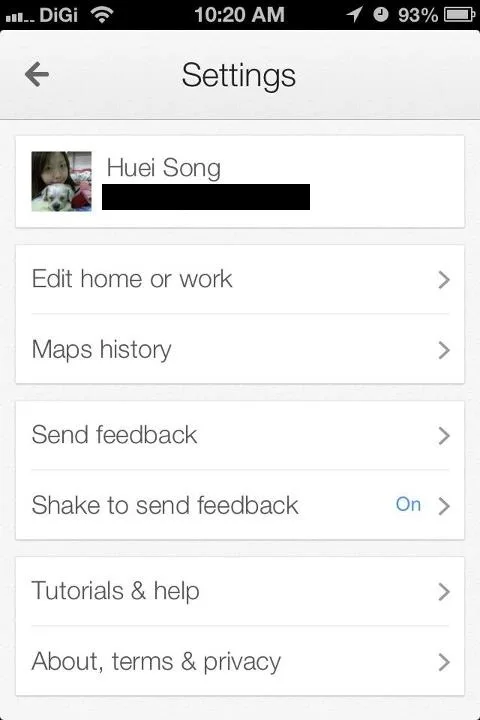
Google Maps 9 Edit Profile

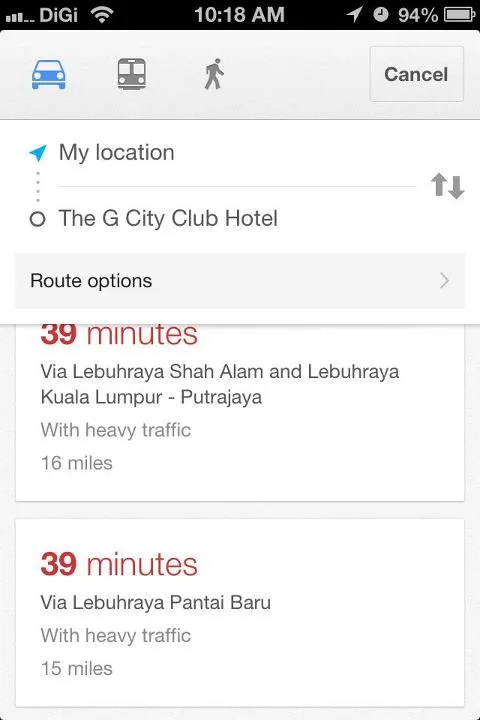
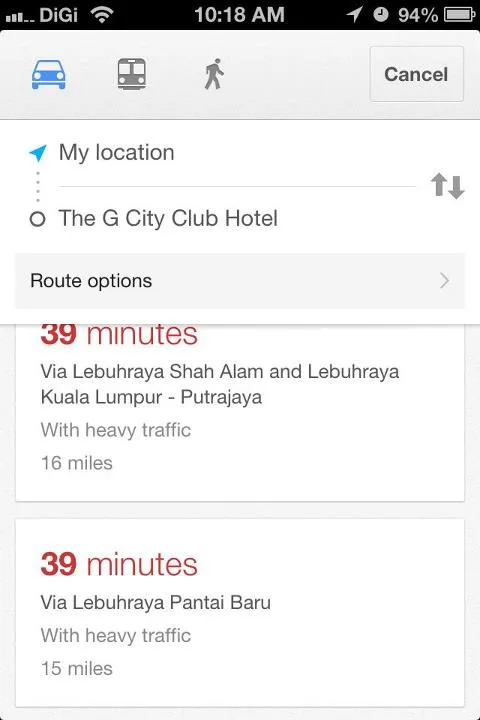
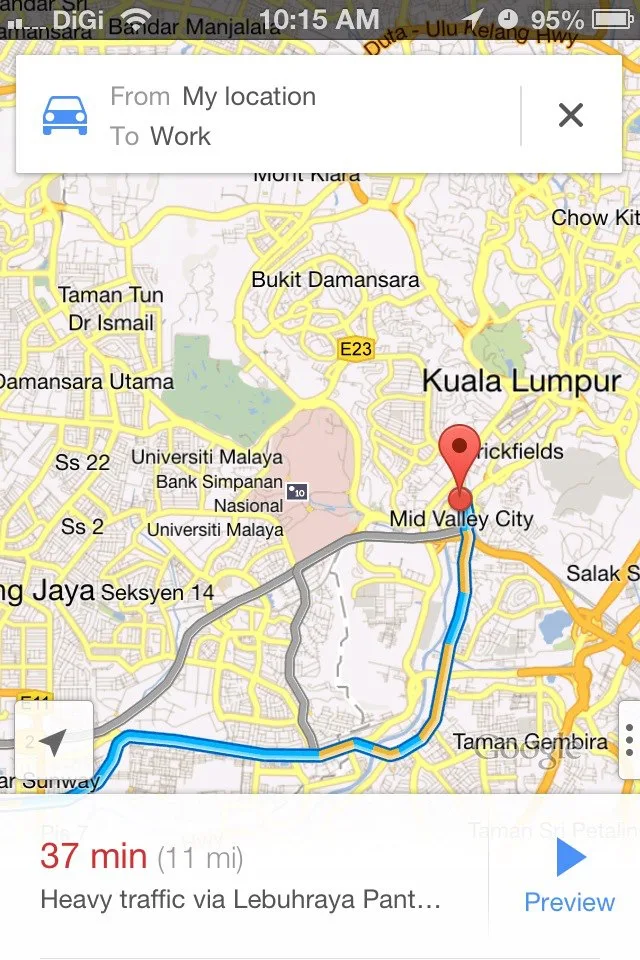
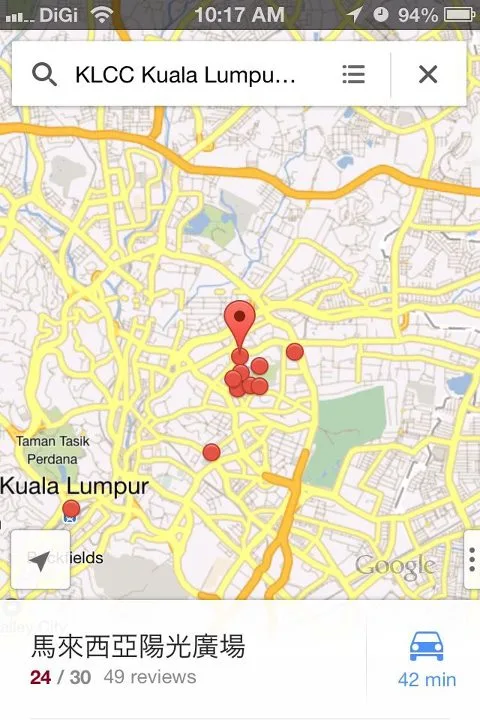
Once done searching for a place, like KLCC for instance, you can use gestures to find out more; simply drag the menu below upwards, and you will be greeted with a list of nearby places. To get directions, just click on the car icon (or public transit icon depending on how you travel) and here comes my favorite part, Google lists out different routes you can take and the different time it takes to reach your destination for each route; you can even switch your routing options by swiping the menu below to left or right.
Related Article Apple Rolling Out Critical iOS 18 Update To Address Darksword Exploit

Google Maps 3 Route Home to WorkGoogle Maps 5 Search KLCC

Google Maps 8 Diff Route Option

There is a new preview option that allows you to preview the route ahead and in case you were wondering, no, it does not come with voice-guided navigation. If you turn off the traffic layer, Maps will only show you the traffic on the route you will be taking, providing a much cleaner and much simpler view.
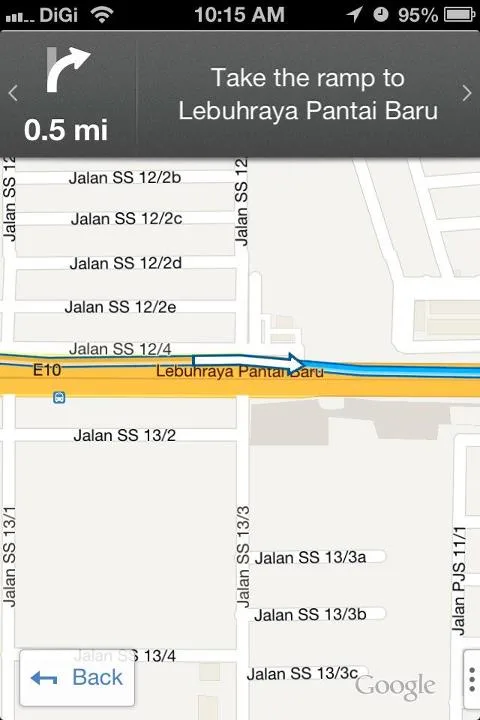
Google Maps 4 Preview

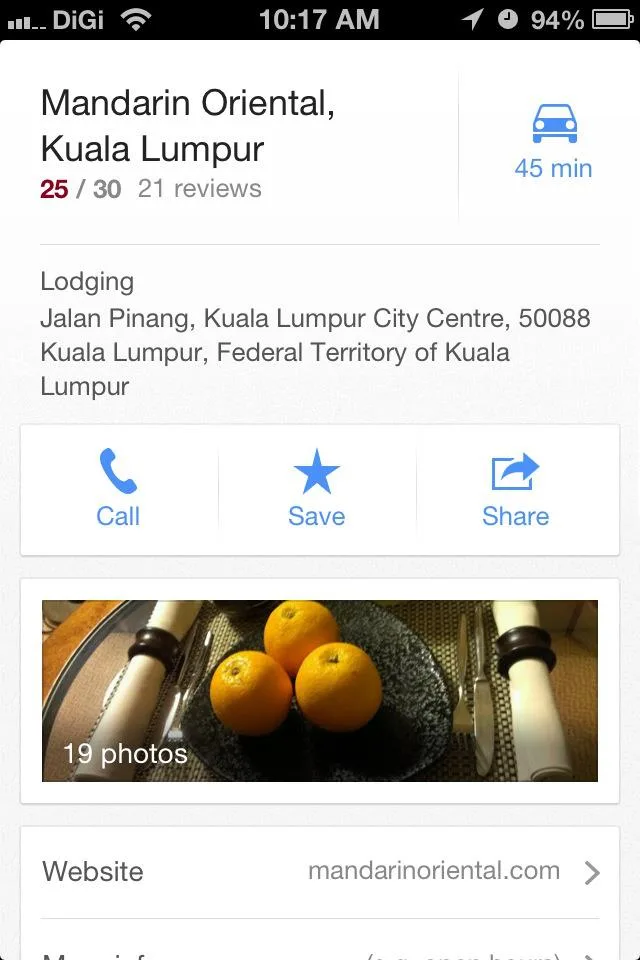
Another notable feature would be a description page of the place you search for. While this has always been available for Google Maps on desktop or even Android devices, the new interface change makes it much easier to see the reviews and ratings.
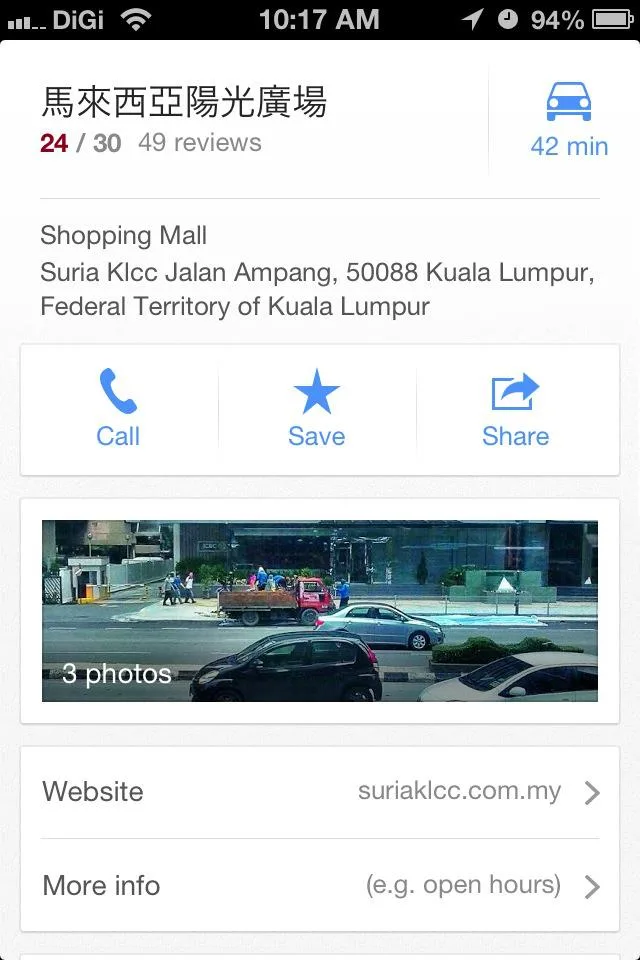
Google Maps 6 Description of KLCCGoogle Maps 7 Swipe Left Right to See Nearby2

More screenshots below:

Google Maps 8 Diff Route Option1

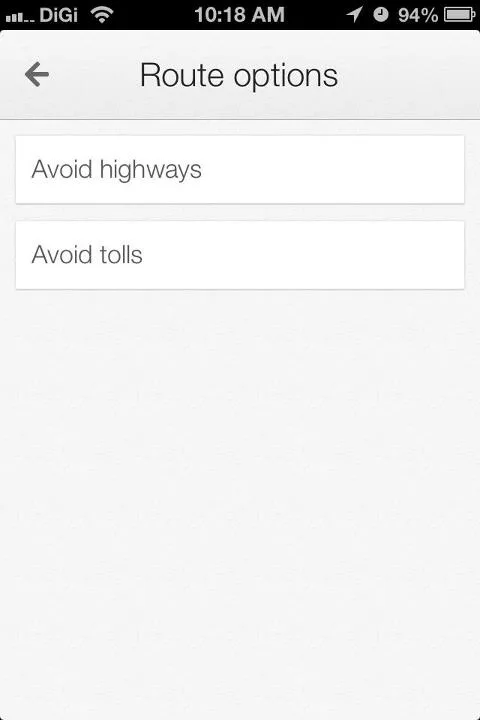
Google Maps 8 More Route Options

Filed Under Google MapsGPSiOSiOS 6
Updated 12:11 pm, Fri, 14 December 12
SendShareShareShare2Tweet1

Follow us on Instagram, Facebook, Twitter or Telegram for more updates and breaking news. 

No Result
View All Result

TRENDING THIS WEEK

  1. 1
    Fintech

    TNG Digital Explains How The 300-Litre BUDI Diesel Quota Works On Its eWallet

  2. 2
    Electric Vehicles

    BYD Malaysia To Launch Denza Z9GT On 15 July

  3. 3
    Rumours & Leaks

    AMD 10-Core Zen 6 Medusa Point APU Appears On Geekbench

  4. 4
    Smartwatches

    Amazfit Launches Balance 3, Balance Ultra In Malaysia

  5. 5
    Cybercrime

    Redditor Exposes Fake 16TB SSD Scam After Finding Weights And A microSD Card Inside

NETWORK

  • Hype
  • Murai
  • Lipstiq
  • Varnam
  • Hangat
  • Autofreaks

ABOUT

  • Advertise
  • Careers
  • Privacy Statement
  • Editorial Policy
  • Terms of Use
  • Contact Us

©2026 VIJANDREN RAMADASS. ALL RIGHTS RESERVED.

No Result
View All Result
  • News
  • Forums
  • Laptops
  • Telco
  • Mobile
  • Gaming
  • Artificial Intelligence
  • Fintech
  • Cryptocurrency
  • Cyber Security
  • Hybrid Vehicles
  • Advertise with Us

©2026 VIJANDREN RAMADASS. ALL RIGHTS RESERVED.

No Result
View All Result
  • News
  • Forums
  • Laptops
  • Telco
  • Mobile
  • Gaming
  • Artificial Intelligence
  • Fintech
  • Cryptocurrency
  • Cyber Security
  • Hybrid Vehicles
  • Advertise with Us

©2026 VIJANDREN RAMADASS. ALL RIGHTS RESERVED.