

Tune Talk has launched Epik+ Family Safe, a new family mobile plan. What sets this package apart from other offerings is the inclusion of built-in child protections at a network level. With the launch of this product, Tune Talk has become the first telco to introduce a family mobile plan with parental controls.
Priced at RM80 per month, Epik+ Family Safe includes one parent line and one child line, with the option to add additional child lines for RM20 each. The package allows for a total of four child lines, resulting in a total of five lines altogether. Furthermore, the plan offers 700GB of shared data, unlimited calls, complimentary E-Roaming for 13 countries, PA insurance coverage up to RM200,000, Tune Talk Nova, and a foodpanda pandapro subscription.
Three levels of protections
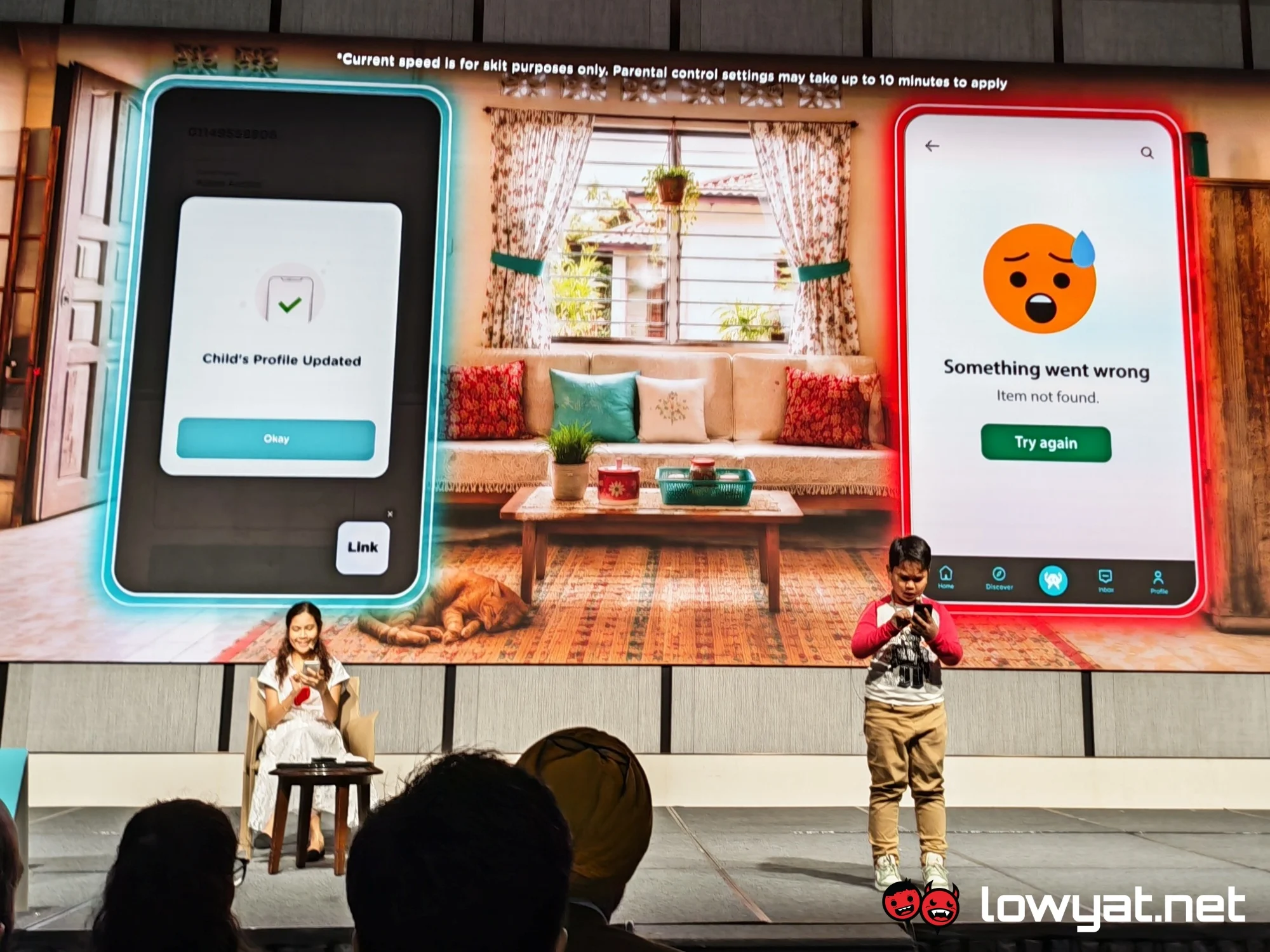 The highlight of Epik+ Family Safe is the One-Tap Parental Control feature, which is accessible via the Tune Talk app. Essentially, this is a set of controls that allows the parent to limit the content their child will see online.
By default, it blocks adult content and unsafe websites, as well as content involving violence, weapons, drugs, gambling, and dating. Additionally, it prevents spam, ads, and the download of bypass tools. Meanwhile, permitted content includes education, government, health, music, news, finance, as well as email and other general safe websites.
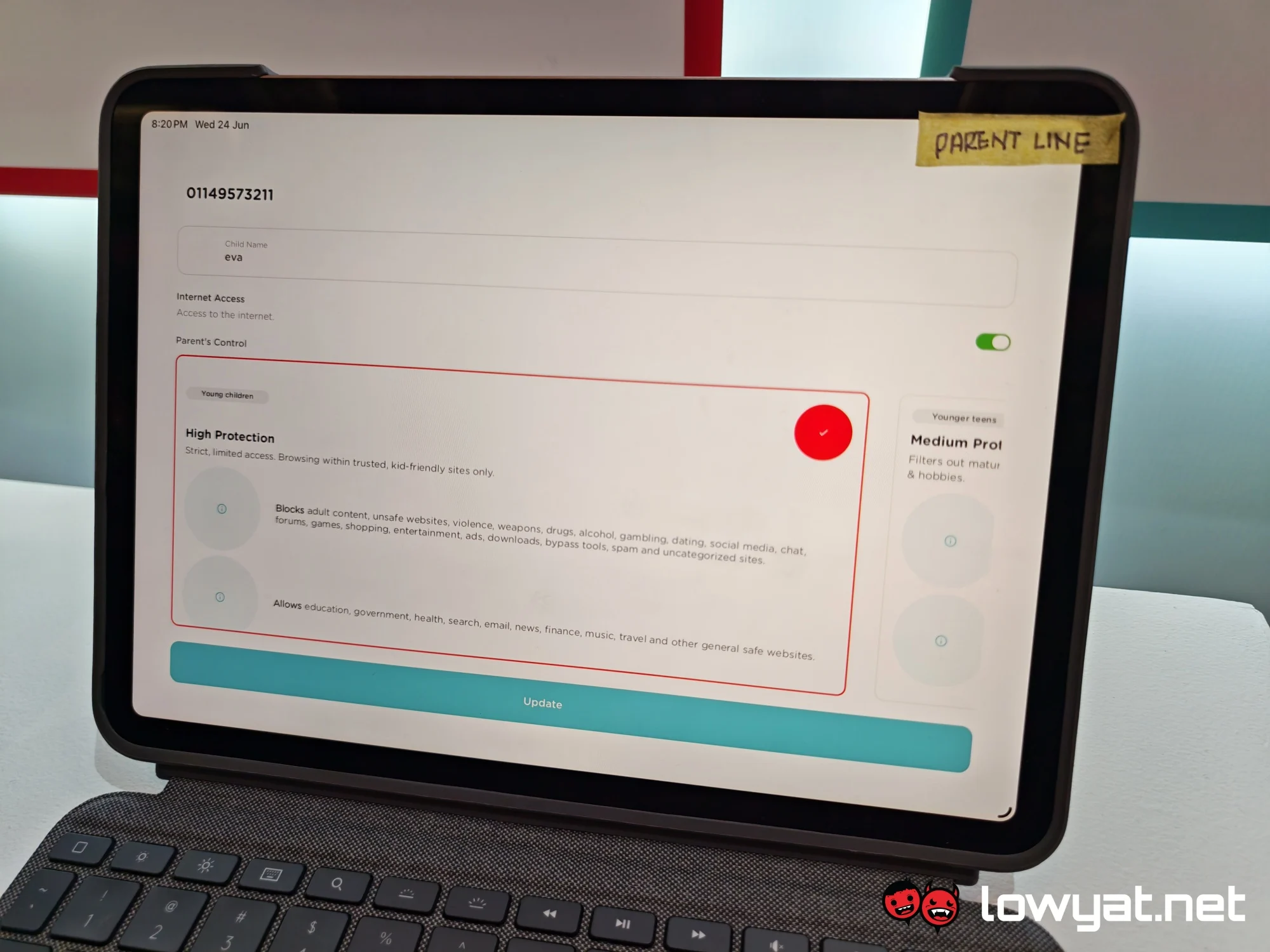
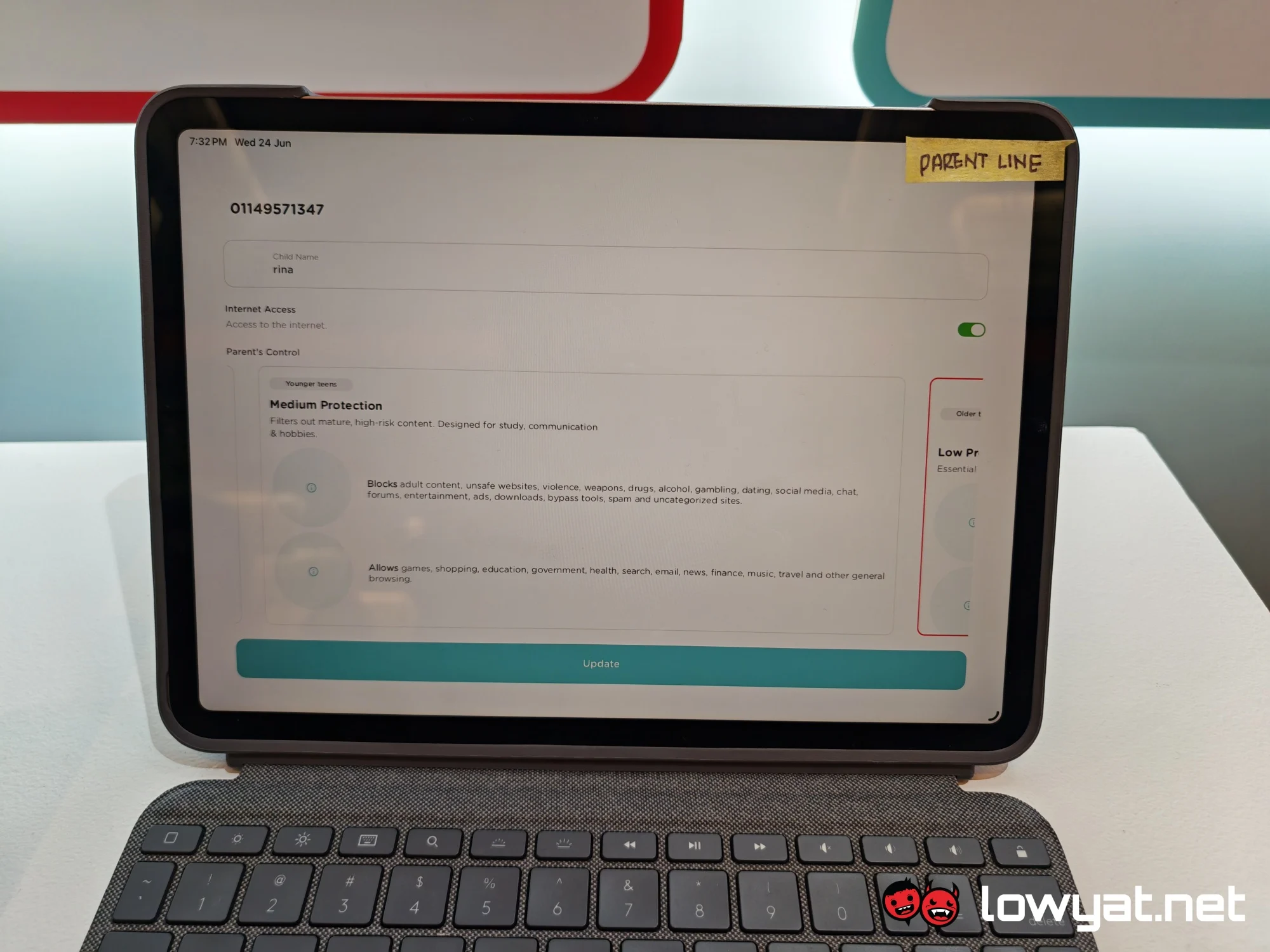
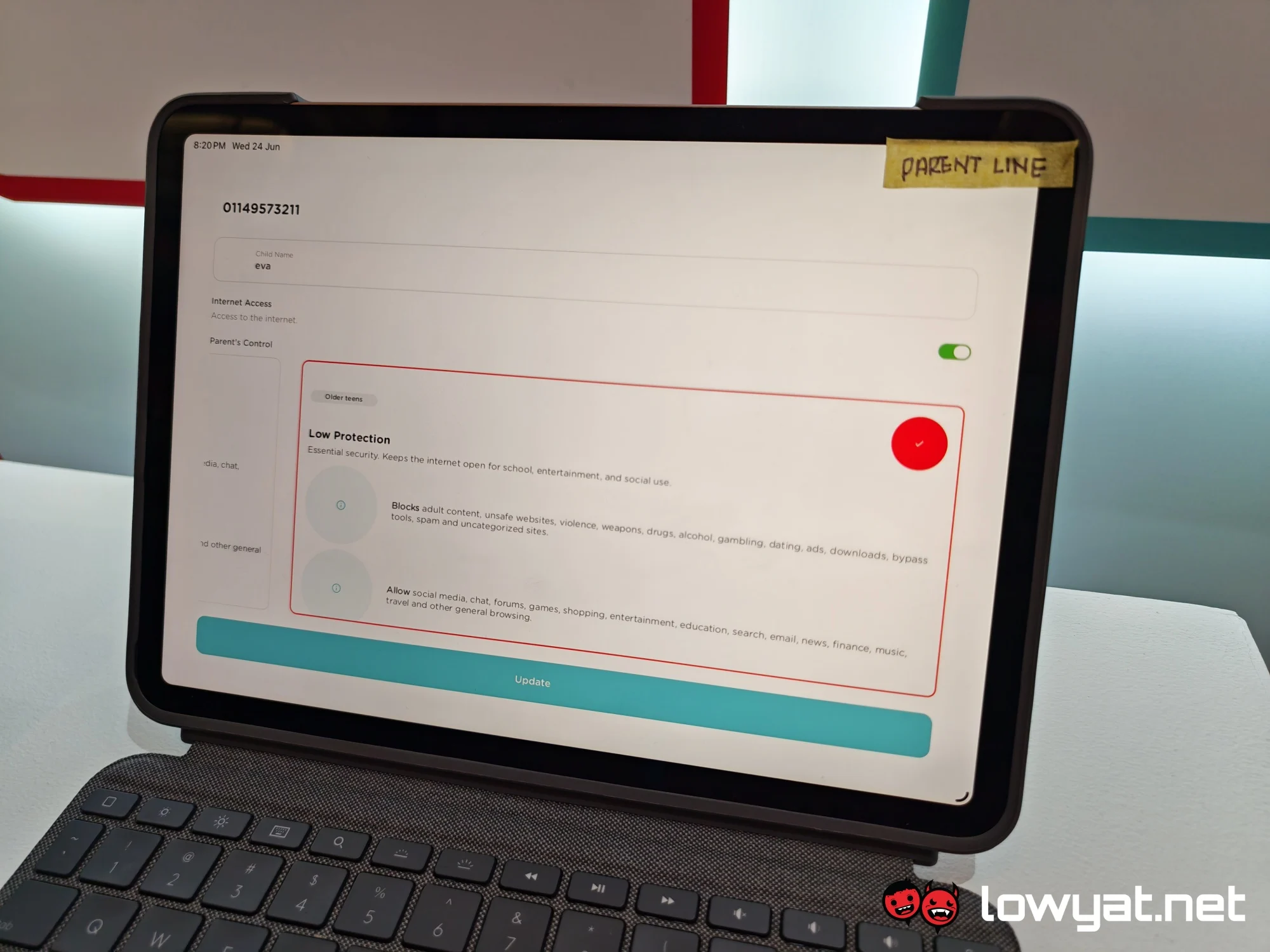
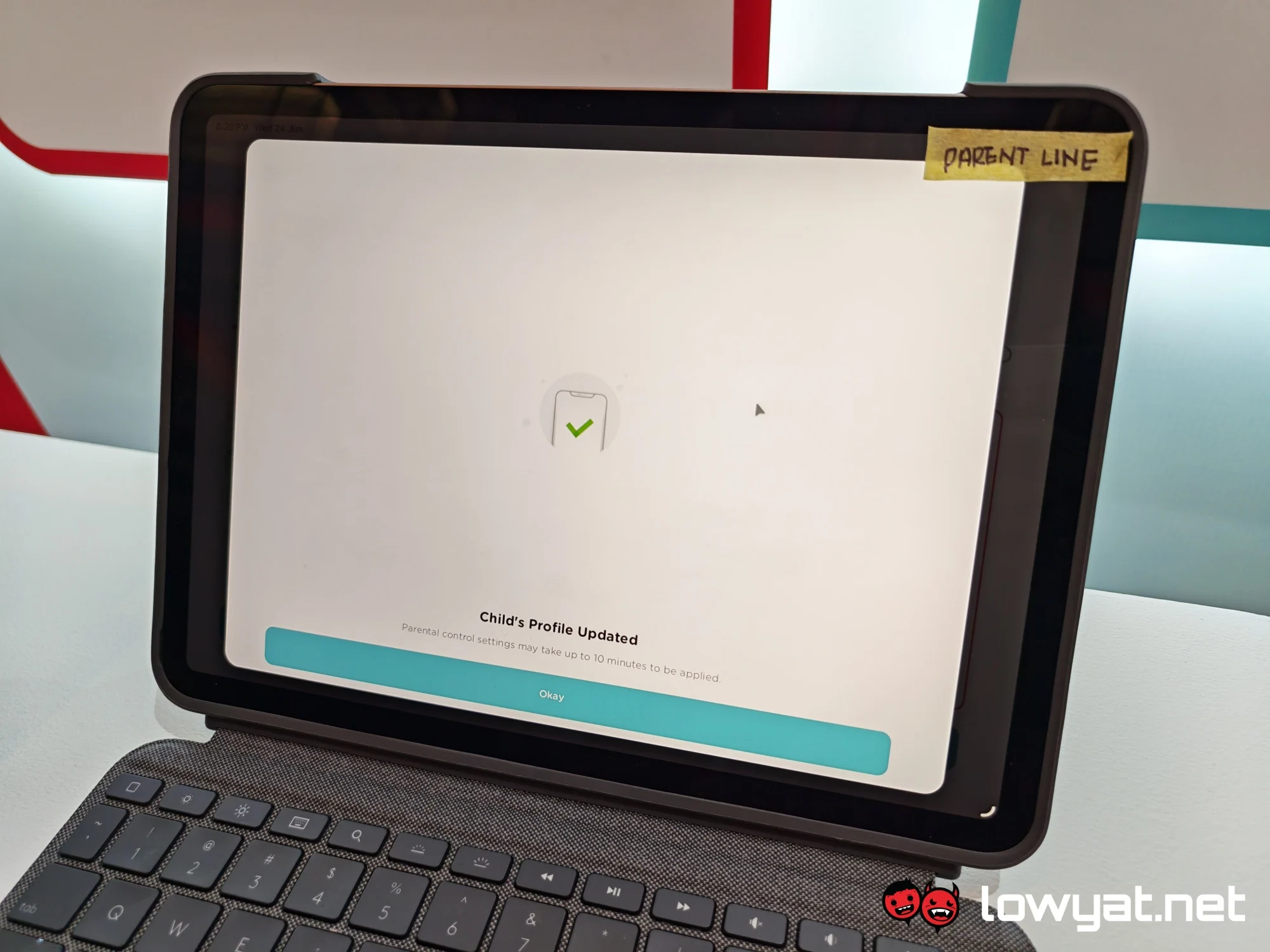
For more flexibility, the tool includes three levels of Internet protection, namely high, medium, and low. This allows parents to adjust the controls to suit each child’s needs. The high level enforces strict restrictions, limiting browsing to kid-friendly websites only. Aside from that, children with this setting cannot access social media, chats, and forums. Shopping and gaming are also prevented.
Meanwhile, medium protection offers looser controls, with child users able to browse more generally. However, these users will still be unable to use social media. Finally, the low option permits games, shopping, and other entertainment. This level also allows access to social media platforms.
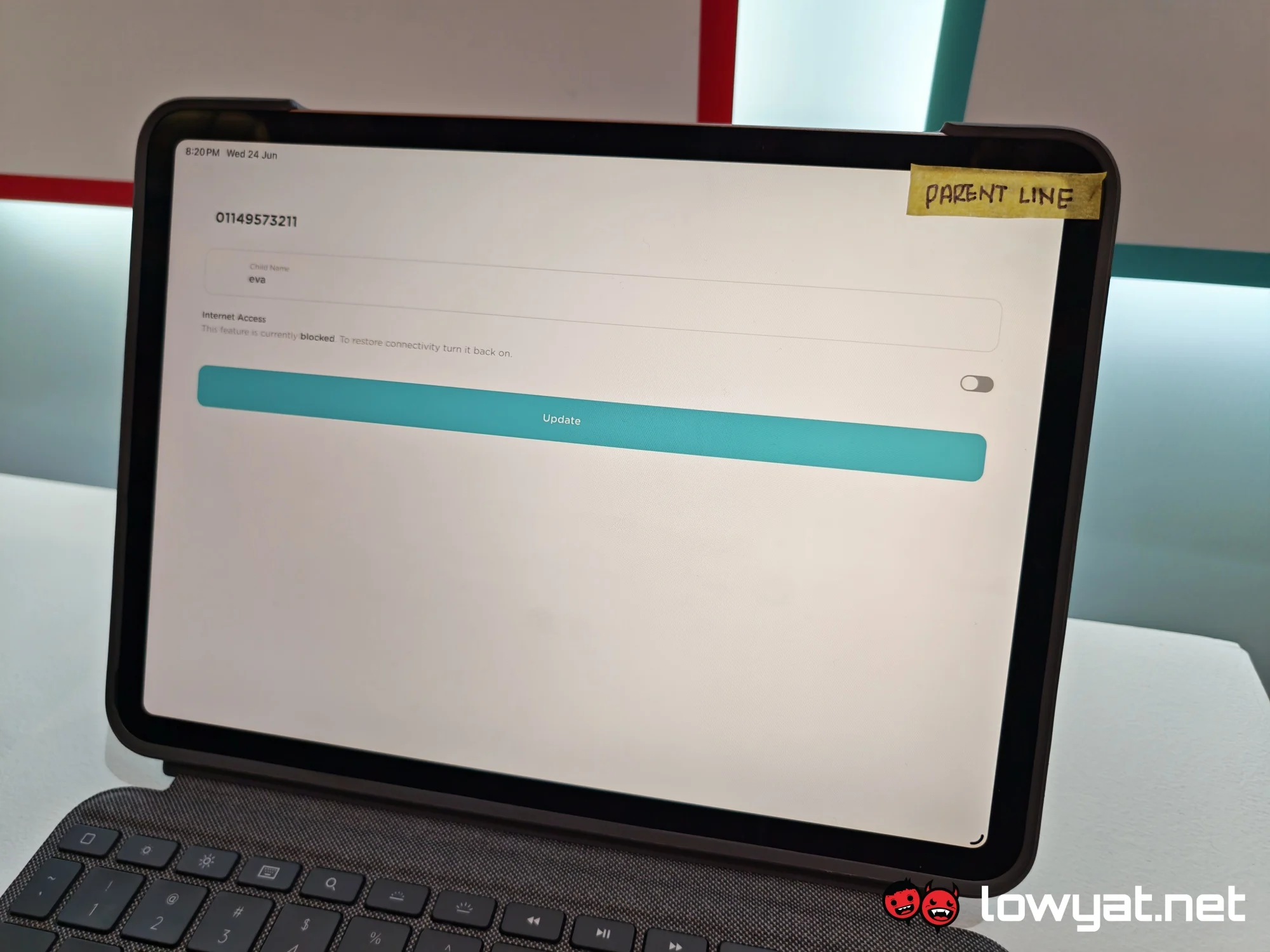 In addition to the three safety levels, there is a switch for toggling Internet connectivity. This lets the parent pause and resume Internet access at any time.
How it works
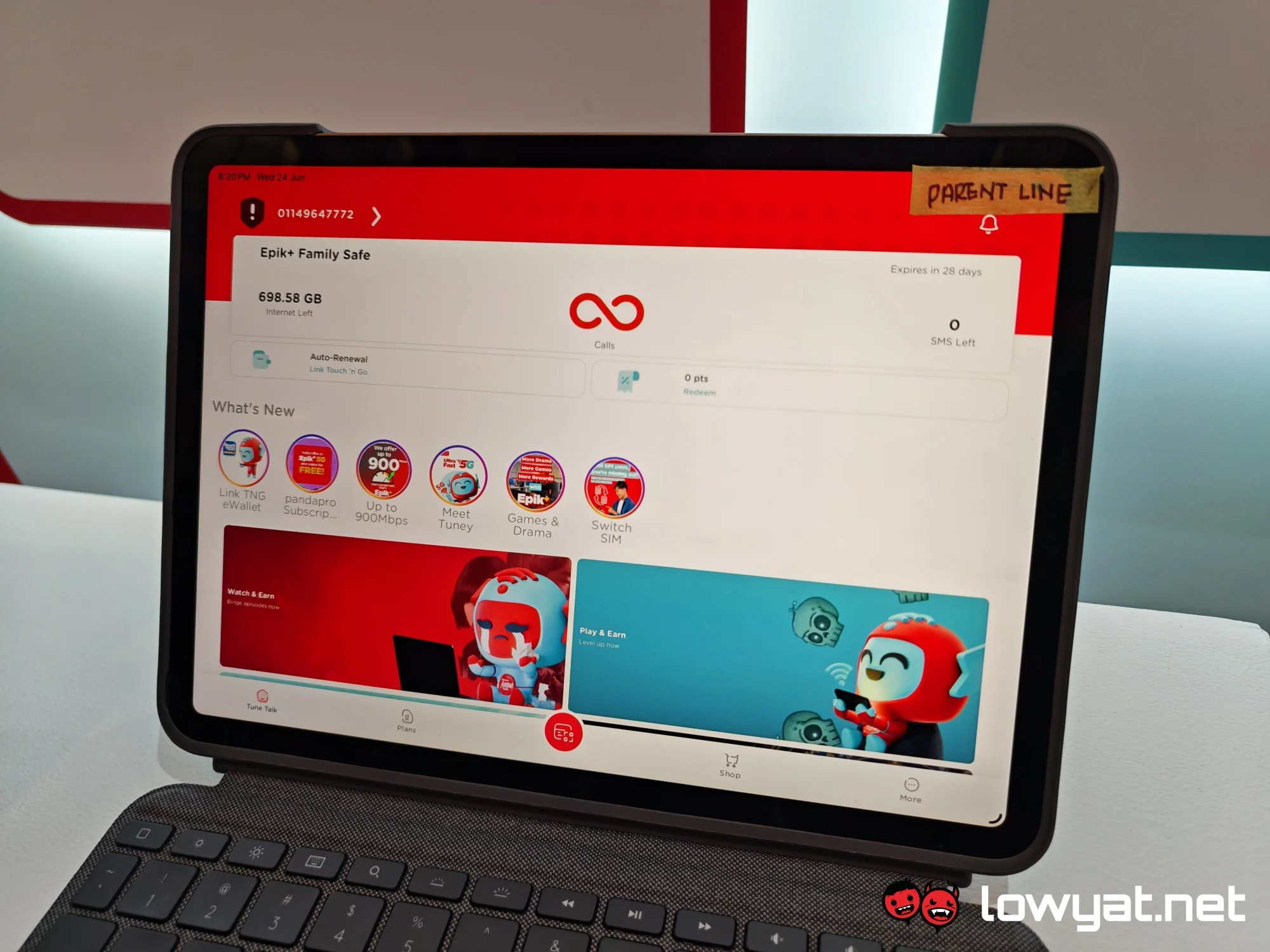
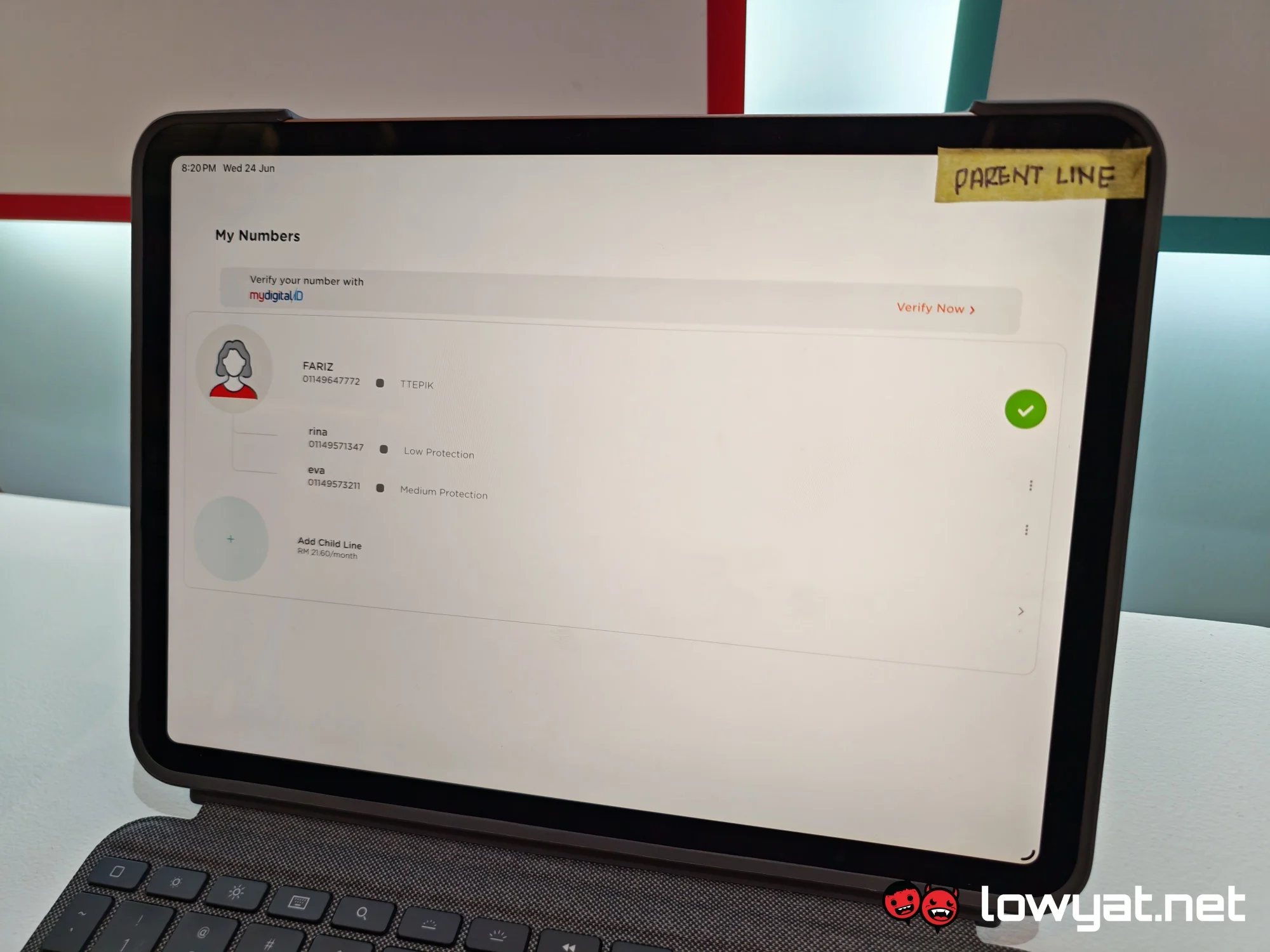
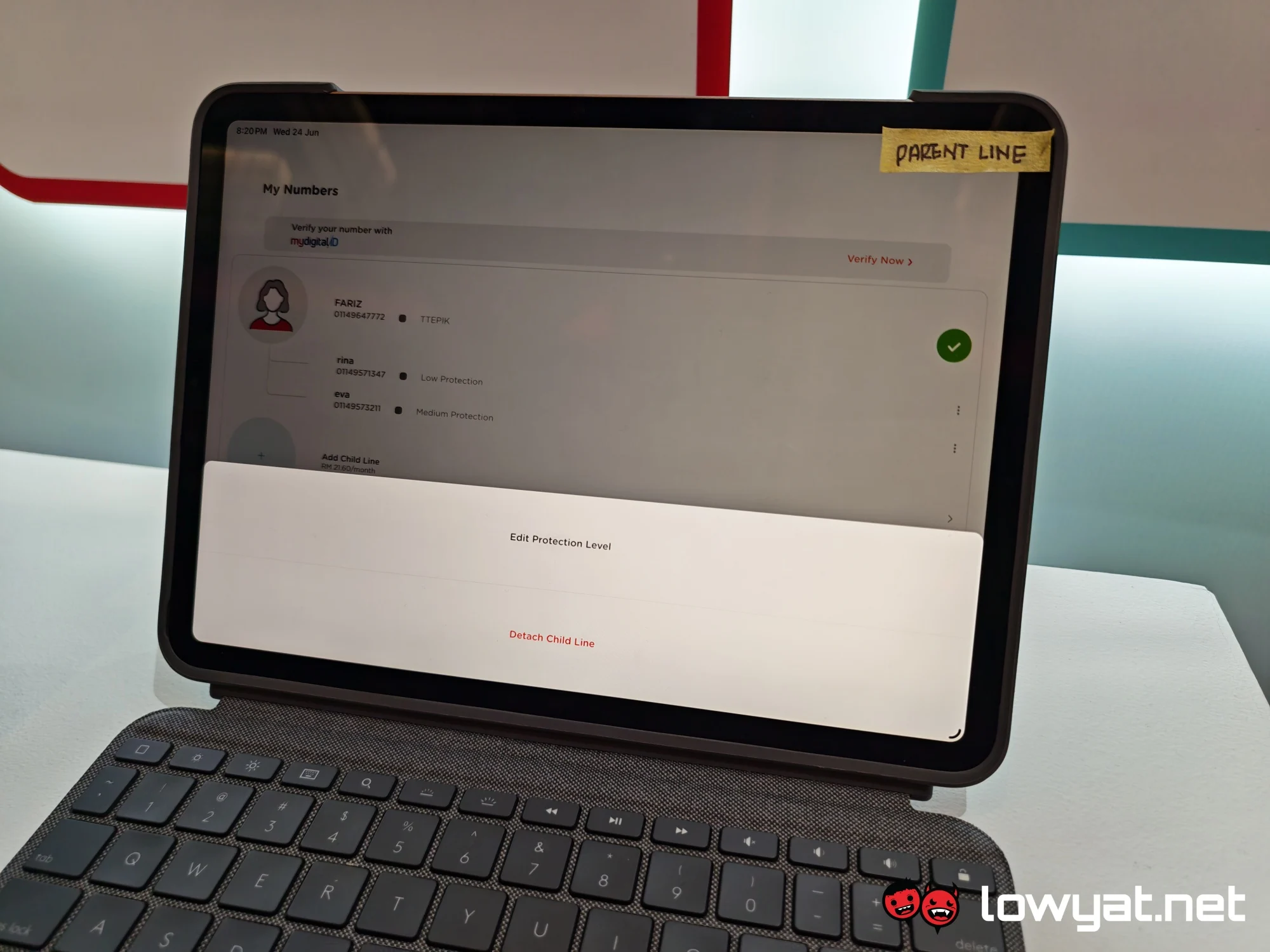
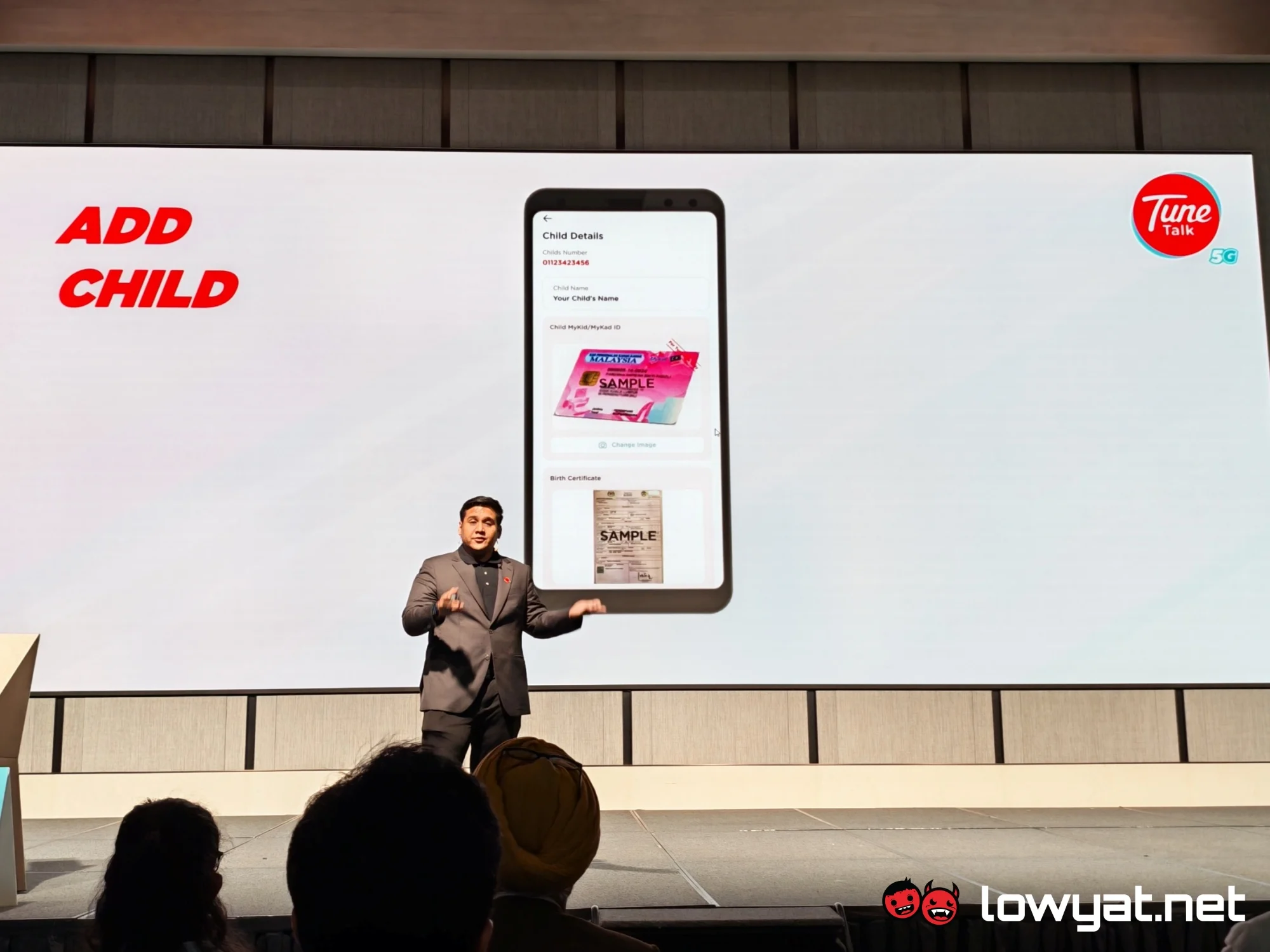
Upon subscribing to the plan, the parent can head over to the My Numbers section of the Tune Talk app. Here, they can view the available lines and add a new child line. When adding a new child line, the parent must attach the child’s birth certificate. Once completed, the parent can set up the parental controls.
It is worth noting that the controls are configured separately for each child line, so kids in different age groups aren’t locked into a single setting. Other than that, the parent can adjust the settings at any point, although there may be a delay of a few minutes before the changes take effect.
 Aside from that, the parent can choose to detach the child line. This lets the child switch over to an independent line once they are old enough.
