
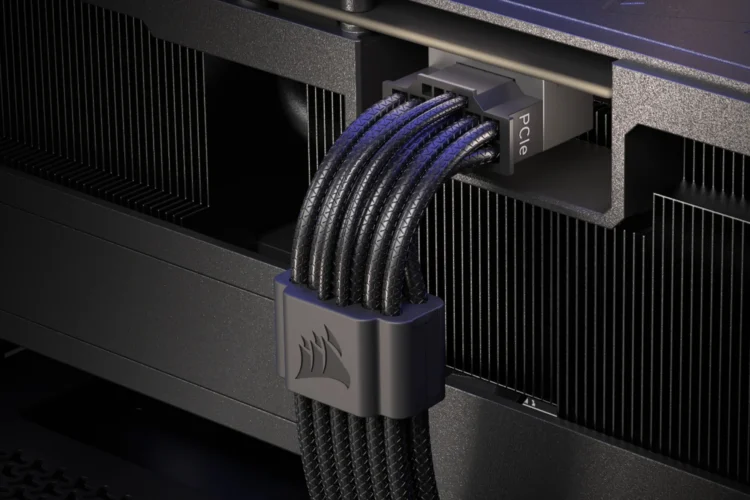
Reports of GPU connectors melting first appeared when the NVIDIA GeForce RTX 40 series cards were new. And now, well into the life cycle of the next series, it looks to occasionally be in the news cycle still. ASUS has what it claims is a solution to the problem. And more recently, so does Corsair, with the ThermalProtect, a new 12V-2×6 GPU power cable.
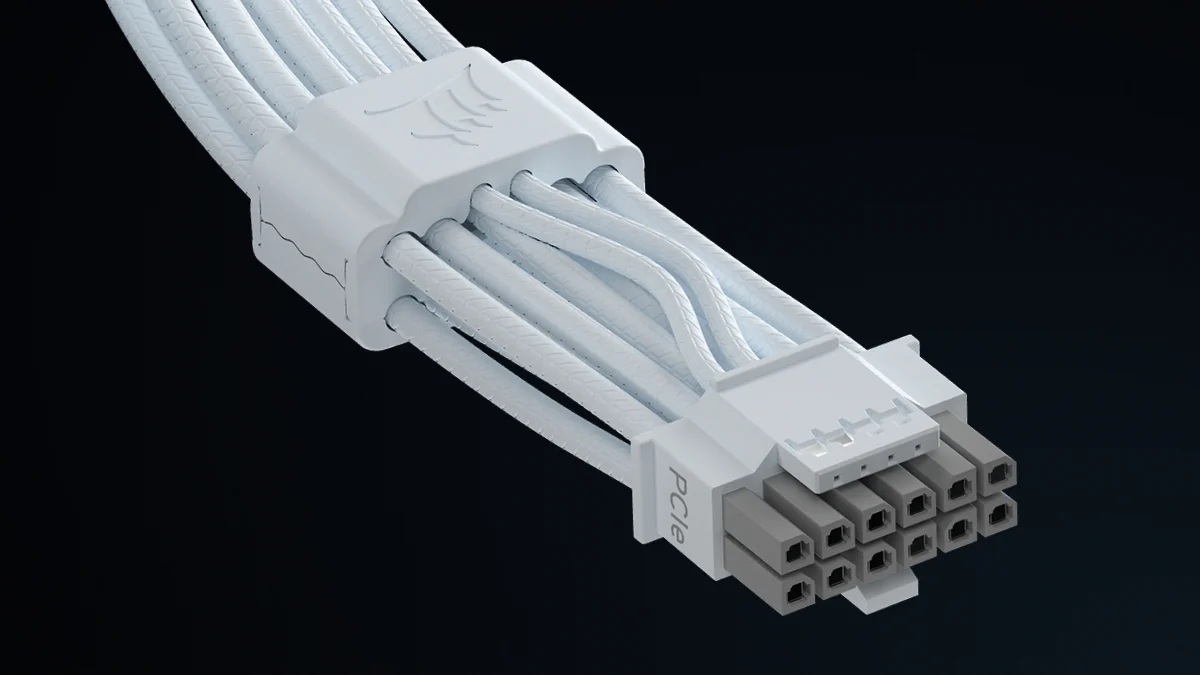
The Corsair ThermalProtect features “innovative technology that monitors the temperature of a GPU’s power cable in real time to help prevent damage to the GPU”. Described as the Over Temperature Protection tech, this is housed in the cable comb that is 30mm from the connectors. Despite looking like just a passive piece of hardware, it actively measures and monitors cable temperatures, and automatically shuts down the GPU’s power if it detects extreme temperatures to prevent potential damage to the card or cable.
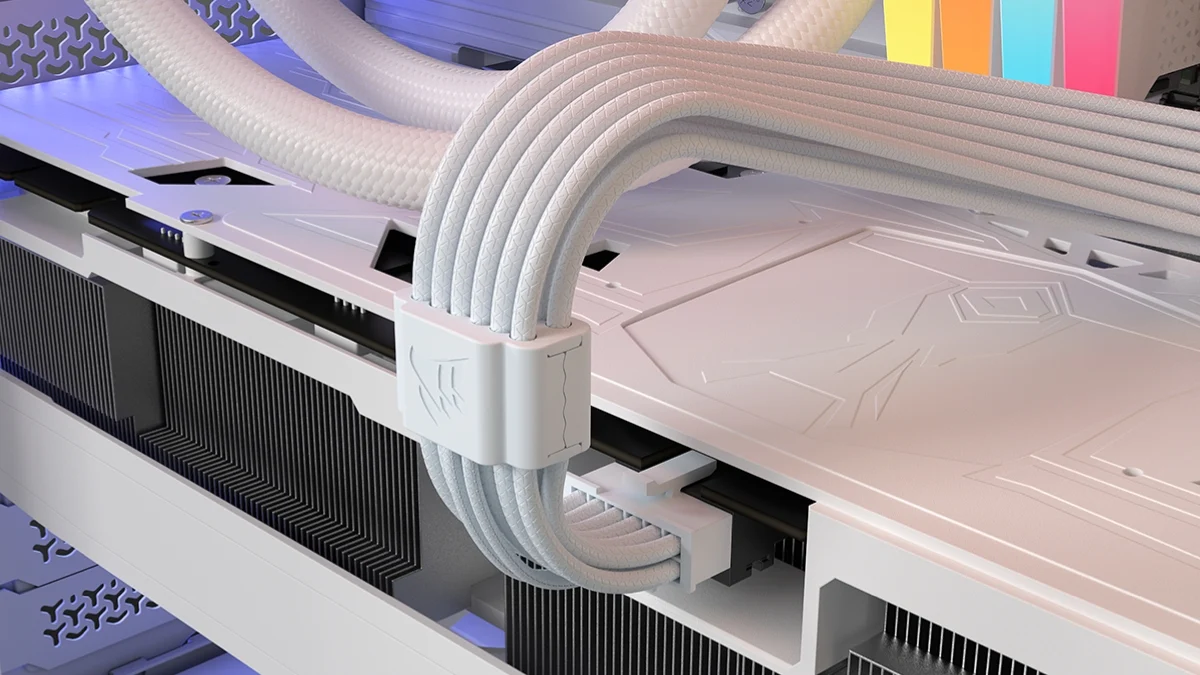
This does mean that you’ll be hit with a blank screen – after all, your graphics card has been turned off. You’ll be able to tell that it’s ThermalProtect doing its thing rather than your system crashing by checking if your fans and RGB lights are still running. Corsair does recommend you turn off your PC once it happens though.
Then, after things have cooled down, check to see that there’s no damage done to either your graphics card or the cable. If not, then make sure that the cable is properly connected to the card. The company says that you should hear a click, and that you should not see the grey tips of the cable, if this is done properly.
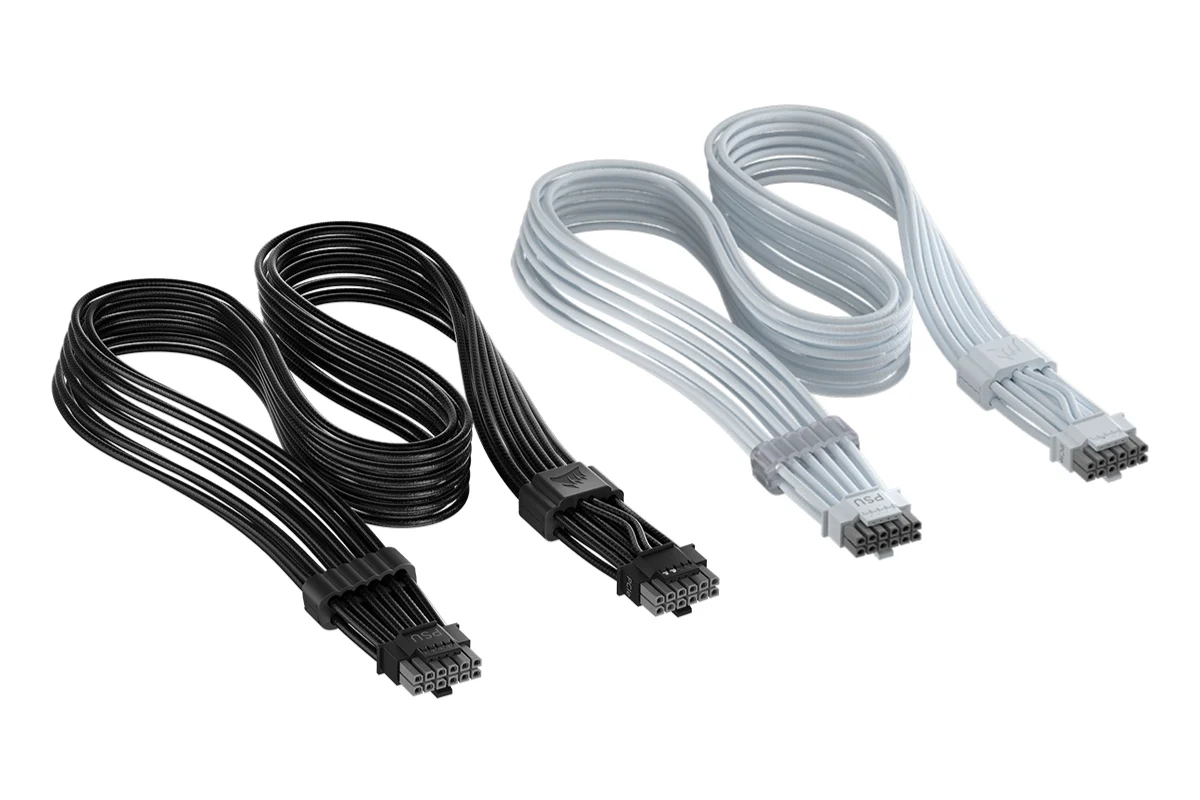
Even with the tech, Corsair says that the ThermalProtect cable is a simple plug-and-play solution. Its 12V-2×6 connector gives it “broad compatibility with modern systems”, so as long as your rig uses that connector, it should be fine with this cable being slotted in. It measures 650mm in length, so not too far off from the average cable of its type. It’s available in black or white, and while it’s not listed in any of the brand’s local retail partners yet, it’s priced in the US at US$24.99 (~RM99.15).
(Source: Corsair [1], [2], [3])
