
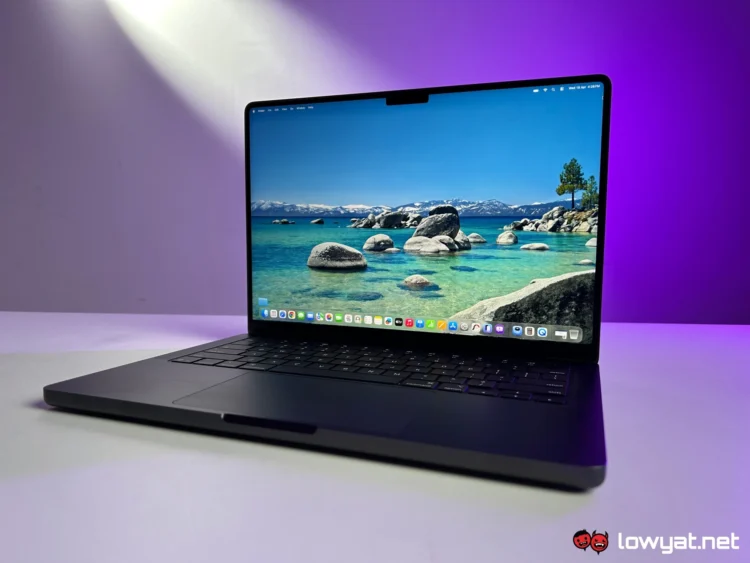
The 14-inch MacBook Pro M5, introduced late last year, marks the first time Apple has brought its flagship-tier laptop chip to the base model of the Pro lineup. As the entry point into the current generation, it carries the standard M5 chip, which naturally sits below the upcoming M5 Pro and M5 Max variants that recently arrived in Malaysia.
Even so, it still comfortably outpaces devices like the iMac, Mac mini, and even the current-generation MacBook Air. Coming from a 15-inch MacBook Air M4 myself, the performance leap when switching over to the MacBook Pro M5 is immediately noticeable.
That leads to the obvious question: Is it worth upgrading from a MacBook Air to the Pro, or even choosing this over the newer M5-powered Air?
What Am I Looking At?
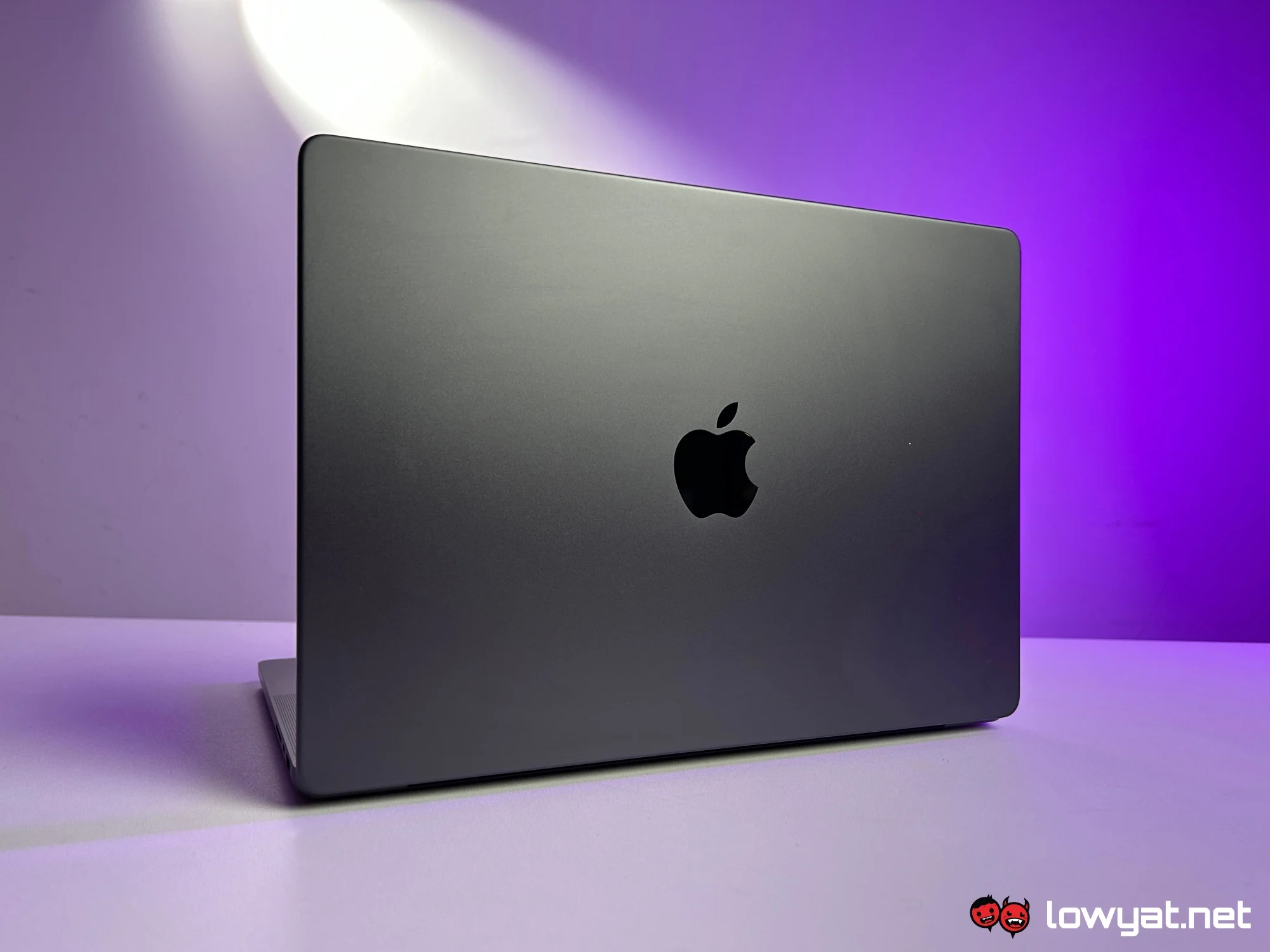
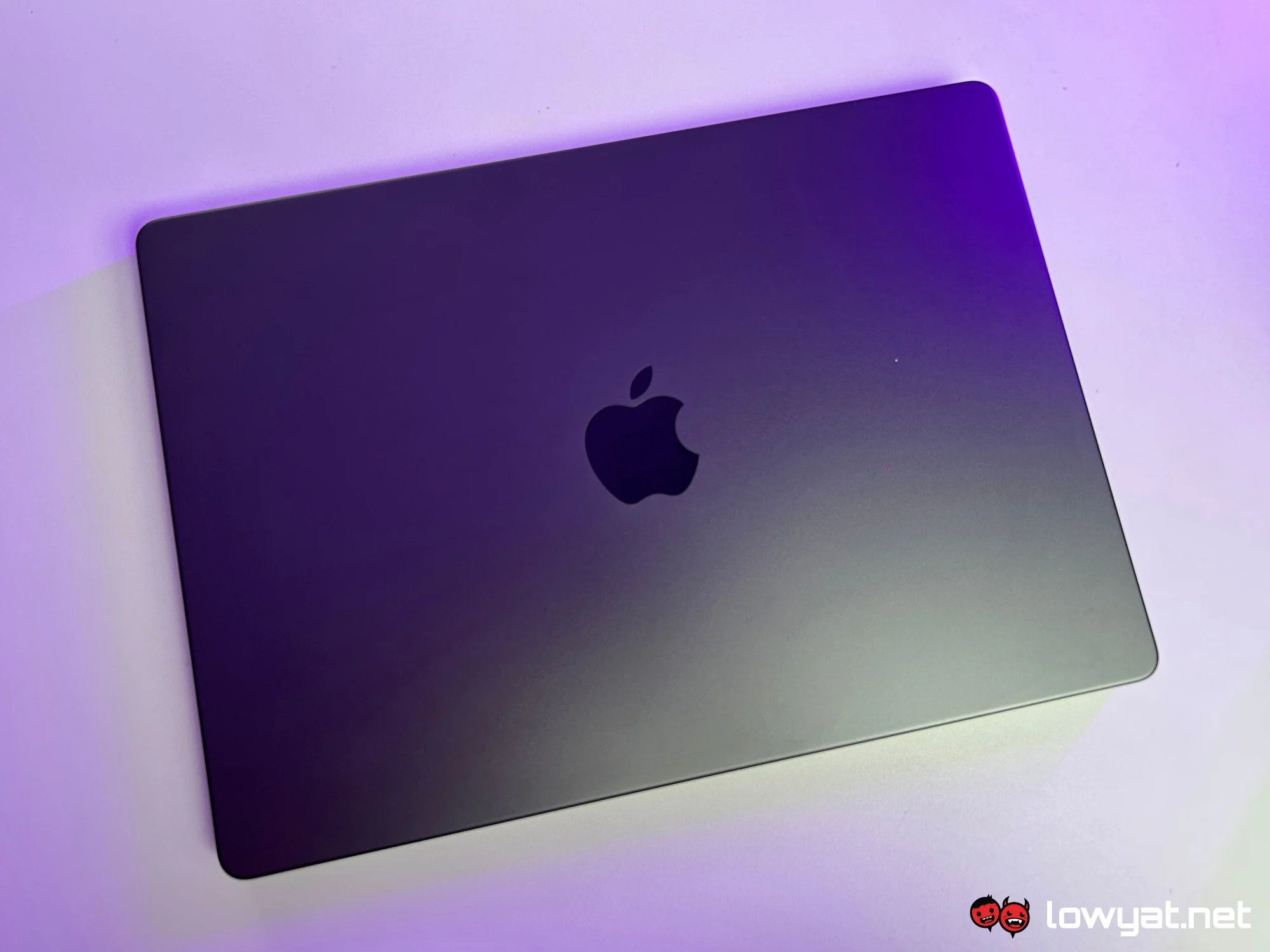
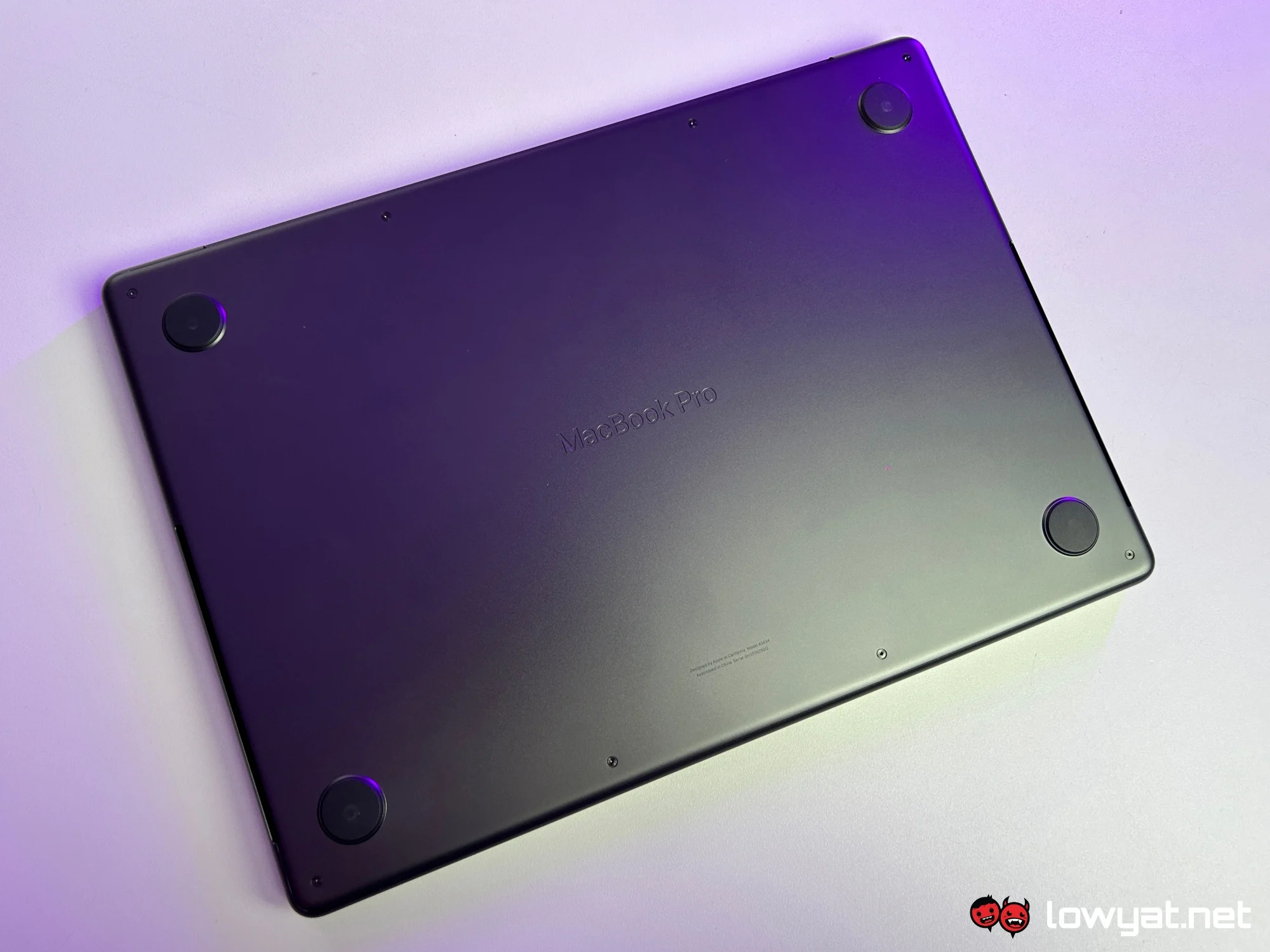
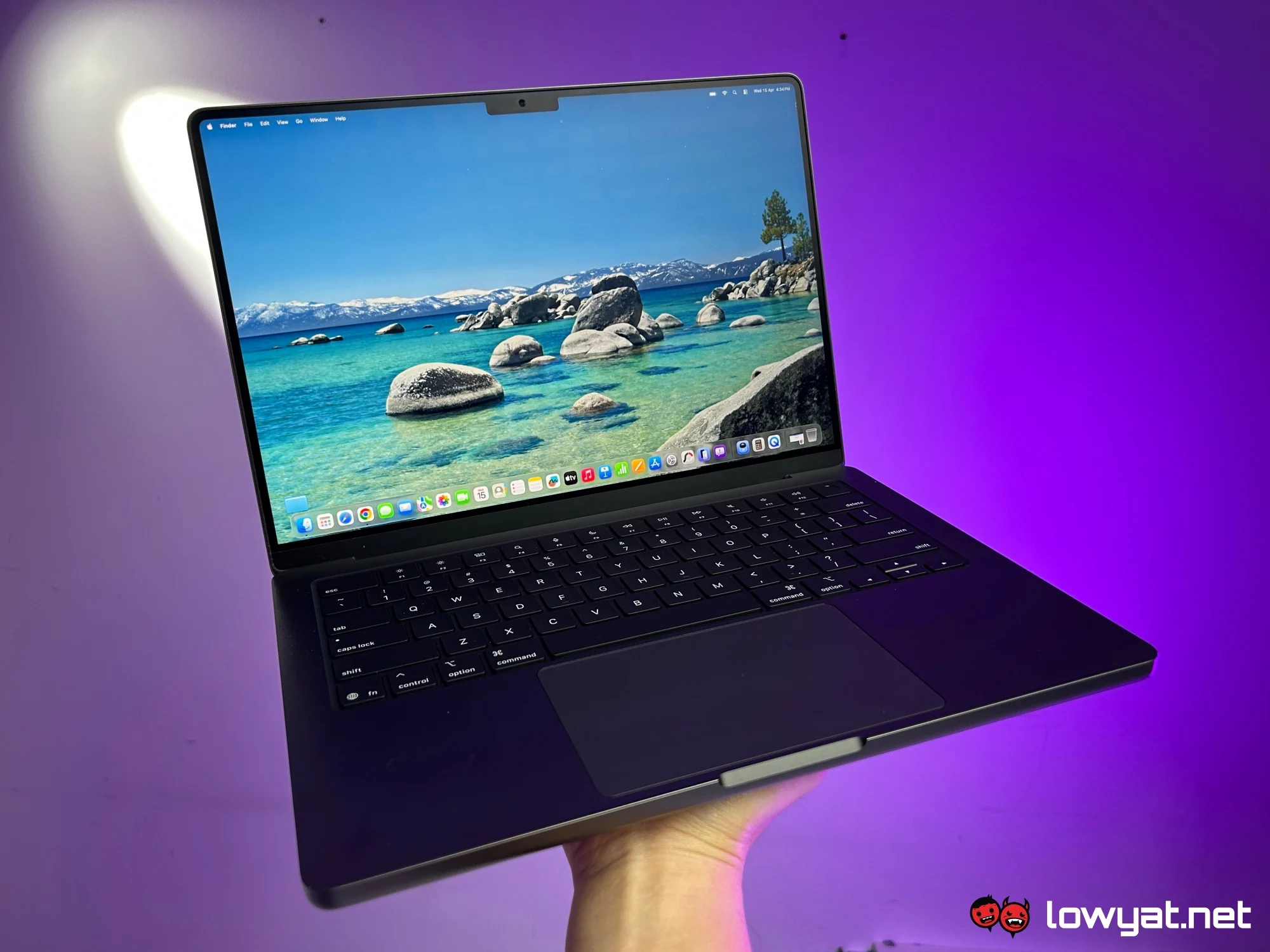
If you’re expecting a redesign, there isn’t one here. The 14-inch MacBook Pro M5 retains the same design language as its predecessors, and that extends to the upcoming M5 Pro and M5 Max models as well.
What remains unchanged, however, is the build quality. The laptop feels exceptionally solid, with a level of durability that inspires confidence. That said, with a starting price of RM6,999, it’s probably best not to test that durability too literally.
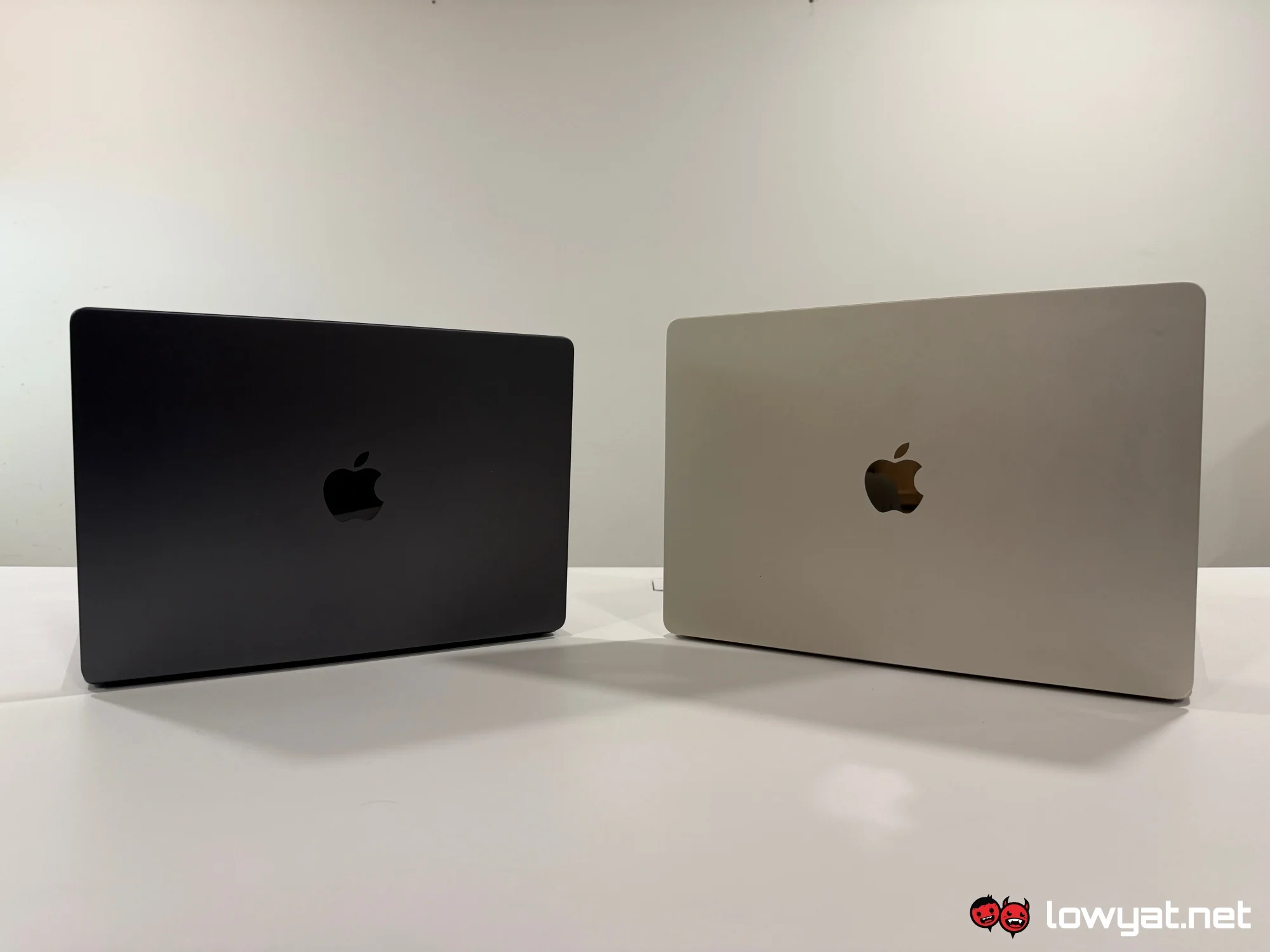
Apple has also officially phased out the 13-inch MacBook Pro, making the 14-inch model the new baseline for the lineup. While the M5 chip here is the same one found in the latest 13- and 15-inch MacBook Air, the Pro still holds several key advantages that set it apart.
What’s Good About It?
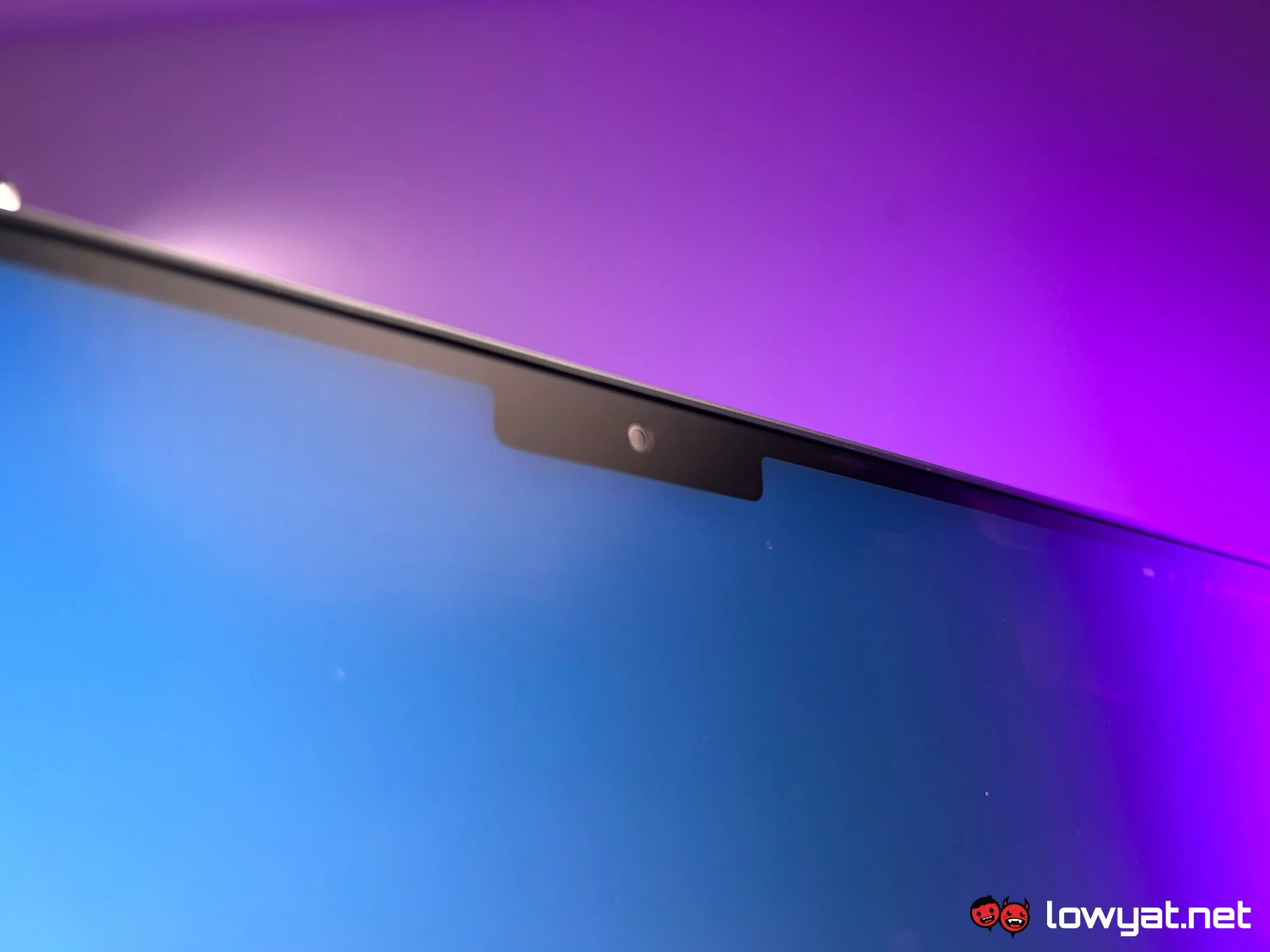
Coming from a MacBook Air M4, the display is one of the first major upgrades you’ll notice. The 14-inch panel is sharper and more vibrant, while the 120Hz ProMotion refresh rate makes everything feel smoother. It also supports HDR and reaches a peak brightness of up to 1,600 nits, giving it a clear edge over the Air in visual performance.
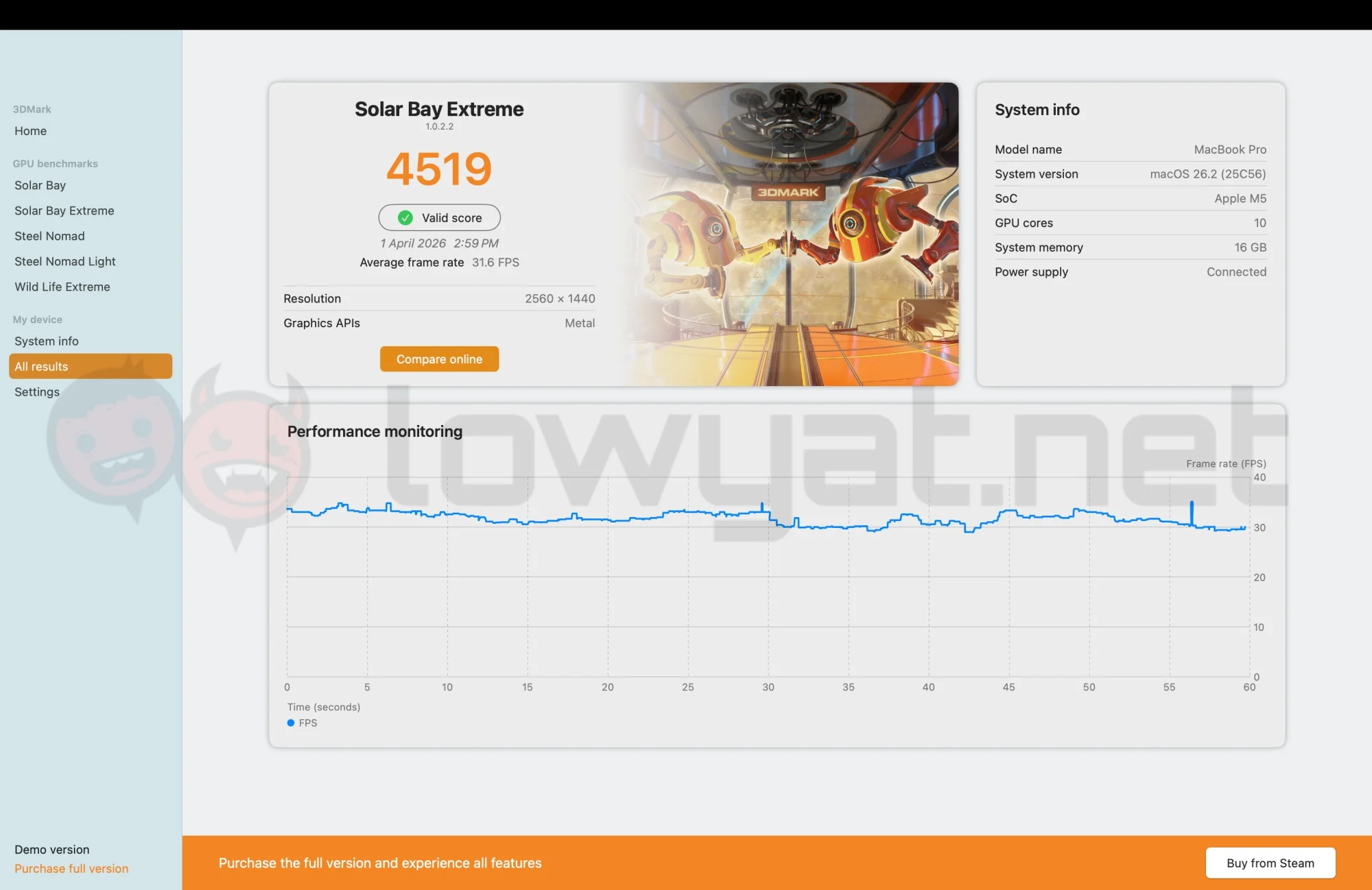
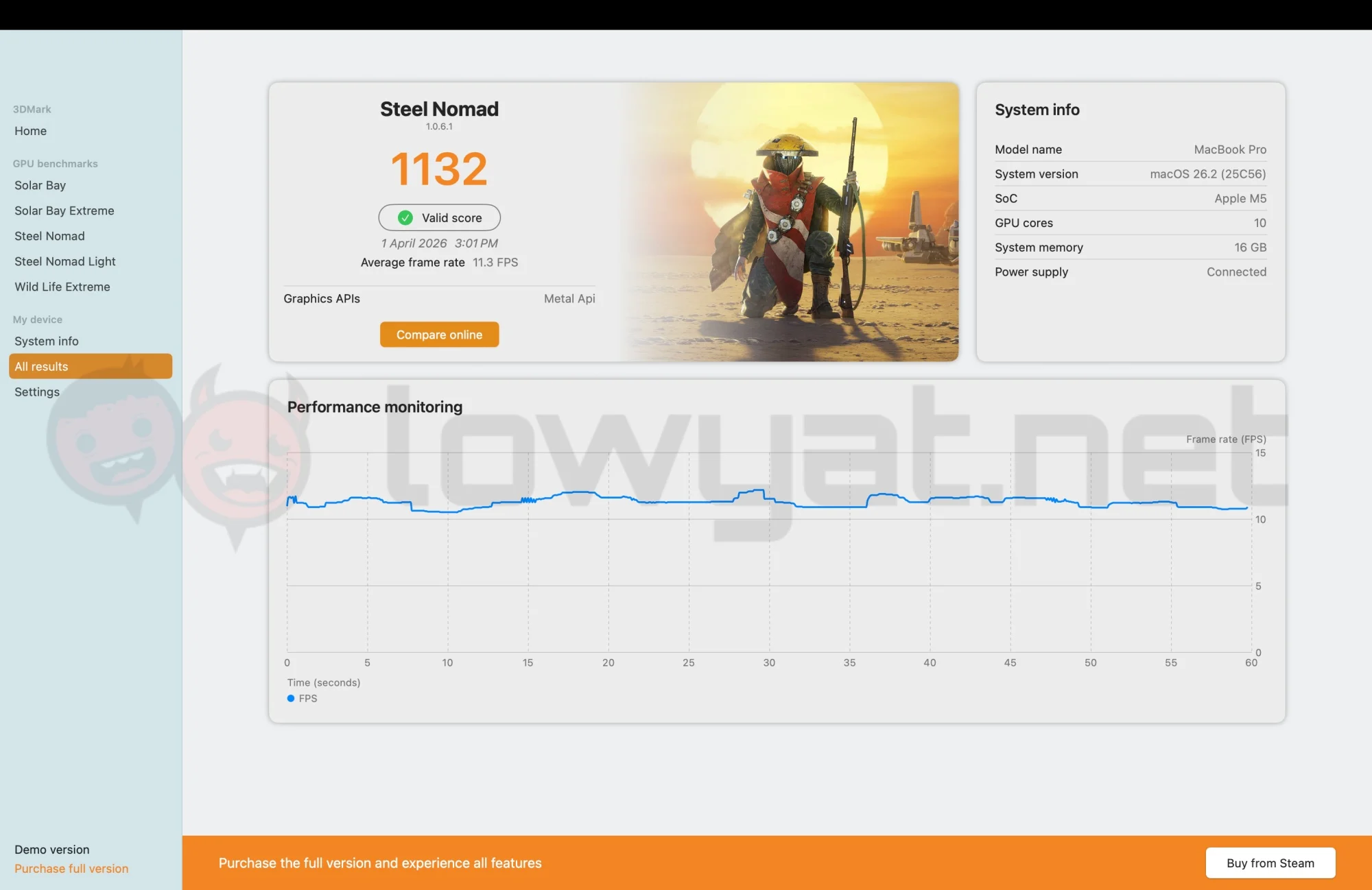
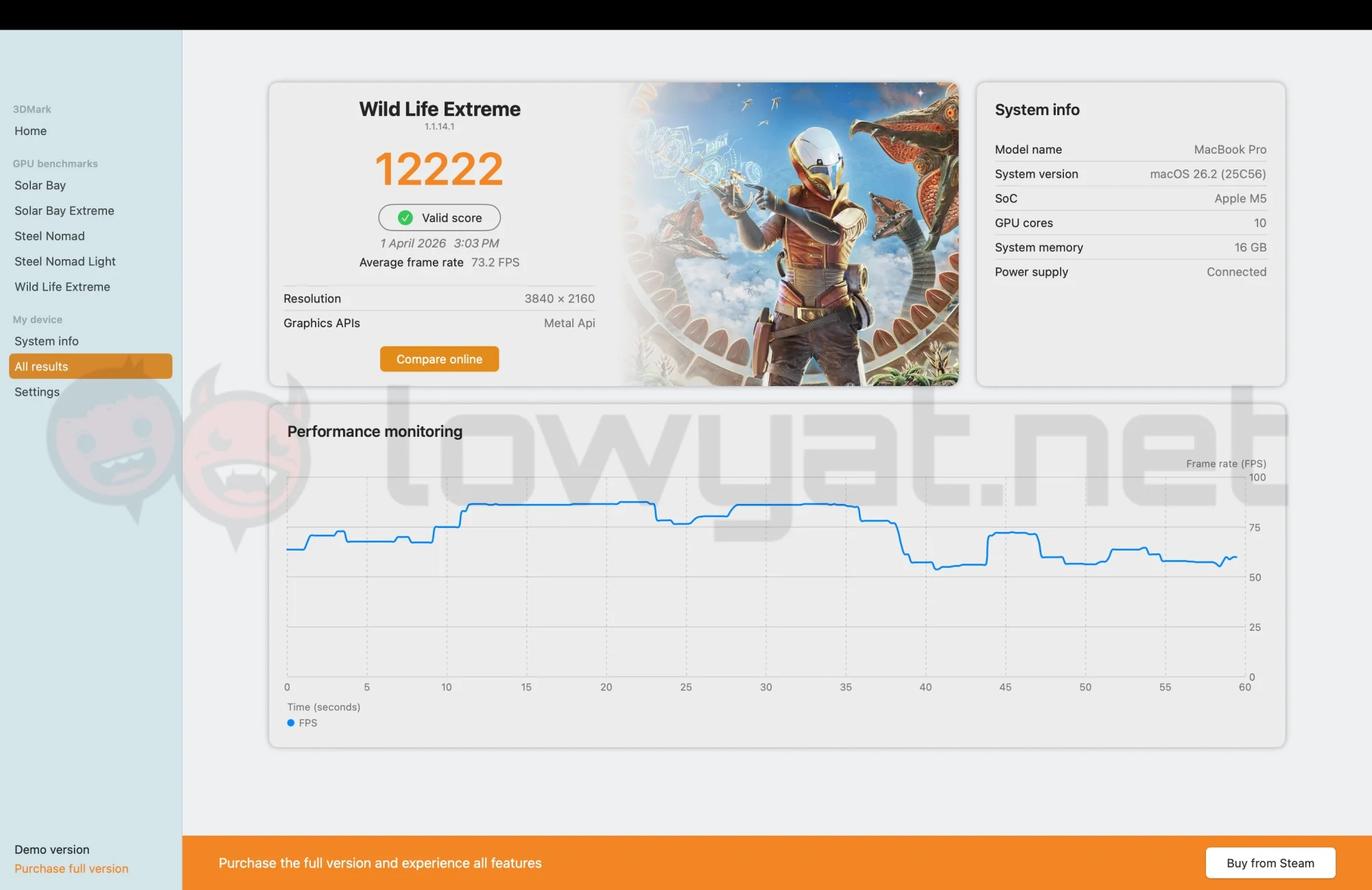
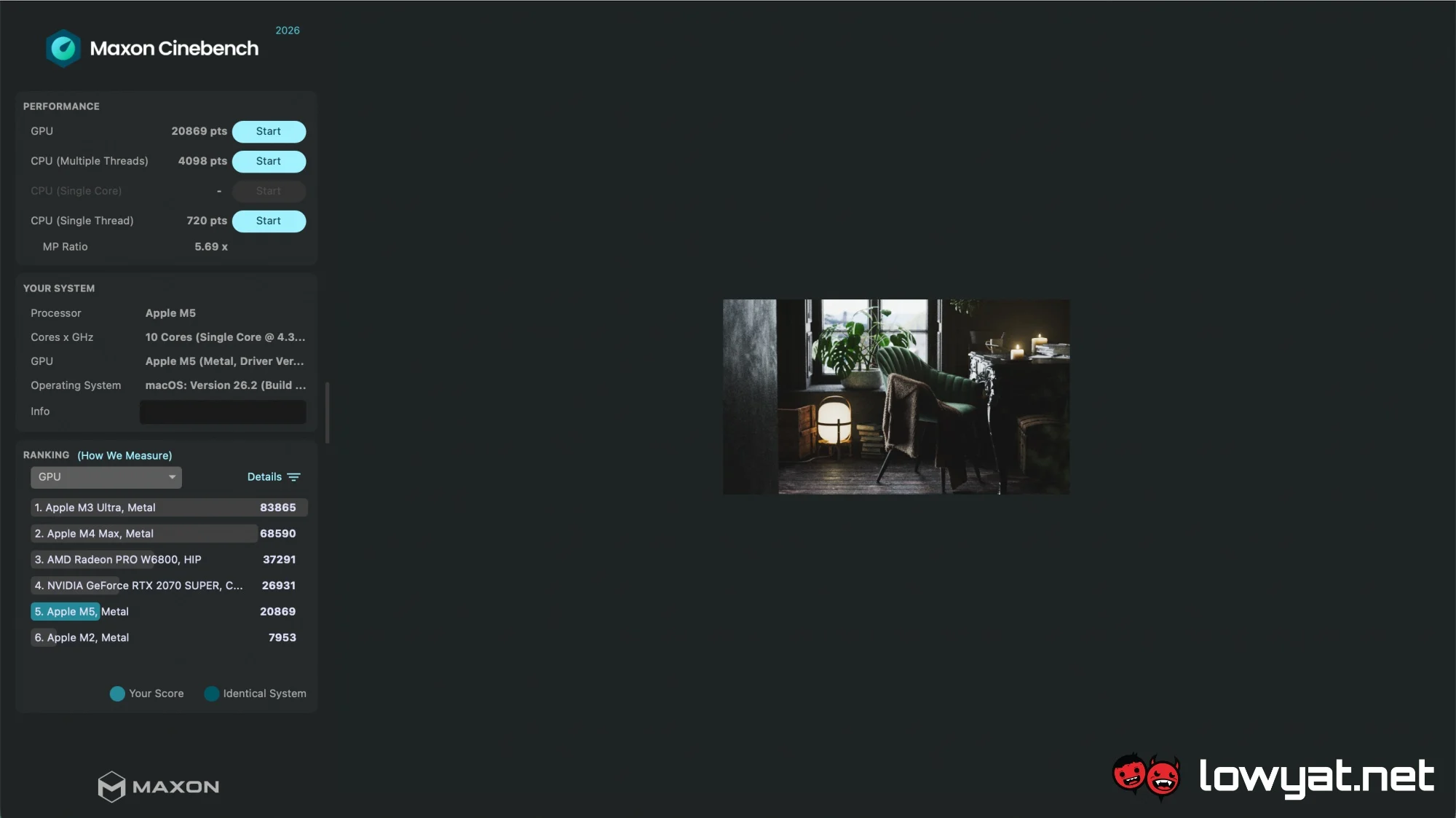
Benchmark results for the M5 are solid across the board. In Cinebench, it delivers impressive scores, occasionally topping certain charts while understandably falling behind more powerful systems, including Max and Ultra variants from both current and previous M-series generations. On the graphics side, it performs exceptionally well in 3DMark’s Wild Life Extreme and Steel Nomad tests, while maintaining around 30fps in the more demanding Solar Bay benchmark.
In real-world usage, the MacBook Pro M5 handles everyday tasks effortlessly. Multitasking is smooth even with a heavy load of browser tabs, and video rendering is noticeably faster compared to the MacBook Air M4. For workflows involving editing and compiling travel footage, this translates into tangible time savings and a more efficient overall experience.
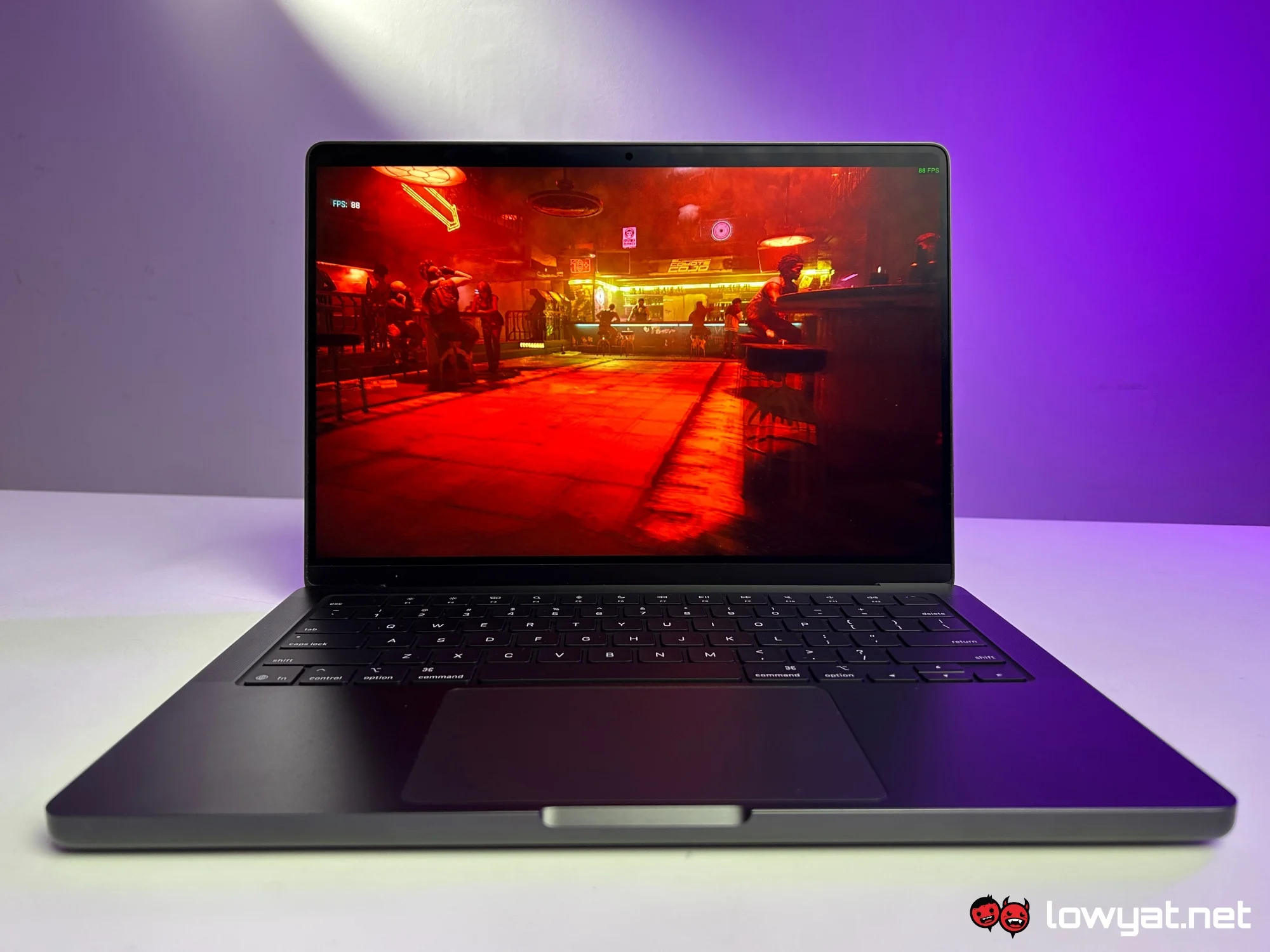
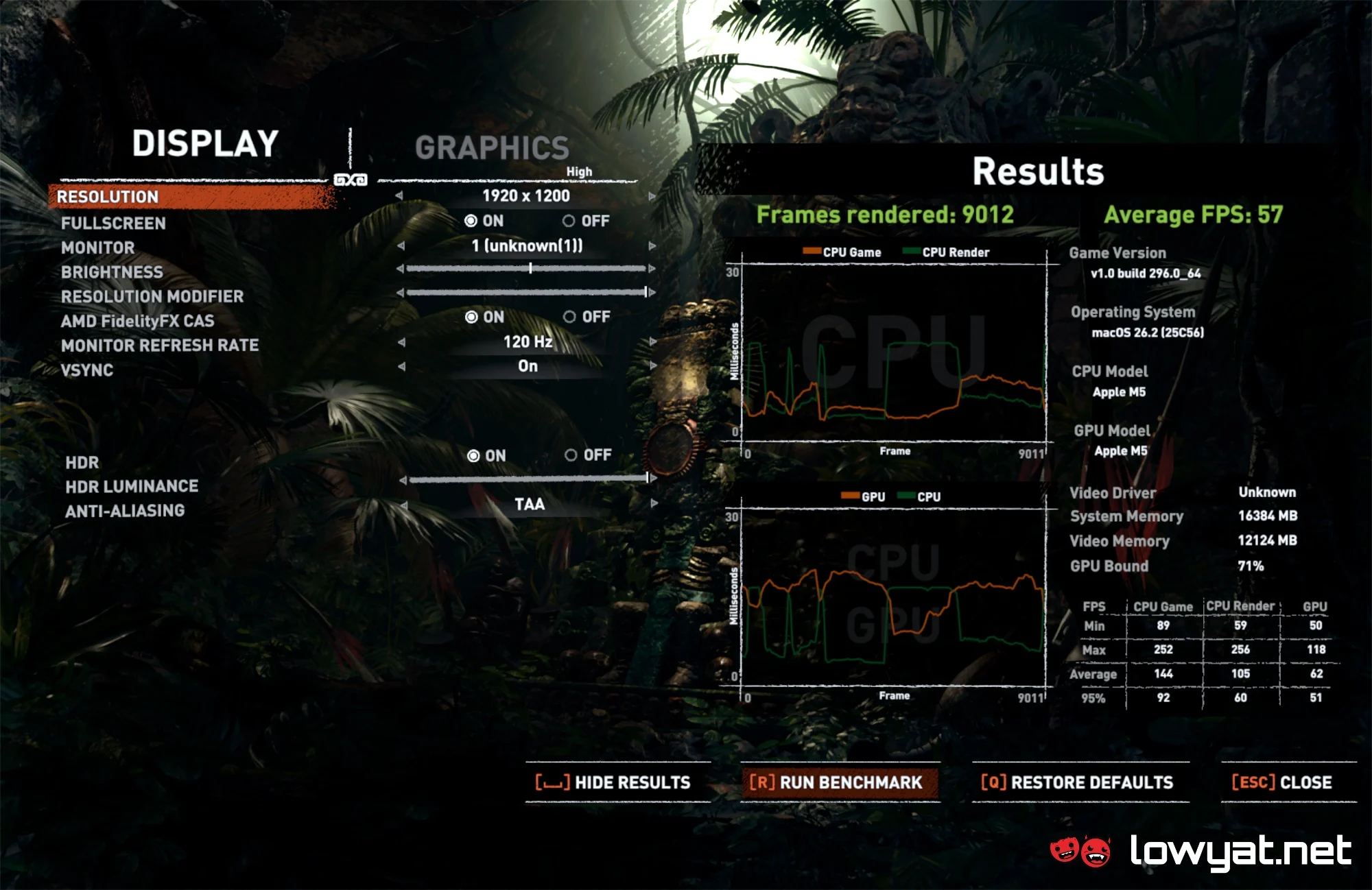
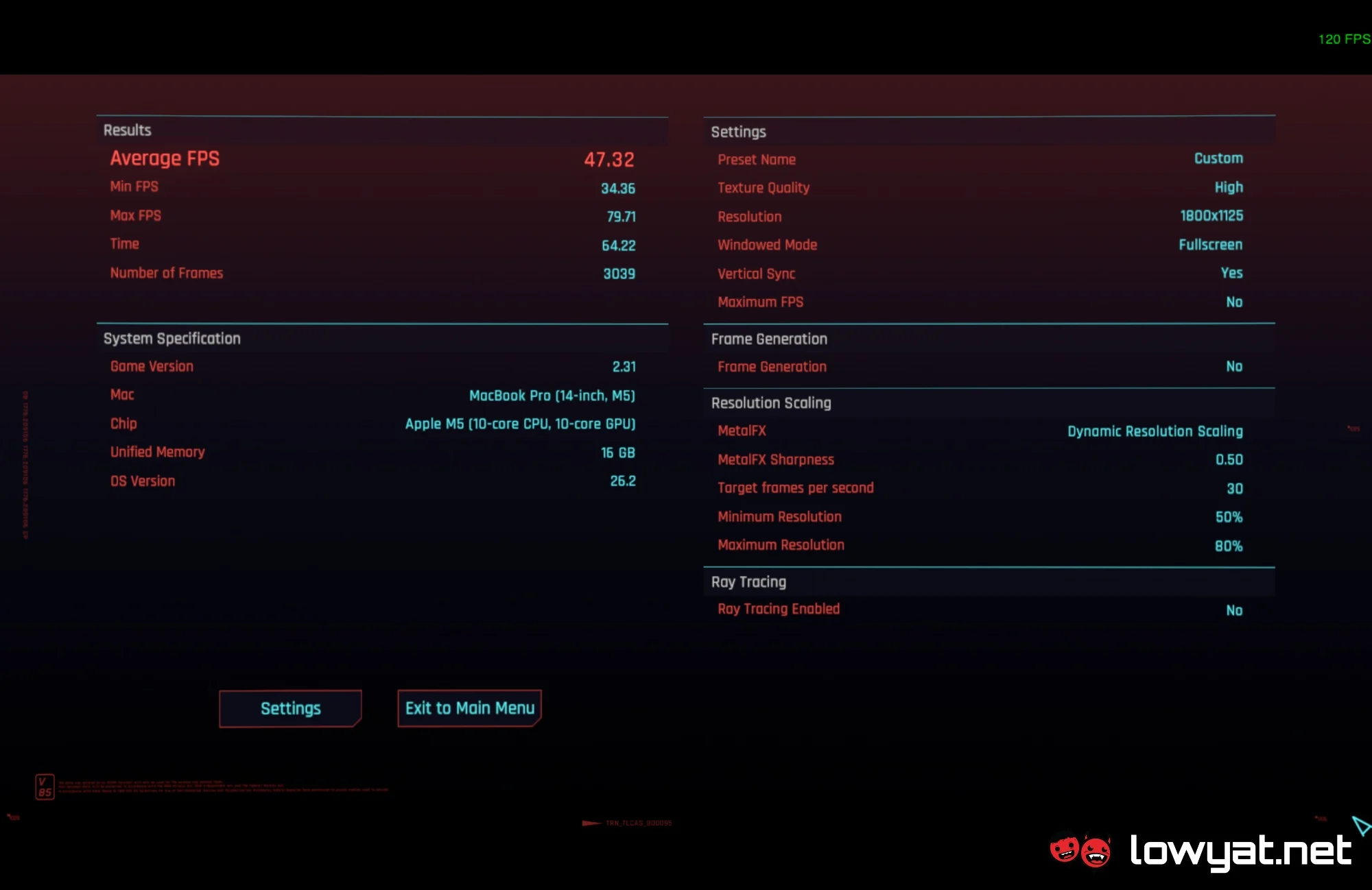
Gaming on a MacBook still feels like an afterthought for many, but the hardware is more capable than it’s often given credit for. The MacBook Pro M5 demonstrates this well, much like the M3 Max model previously reviewed by my colleague John Law. Built-in benchmarks show Rise of the Tomb Raider running at around 57fps on the highest settings, while Cyberpunk 2077 manages approximately 47fps on High. With Frame Generation enabled, the latter can climb to around 101fps. More impressively, the newly launched Crimson Desert runs at over 60fps on High settings, showing just how far Mac gaming performance has come.
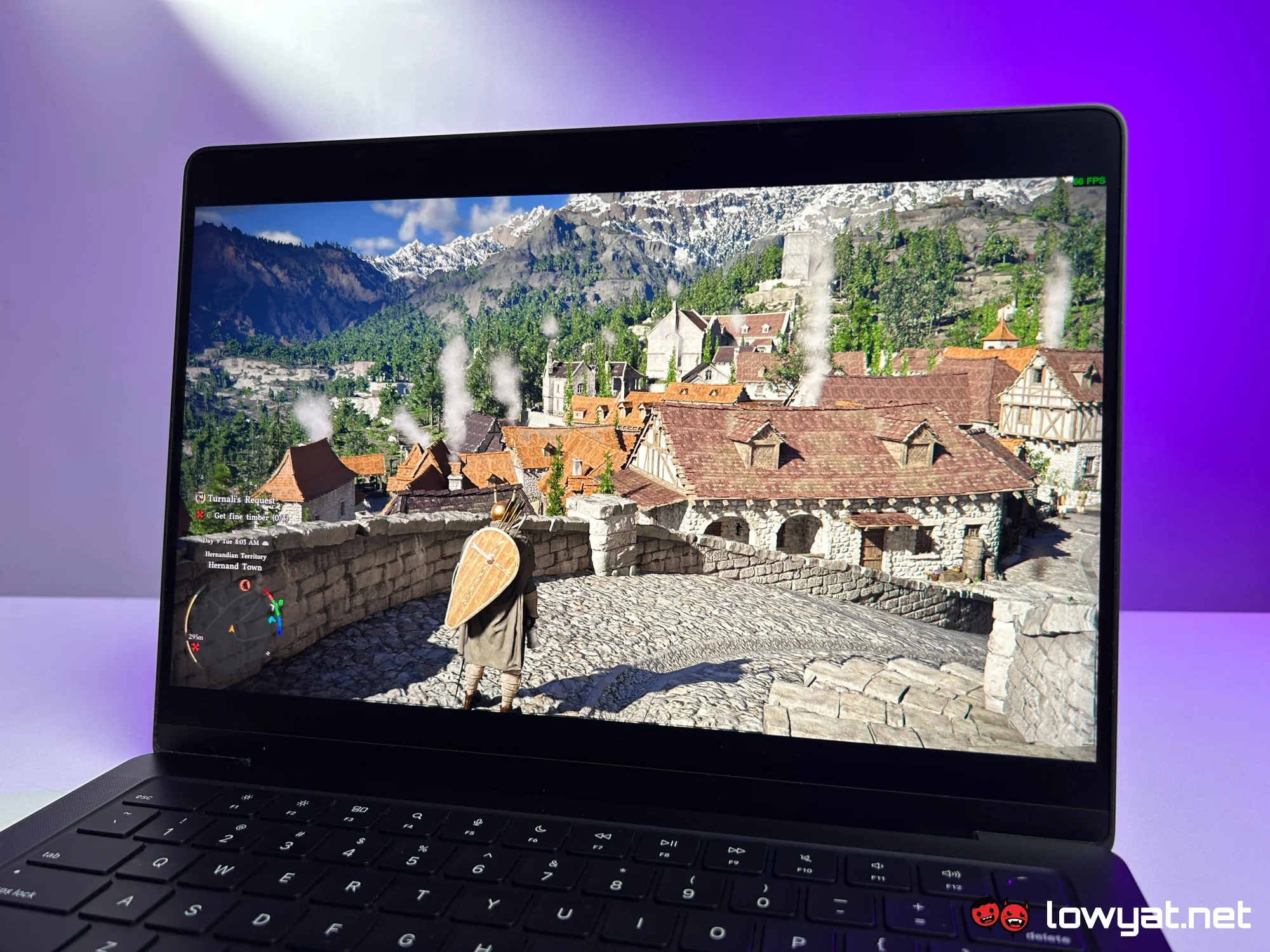
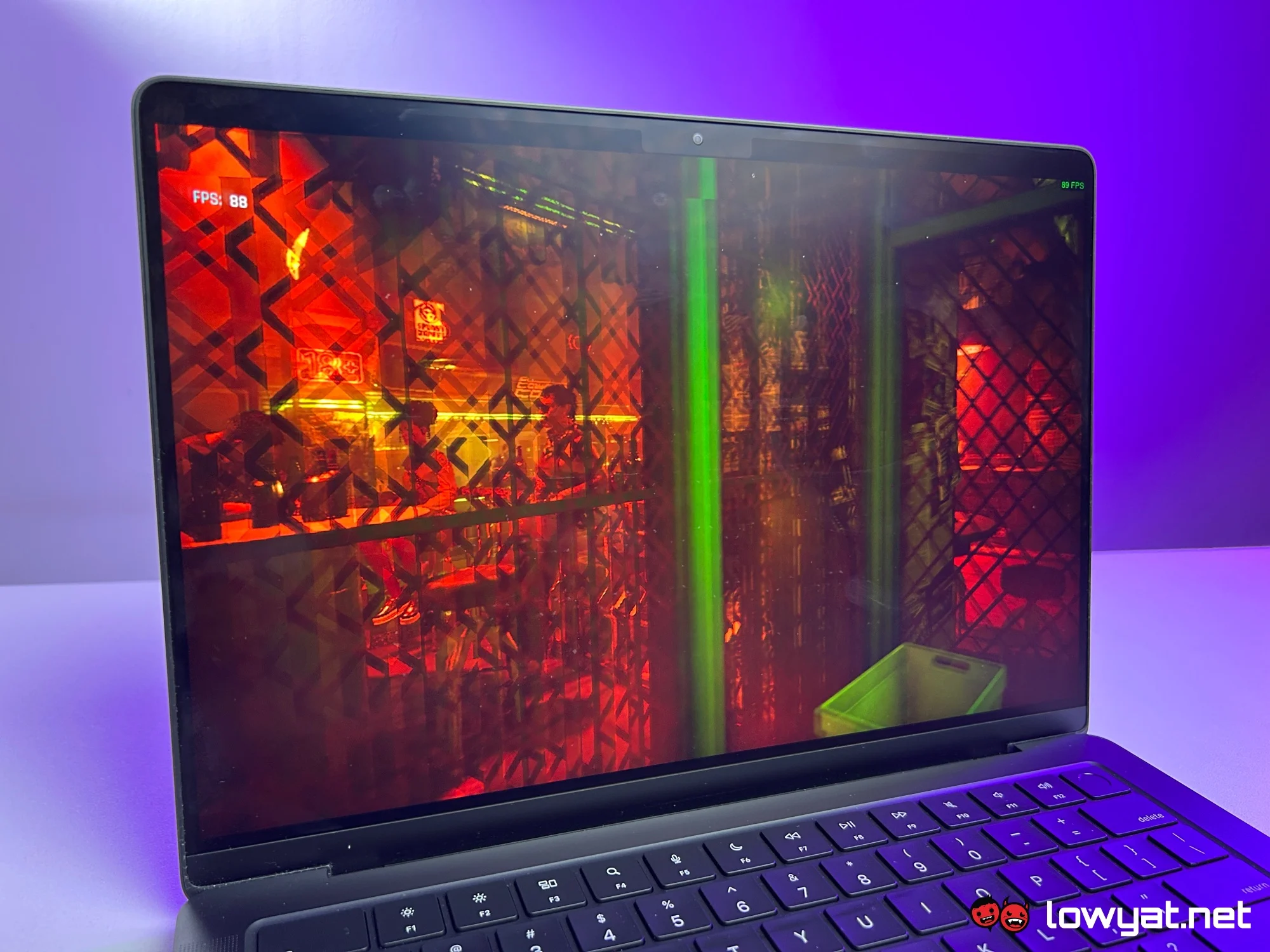
Part of this performance advantage comes from the Pro’s active cooling system. Unlike the fanless MacBook Air, the Pro uses a single fan paired with a heat pipe, allowing it to sustain higher performance levels under load. During testing, temperatures remained well controlled, and the fan stayed relatively quiet even when running demanding benchmarks and games.
Audio is another area where the Pro stands out. Its six-speaker setup delivers excellent stereo separation and clarity, easily outperforming most laptops in the market and offering a noticeable upgrade over the MacBook Air.
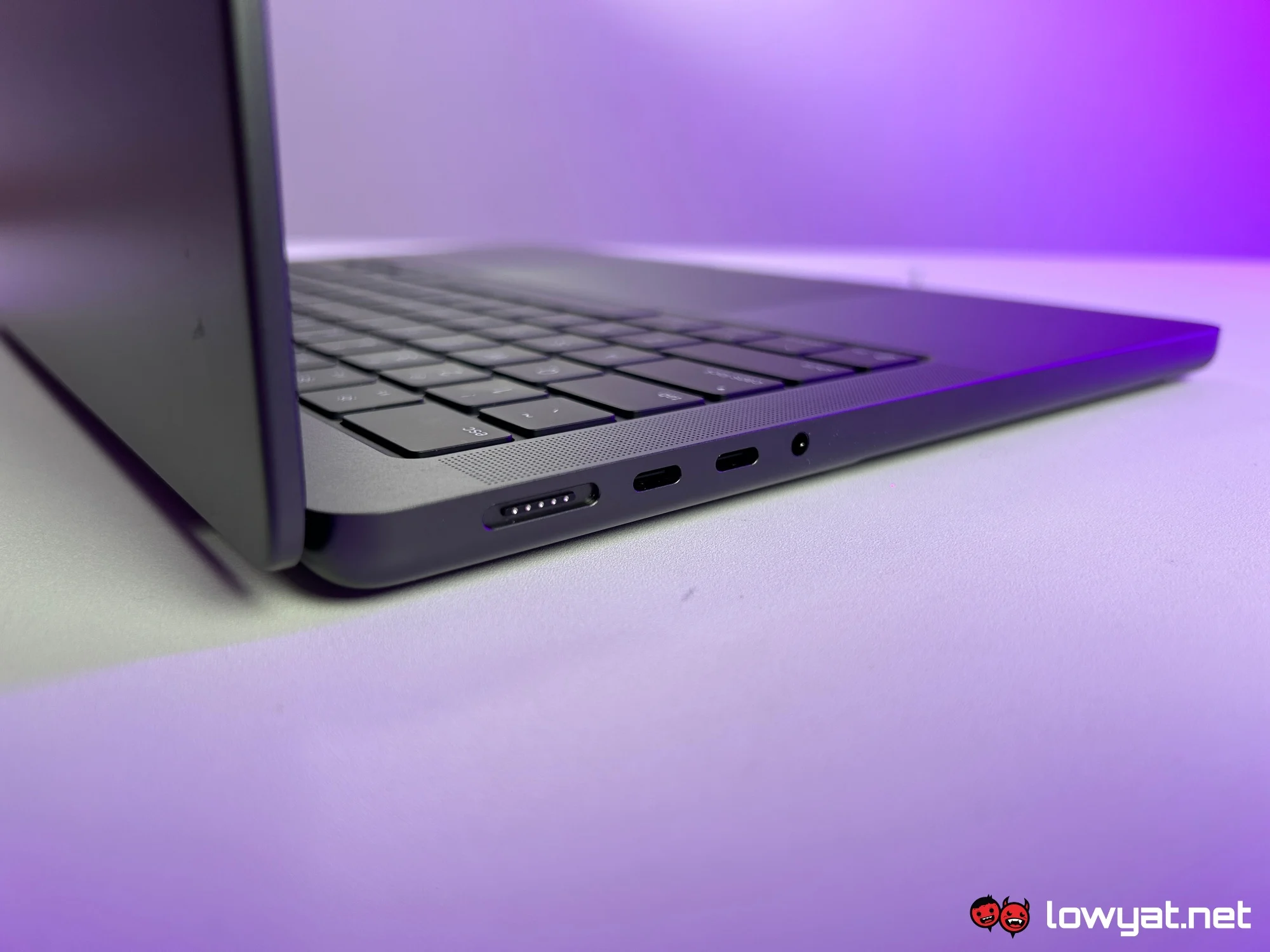
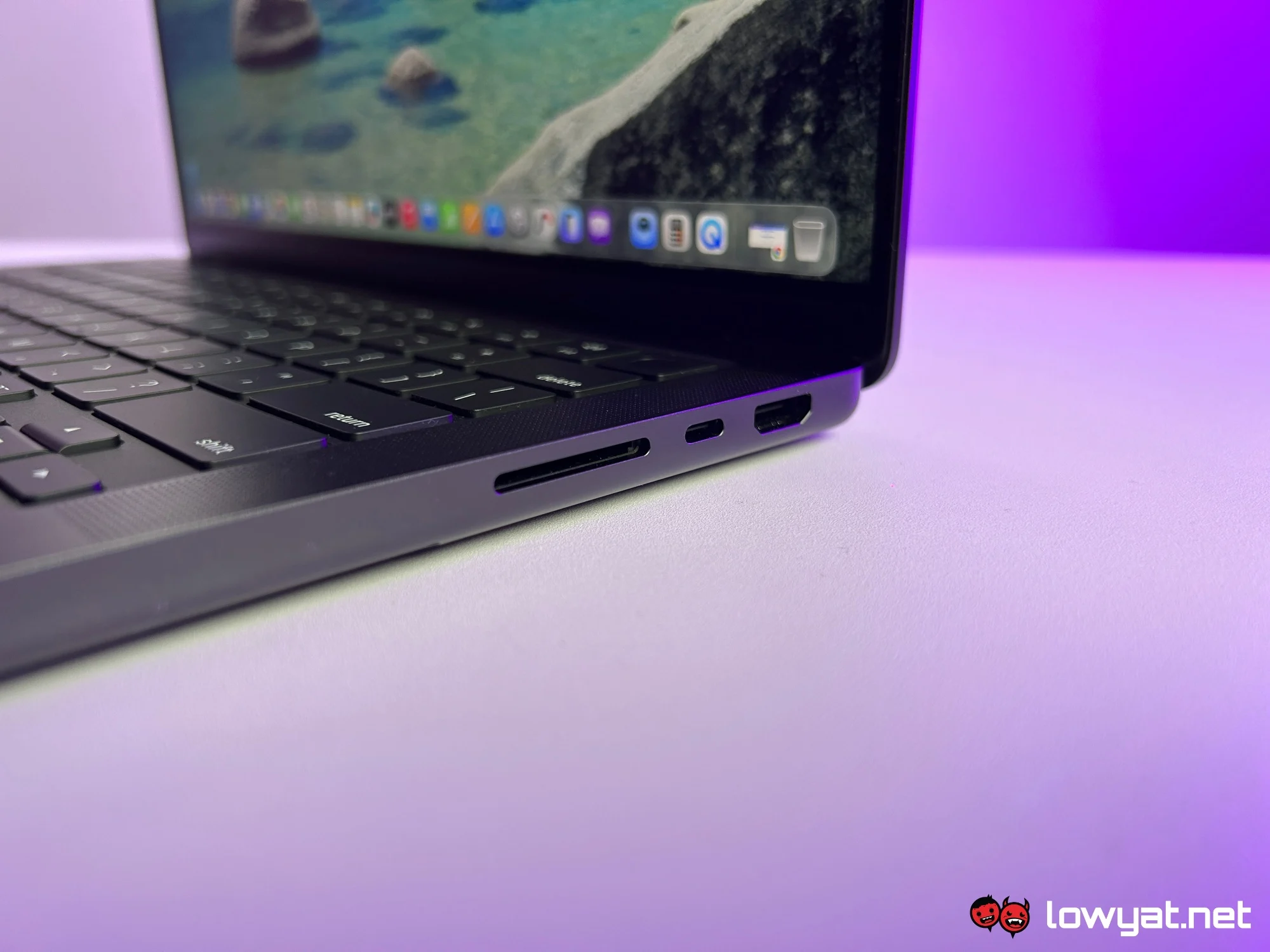
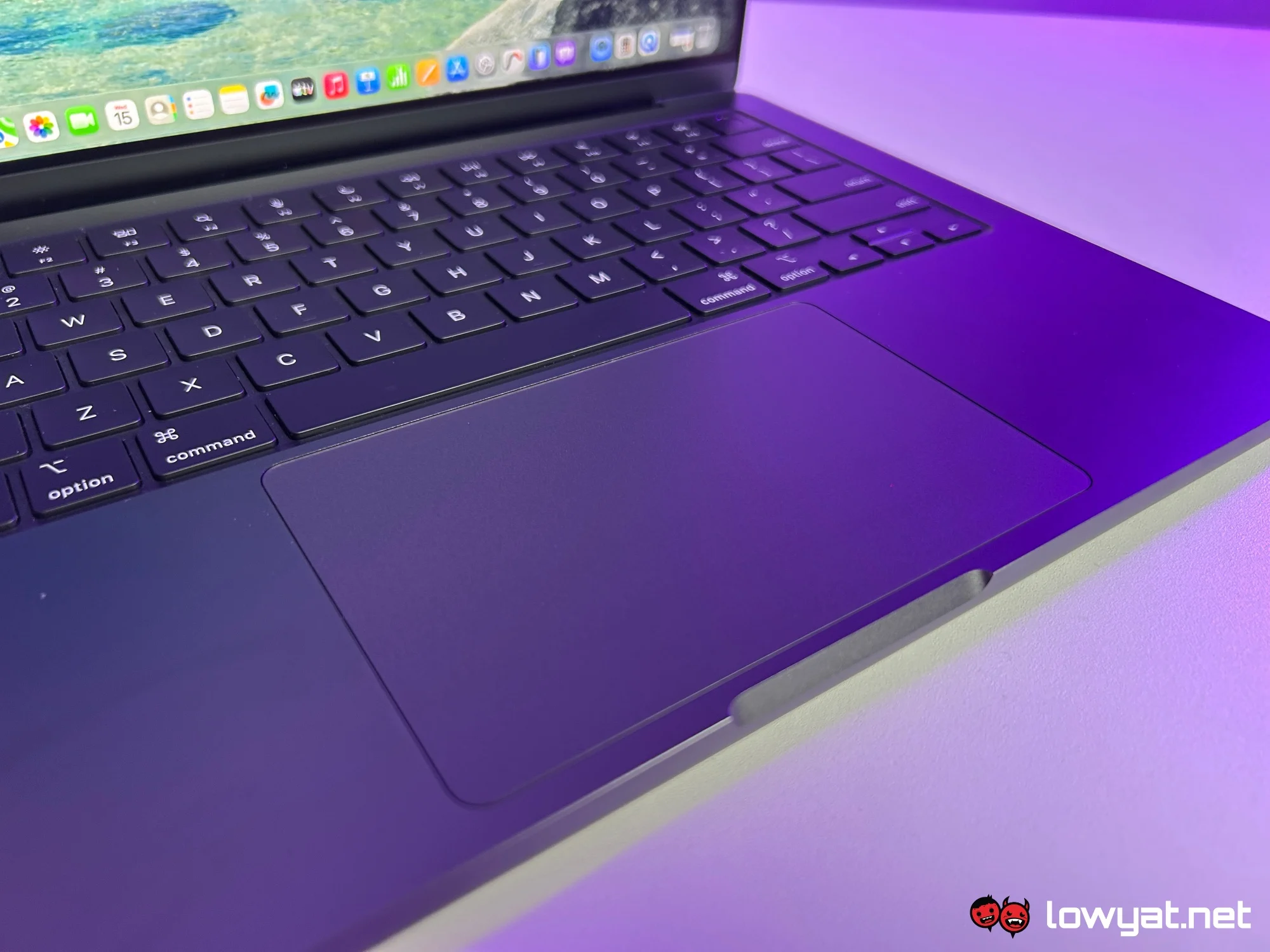
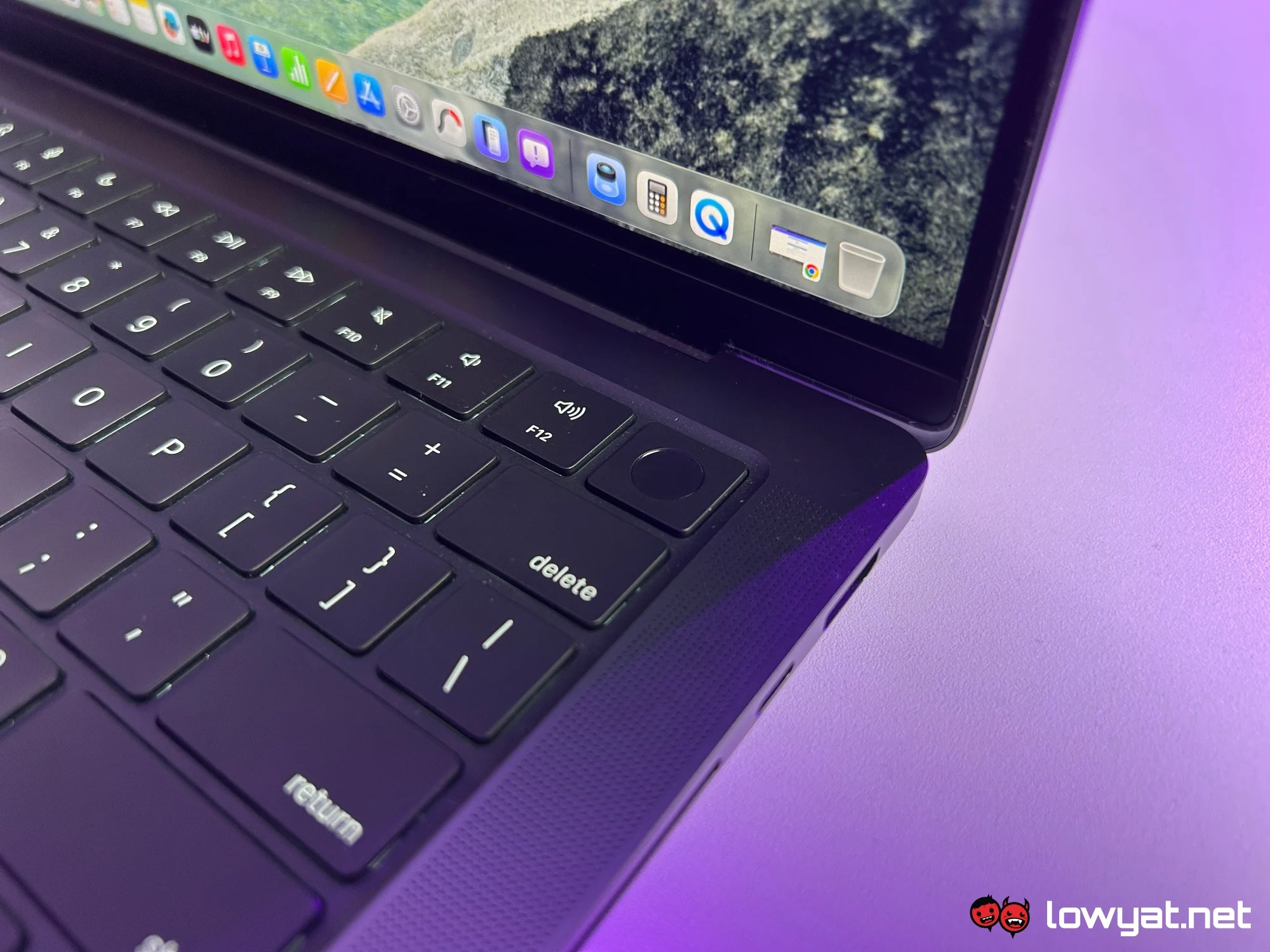
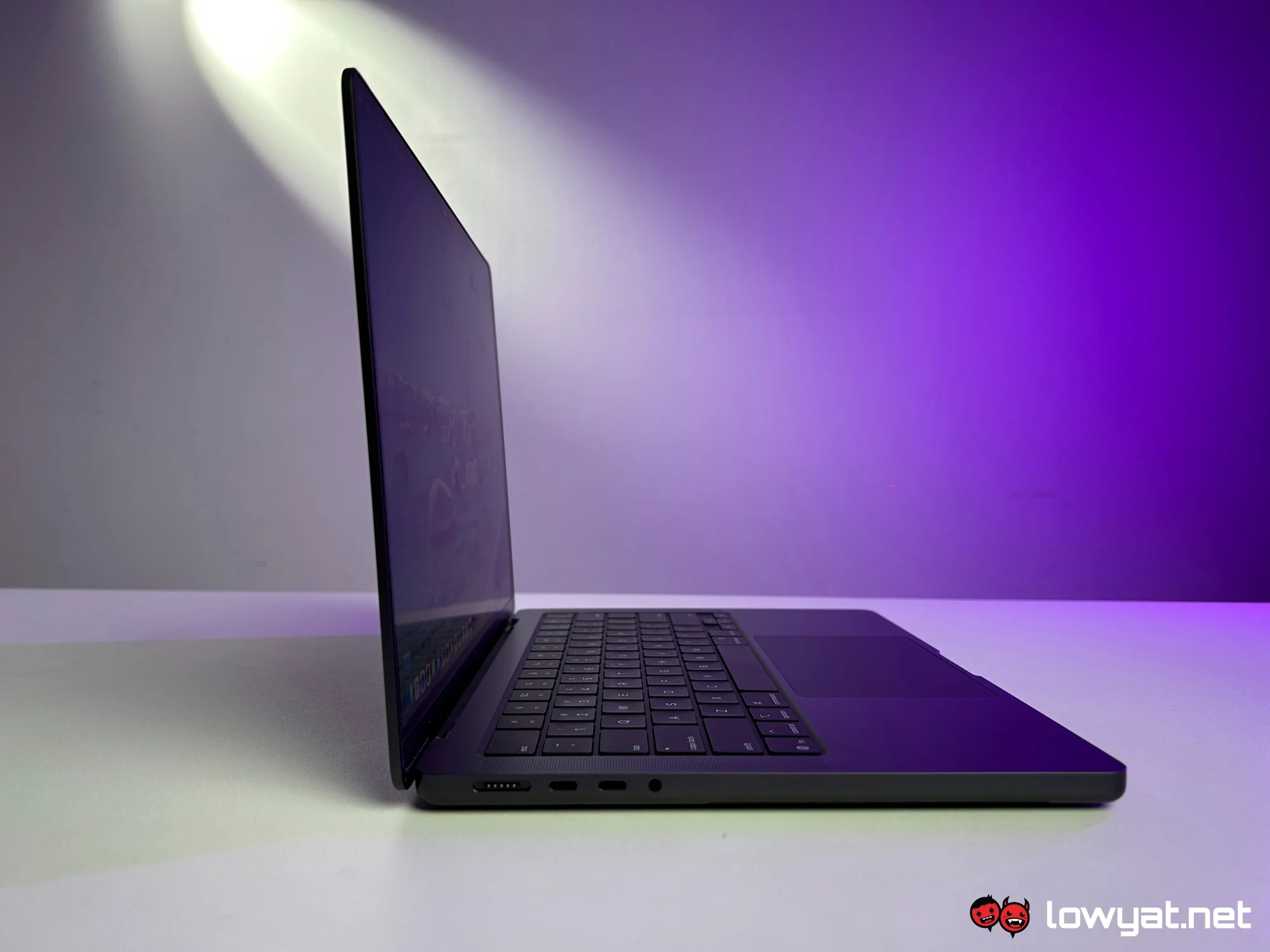
Port selection is also more generous. In addition to three USB-C ports, the MacBook Pro includes a MagSafe connector, a 3.5mm headphone jack, an SD card reader, and an HDMI port. The inclusion of the latter two is especially useful for creators and those working with external displays or media files.
Battery life lives up to Apple’s claims. On a single charge, the MacBook Pro M5 can last up to two days with intermittent use, including multitasking and high-resolution video streaming. This is slightly better than what I typically achieved with the 15-inch MacBook Air M4. Charging is equally efficient, reaching up to 50% in about 30 minutes using the included MagSafe charger.
What’s The Catch?
Compared to the 15-inch MacBook Air, the added weight of the Pro is immediately noticeable. Despite being slightly smaller, it feels heavier due to its more robust internals. For users accustomed to the Air’s portability, this difference can translate into added strain when carrying it around daily.
The display, while superior in quality, is also smaller. Moving from a 15-inch Air to the 14-inch Pro means sacrificing a fair bit of screen real estate. This can be mitigated with an external monitor, but it’s still something to consider depending on your workflow.
Despite the improved port selection, limitations remain. You may still need a third-party hub if you rely on certain peripherals or plan to connect multiple external displays, which slightly offsets the convenience of the built-in ports.
Should I Buy It?
For those considering an upgrade from the MacBook Air, the MacBook Pro M5 offers clear advantages in performance, display quality, audio, battery life, and port selection. However, these improvements come at the cost of added weight and, for some users, reduced screen size compared to the 15-inch Air.
Pricing-wise, the Pro sits at RM1,500 above the starting price of the 15-inch MacBook Air M5. It is undeniably more expensive, but the added cost does translate into tangible upgrades, making it a worthwhile option for those seeking a more capable MacBook without stepping up to the beefier Pro or Max variants.
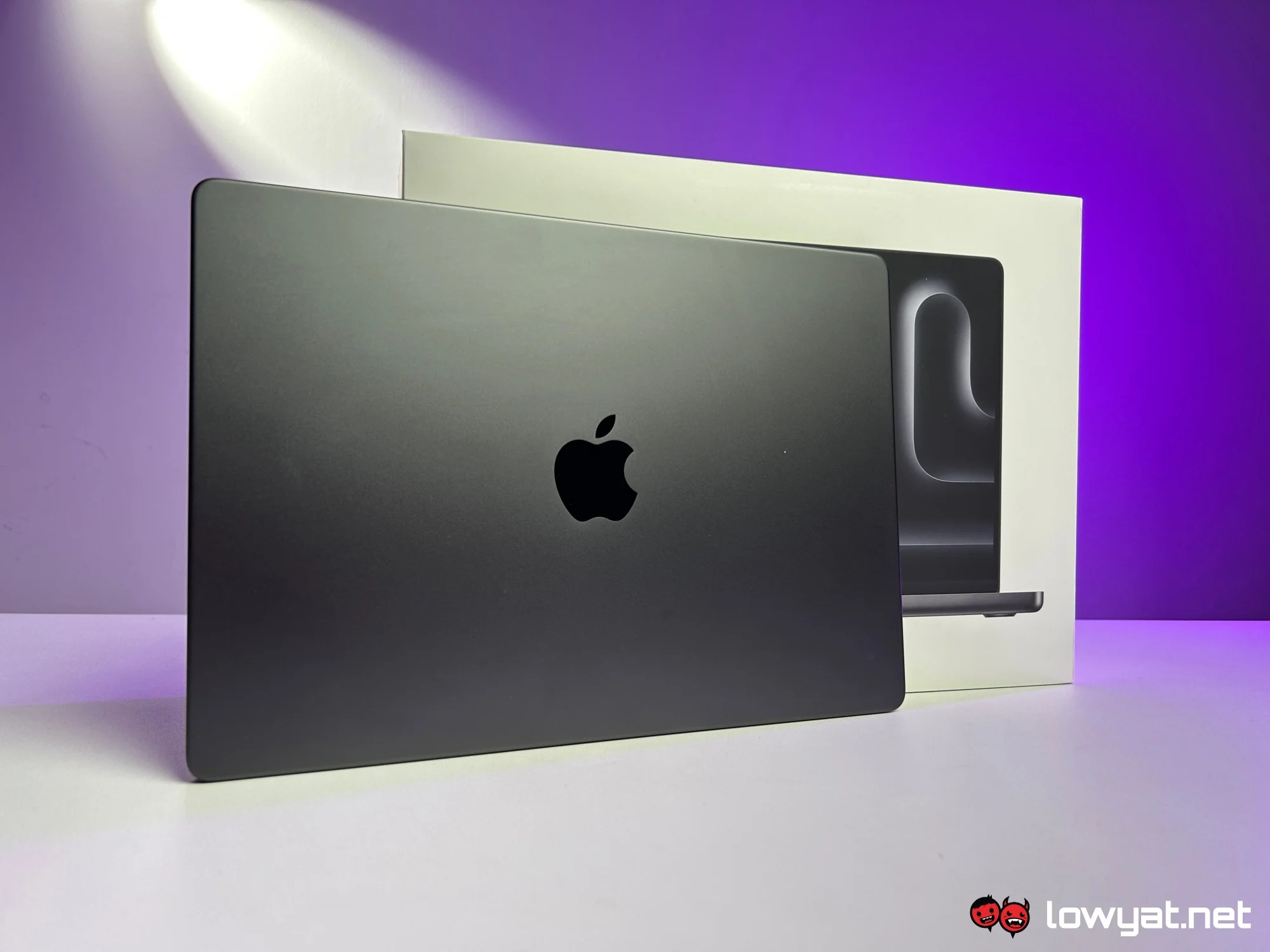
Ultimately, the base M5 version of the 14-inch MacBook Pro stands as a well-rounded and capable machine. It serves as a strong entry point into Apple’s Pro lineup, particularly for users with more demanding creative or professional workloads.
It also highlights how gaming on macOS is becoming increasingly viable, provided the titles you play are supported. That said, if gaming is your primary focus, there are still better-suited options outside of Apple’s Mac ecosystem.
