
In case you missed it, Apple has publicly released the stable version of iOS 26.4 to Malaysian users last week. Apart from bringing in several improvements, the more important addition included in this update is the ability to finally support 5G Standalone (5G SA) and 5G Advanced on compatible iPhone models.
As you may recall, this was something that was previously discovered in the new firmware’s beta release earlier this month. Yet, like the beta, this crucial addition has been introduced quietly on iOS 26.4, with no mention of it in the release notes.
To refresh, iPhone models that support 5G SA and 5G Advanced include the iPhone 13 series and above, as well as the iPhone SE (3rd gen) and the iPhone Air. Of course, you’ll also need to be on supported plans on U Mobile (postpaid only) and Yes 5G (postpaid, prepaid and broadband) in order to enjoy the connectivity. It should be noted that while Maxis does offer 5G SA, it is only currently available to customers who are under its Business plans at this time.
How To Check If 5G SA Is Activated On Your iPhone
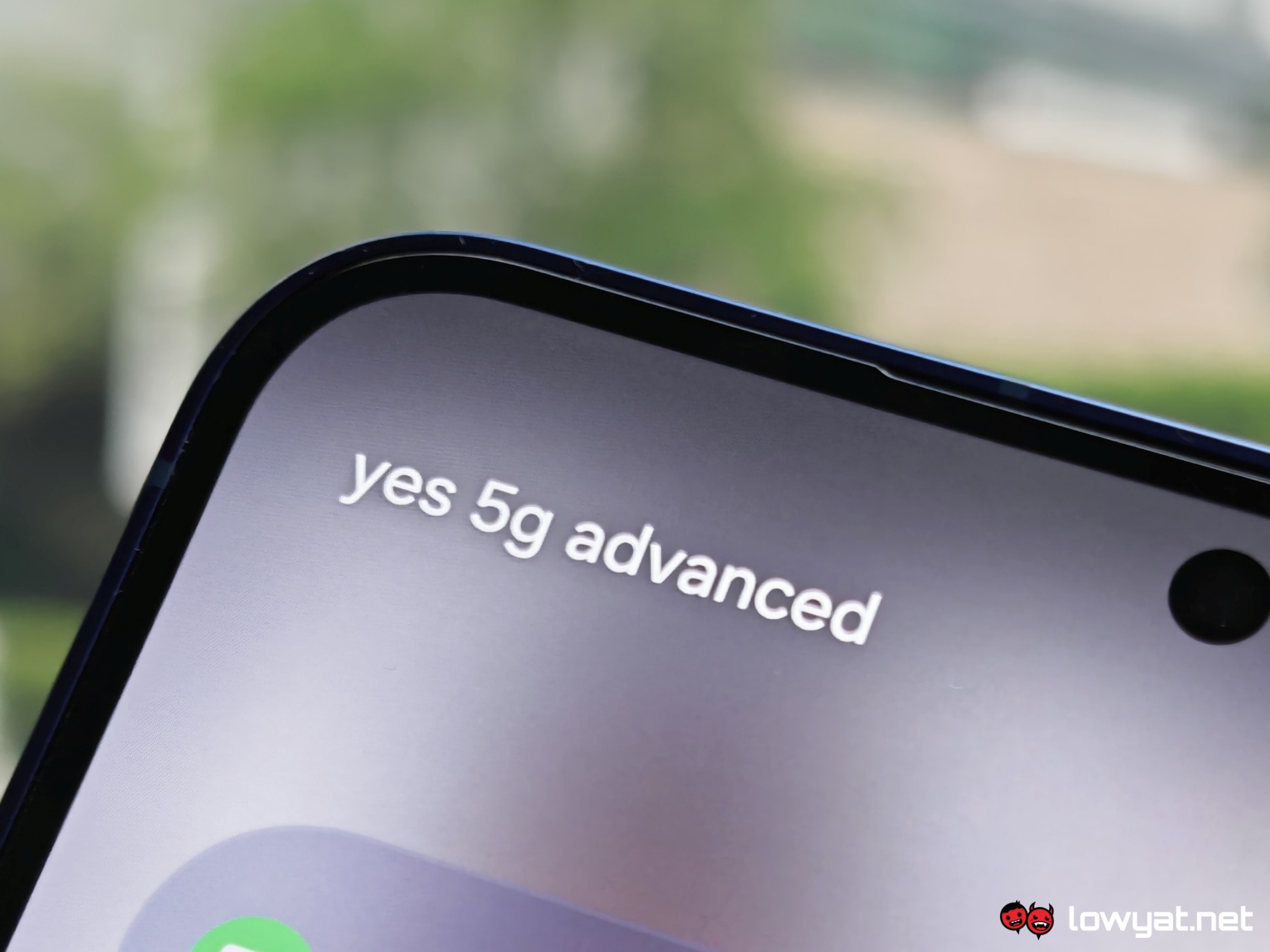
In our case, 5G SA is activated by default after the iOS 26.4 update, so there’s nothing else that needs to be done if this applies to you as well. Alternatively, those on Yes 5G will notice that “yes 5G Advanced” displayed as the network name on their device.
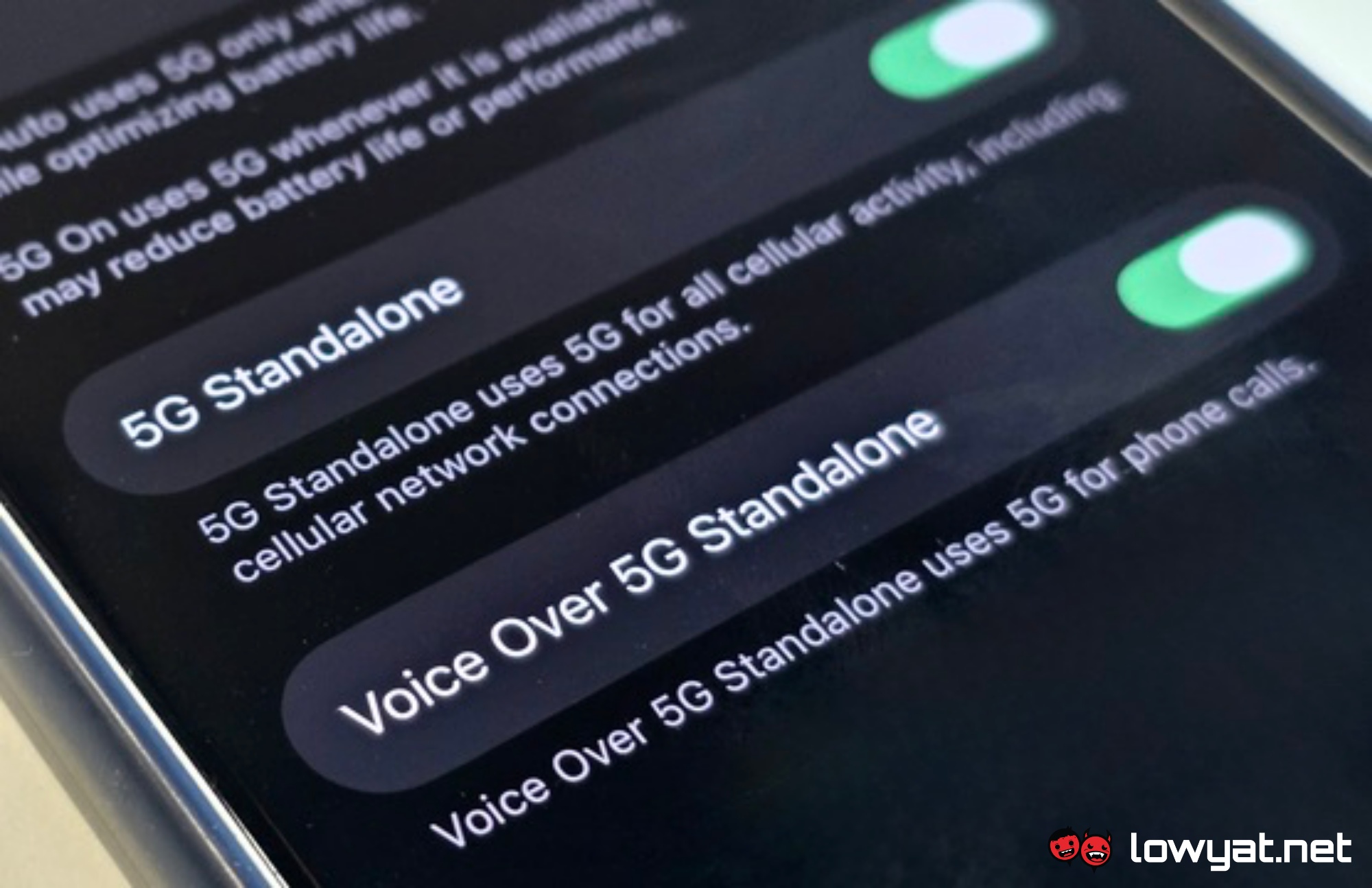
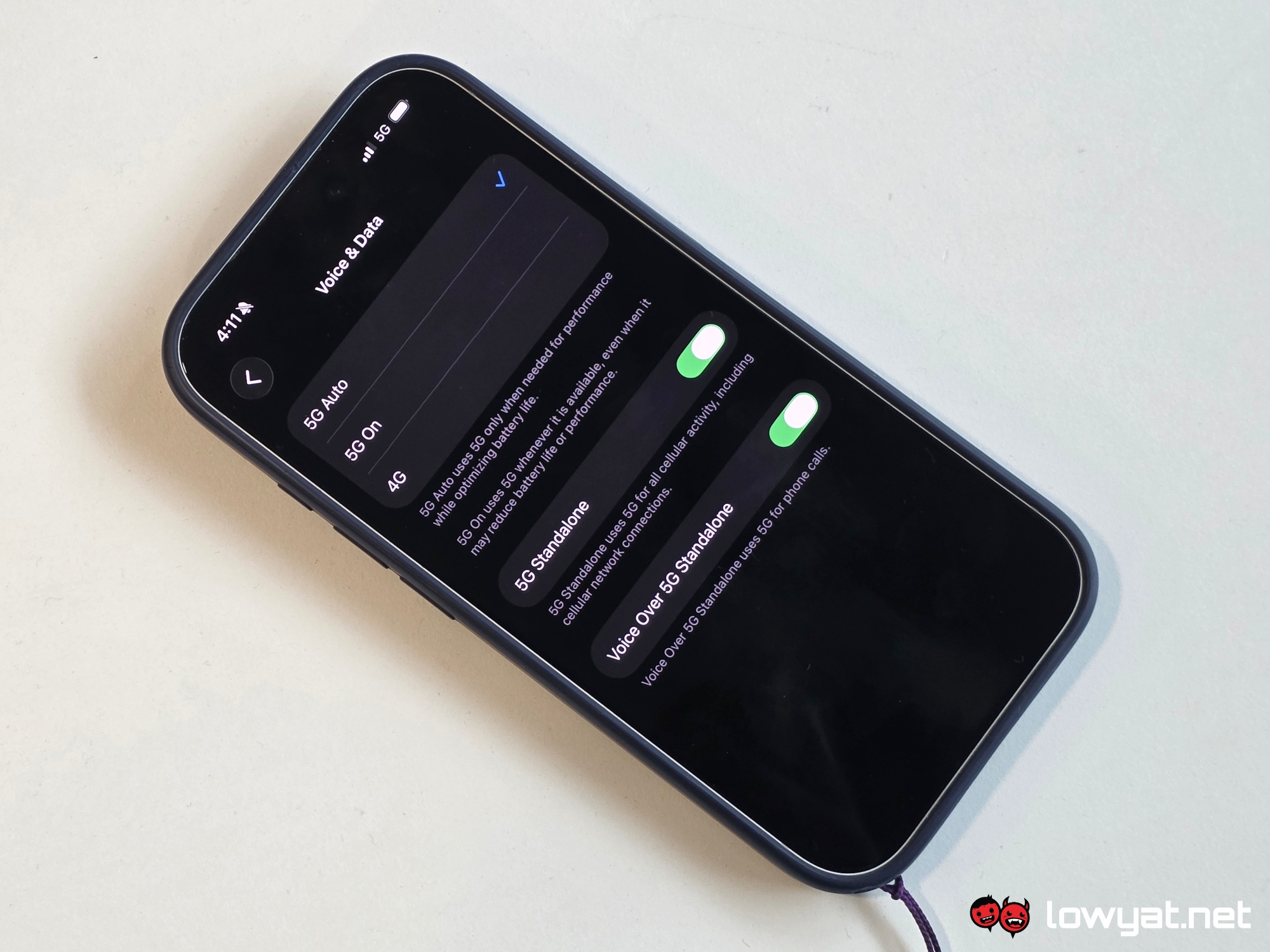
To check whether yours have been activated or not, open your iPhone’s “Settings” app and tap on Cellular. Under the “SIMs” section of that page, select the applicable SIM or eSIM line, and then select Voice & Data. From here, “5G Auto” or “5G On” should be selected by default. New to this update are the additions of “5G Standalone” and “Voice Over 5G Standalone” toggles, which you should activate if they’re not already.
5G SA Unavailable on Supported Plans?
Access to 5G SA and 5G Advanced is offered to applicable customers at no additional cost. However, you may be required to spend if you’re under U Mobile.
Here’s the tedious part. As shared by Yes 5G on a post on Facebook, some users may not be able to access 5G SA immediately, as you may need to upgrade to a newer SIM chip or eSIM. This applies to U Mobile users as well, according to the orange telco’s official FAQ.
Due to security requirements, a Subscription Concealed Identifier (SUCI) SIM card is mandatory for 5G SA access, especially on iPhones. To get this, customers are required to visit their nearest Yes 5G or U Mobile stores to request for a replacement. Note that U Mobile will charge RM10 (excluding applicable taxes) for the change, while Yes 5G is free.
For those on eSIM, you can request to update it with a newer version via the MyYes or MyUMobile mobile apps. Much like for physical SIMs, U Mobile charges RM10 for eSIM replacements while Yes 5G is free-of-charge.
