
Moving from one AI chatbot to another probably isn’t as ubiquitous as moving from one phone to another. But if you’re looking to switch over to Google Gemini in particular, then the internet search giant has the tool for you. Well, tools, as it turns out, as the company unveiled the “Import Memory” and “Import Chat History” features.
Of course, one is a lot more straightforward than the other, while potentially being the longer process. Starting with the latter feature, this has you asking your current AI chatbot of choice to export your chat history. Google says that this will usually come in as a ZIP file via email. You then upload that to Gemini via via the “Chat History Import” section in its settings. From there, you can proverbially continue where you left off. Though probably worth noting that there’s a size limit of 5GB to that ZIP file.
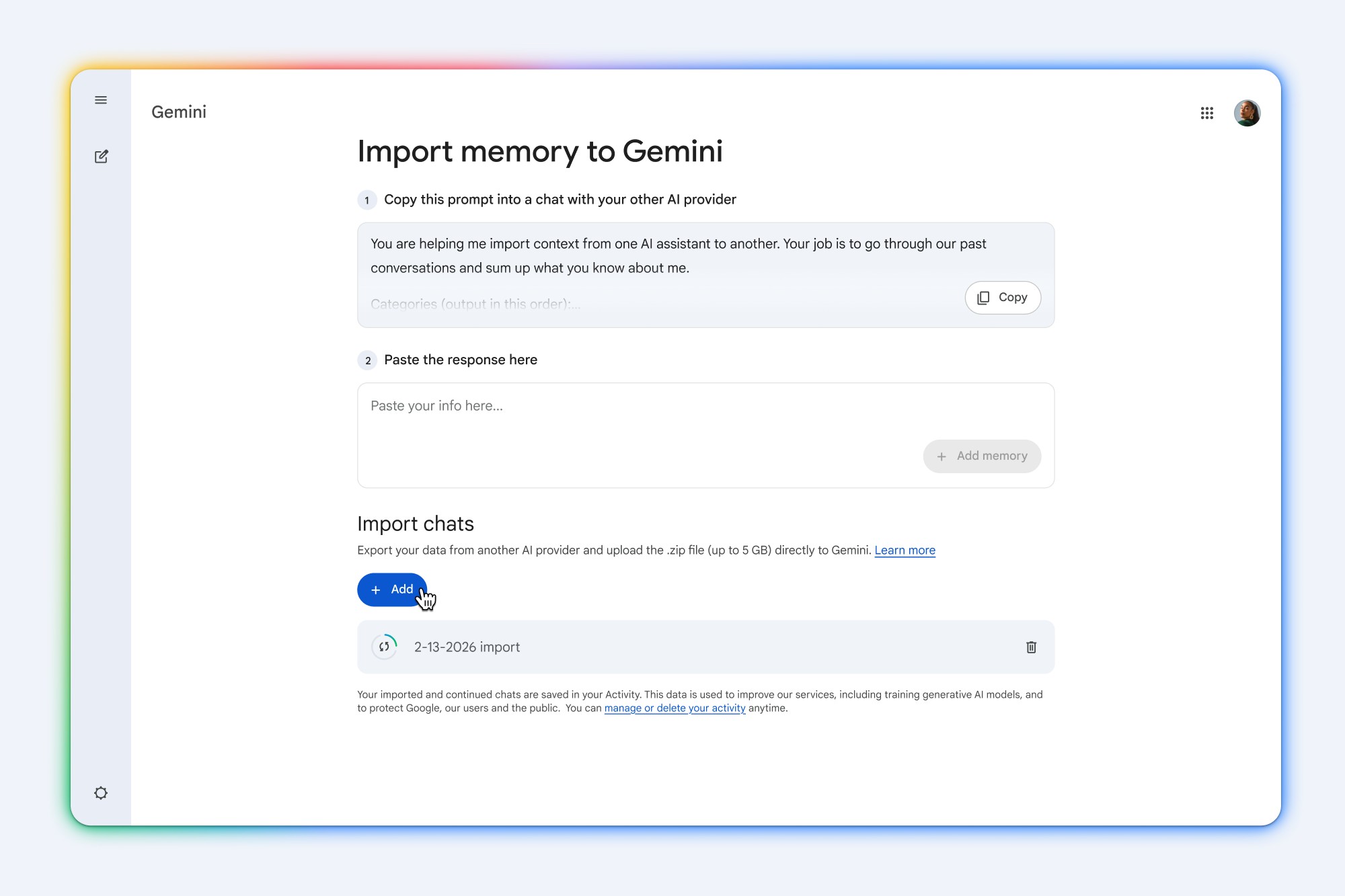
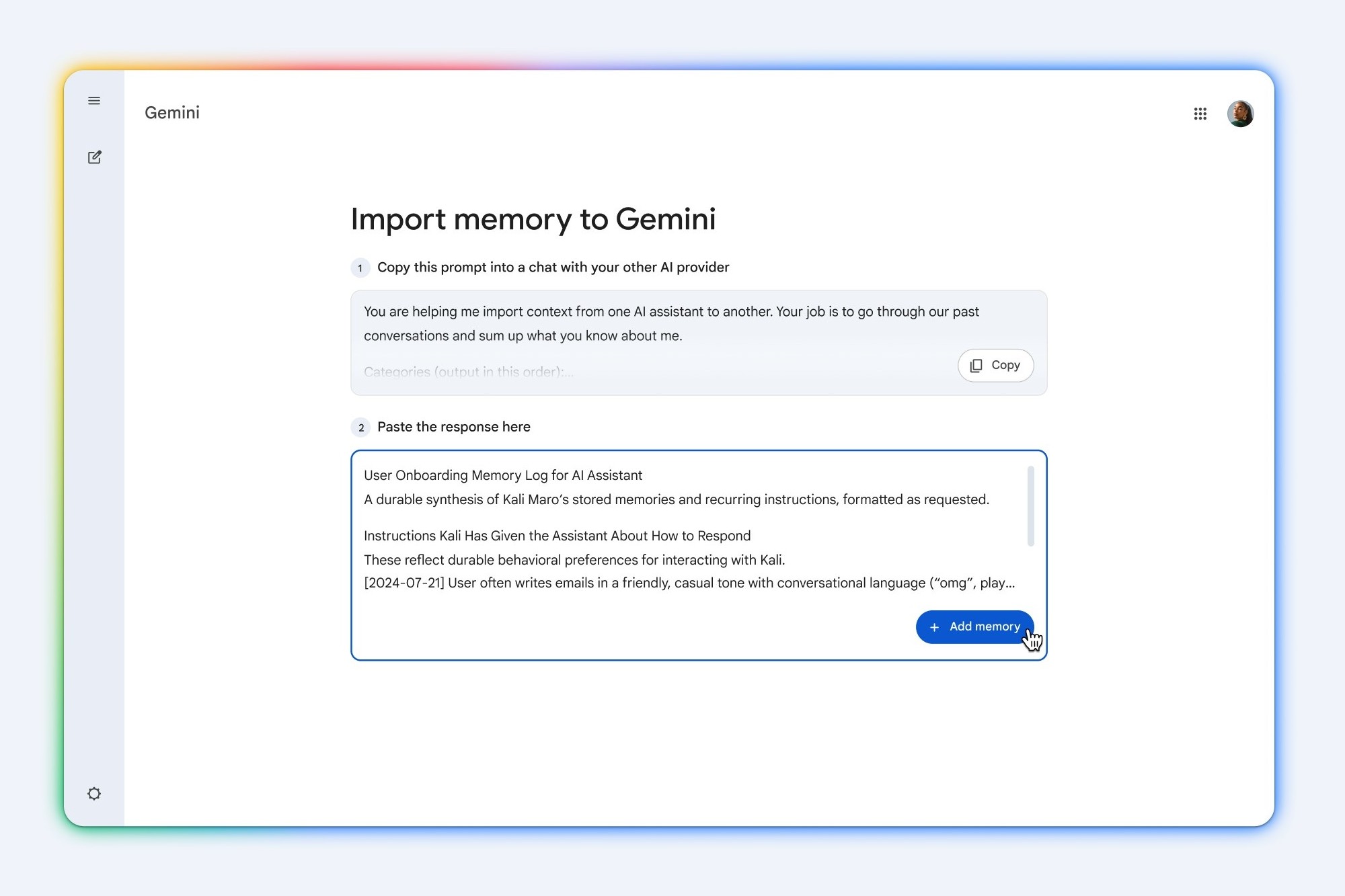
The former is by far the more interesting process of the two though. To “Import Memory”, Google has you copy a suggested prompt, and paste it to your current AI chatbot. Once you get a response, you past it into Gemini instead, once again via the Import settings. It looks to be a pretty lengthy – and strangely direct – prompt, too. But either way, it’s probably safe to expect the response to be equally direct and long.
Notably though, images that were previously generated will not be transferred as part of this process. Also, your Google Gemini needs to have personalisation to be enabled to use this. The feature is also only available for users aged 18 and above. With all that being said, the process is otherwise free.
(Source: Google [1], [2])
