

When it comes to gaming, there is one thing that a gamer prioritises more than anything else; high framerates. In the case of competitive first-person and third-person game titles – such as the popular battle royale title PlayerUnknown’s Battleground (PUBG) – inconsistent framerates spell the difference between losing and a bagging the proverbial chicken dinner.
Of course, it goes without saying that there are several ways to ensure your framerates stay smooth and above the 60 fps mark. Here’s a list of how you can do that, and we’re going to show you via a Dell G7 gaming notebook.
Your GPU matters
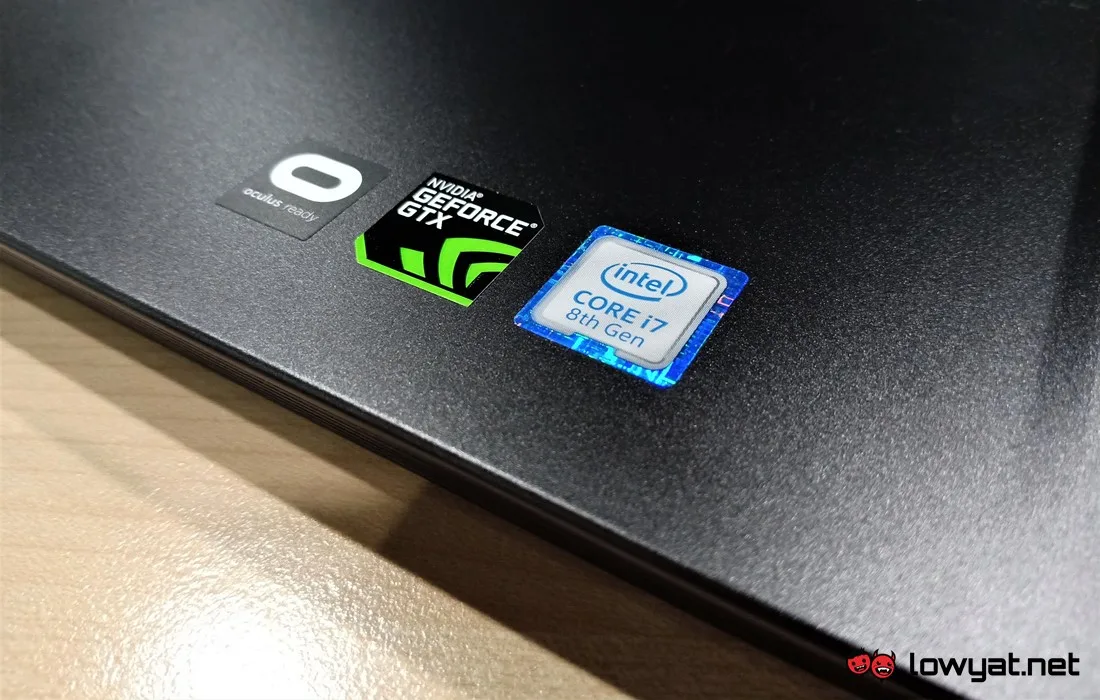
While it can be argued that CPU and RAM is crucial to ensuring a smooth gameplay experience, it cannot be denied that a PC and gaming notebook’s GPU is the ultimate force that governs your gameplay experience.
As a (obvious) rule of thumb; the more powerful the GPU, the more likely it is for you to run game titles like PUBG at its highest graphics setting. While still maintaining a high and consistent framerate count. Of course, if you’re running the game on a Dell G7 gaming notebook with a NVIDIA GeForce GTX 1060 max-Q, the machine is more than sufficient for a few rounds of PUBG without any stutter and lag.
Storage medium matters

Besides the GPU, another component that is equally crucial to ensuring high framerates in a game like PUBG is the storage. As many gamers are aware, running game installed on a mechanical hard drive just doesn’t cut the mustard in this day and age.
At the very least, installing and running a game titles directly from high-speed storage mediums, such as a PCIe NVMe SSD, gives you and edge over other players. On gaming notebooks like the Dell G7, you have the option of installing those lightning-fast SSDs. All in order to gain shorter loading times in PUBG.
Tweaking your graphics and anti-aliasing settings
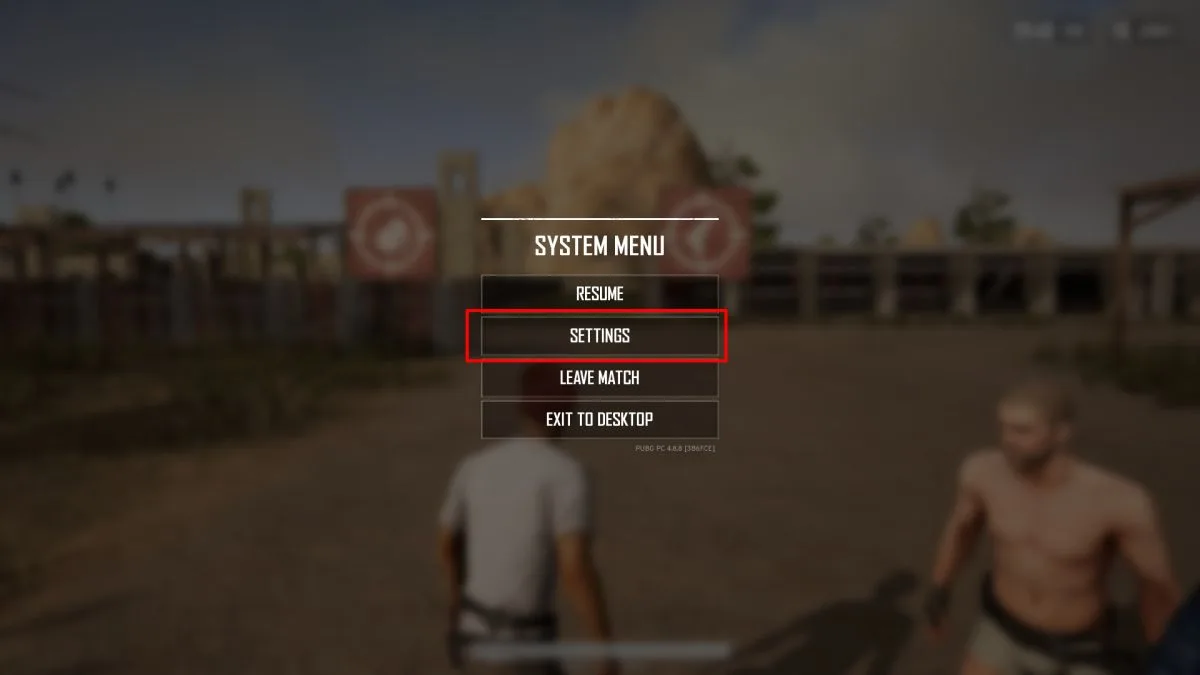
In the world of gaming, there are technically two kinds of people: those who prefer pretty visuals over performance, and those who are more than willing to live with rough visual textures and low resolution. All for those couple of extra framerates, allowing you to track your opponent on PUBG match better.
If you happen to be the latter, increasing your framerate count is as easy as going to the game’s settings menu, opening up the display and graphics tab, and messing around with the anti-aliasing (AA). Cranking up the AA setting in-game smoothens out the edges – both for characters and environments – but at the cost of framerates. Simply put; the greater the AA setting, the better your game looks.
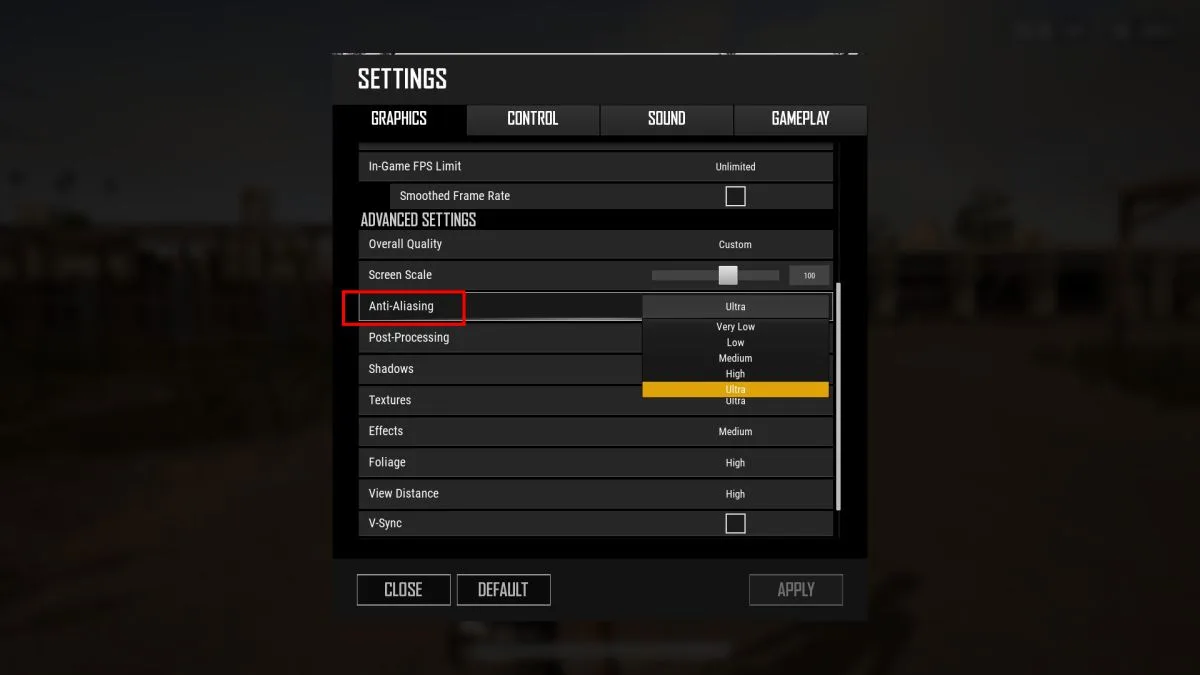
The opposite of the AA effect also rings true. Again, if you’re not particular about the in-game character and environmental textures, dumbing down or even turning off AA will greatly increase graphical fluidity. Thanks on no small part to the obvious boost in framerates.
That said, if you’re gaming on a machine like the Dell G7, maxing out PUBG’s graphics settings – let alone the anti-aliasing – won’t even constitute as an issue. At its highest setting, the G7 can easily maintain high framerates on PUBG without breaking a sweat.
Choosing a resolution
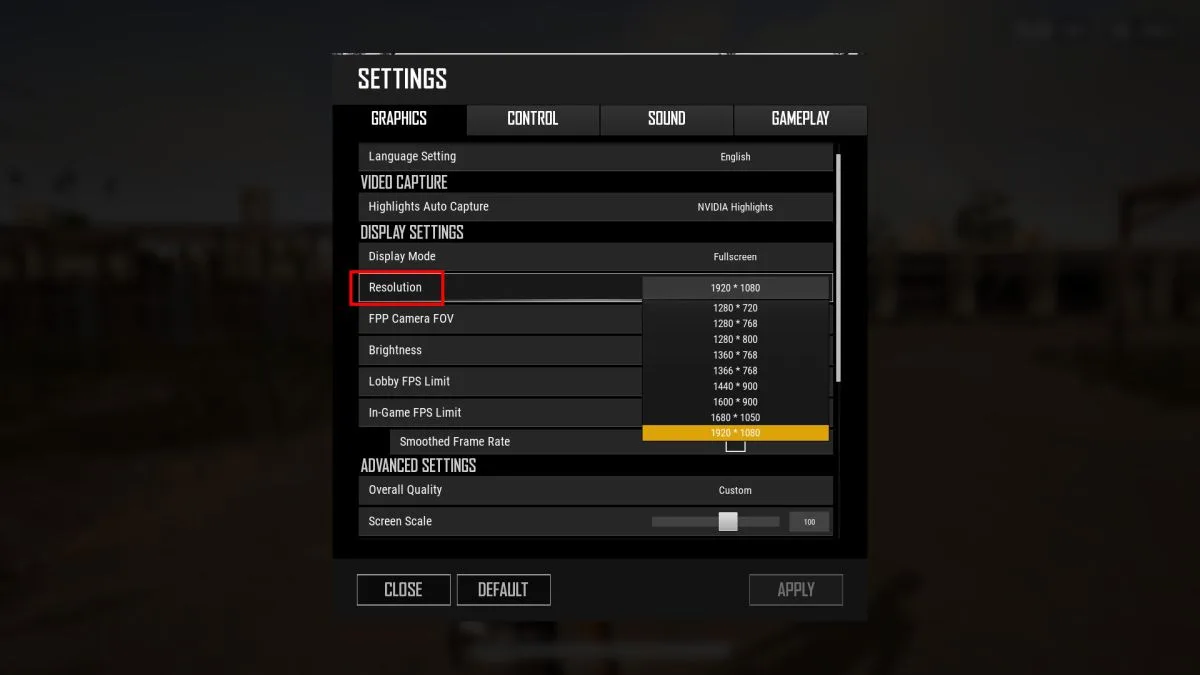
Now, if dumbing down the graphics settings on PUBG is absolutely out of the question, there is one other option that you can consider: lowering the the resolution. While most games are optimised to provide the best visual gaming experience at Full HD (1920 x 1080) resolutions and greater, reducing the game’s resolution below the Full HD mark doesn’t just reduce the workload of the GPU. It also enables the game to maintain high framerates too.
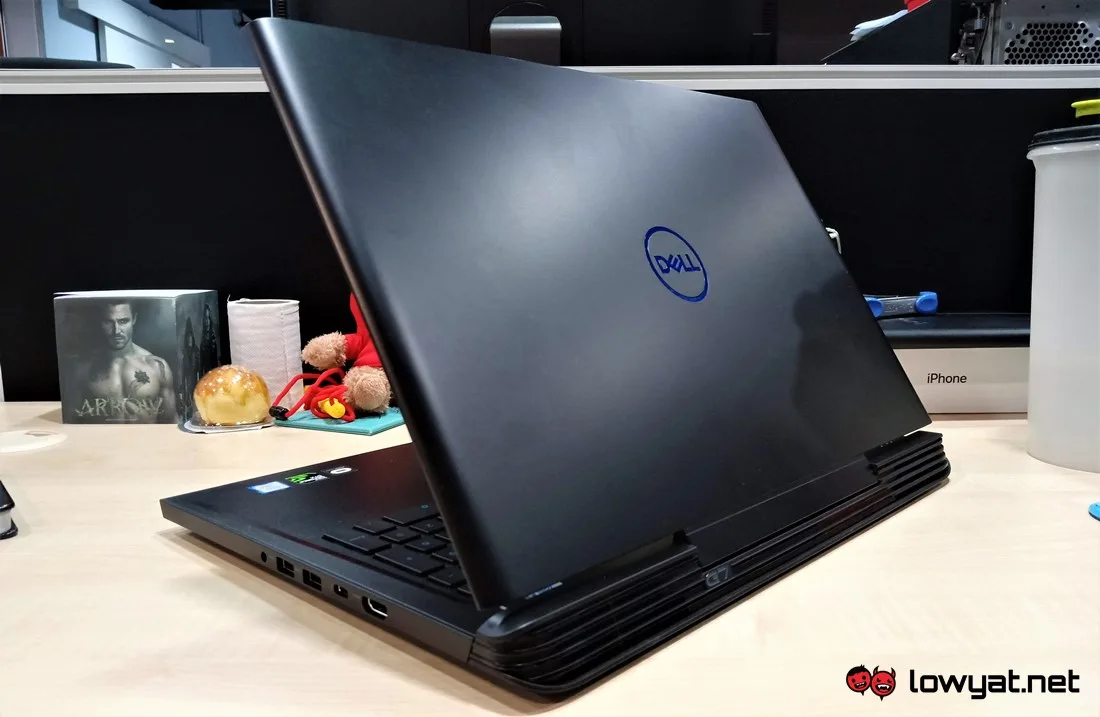
That said, if your day-to-day gaming machine is a Dell G7, it’s hard to find any reason as to why you would want to lower the default resolution. Given the machine’s default hardware.
Disclosure: This article was sponsored by Dell.
