
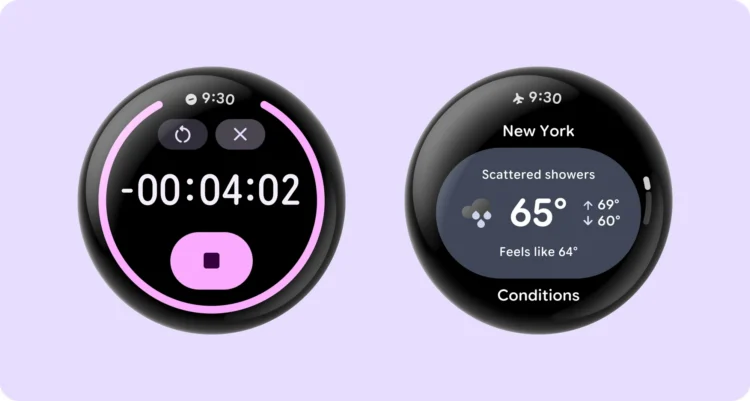
Smartwatches do a lot more than just tell the time, but at times that really basic feature goes away once you ask your wearable to do something else. With Wear OS 8, it looks like Google is trying something different, which it calls a “status bar” that stays at the top of a wearable’s screen for most of the time, regardless of which app it’s currently running.
The internet search giant noted on its Android Developers page that this is now also available for early preview testing in the Wear OS 7.1 Beta Preview Emulator. With the small screen size on smartwatches, the status bar shows only two things. One is the time, with “a uniform clock typography, placement, and backplate across the system and all apps”. The other is a single status icon. Due to the small screen size, “only one icon is shown at a time, based on priority”.
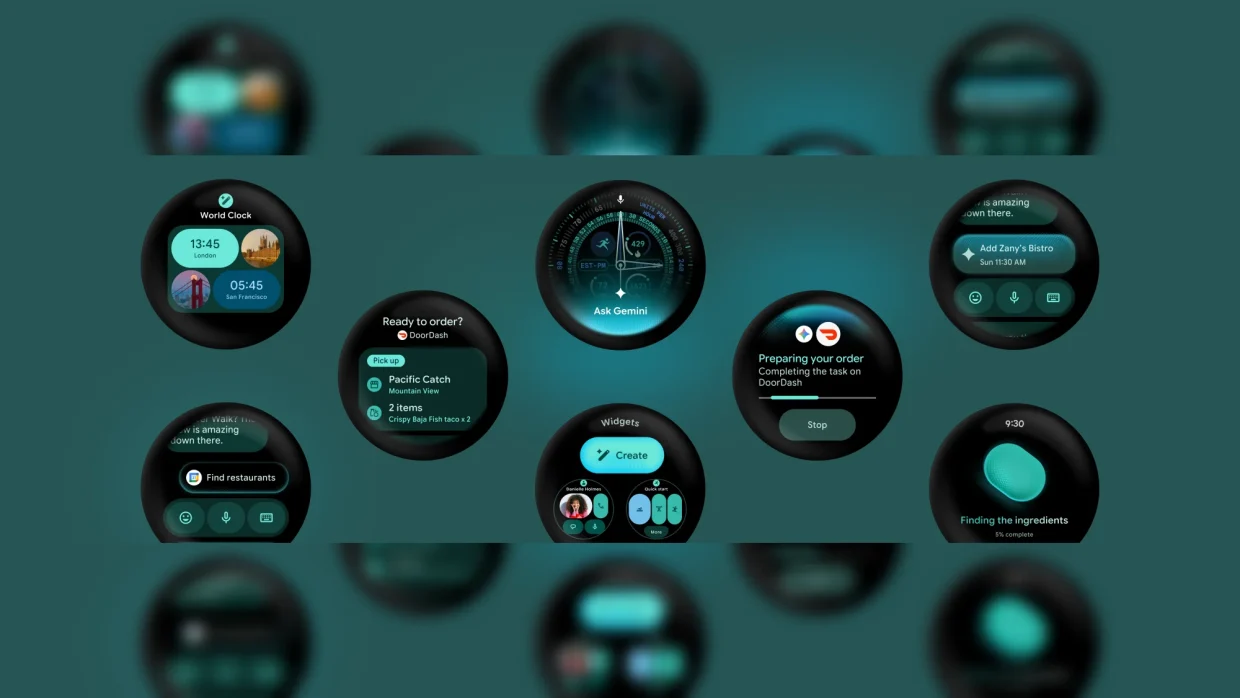
There are a few exceptions to the status bar always being at the 12 o’clock position of the screen of a wearable running Wear OS 8. For one, “when paired with Jetpack Compose for Wear OS 1.8”, the system bar goes away for a while when you scroll through content. Remain idle for two seconds, and the bar comes back. The other is when “a full-screen immersive experience is needed”, though for a smartwatch, this is probably few and far between.
Google also notes that, “to prevent overlapping with the system status bar, apps should stop rendering their own clock … and respect top status bar window insets”. The page also mentions things like “On the preview emulator / Wear OS 8+ (when opted in)” and “On Wear OS 7 and older devices (or when not opted in)”. This suggests that app devs can decide whether or not to actually enable the status bar. Either way, with Wear OS 7 only having been released generally not too long ago, it will be awhile before users see this status bar on their smartwatches.
(Source: Google)
