

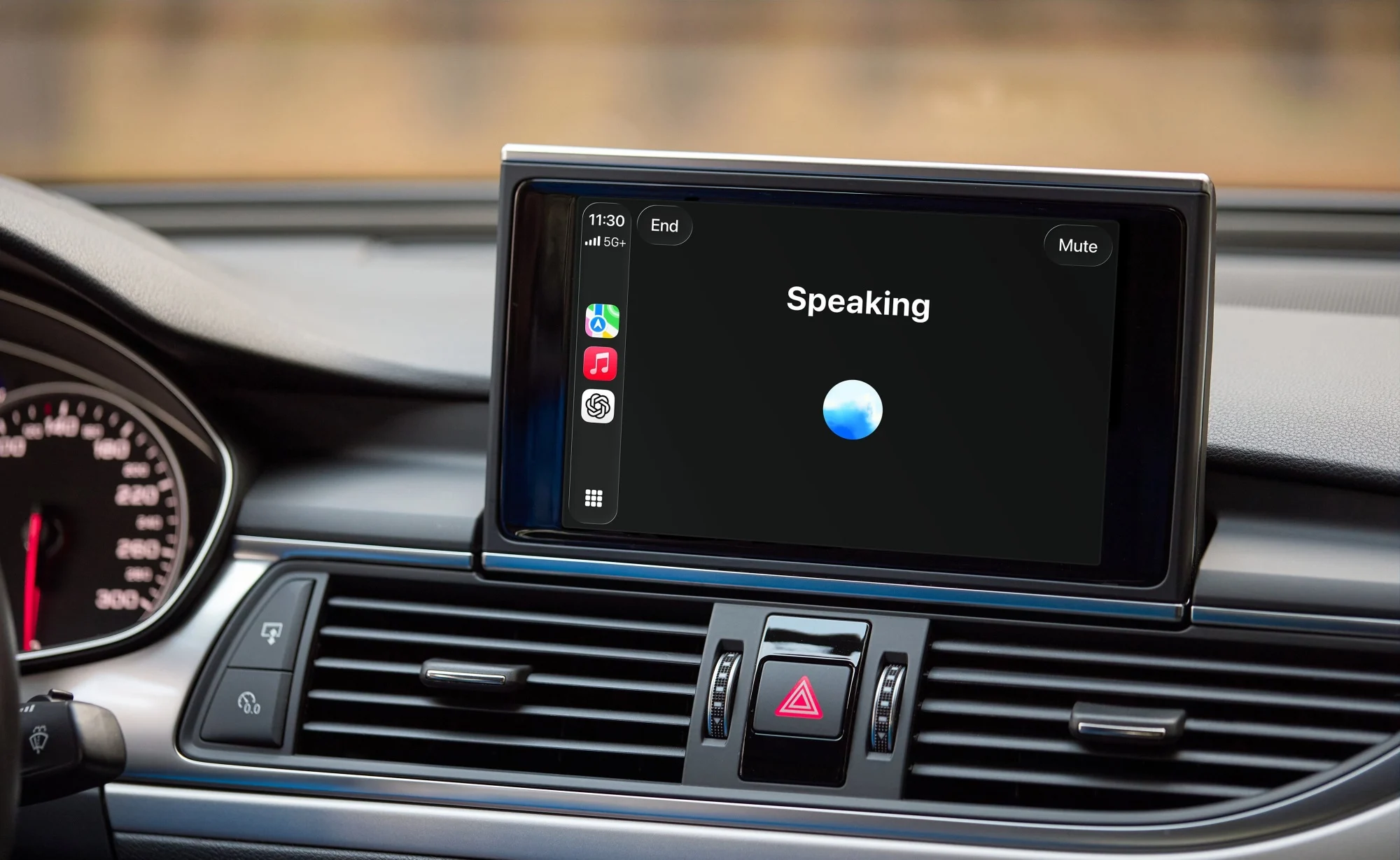
OpenAI has rolled out support for ChatGPT’s Voice mode on Apple CarPlay, allowing drivers to interact with the AI chatbot directly through their car’s infotainment display. The feature is available to users running the latest version of the ChatGPT app on iPhones with iOS 26.4 or newer, provided their vehicle supports CarPlay. The rollout is expected to happen gradually, so availability may vary depending on region and device compatibility.
The integration was announced via OpenAI’s social channels and introduces a more practical way to use ChatGPT while on the road. With a voice-first approach, drivers can engage the assistant without needing to handle their phones, potentially reducing distractions during journeys.
To get started, users need to connect their iPhone to CarPlay, open the ChatGPT app, and select the “New voice chat” option. Once the interface indicates that it is listening, users can begin speaking naturally. They can also resume previous conversations by selecting recent or pinned chats within the app.
No, You Can’t Ask ChatGPT To Control Your Car
Despite the added convenience, the CarPlay version of ChatGPT comes with several restrictions. It cannot control vehicle functions such as adjusting cabin temperature or managing media playback, meaning drivers will still need to rely on Siri for those tasks. Additionally, Apple’s platform limitations mean there is no wake word support, so users must manually open the app to start or resume conversations.
More importantly, ChatGPT does not have access to navigation, maps, or real-time location data within CarPlay. It also cannot interact with other apps or perform actions across the system, limiting its role to conversational tasks rather than acting as a full in-car assistant.
OpenAI suggests that the feature is best suited for general queries, brainstorming ideas, getting how-to guidance, or practising languages while driving. The company has also issued a safety reminder, urging users to set up the app before driving and rely solely on hands-free interaction when on the move.
(Source: OpenAI, via X / official website)
