

Microsoft has introduced various changes to the Start menu, mostly for the better, but not always. Another one is coming for Windows 11, which can probably be safely put into the former category. It’s the ability to let you choose your preferred Start menu size. Well, it doesn’t look like you don’t get granular adjustments to it, but at least there will be options.
The change is naturally going to Windows Insiders first, as part of a wider taskbar touch up. In the blog post for Insiders, Microsoft says that “today, Start adapts to your display. With this update, you can choose Small or Large so your preference stays consistent across displays whenever possible”.
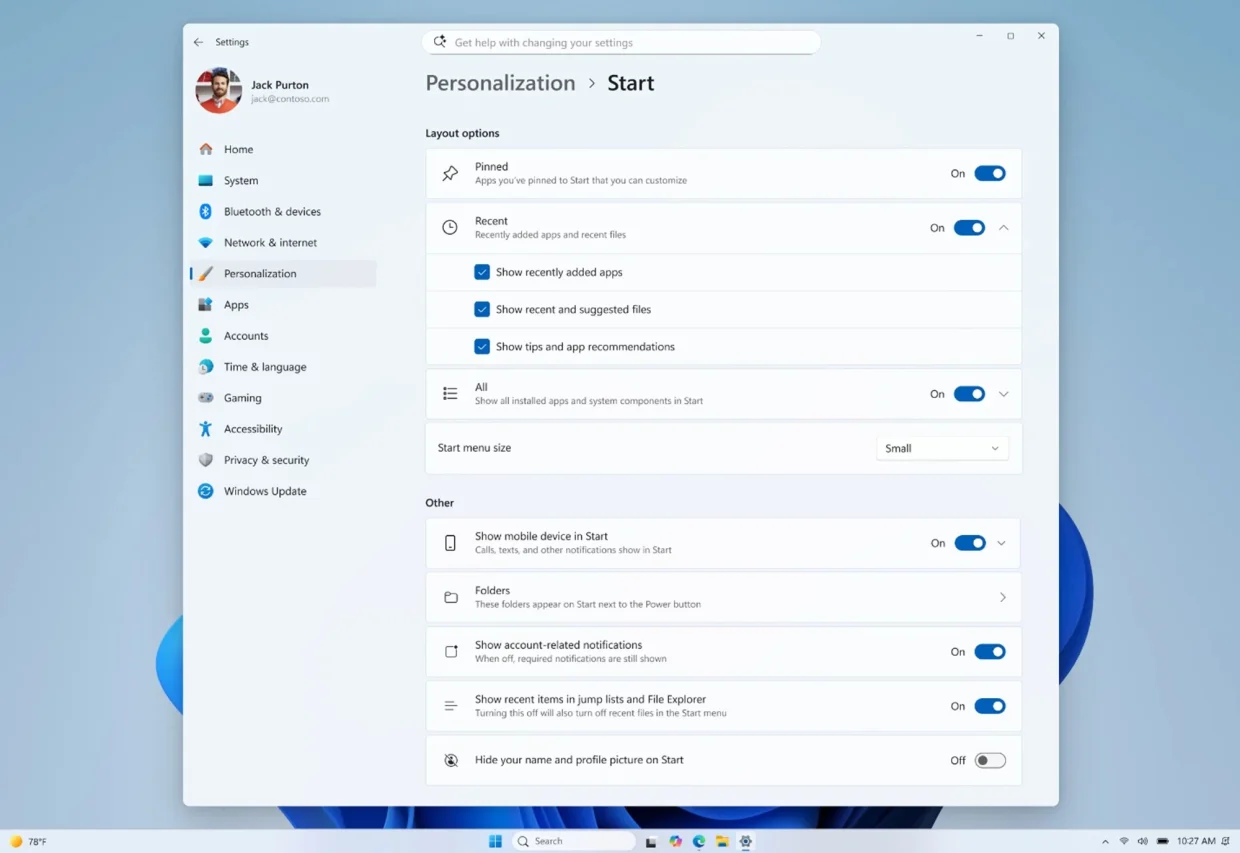
From the accompanying screenshot, you get to pick your preferred size from a dropdown menu. Said dropdown menu is not shown in its expanded form, so we’ll have to take the company’s word that there will only be two options, though it’s unclear which one is the default.
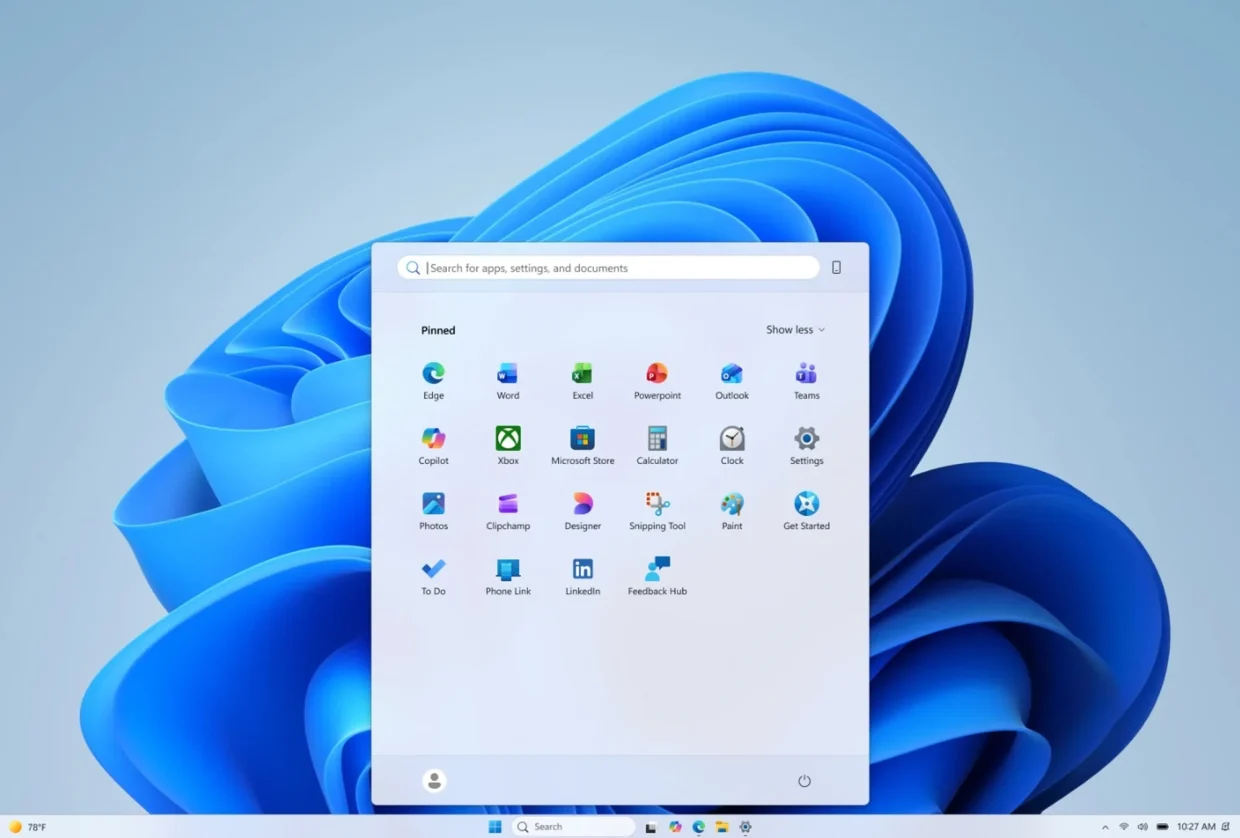
Beyond just the Start menu’s size, Microsoft is making it so that you can also choose to show or hide the Pinned, Recommended, and All sections. It’s not exactly the same, but this can be used to more granularly control the size of the Start menu. Taking it at face value though, it’s useful for those who prefer less clutter on the menu as well.
Microsoft says that these changes will be rolled out to Windows Insiders in the Experimental channel over the coming weeks. So it will be awhile before this comes to the general Windows 11 user base. And as you’d expect, there’s no concrete timeline for that just yet. The last time the company rolled out a change to the Start menu was in May of last year, which made it show your phone if you have it connected via Phone Link.
(Source: Microsoft)
