

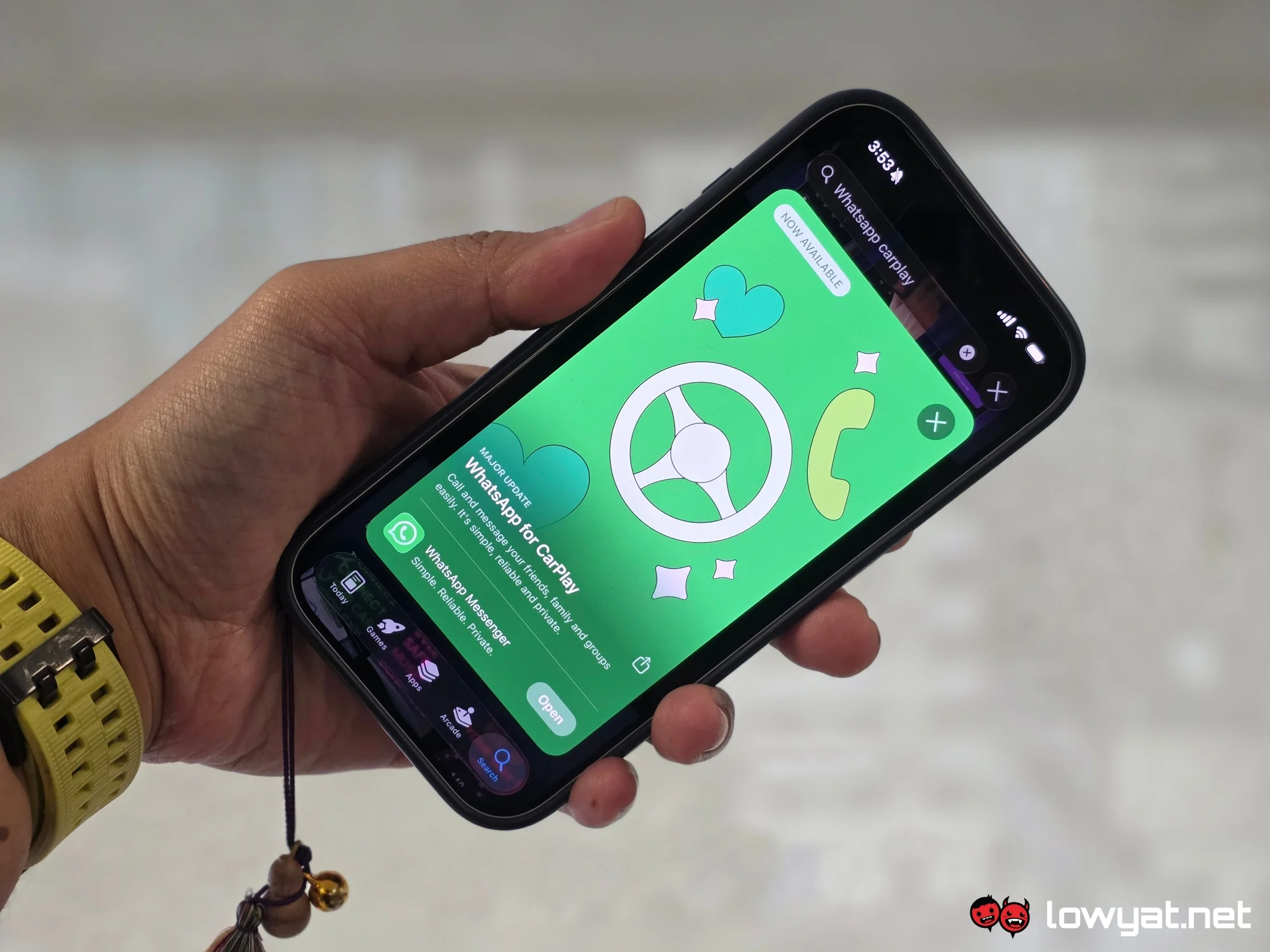
WhatsApp has officially rolled out its native app for Apple CarPlay, bringing a more complete messaging and calling experience to car dashboards. Previously limited to beta testing, the feature is now available to all users via the latest update on iOS, specifically version 26.13.74 on the App Store.
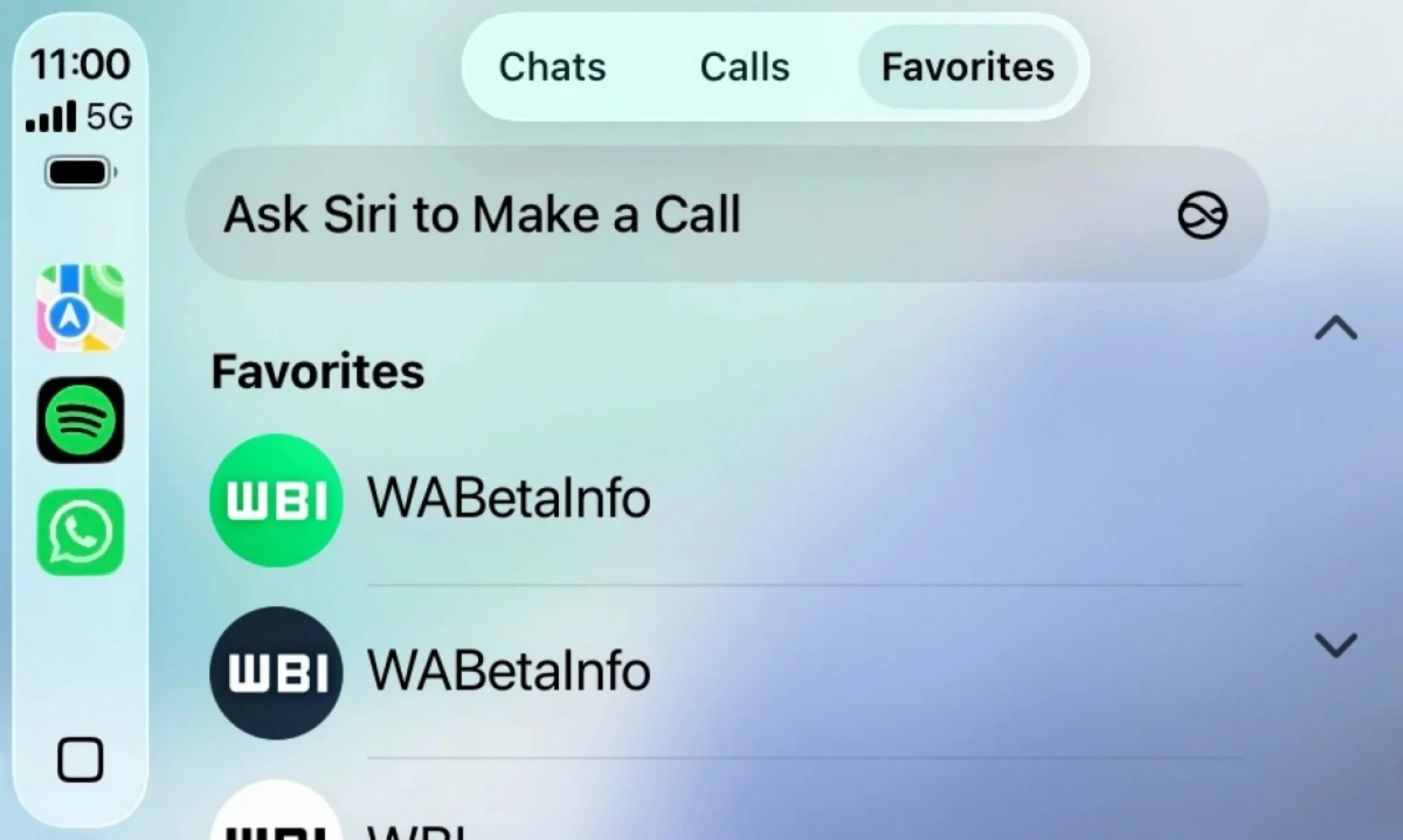
Once installed, the app appears automatically on the CarPlay interface when an iPhone is connected. Prior to this, WhatsApp users on CarPlay had to depend entirely on Siri for interactions. The new native app changes that by introducing a dedicated interface designed for in-car use, while still prioritising safety.
WhatsApp notes that all messages and calls on CarPlay remain protected by its end-to-end encryption, ensuring that user privacy is maintained even when accessed through the car’s infotainment system.
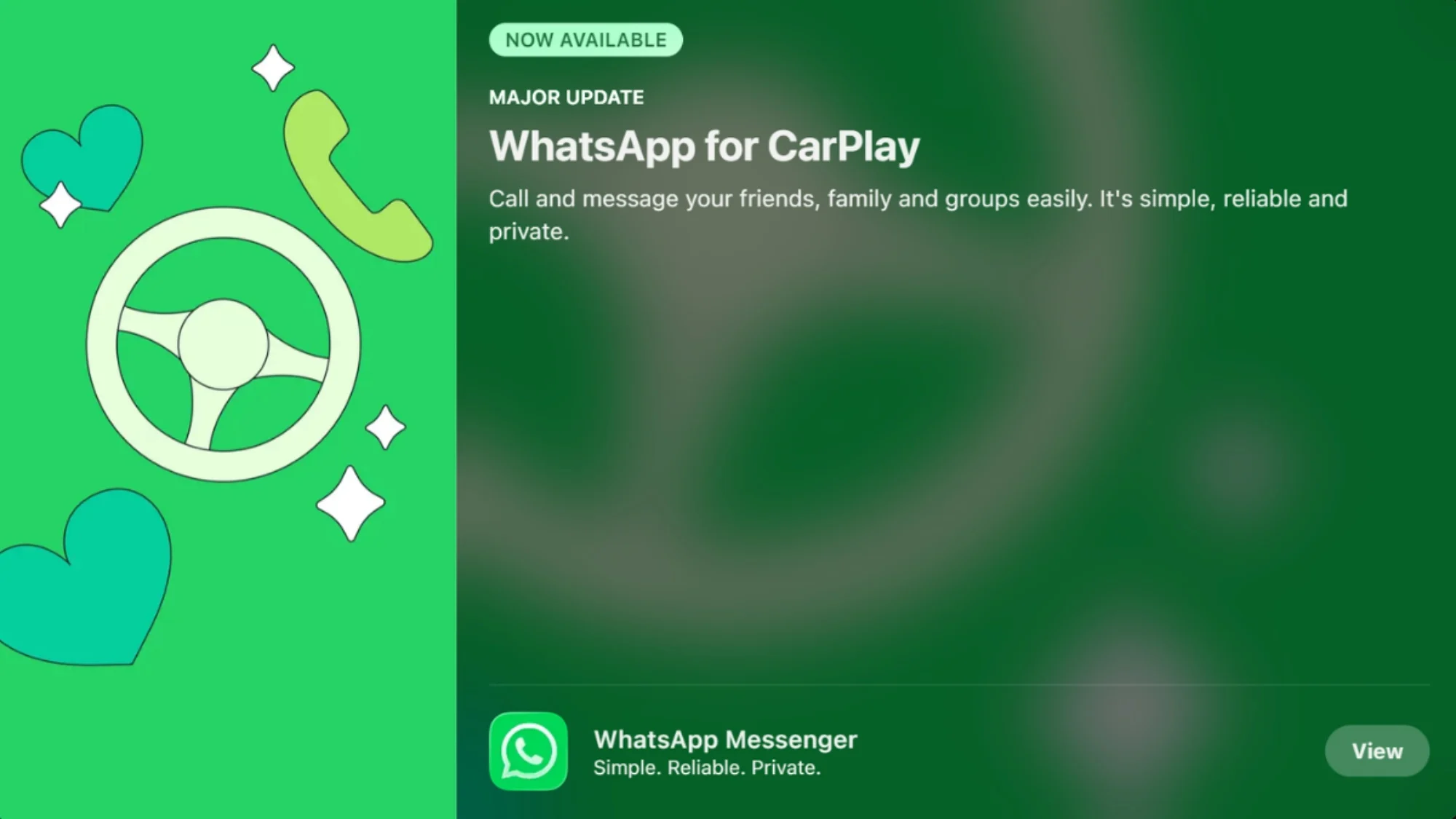
Three Tabs For Essential Features
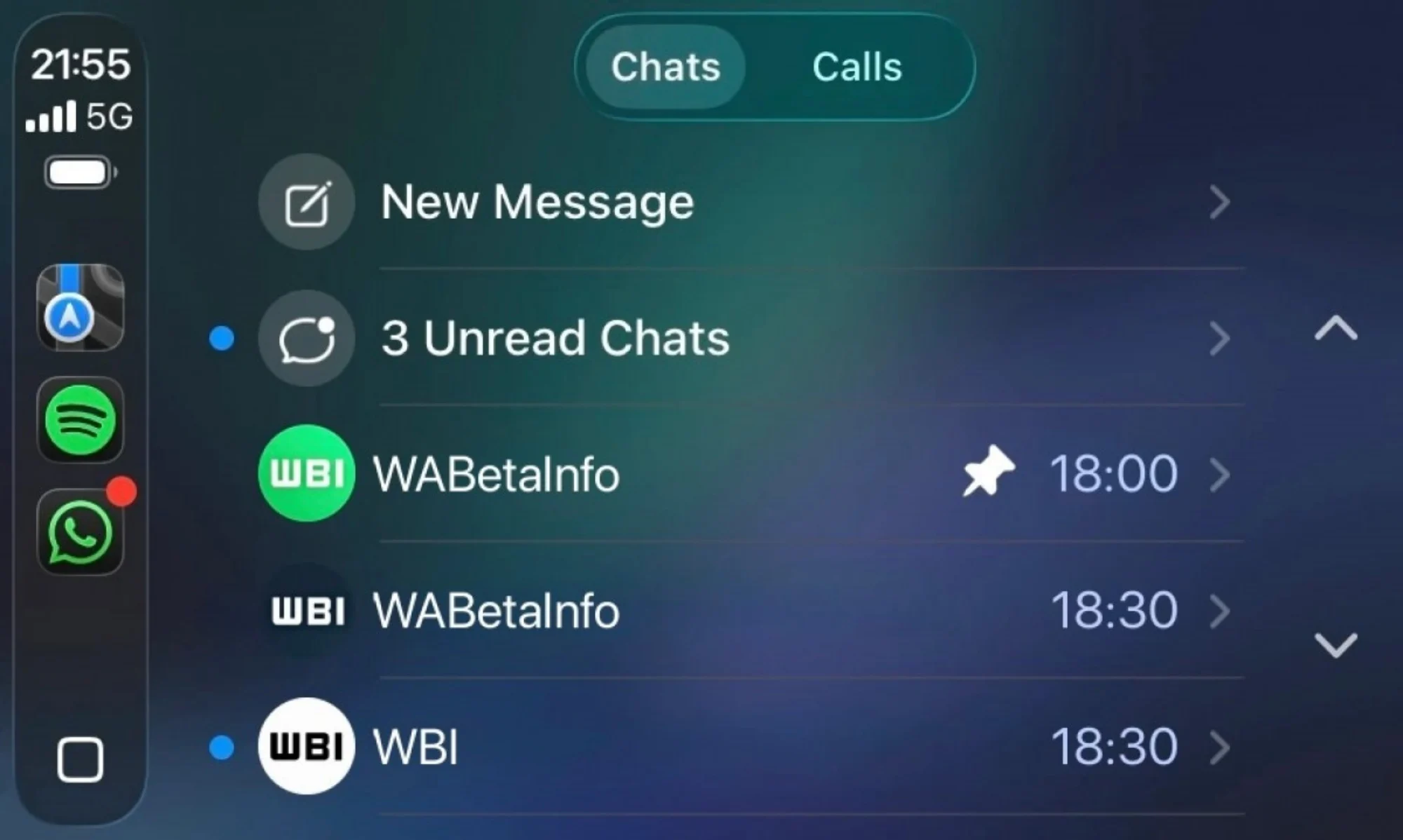
The CarPlay app is structured around three main tabs, each focused on a specific function. The first is the chat list, which shows recent conversations along with basic details such as contact names and timestamps. Users cannot open full conversations, a limitation intended to reduce distractions while driving.
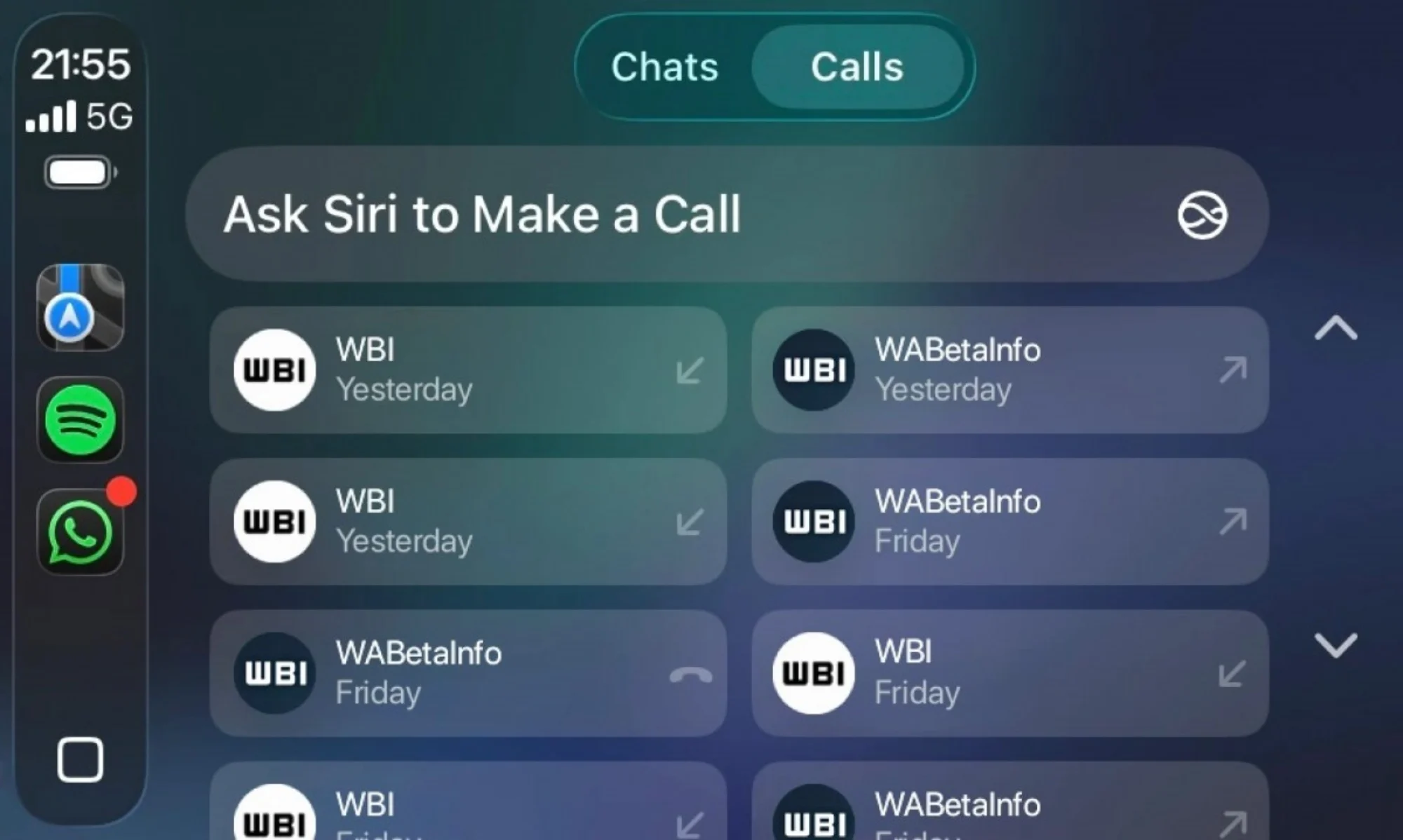
The second tab is dedicated to call history. Here, users can view a chronological list of incoming, outgoing, and missed calls, complete with contact names and timestamps. It also allows quick call-backs by tapping on a contact.
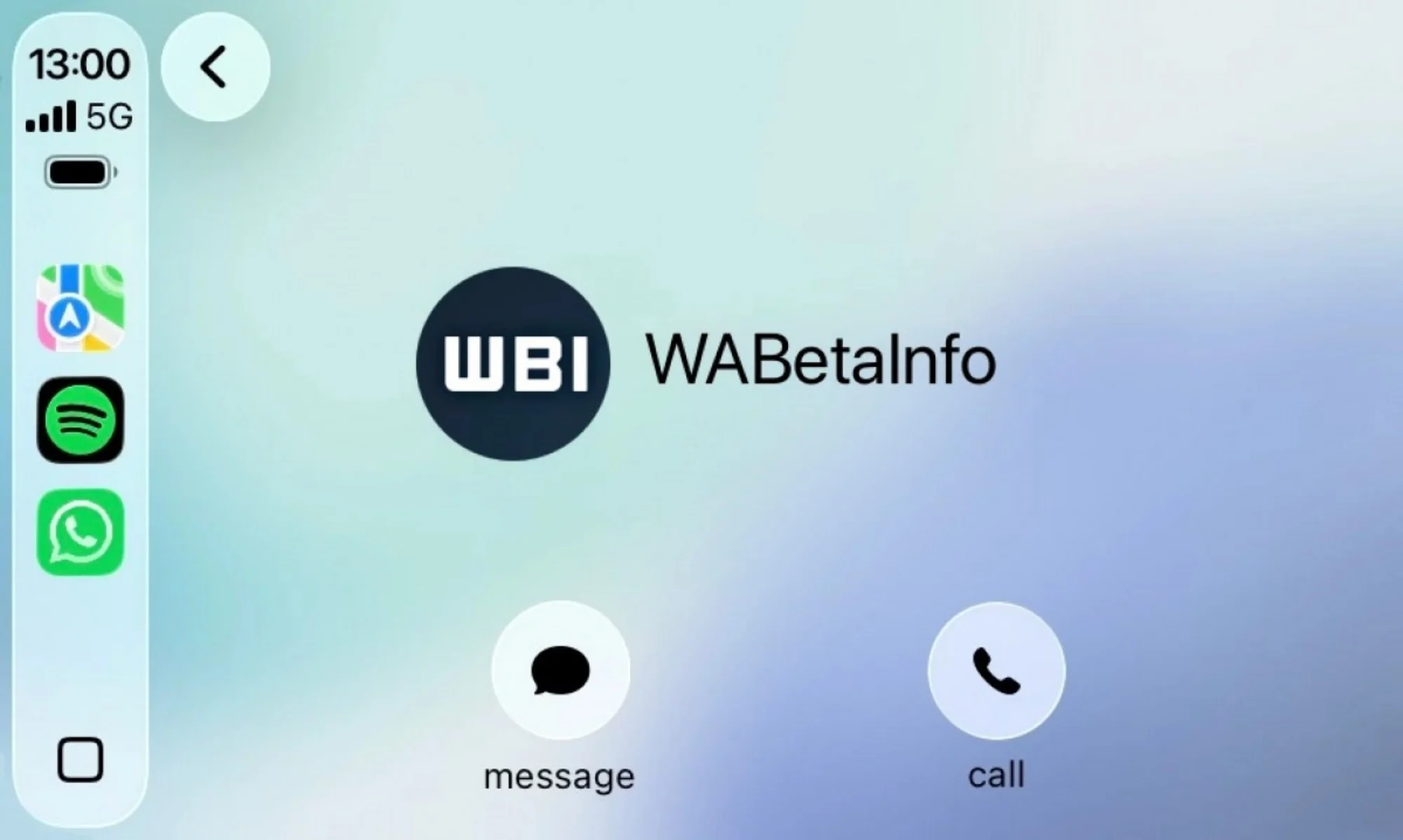
The third tab provides access to favourite contacts, which sync directly from the user’s iPhone. This makes it easier to quickly message or call frequently contacted people without navigating through longer lists.
Designed For Safer Use On The Road
Despite the expanded interface, the app remains focused on minimising driver distraction. Message composition is still handled through voice input, rather than typing, and the inability to open full chat threads helps keep interactions brief.
Compared to the previous Siri-only setup, the addition of visual elements such as chat previews, call logs, and contact icons makes the experience more organised and easier to navigate at a glance.
(Source: WABetaInfo)
