

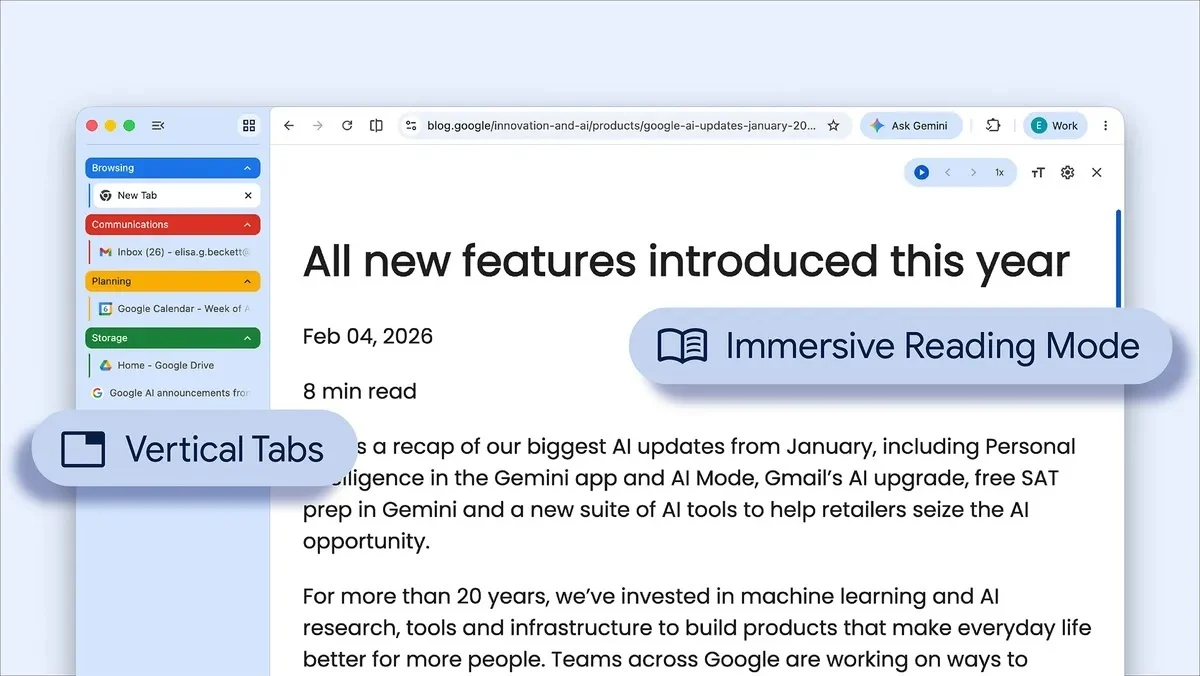
Google has officially begun rolling out two new features for its Chrome browser, aimed at improving productivity. Starting today, users can display their tabs vertically, alongside a brand-new reading mode.
As per the official blog post, all users need to do to switch their tab layout is click on any Chrome window and select “Show Tabs Vertically”. Once enabled, tabs will shift to the side, displaying the full names of each page.
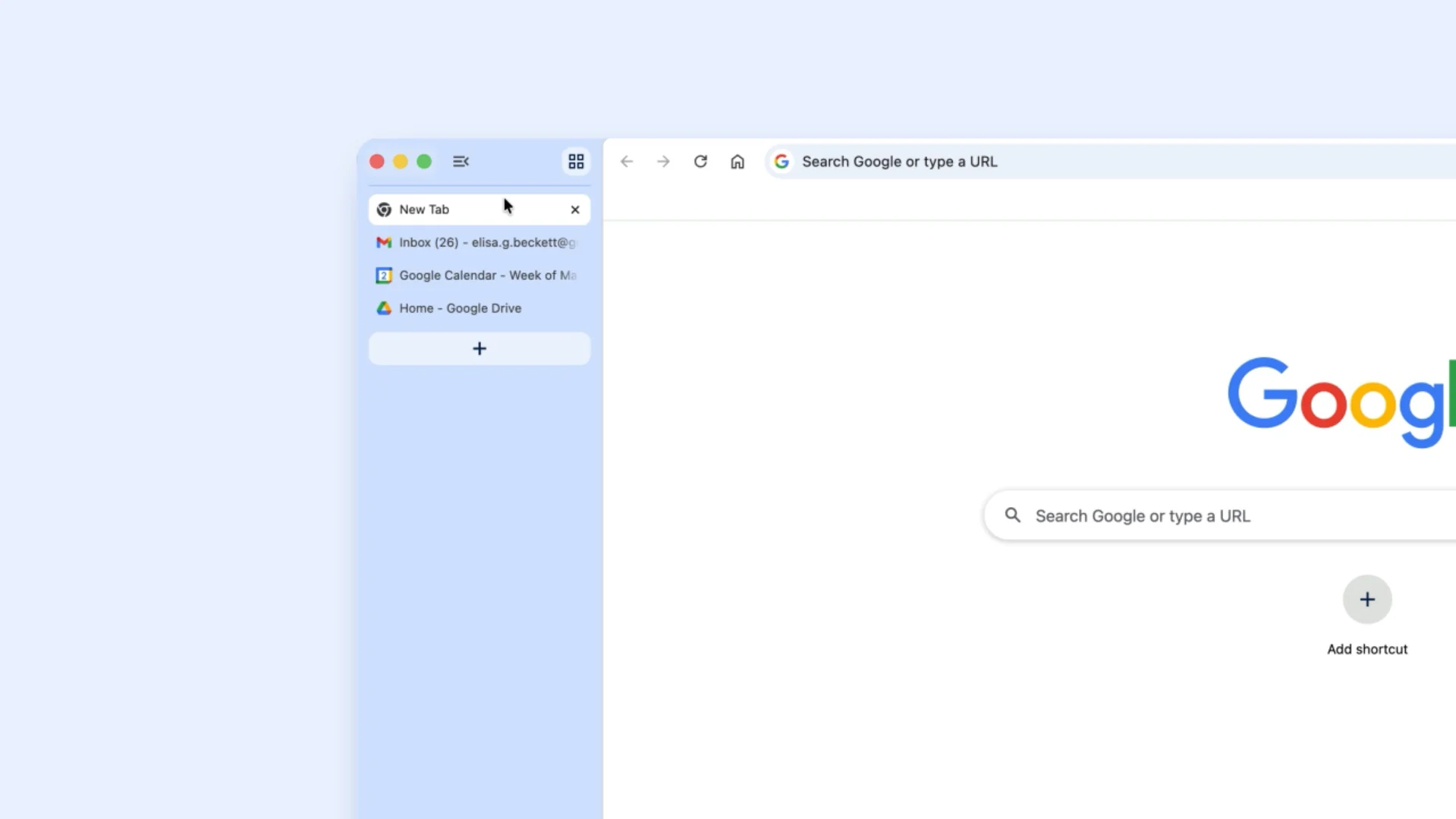
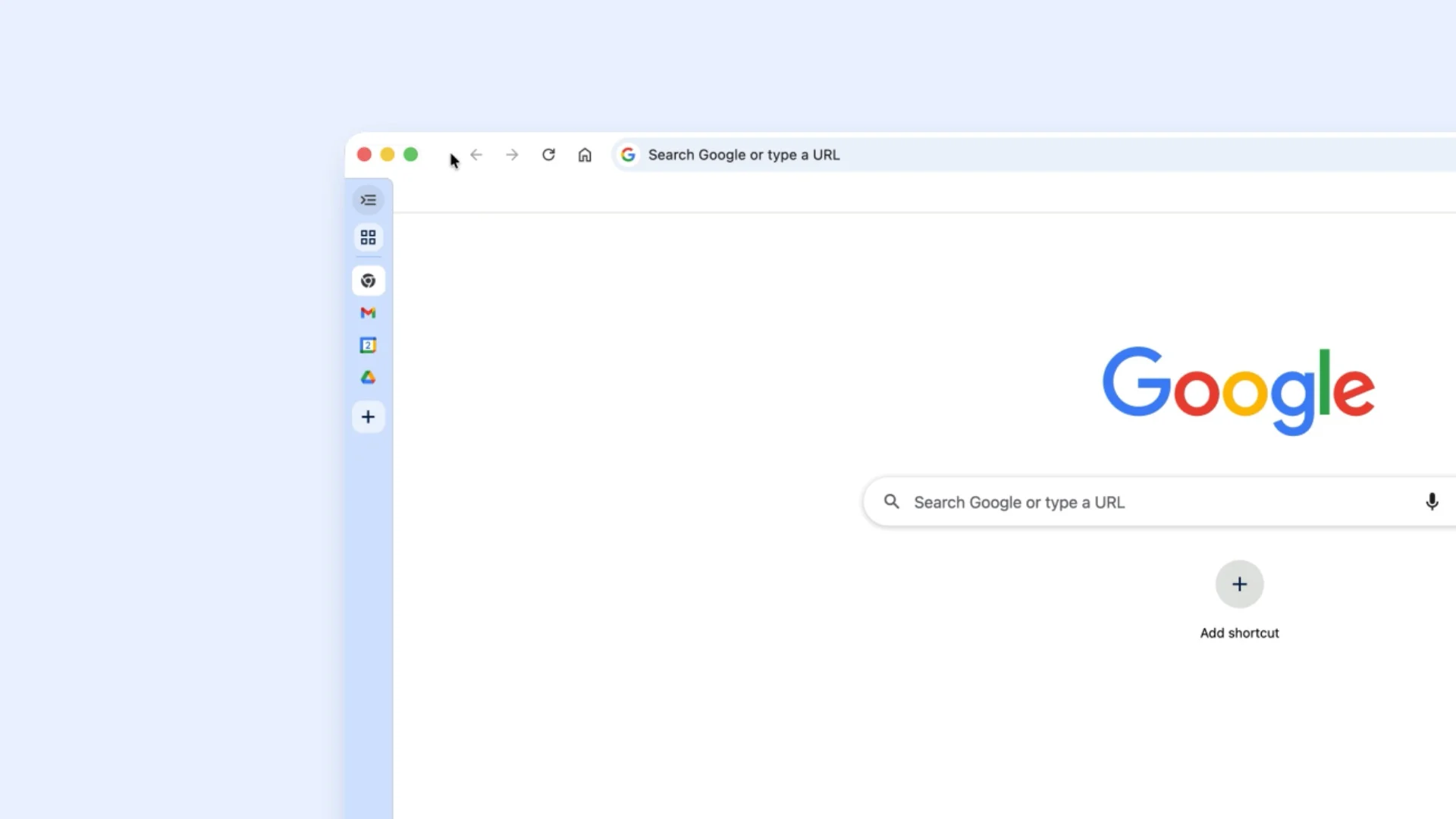
The search giant says this should improve productivity, as it allows users to read full page titles and manage tab groups more easily, even when multiple tabs are open, making it especially useful for multitasking. This mode naturally takes up more screen real estate than usual, so users can also shrink the tabs to free up more space for page content.
Moving on to the new Reading Mode, the feature helps users focus more deeply and concentrate better on what they’re reading. As the name suggests, it works by stripping away unnecessary visual elements and advertisements and delivers a cleaner, more text-focused layout.
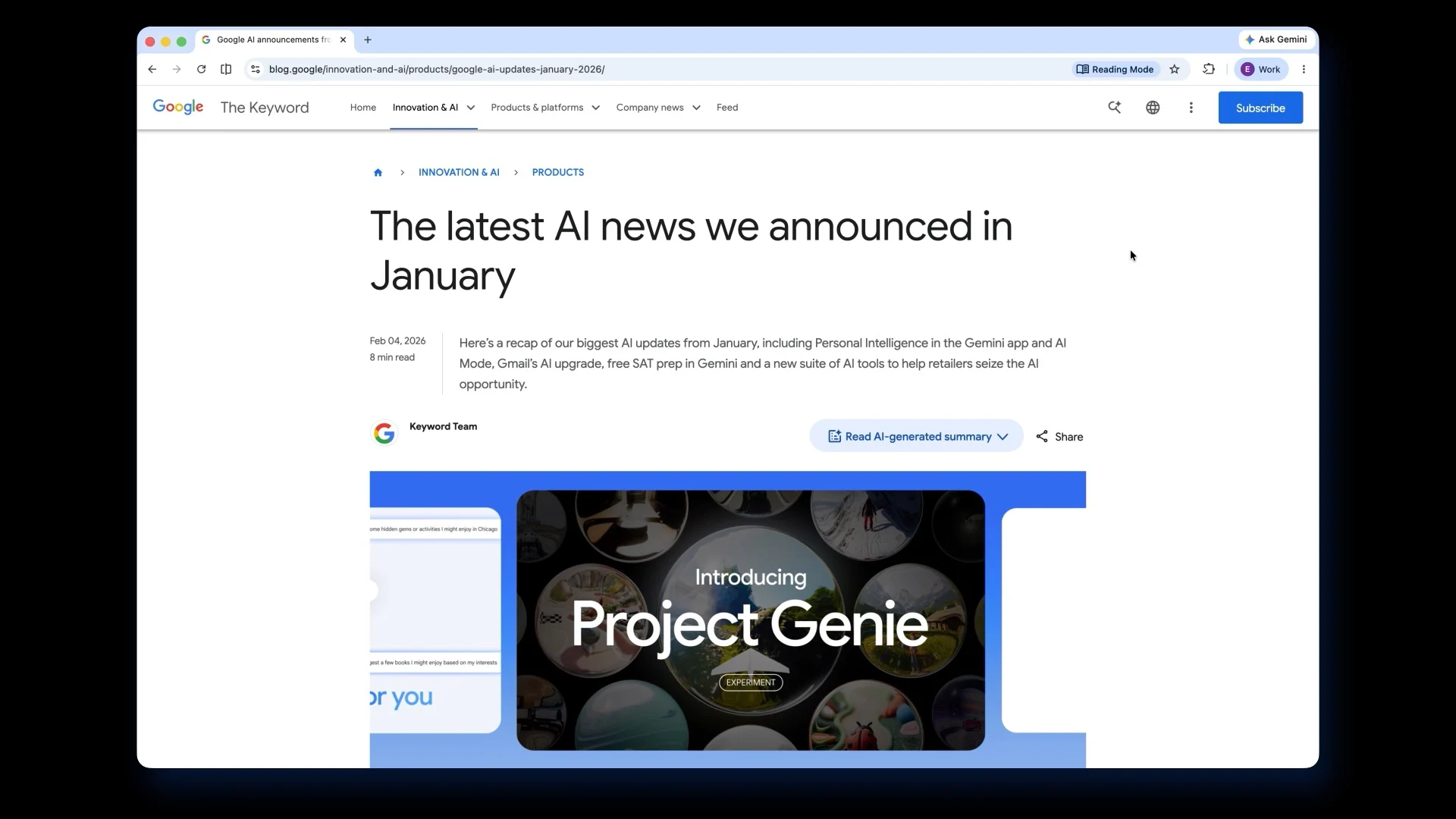
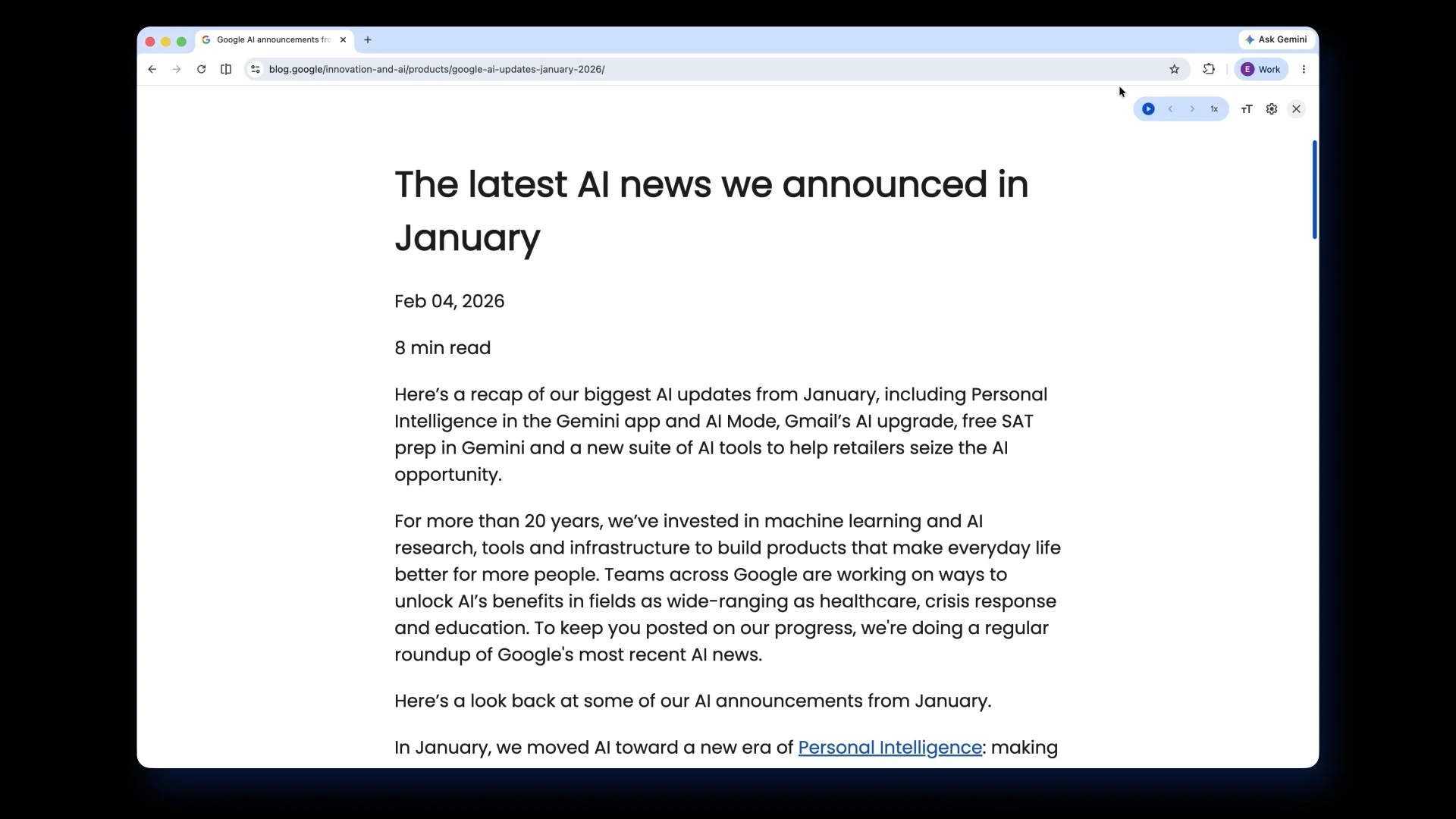
To activate this mode, all users have to do is right-click on any page and select “Open in reading mode” in the search bar. Google recommends combining this feature with the new full-page interface for a better reading experience.
As mentioned earlier, Google says the new features will begin rolling out starting today. We tried the features ourselves, but the options have yet to appear, suggesting that this is a gradual rollout. If you’re keen to give these features a go as soon as possible, it’s recommended that you update your Chrome browser to the latest version, although availability may still vary for now.
(Source: Google [official blog])
