

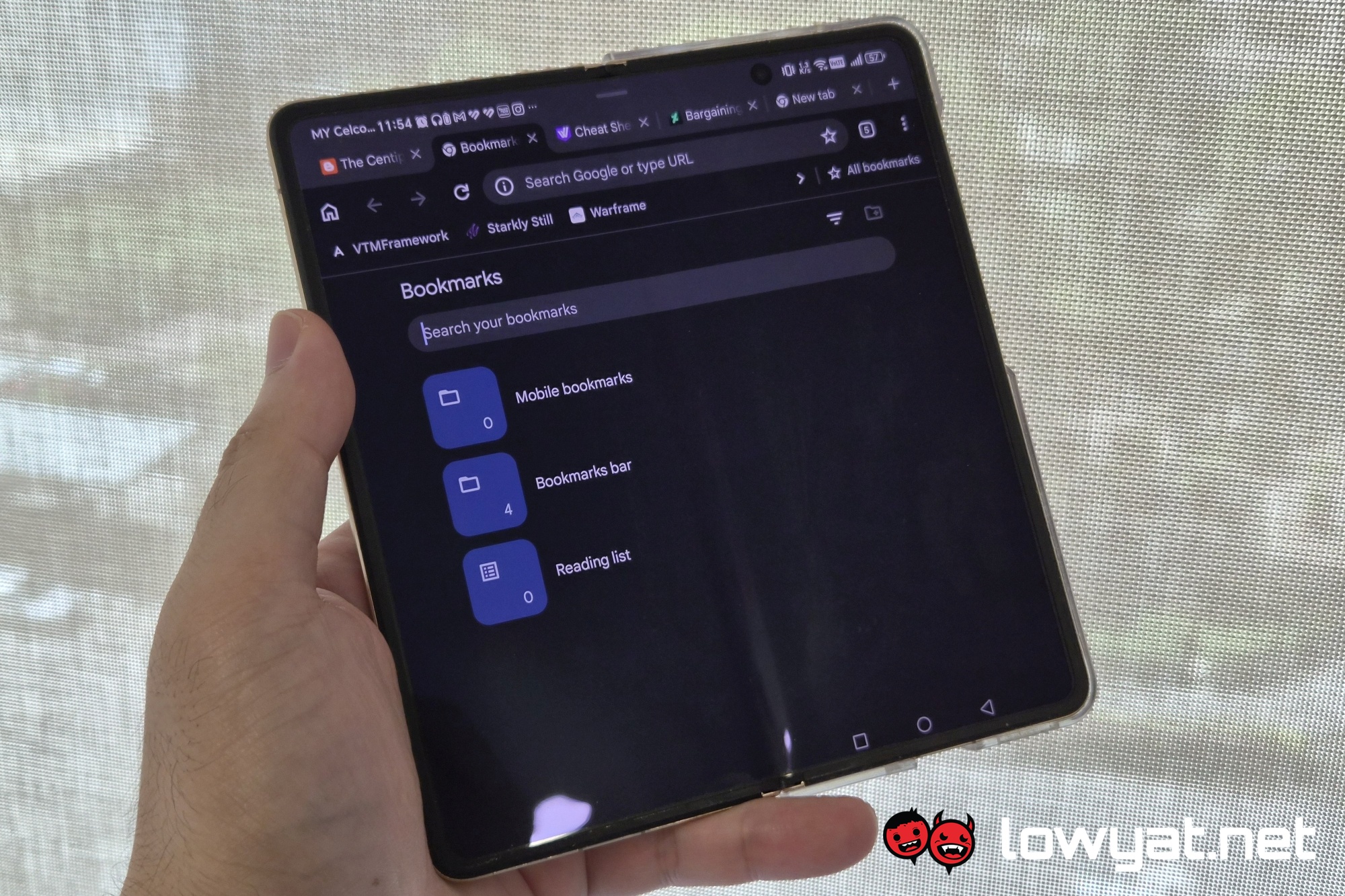
If you use a lot of bookmarks on the mobile version of Google Chrome, and you’re using an Android tablet or foldable, there’s good news. The browser got an update that essentially gives it the desktop bookmark bar. It’s something that you’ll have to turn on, by going to Settings > Appearance > Show bookmarks bar.
As mentioned, the implementation is pretty desktop-like. You get the bar directly below the address bar, or Omnibox if you prefer. Each bookmarked page is accompanied by its web logo, or favicon, and giving them a long-press reveals their URL. You get a chevron on the right for when you have a lot of bookmarks and need to scroll to the rest of them. Beyond that, you get a button that reads “All bookmarks”. Hit it, and you get them all shown in a list.
Not On Clamshell Foldables Though
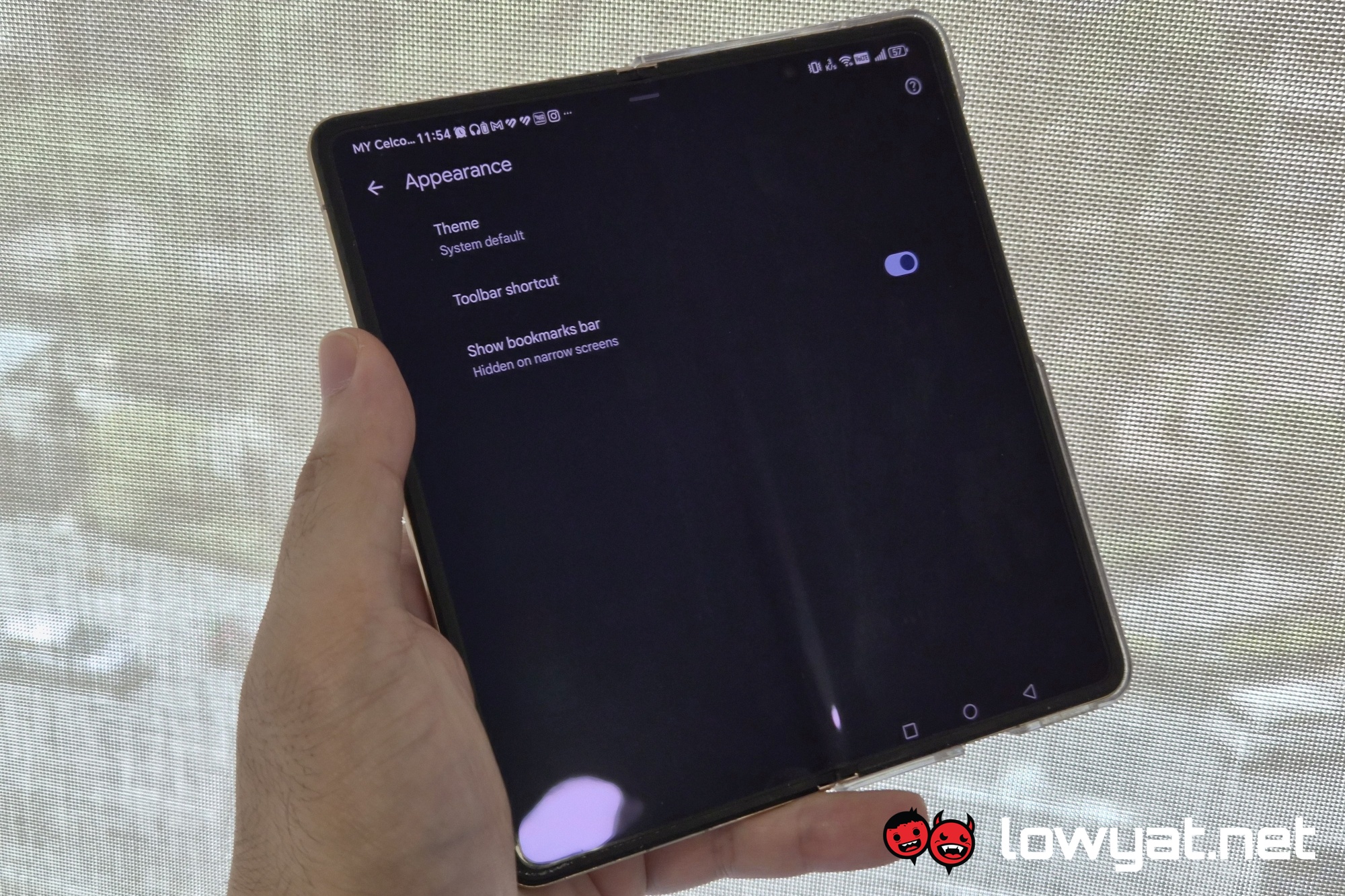
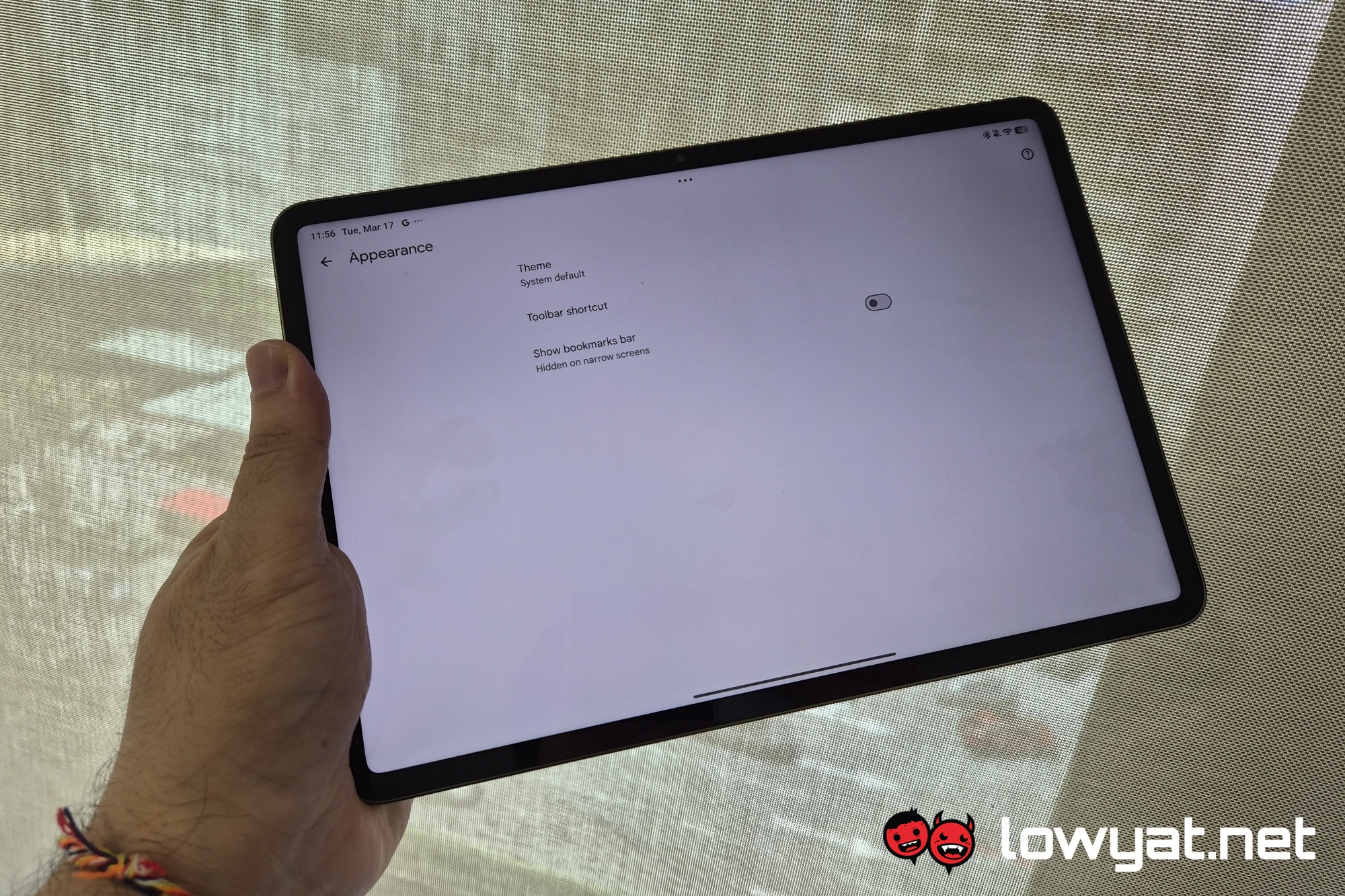
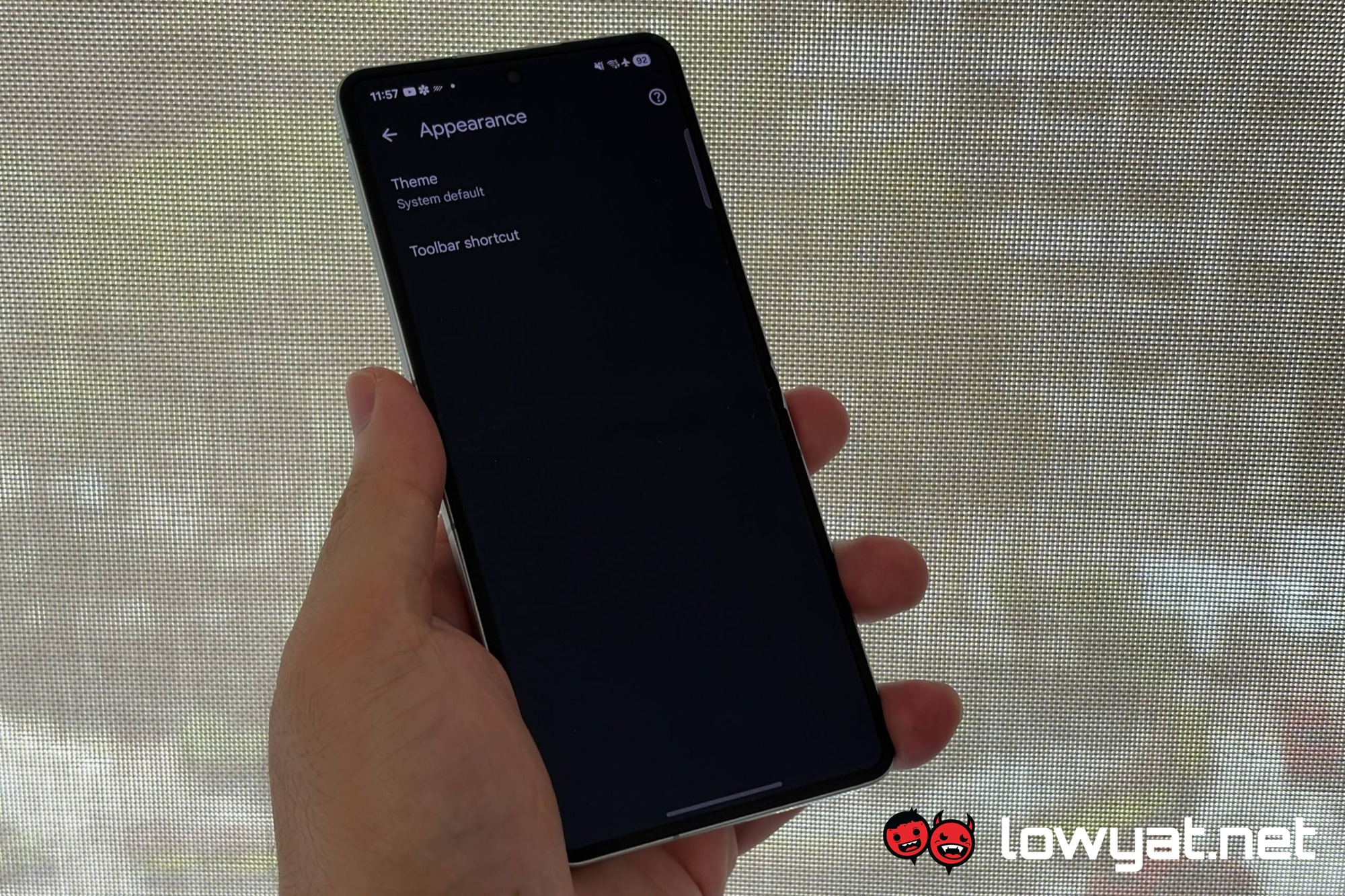
While the update to the Google Chrome browser on Android applies to tablets and foldables, it only applies to book-style foldables. It doesn’t apply to the clamshell-type form factor, like the Samsung Galaxy Z Flip7. This is likely because, even when unfolded, it has the screen size that’s closer to the average slate of a standard smartphone. Which means it doesn’t have screen width to justify having the bar.
The exceptions aside, 9to5Google says that you should have the bookmark bar on your Android tablets and book-style foldables as long as you have version 146 for Google Chrome. If the Appearance setting doesn’t show up as described at the beginning, the report recommends force-stopping the the browser from the App Info menu.
(Source: 9to5Google)
