

Maybank is on a bit of streak when it comes to making changes to its MAE app. Granted these are of the security variety, but a new announcement was just recently made, following one from last week. back then it was about keeping the app up to date. This time, it’s regarding making changes to the PIN fo the app.
More specifically, Maybank says that resetting your MAE app PIN will require identity verification. This can be done in two ways, with one way being much simpler than the other. And the simpler way is simply by scanning your MyKad, or passport for non-citizens, followed by a self-portrait.
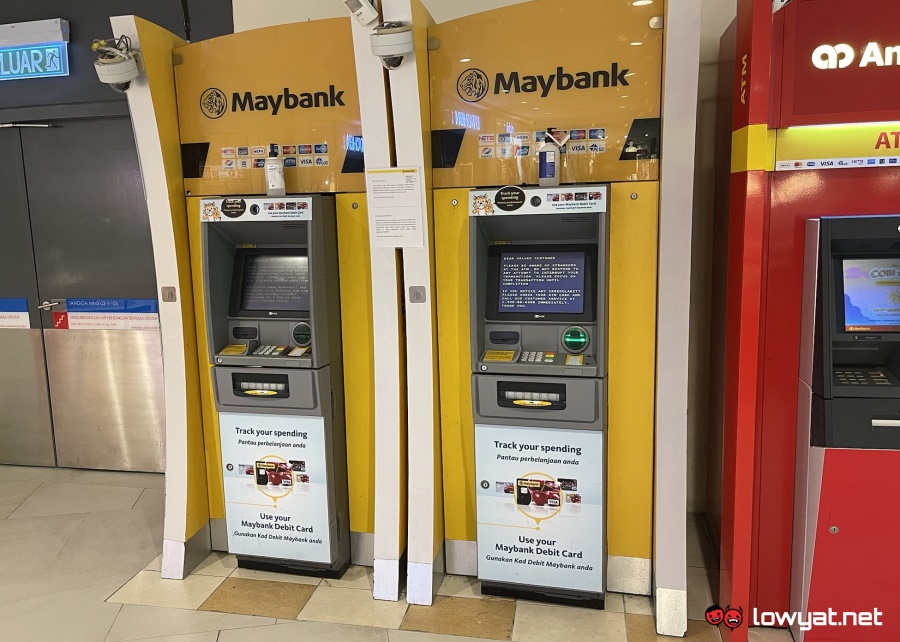
The second method, on the other hand, involves heading to a Maybank ATM and generating a temporary M2U PIN. You have 48 hours to use said PIN on the MAE app, in case you can’t do so immediately for whatever reason.
Per the announcement, this change was rolled out on 7 April 2026, so it should already be in effect. Of course, this does not apply to you if you don’t intend to change your PIN right now, but it’s something to consider in the future. Ditto if your method of choice for logging into MAE is via biometrics.
While we’re here we might as well remind you to keep your MAE app up to date. As long as you’ve updated it to version 0.9.45, you’ll have nothing to worry about. You have until 11 April to do so before you get locked out of the app.
(Source: Maybank)
